
Jump to content
View in the app

A better way to browse. Learn more.

Enpass Discussion Forum

A full-screen app on your home screen with push notifications, badges and more.

To install this app on iOS and iPadOS
  1. Tap the Share icon in Safari
  2. Scroll the menu and tap Add to Home Screen.
  3. Tap Add in the top-right corner.
To install this app on Android
  1. Tap the 3-dot menu (⋮) in the top-right corner of the browser.
  2. Tap Add to Home screen or Install app.
  3. Confirm by tapping Install.

kadomix

Members
  • Joined

  • Last visited

  1. kadomix replied to kadomix's topic in Windows
    Hi ! No response ?
  2. kadomix replied to kadomix's topic in Windows
    Bonjour, V. 6.7.4 (933) et Windows 10 Home When I right-click on such an entry, I don't see the options and nothing happen
  3. kadomix posted a topic in Windows
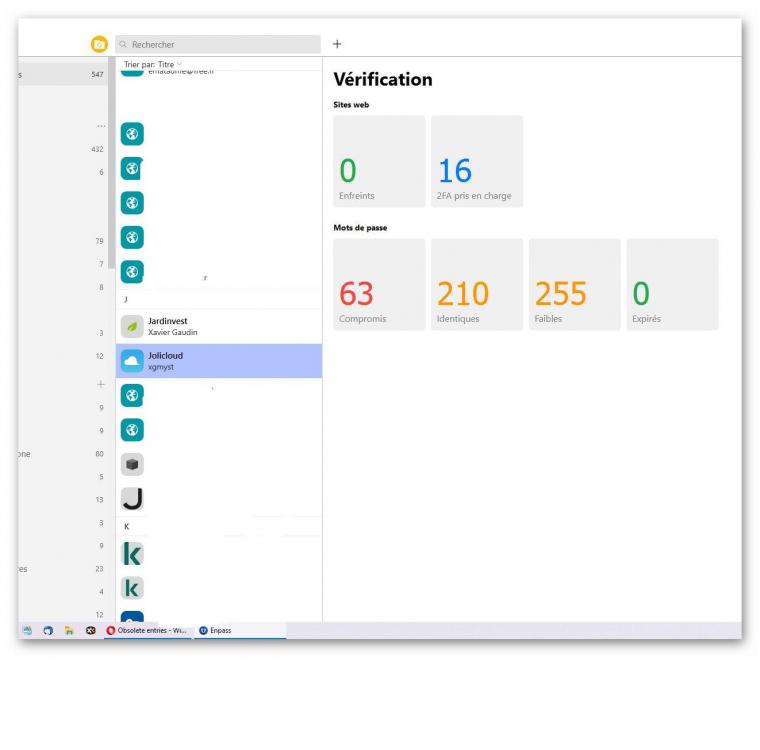
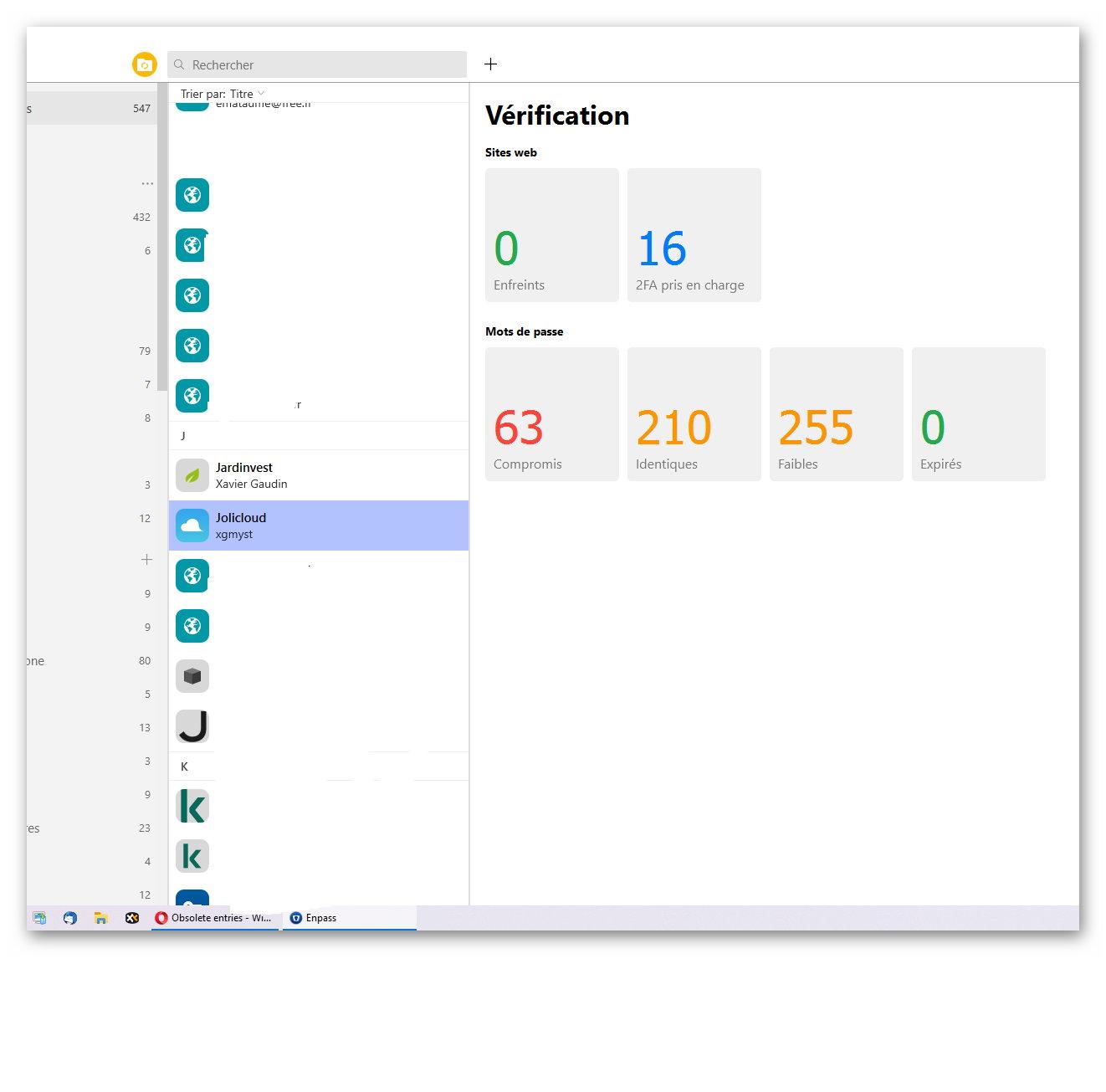
    Hello. I have found several obsolete entries in my database without a data sheet that I cannot delete. There is only the title in the tree structure but no information in the corresponding window (it is the "Verification" display that appears). No right click on the title, no double click to open. Thank you for your answer
  4. Bonjour. Depuis la dernière mise à jour, l'affichage par défaut à l'ouverture sur mon iPhone est "Tous les éléments". Serait-il possible d'avoir le choix dans les paramètres d'une ouverture sur "Groupes" ? Merci à vous

Account

Navigation

Search

Configure browser push notifications

Chrome (Android)
  1. Tap the lock icon next to the address bar.
  2. Tap Permissions → Notifications.
  3. Adjust your preference.
Chrome (Desktop)
  1. Click the padlock icon in the address bar.
  2. Select Site settings.
  3. Find Notifications and adjust your preference.





