DocSnyd3r
-
Posts
12 -
Joined
-
Last visited
DocSnyd3r's Achievements






-
So I found the problem with wireshark, the TLS session failed. I had to remove the use modern cipher suites option from nginx and it worked. No problem on every browser I used on differnent systems.
-
Hi, I can't connect to nextcloud using webdav or native nextcloud. To debug I created a brand new nextcloud server with their docker container which works fine in browser. I input the URL in enpass like https://xxx/ and it tells me could not connect to nextcloud server even before asking me for a user. I have valid SSL cert but also disable SSl check makes no difference. Also Web DAV is not working, within nextcloud I get my webdav URL like https://xxx/remote.php/dav/files/username but it tells me check user and passwort. I have a simple user without 2fa enabled and also tried to generate an app password which also does not work. Nextcloud Hub 6 (27.1.5)
-
Thanks same here once I quit it completely (closed in top bar) and restartet it there was a request to use touch ID. Also I had not checkt autostart. Had to quit from top menu apple+q and restart to trigger this. I think it needs to request the access once. That explains why some users had it working.
-
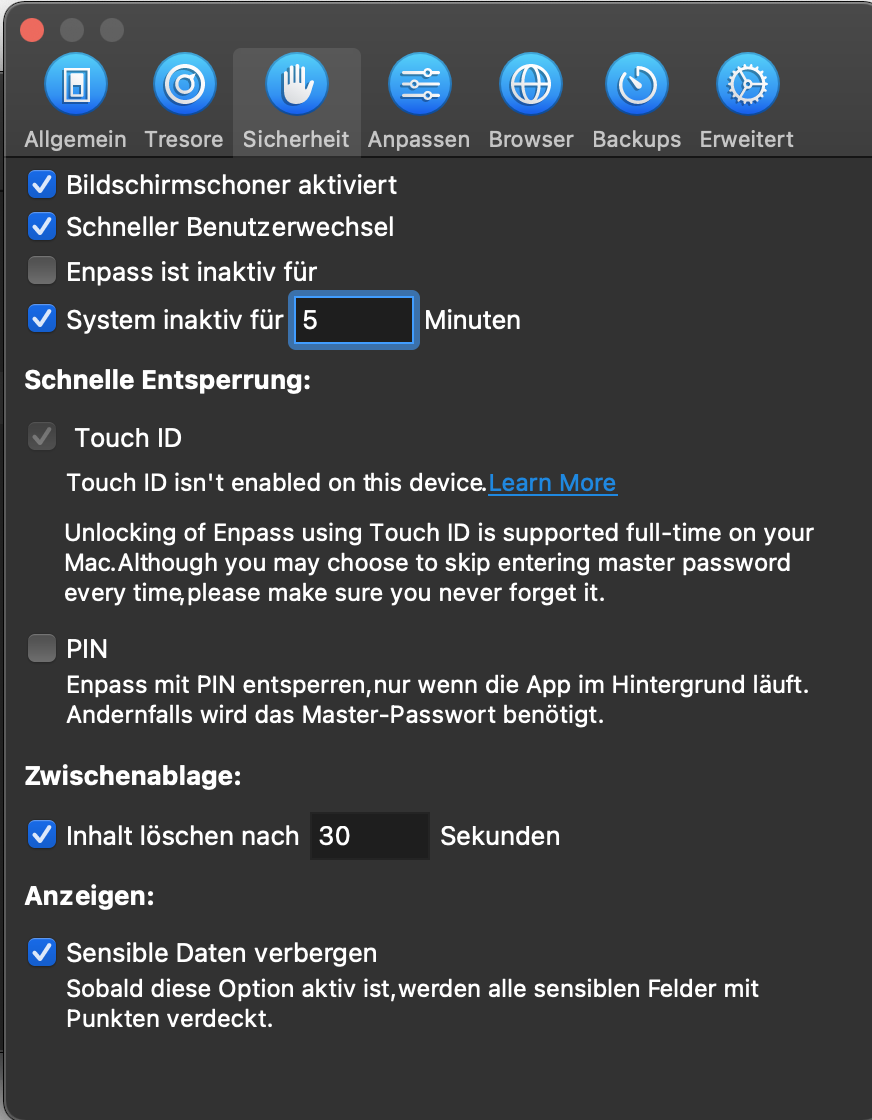
Hi, so touch id is enabled since it works with other apps. All Touch ID perference items are checked. The Version is 6.5.2 (726).
-
So could you recreate the issue or need more data from us?
-
lid is not closed and other apps work with it. Several posts about that here.
-
fingerprint might be a problem
-
I need browser integration. The App works only not with fingerprint unlock. Might be a Big Sur problem altogether. For other emulated programs fingerprint works just fine, one example being 1Password
-
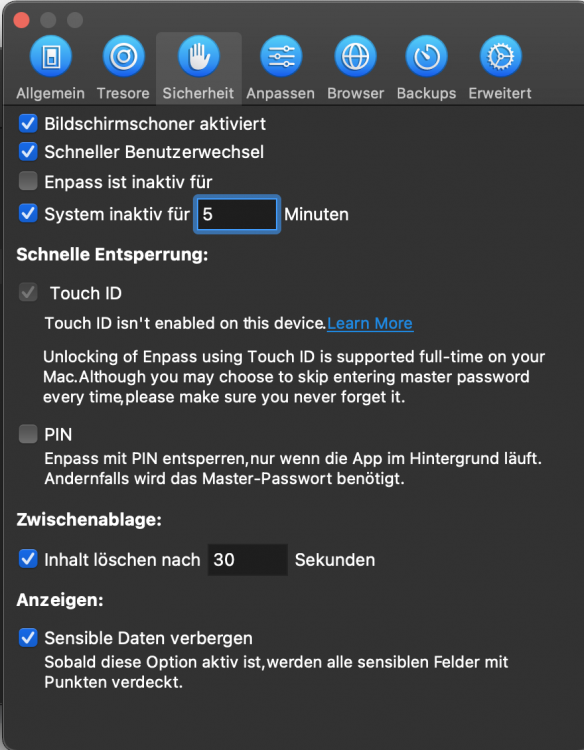
Same here on Big Sur on Macbook Air M1
-
Same here M1 Macbook Air.
-
Hi, works with rosetta but fingerprint is disabled. It sends me to a dead link https://www.enpass.io/biometric-not-available/. The error text is touch ID isn't enabled on this Mac (Macbook Air M1). Was thinking of getting the black friday deal but not without fingerprint.
-
Hi, I changed a thing on the Webdav backend (moved folder) and now the app crashed and does not allow to enter settings. So I can't fix the WebDAV folder since I can no longer enter settings. Error code 904401 appears and I can no longer search password since app is frozen even after reboot.