Kyouhyung Kim
-
Posts
4 -
Joined
-
Last visited
-
Days Won
2
Kyouhyung Kim's Achievements




-
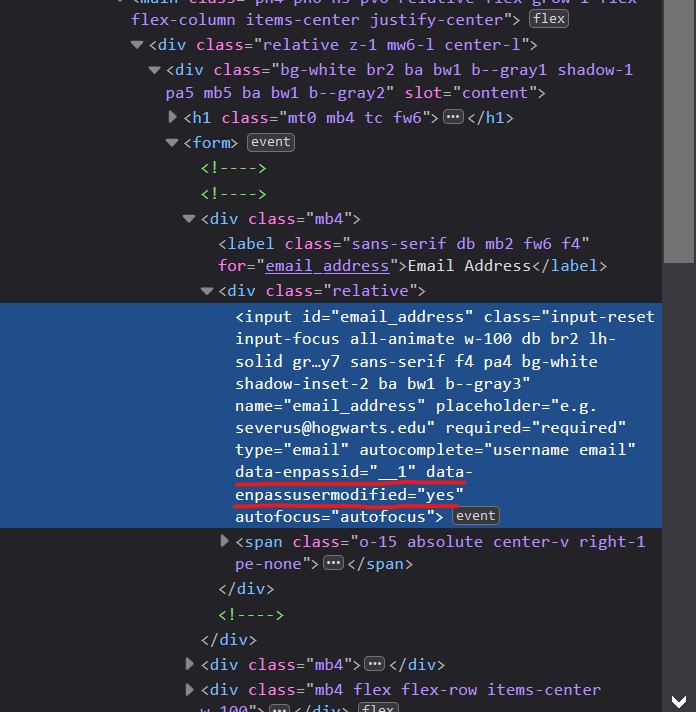
I use Enpass not only for my personal browsing, but for my dev environment browser. I routinely use browser developer tools for my work, and Enpass browser somtimes contaminates the DOM with its propriety properties and elements. (i.e. data-enpassusermodified added to form elements) I wish Enpass browser extension has a configuration page with options including one to prevent the extension from modifying the DOM contents. It would probably break the form monitoring feature, but I think I could accept that for my dev environment browser.
-
To give you a hint: "Malgun Gothic" is the default Korean system font for Windows 7 and later. Just adding an option in the settings to pick a font from the list of installed system fonts would probably do the trick IMO.
-
Ability to manually type in numbers in the number sliders: Sliders work okay, but it would be nice to enter the parameters using the keyboard so I can set the exact length of the password without wiggling the slider back and forth. Support all characters in the exclude/include rule: Currently it does not support backslash. Pronounceable passwords: Options to further scramble the words, like intentional misspelling or leetspeak, and salting the password with ocassional symbols. Save the password generation rules to the vault entry, so that users won't have to adjust the rules every time.
-
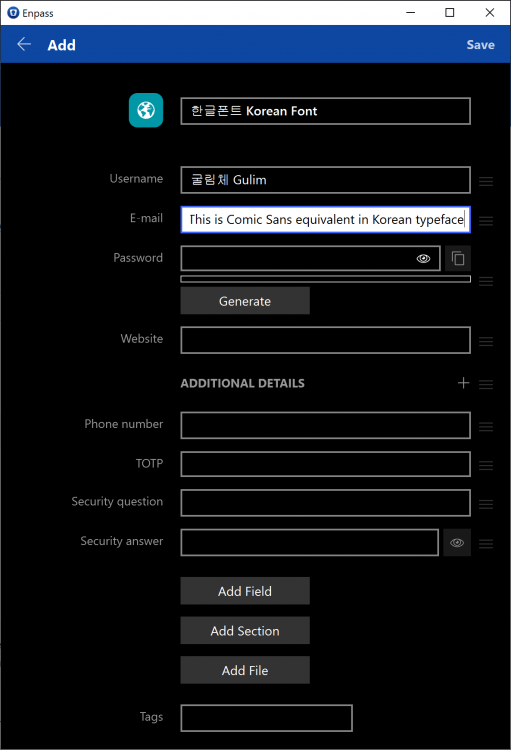
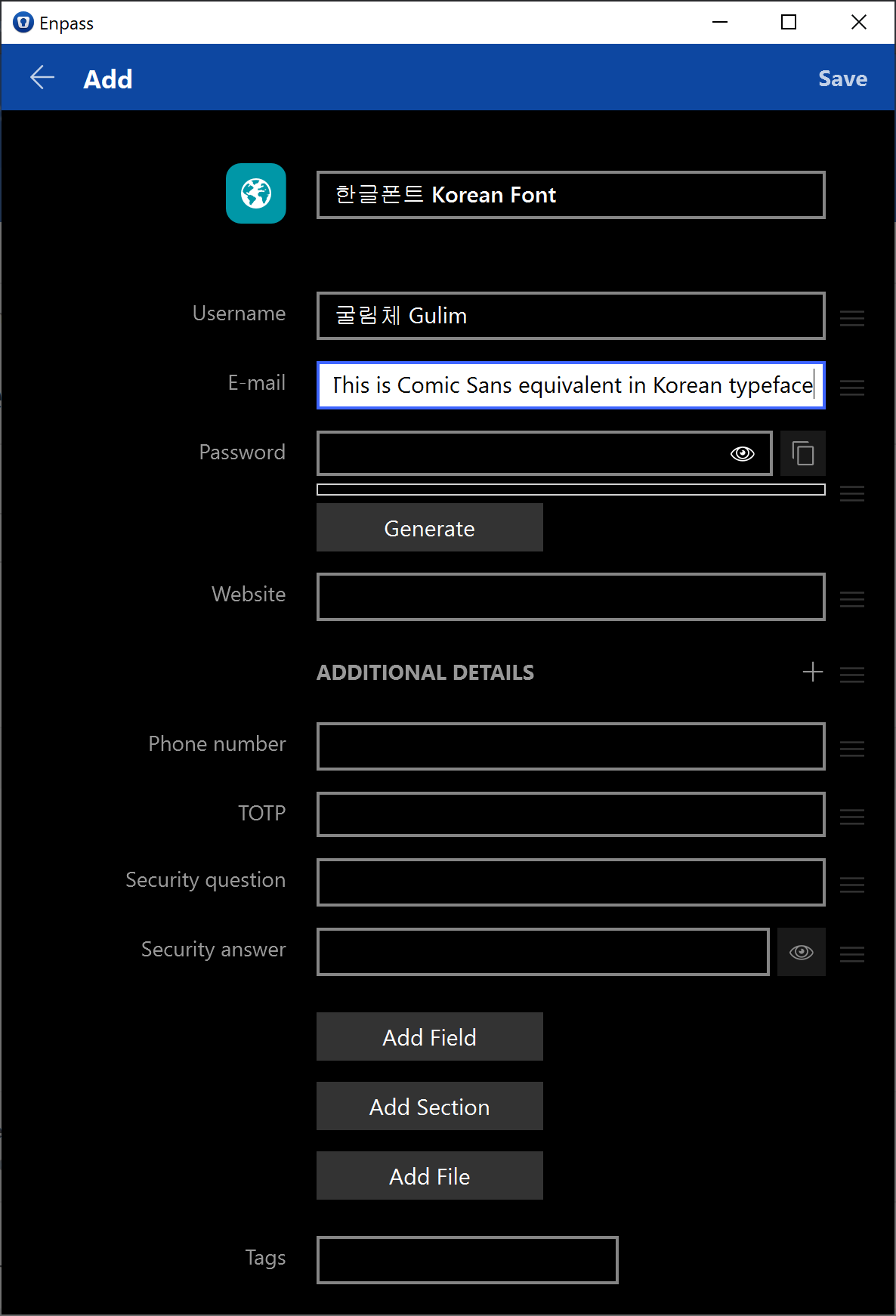
Please update the Korean font into something nicer. Enpass is using 굴림 (Gulim) as the Korean font. This is Comic Sans equivalent in Korean typeface, and while it's not exactly a product-breaking issue, it's mildly annoying nonetheless :P