Jump to content
View in the app

A better way to browse. Learn more.

Enpass Discussion Forum

A full-screen app on your home screen with push notifications, badges and more.

To install this app on iOS and iPadOS
  1. Tap the Share icon in Safari
  2. Scroll the menu and tap Add to Home Screen.
  3. Tap Add in the top-right corner.
To install this app on Android
  1. Tap the 3-dot menu (⋮) in the top-right corner of the browser.
  2. Tap Add to Home screen or Install app.
  3. Confirm by tapping Install.
  • Search By Tags

    Search will match any tag entered
  • Search By Author

Content Type

Forums

  • General discussion
    • Hot topics
    • Enpass Support & Troubleshooting
    • Registration and Purchases
    • Autofilling and Desktop Browser Extensions
    • Data Security
    • Announcements
  • Help us improve Enpass
    • Feature requests
    • Enpass Beta
    • Localization
  • General discussion

Find results in

Find results that contain...

Date Created

  • Start

    End

Last Updated

  • Start

    End


Filter by number of...

  • Minimum number of replies

  • Minimum number of views

Found 2 results

  1. Hello has anyone encountered newly saved tags disappearing the next day? I would add a Customer tag, save it, it would show up for that day but the next day the tag disappears. This happens on multiple records. Any old customer tags still exist, not sure what the difference is.
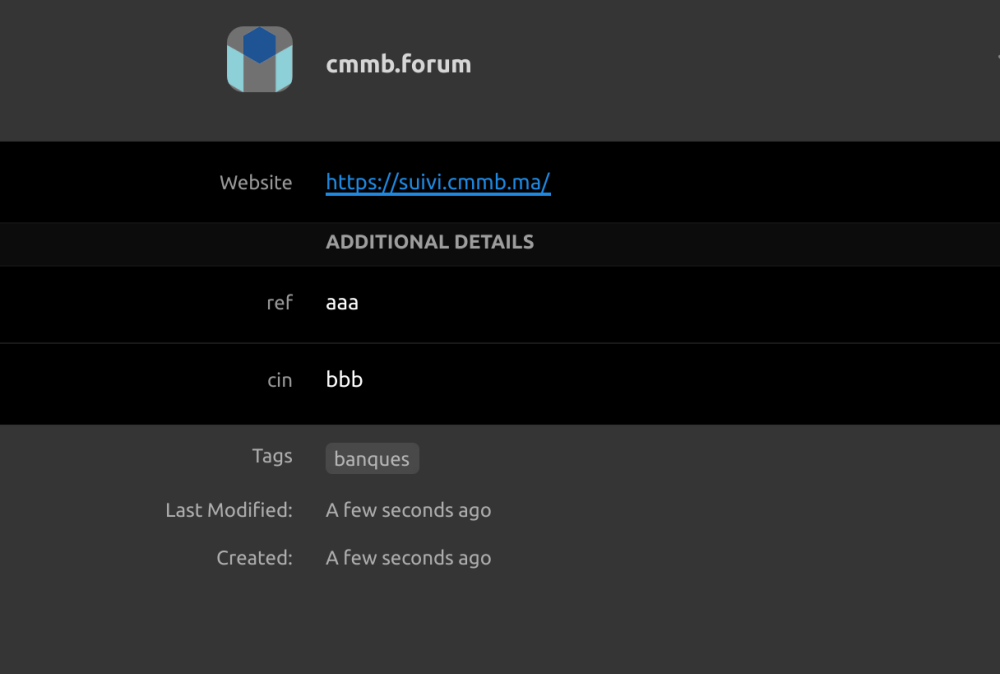
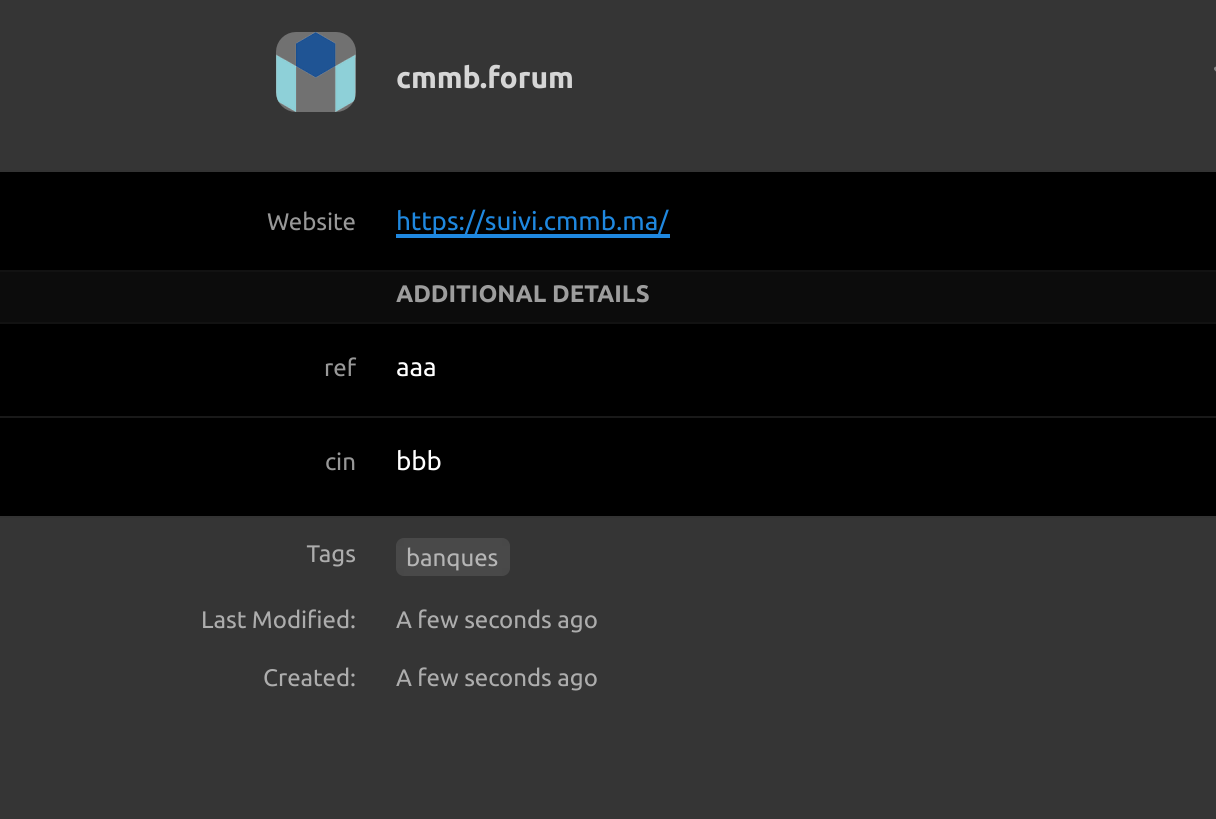
  2. I'm not sure where the problem lies, I use Enpass for iOS, macOS, Windows, & Nix. After updating to the latest release, I noticed several previously tagged items were suddenly now MISSING their tags. It has been driving me crazy! I just keep re-tagging items, and then other items loose their tags. Seems completely random, and is extremely frustrating! Also, normal editing / switching between items now seems EXTREMELY SLOW! SLOWNESS issues are the same on both Windows and macOS. I'm ready to roll back...

Account

Navigation

Search

Configure browser push notifications

Chrome (Android)
  1. Tap the lock icon next to the address bar.
  2. Tap Permissions → Notifications.
  3. Adjust your preference.
Chrome (Desktop)
  1. Click the padlock icon in the address bar.
  2. Select Site settings.
  3. Find Notifications and adjust your preference.
