Skip to content
View in the app

A better way to browse. Learn more.

Enpass Discussion Forum

A full-screen app on your home screen with push notifications, badges and more.

To install this app on iOS and iPadOS
  1. Tap the Share icon in Safari
  2. Scroll the menu and tap Add to Home Screen.
  3. Tap Add in the top-right corner.
To install this app on Android
  1. Tap the 3-dot menu (⋮) in the top-right corner of the browser.
  2. Tap Add to Home screen or Install app.
  3. Confirm by tapping Install.
  • Search By Tags

    Search will match any tag entered
  • Search By Author

Content Type

Forums

  • General discussion
    • Hot topics
    • Enpass Support & Troubleshooting
    • Registration and Purchases
    • Autofilling and Desktop Browser Extensions
    • Data Security
    • Announcements
  • Help us improve Enpass
    • Feature requests
    • Enpass Beta
    • Localization
  • General discussion

Find results in

Find results that contain...

Date Created

  • Start

    End

Last Updated

  • Start

    End


Filter by number of...

  • Minimum number of replies

  • Minimum number of views

Found 2 results

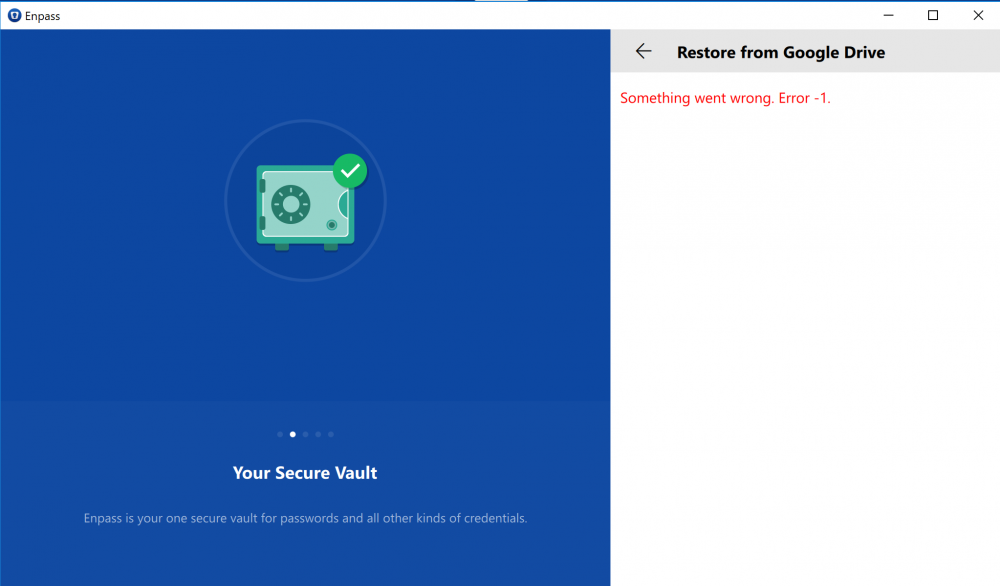
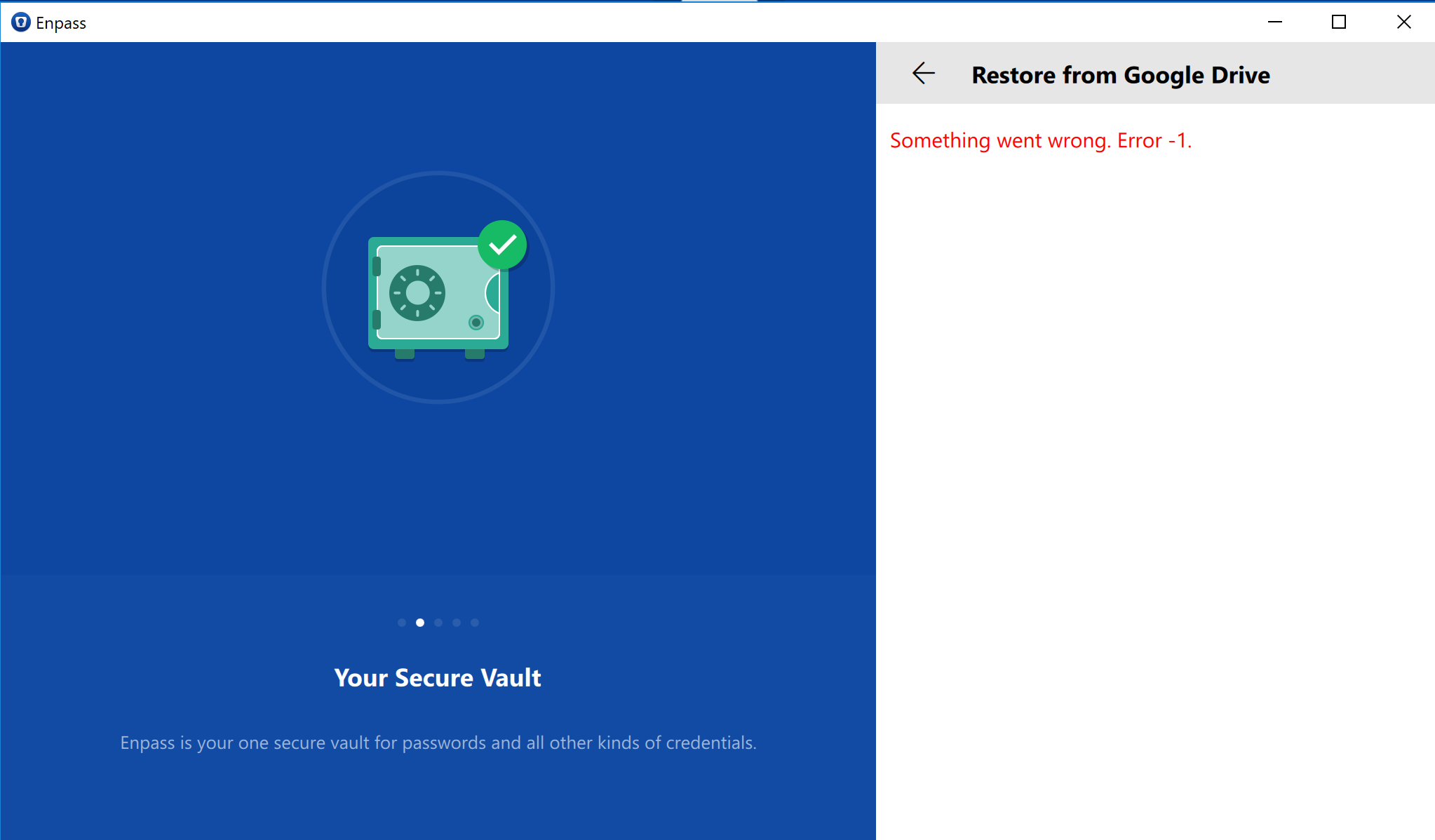
  1. I installed Enpass again today. But when I tried to restore from Cloud with Google Drive I get this error message. Someone knows how to fix this? Edit: I don't have this problem on my phones (IOS and Android 8.0)
  2. When synchronising to Google Drive, Encompass requests for the following permissions: 1. View and manage the files in your Google Drive (https://developers.google.com/resources/api-libraries/documentation/appsactivity/v1/java/latest/com/google/api/services/appsactivity/AppsactivityScopes.html#DRIVE) 2. View and manage Google Drive files and folders that you have opened or created with this app The permission I'm concerned about is request permissions #1 which, explained in Google's own words is: -Upload, download, update, and delete files in your Google Drive -Create, access, update, and delete native Google documents in your Google Drive -Manage files and documents in your Google Drive (e.g., search, organize, and modify permissions and other metadata, such as title) Other apps only request #2 if I'm not mistaken. Please clarify.

Account

Navigation

Search

Search

Configure browser push notifications

Chrome (Android)
  1. Tap the lock icon next to the address bar.
  2. Tap Permissions → Notifications.
  3. Adjust your preference.
Chrome (Desktop)
  1. Click the padlock icon in the address bar.
  2. Select Site settings.
  3. Find Notifications and adjust your preference.