Search the Community
Showing results for tags 'multiline fields'.
Found 2 results
-
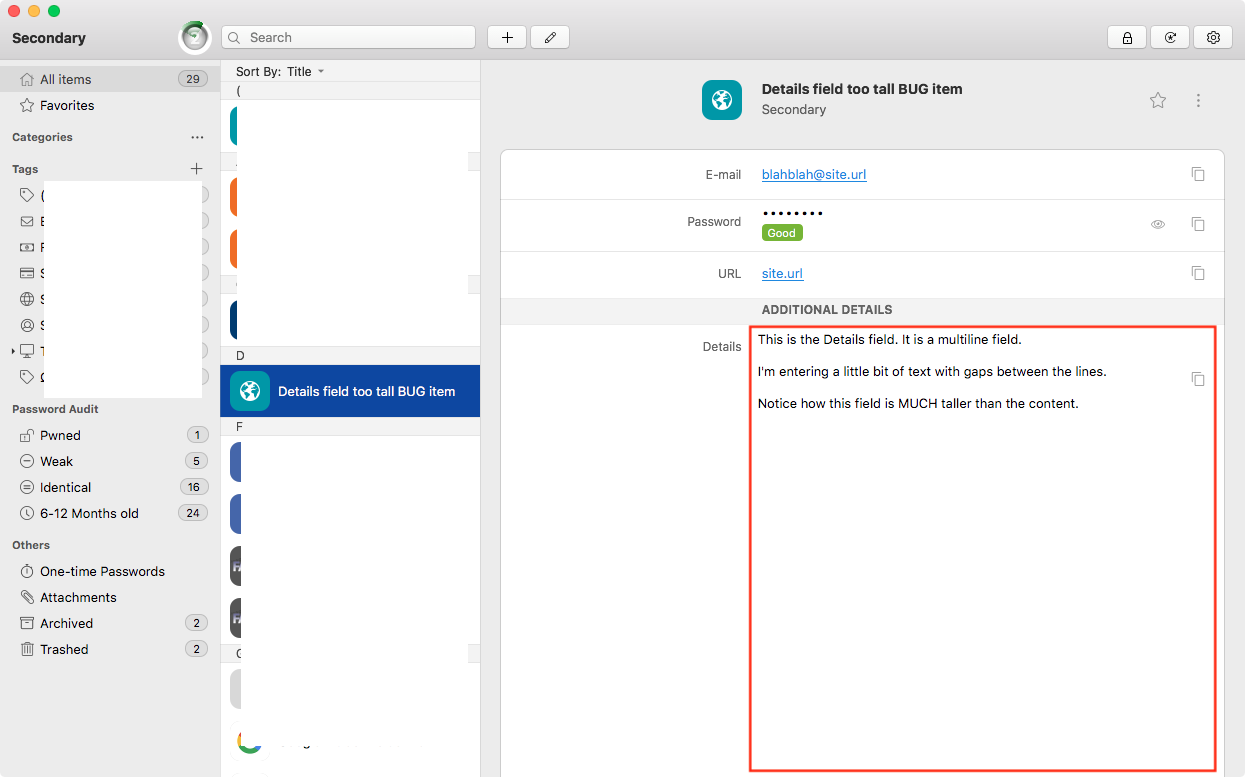
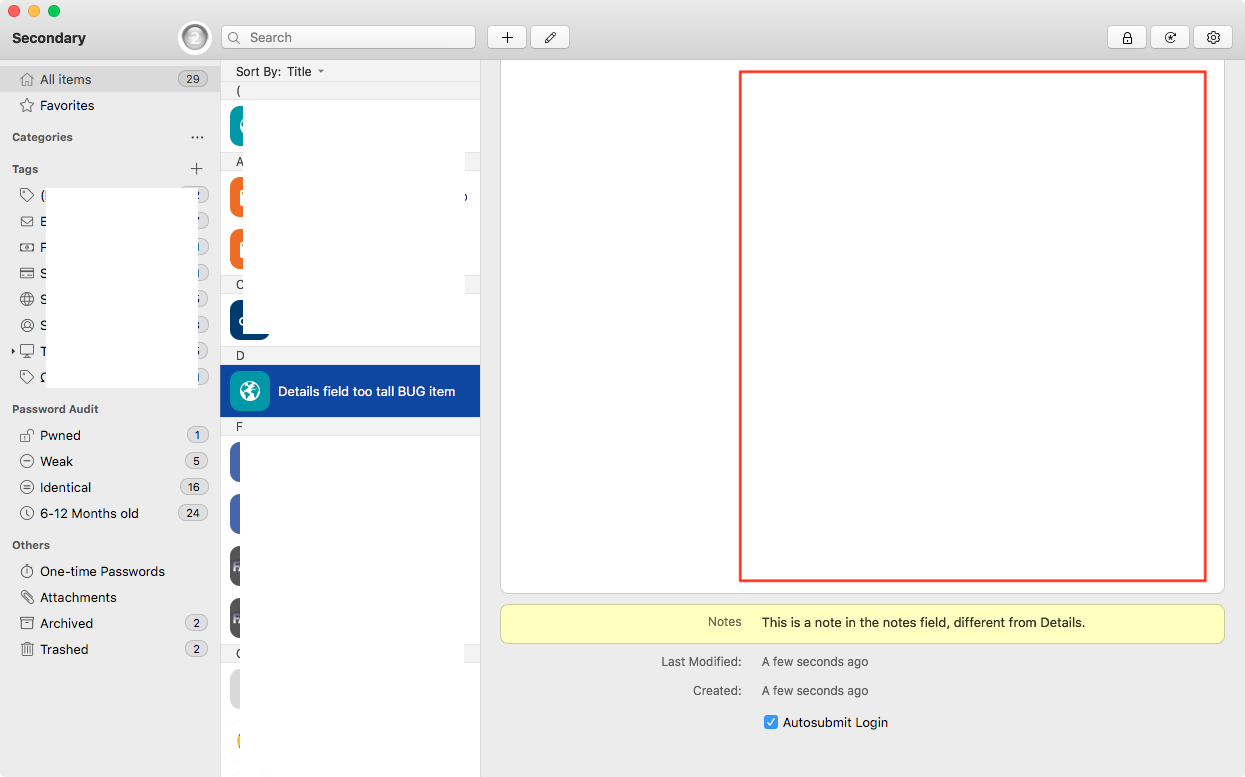
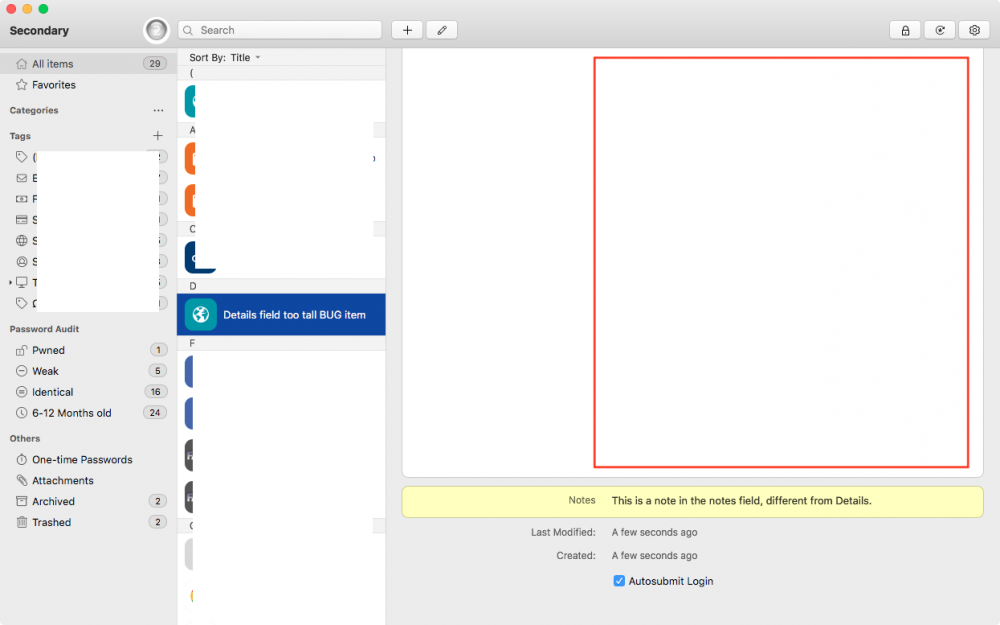
 Hi folks, In 6.5.0.699, Multiline fields display much, much taller than the content they contain. See screenies. REPRODUCE: 1) Create new Item using Login > Default (or probably any template) 2) Add a Multiline field 3) Populate that multiline field with several lines of text 4) Save RESULT: The multiline field displays much, much taller than the content within.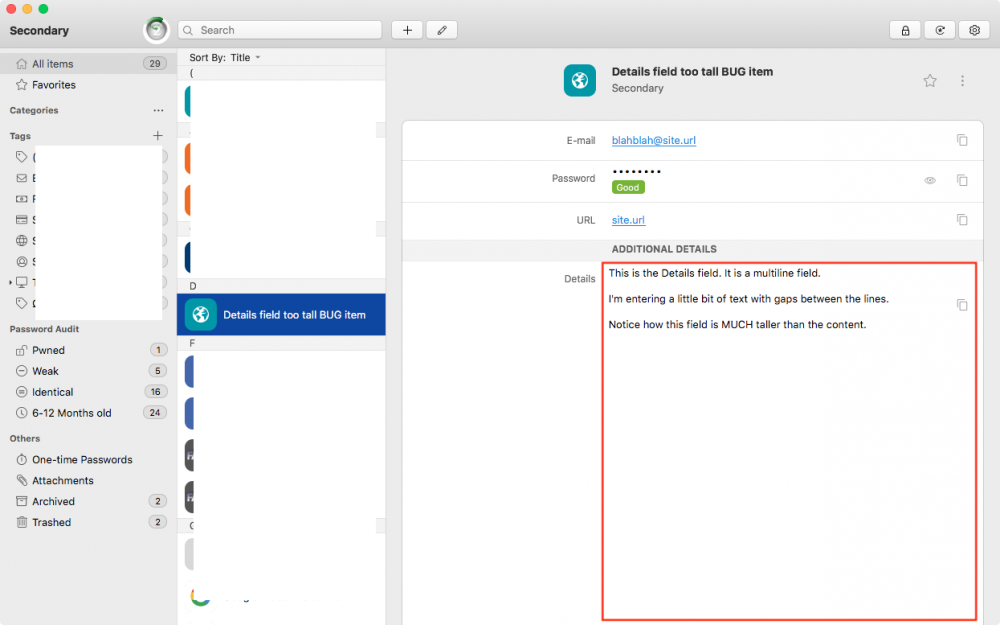
-
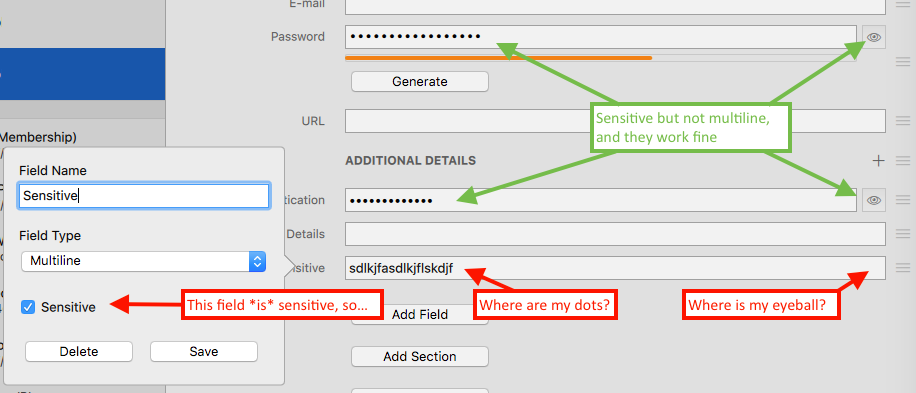
Found another corner-case bug: If you create a Multiline field and flag it Sensitive, when editing an item with this field, the content of this field is not obscured. To be more clear... When viewing an item containing a sensitive multiline field, you do see the •••••• instead of the content. But when editing such an item, the sensitive multiline field is fully visible (and there's no eyeball button to show/hide the content), even though other sensitive fields work correctly.