Search the Community
Showing results for tags 'passwordgenerator'.
Found 1 result
-
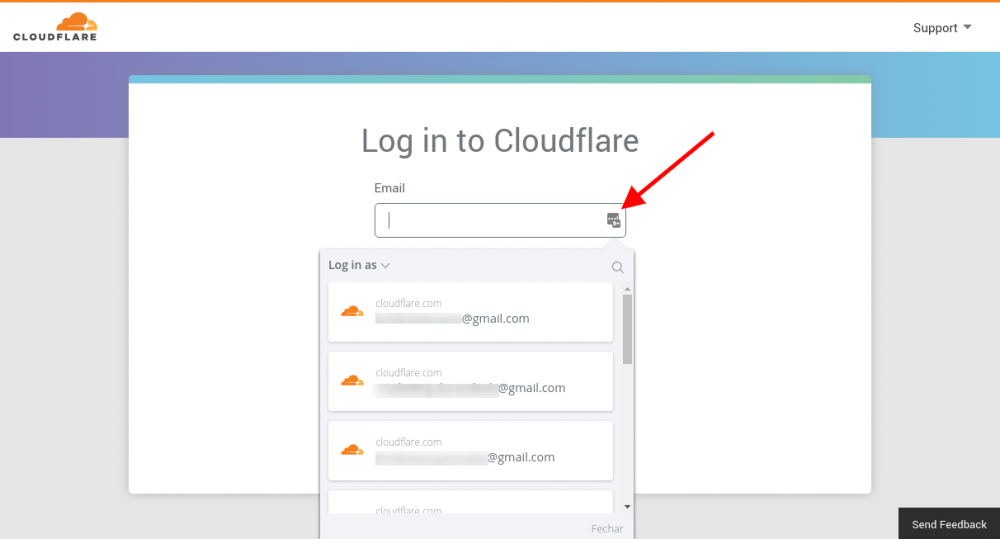
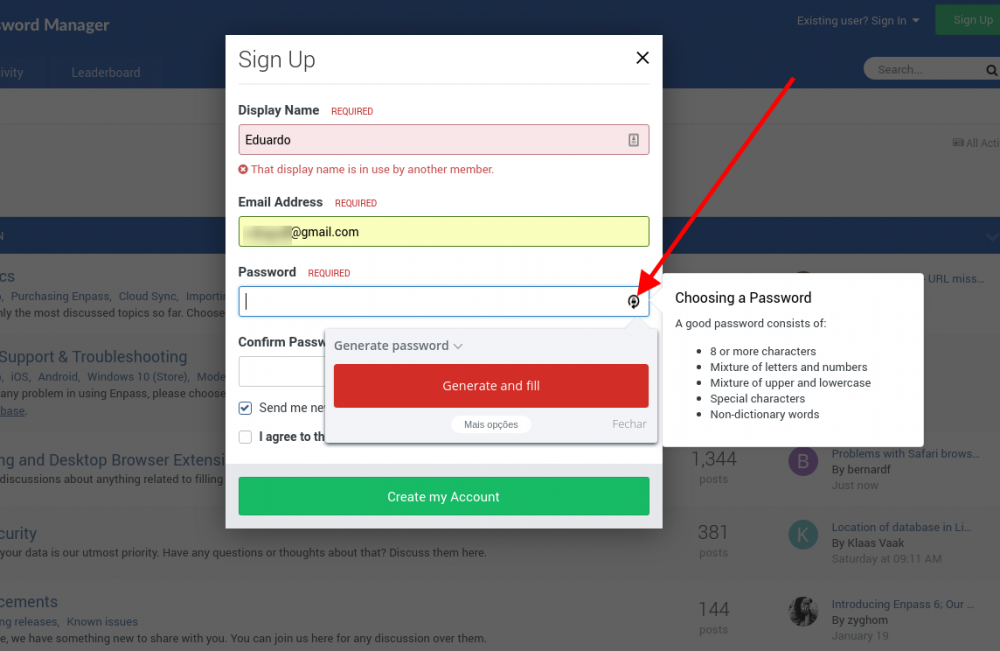
 I recently switched to enpass, but I'm having a hard time lapping the lastpass with some facilities that are missing in the enpass. Therefore I request that the following facilities for the enpass be built, if possible. For desktop and mobile. 1) When the site login screen appears, a small icon appears in the right corner of the login field (username / email). Then when you click the icon, open a combobox to select which account you want to log in with. (see attached screen) 2) In the registration form, in the password field appears an icon to generate password and when filling in the fields. (see attached screen)