Search the Community
Showing results for tags 'tablet'.
Found 4 results
-
.thumb.png.18d5ca31a9a3b5e1b86913420f39b434.png) Hi Enpass team, As the title says, I'm looking for better support for touch/tablet mode interaction on Windows. Currently, when I invoke my Enpass Vault in Tablet Mode (via a shortcut in my Tablet Pro Studio Radial Menu), tapping the search entry doesn't invoke the touch keyboard reliably, requiring me to manually invoke it via another shortcut in my radial menu: Please fix this and make Enpass's UI flexible enough to adapt to touch input on Windows. Thanks in advance.
Hi Enpass team, As the title says, I'm looking for better support for touch/tablet mode interaction on Windows. Currently, when I invoke my Enpass Vault in Tablet Mode (via a shortcut in my Tablet Pro Studio Radial Menu), tapping the search entry doesn't invoke the touch keyboard reliably, requiring me to manually invoke it via another shortcut in my radial menu: Please fix this and make Enpass's UI flexible enough to adapt to touch input on Windows. Thanks in advance.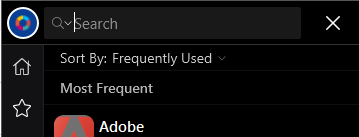
-
Many people use Samsung DeX, specially on tablets and in a work environment. Right now the app is not supporting this mode and people always has to turn off the Samsung DeX to login to some app or just to create a new entry on the Enpass app. Please consider this integration, it could be really helpful.
-
If I use the new enpass version 6.0.0 on my windows tablet, I can't croll in the lists by finger. I have always to use the digi pen. It would be extremely helpul if scrolling is possible by fingers.
-
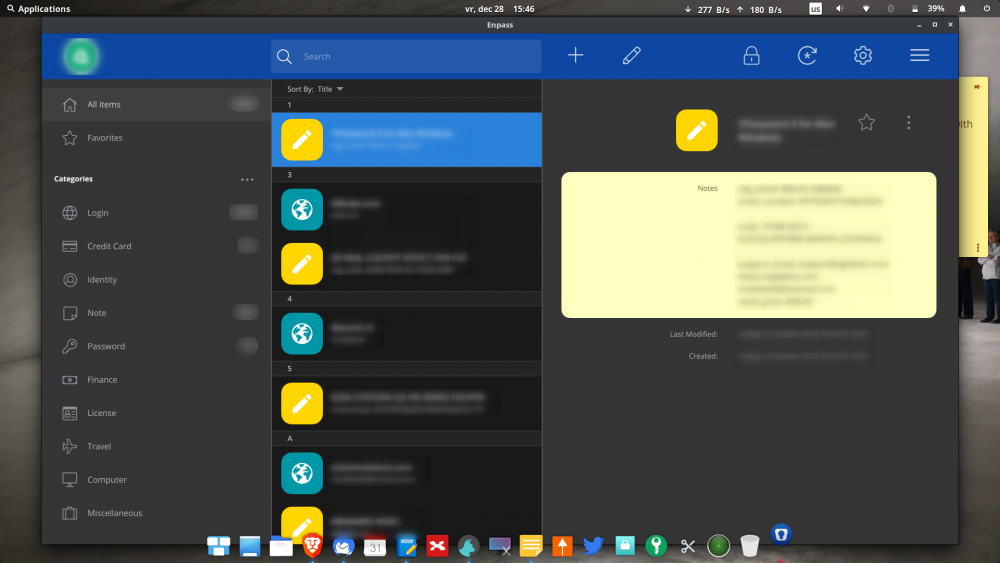
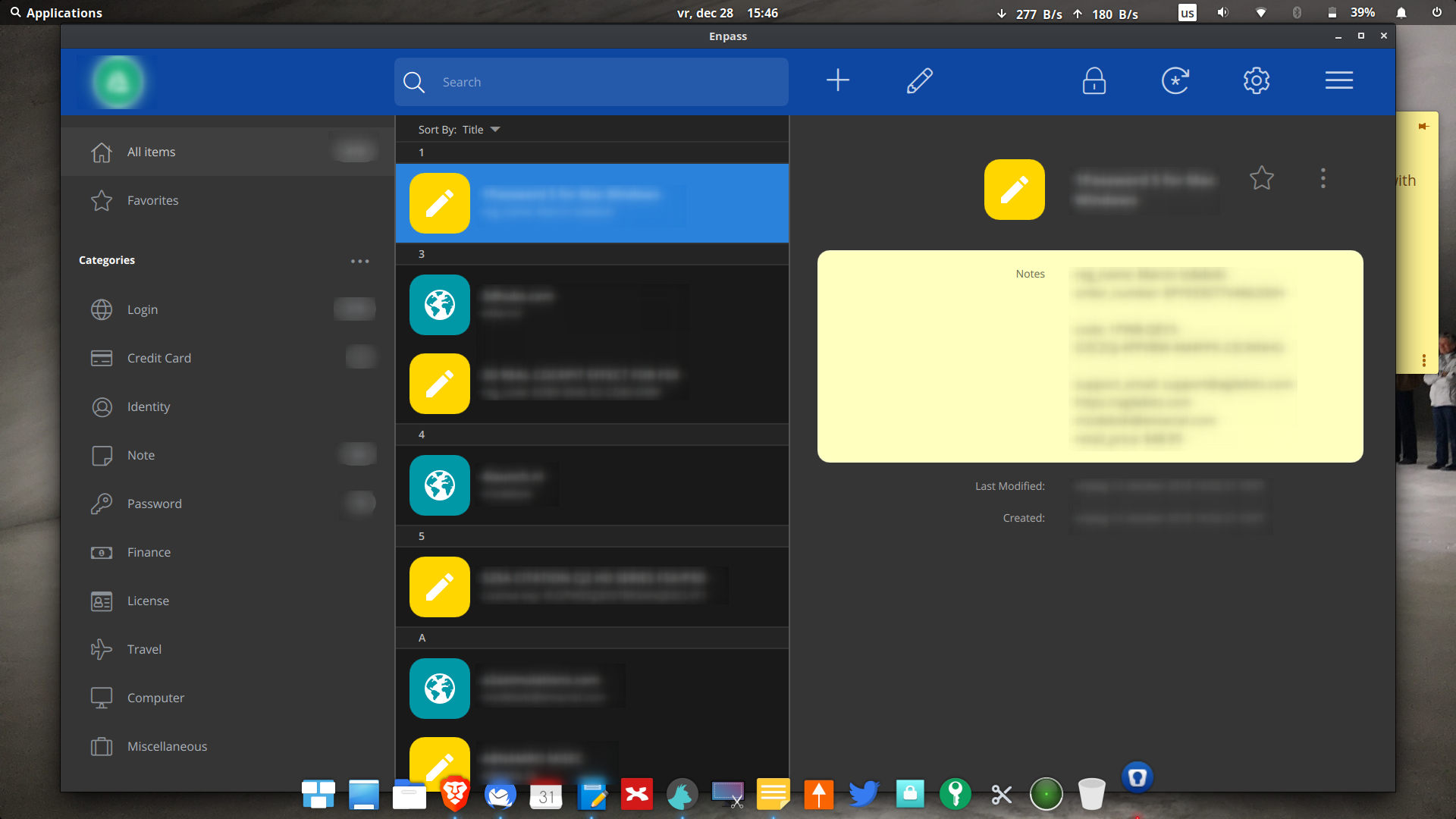
What have you done to GUI and chrome extensions it is huge now, it is taking all my screen! Chrome extension is also taking half of the screen! I run Elementary OS Juno Linux. See screenshot attached. How to make it smaller and look like normal app and not like a tablet app!???? What have you done!? I would rather downgrade to 5.x! Please help!