Search the Community
Showing results for tags 'vault.enpassdbsync'.
Found 3 results
-
 I use Enpass on two Win 10 laptops and a Pixel 3. I'm syncing to one of my google drive accounts. I have disconnected and reconnected several times, but cannot find any evidence of Enpass data anywhere in the on line or local versions of my drive folder. I check for most recent data in Drive right after Enpass says it just did a sync, but there is nothing there. What am I missing?
 -
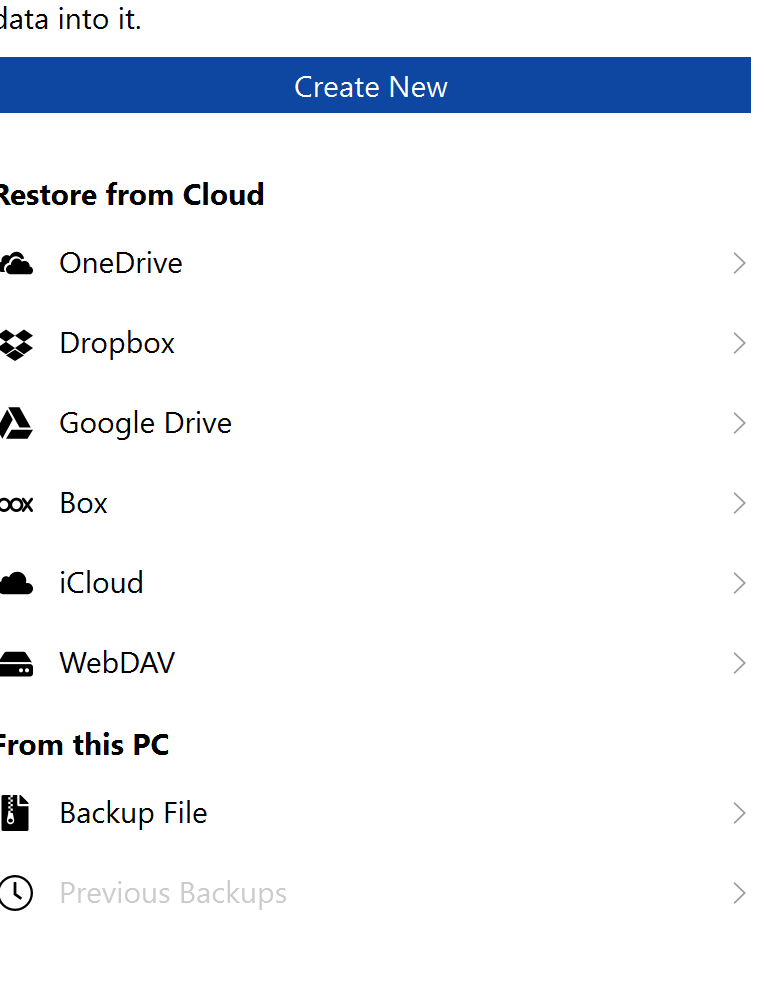
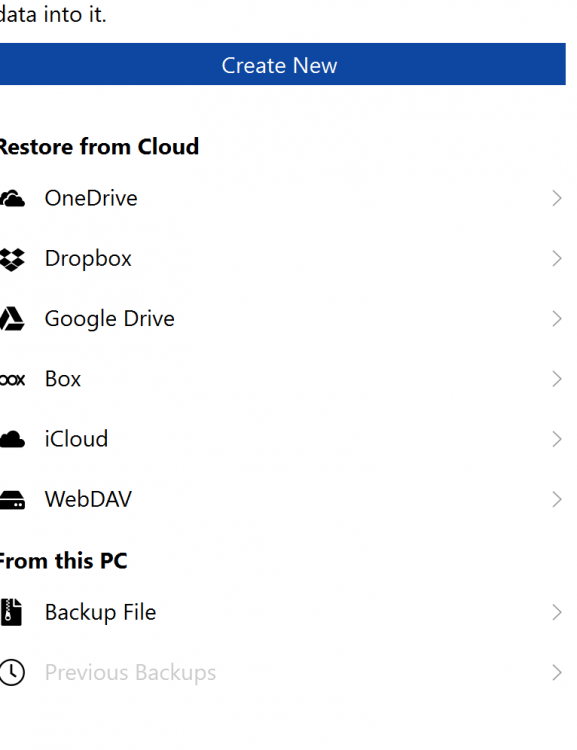
It seems that the last version of Enpass has removed the ability to import the file "vault.enpassdbsync" from a folder. I've just reinstalled my pc and now I'm not able to import the file because of the missing option. I'm using the "Windows Store" version. In my scenarion, I have 2 vaults, one synchronized with onedrive and the other one syncronized in a directory. I'm able to import the onedrive password file, but now I don't have any options to import the file. I know the password of the second vault, but I'm not able to open it (it's not a backup file, so the "Import from backup" option does not work)
-
I have 2 vaults one for work and one for private stuff. I'm syncing this with WebDAV but can't sync to the same map, because vaults have the same file name (vault.enpassdbsync). Isn't it possible to change the file name to the vault name so I can sync in the same map?