Leaderboard


Popular Content
Showing content with the highest reputation on 09/26/18 in all areas
-
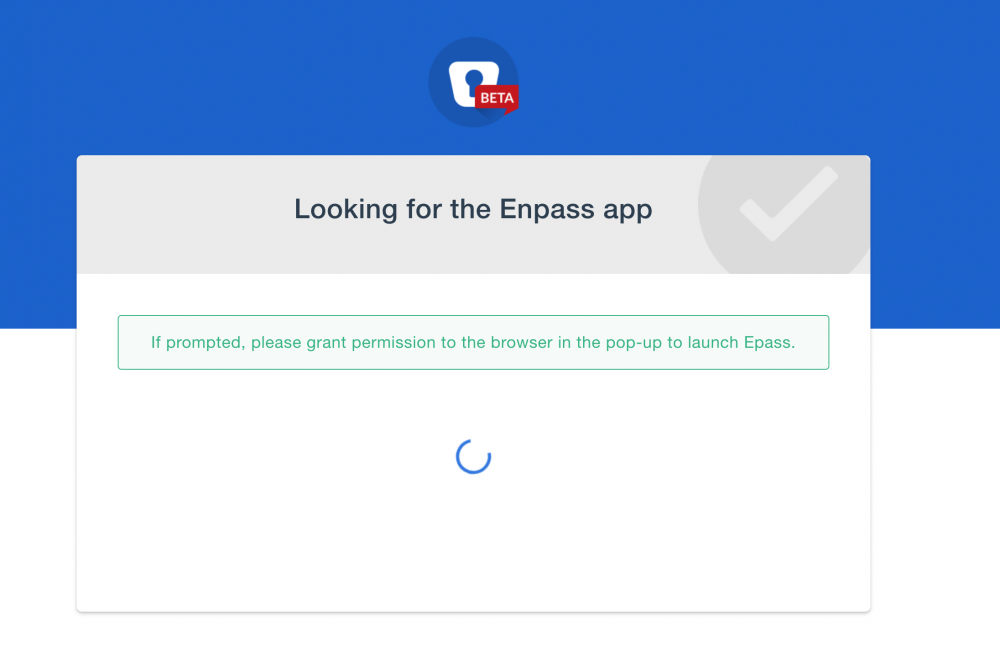
Hi I'm using the Enpass 6.0.0 beta for macOS but there's a rather strange issue that's making it unuseable on my machine. Whenever I try to use the browser extension (tested with Chrome and Firefox, same results) nothing happens for a while and then a new tab opens saying "Looking for the Enpass app" and "If prompted, please grant permission to the browser in the pop-up to launch Epass." If Enpass is already running the tab closes after a while and nothing further happens. However when I quit Enpass and let the extension open it (by clicking the button in the browser) I am able to use it exaclty once from within the browser (the popup opens when I click the extension button a second time) but the popup doesn't know what page I am currently on so it can't provide usefull autofill information. It just opens the same way as if I clicked the taskbar icon. When I try to open the popup again the same tab as before opens and nothing happens afterwards. Do you know what causes this issue/can you repoduce it/are you aware of it?
 1 point
 -
The issue is already reported and faced by developers. They promised to fix it in next beta version.1 point