Leaderboard
-
Letalis
Members1Points3Posts -
kyddox
Members1Points5Posts -
Anshu kumar
Enpass team member1Points2062Posts



Popular Content
Showing content with the highest reputation on 12/27/18 in all areas
-
I did that but I managed to solve it by revoking the access in the settings menu. And adding it again.1 point
-
Hi @Krit I can understand your doubts and here I go with the answers to your queries: Enpass 6 will be a free upgrade over the Enpass 5 pro version for iOS and Android. There is no subscription model for any of the platforms. Merry X'mas!!1 point
-
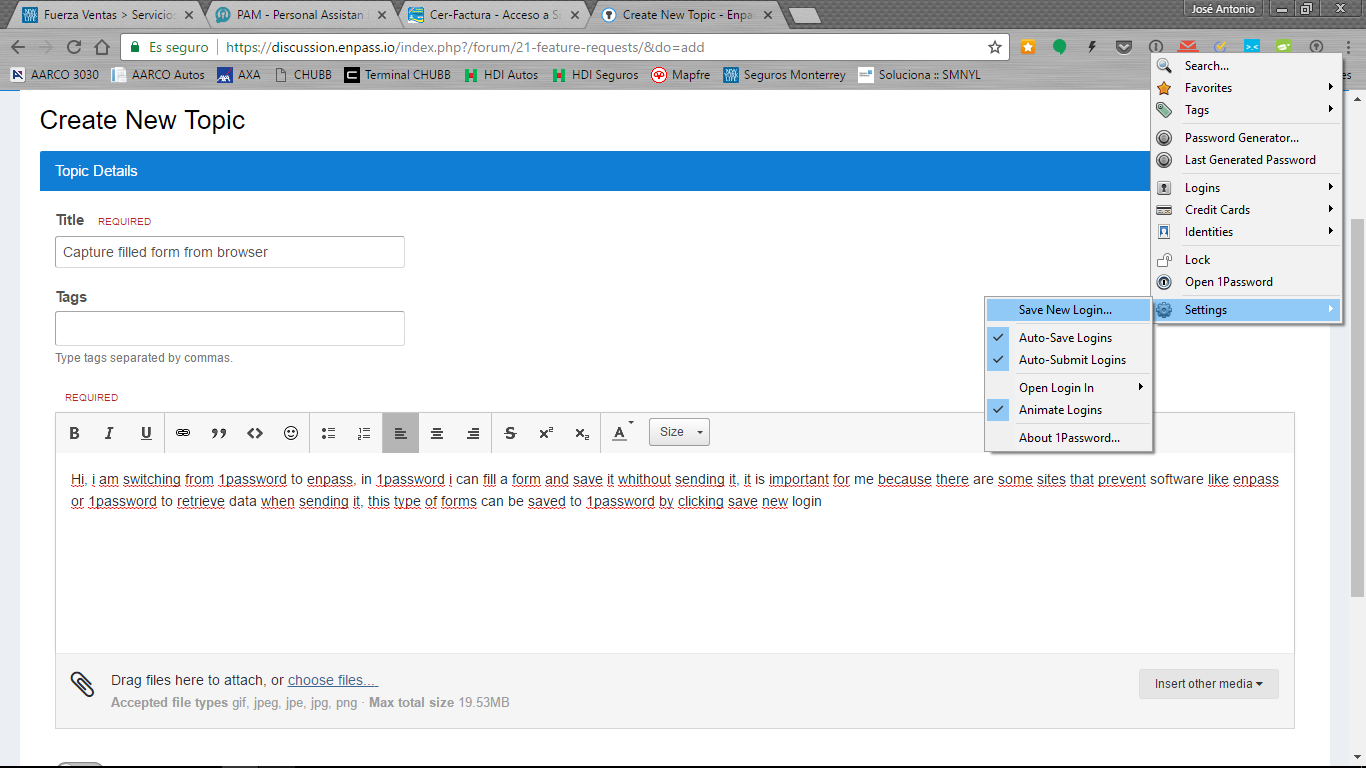
1 pointHi, i am switching from 1password to enpass, in 1password i can fill a form and save it whithout sending it, it is important for me because there are some sites that prevent software like enpass or 1password to retrieve data when sending it, this type of forms can be saved to 1password by clicking save new login button and it works perfect but it cannot be done in enpass, can you consider this feature?
 1 point