Leaderboard


Popular Content
Showing content with the highest reputation on 02/18/25 in all areas
-
I wish to wholly associate myself with the succinct comments of Egor K. I am likewise a longstanding Enpass Pro Lifetime user and I object to the appearance of adverts within the console of the Enpass application. When online I take active countermeasures to block advertisements, so you might imagine my irritation as to their unexpected appearance. However of far greater concern to me is that having setup my password vault synchronisation to work exclusively "in house" utilising WebDav (as far as security is concerned one can never be to paranoid) it is not clear whether the Enpass application is "phoning home". Frankly this has shaken my faith in the product - can Enpass offer any reassurance in this regard or is it time for me to look elsewhere ? Updated - August 2025 Following on from my above comment (and the continued receipt of unsolicited in application adverts from Enpass) I have now migrated my password data from them to a self hosted docker installation of Bitwarden Unified (which, unlike Enpass, is open source) Export/Import to Bitwarden was straightforward, the hardest part being configuring the auto update of the necessary Let's Encrypt SSL certificate using acme on the host synology device. Whilst my ceasing to use the Enpass product has zero financial impact on the company (being a lifetime user they have already had my money) I have lost confidence in their product or more accurately their integrity. Goodbye1 point
-
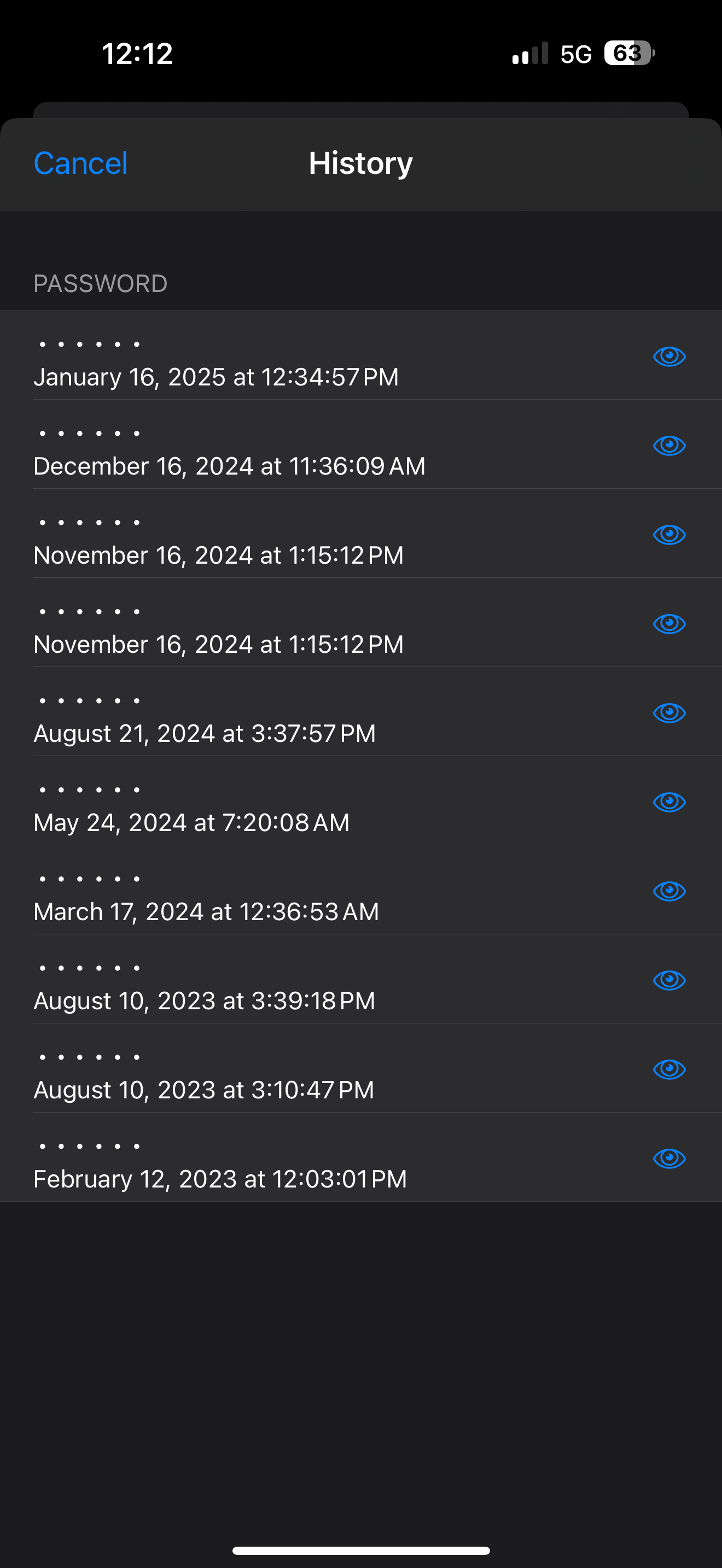
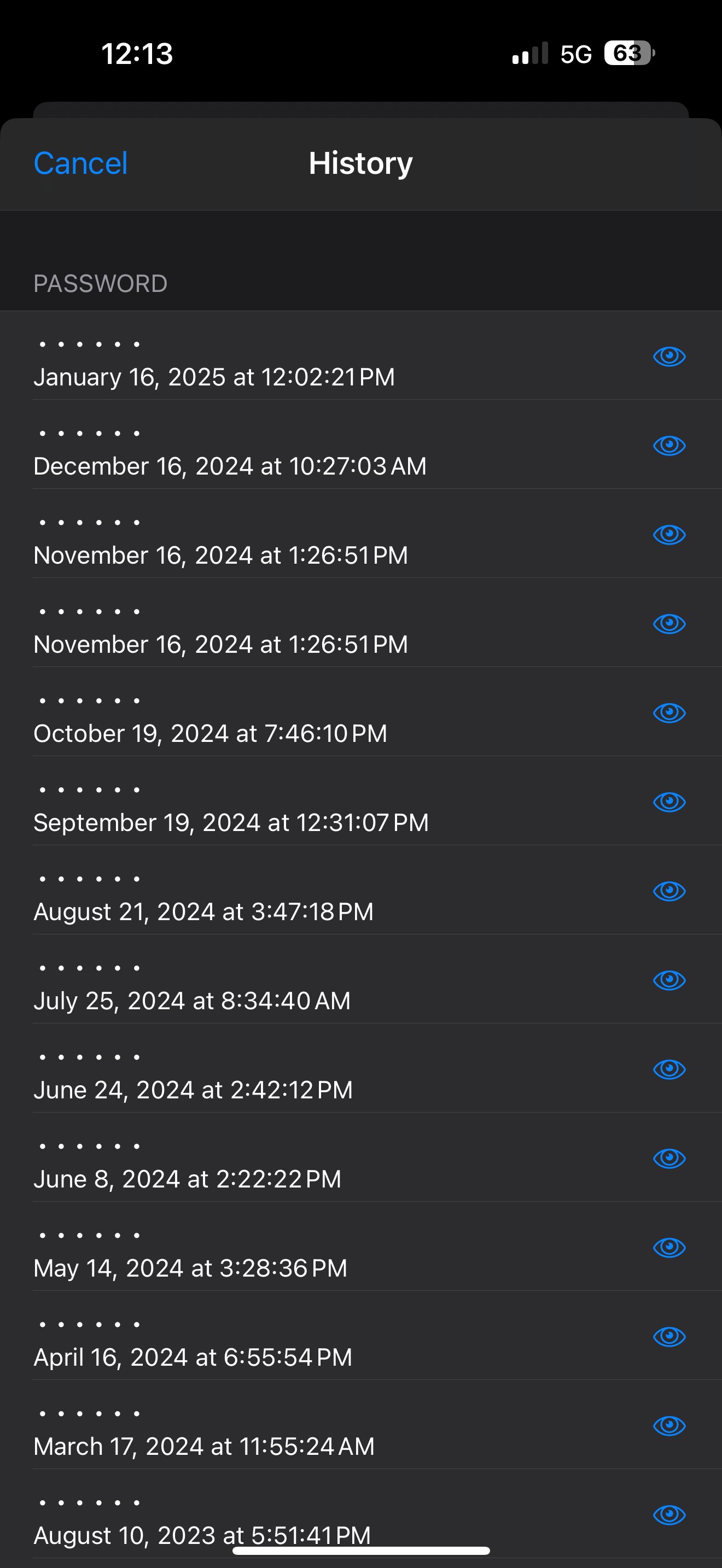
1 pointHello Team Enpass… Sorry for the late reply. I just updated my banking and Google account passwords and everything went perfect this time. I created the new passwords for both of these accounts first, and did not see any duplicates. I was able to go back to my previous password when prompted to update the new password and it worked perfect for both, no issues. Previously, when I was experiencing these problems, I was using an iPhone 14 Pro Max with IOS 18.2.x and Enpass versions: 6.11.6 (879) & 6.11.7 (903). Now, I am using an iPhone 16 Pro Max with IOS 18.3.1 and Enpass version: 6.11.8 (929). I use Apple iCloud for syncing. Please consider this request “resolved”. Thank you for your attention and assistance with this issue nrom
 1 point