
Giuliano
Members
-
Joined
-
Last visited
-
Hello Pratyush, I'm using the windows default program for firewall/antivirus I don't change the data location I don't change nothing in my backup or network I've this issue sometimes randomly today the app work fine but this cannot be the right way to operate, I need to use it for work every day many times a day and if this doesn't work well I must pass to another wallet
-
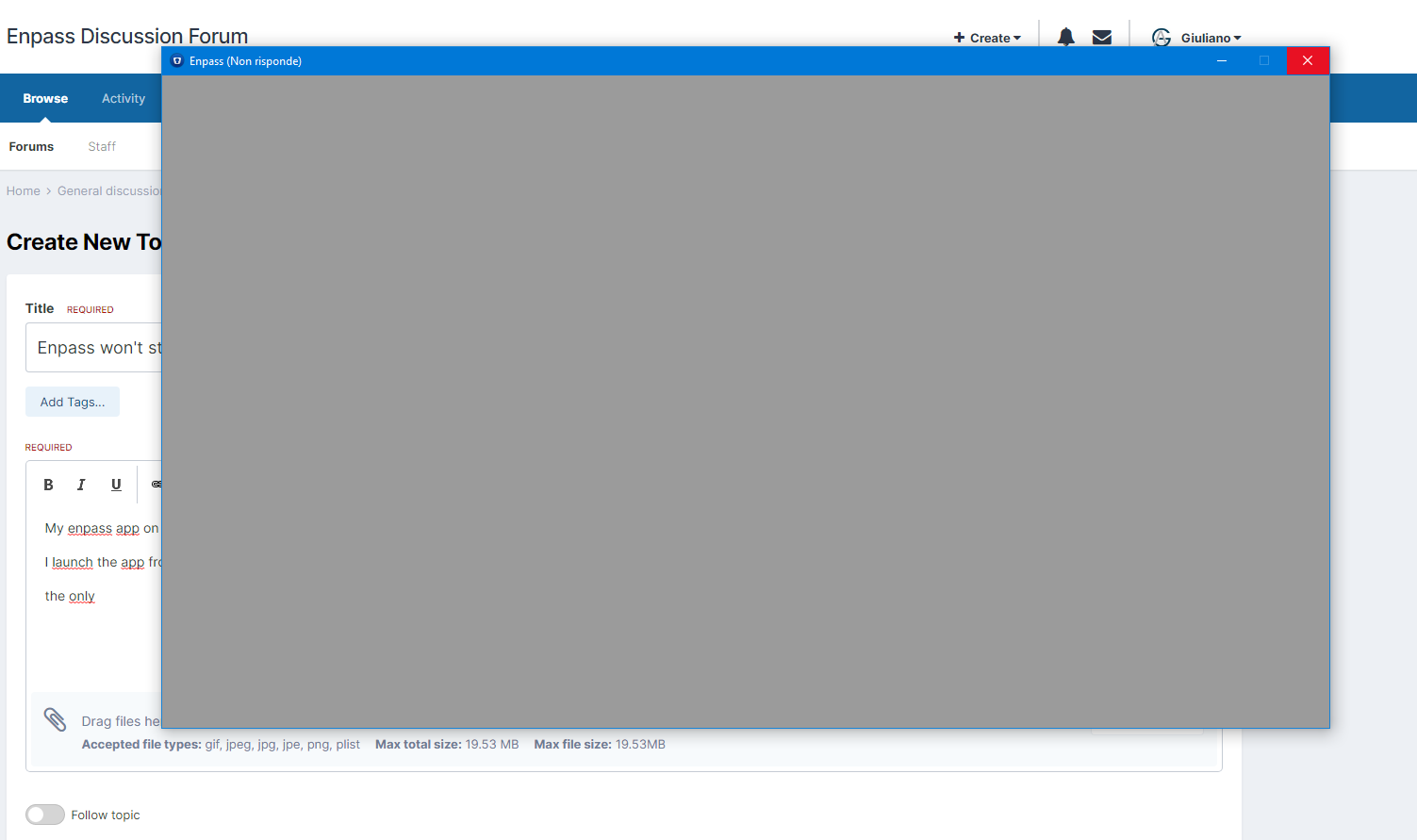
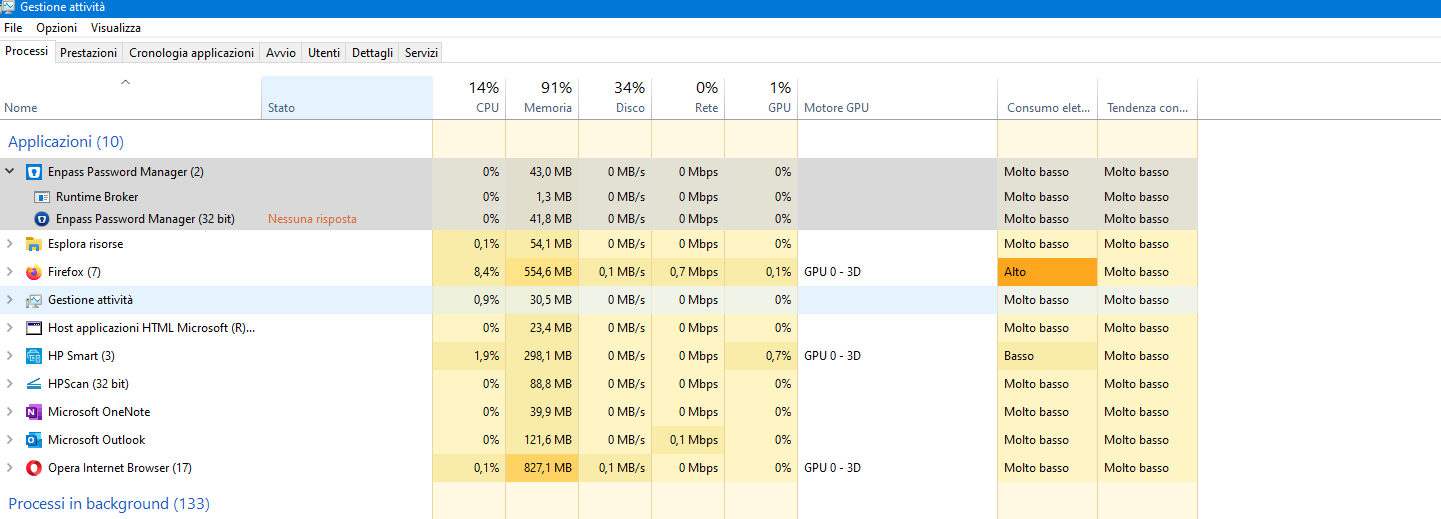
My enpass app on win 10 doesn't start at all. I launch the app from start menù normally but today there's no way to let it run. this is what I see.... I think I must try other app, I use it for work and payed for something that work ....
-
Giuliano joined the community
-
Hello all, I purchased Pro Upgrade (Enpass Password Manager) for € 9,62 in 25 september 2017 In 24 decembre 2020 I pay for Premium Subscription- 1 Year (Enpass Password Manager) (di Enpass Technologies Inc) for my single account. Now I would like to add my son to this app and I would like to understand if I need to buy the whole plan as new users or I can upgrade my actual individual plan and how. In the android app on my Smartphone I didn't see anything useful thanks