Jean-Michel
Members
-
Joined
-
Last visited
-
For me this bug is fixed in 6.7.2 under Ubuntu !! Thanks
-
Ok seems to be a very old (>2 months) known bug. I paid for mobile, premium and yes for me this bug is very annoying too. Hope it will be fix soon
-
For some time, whether under Mac (Firefox) or Linux (Firefox) my enpass does not autofill the first time after the initial unlock (PIN or Master Password Unlock) I have to reopen enpass a second time for it to work. Then everything works very well until the next "lock" Is it a known bug ?
-
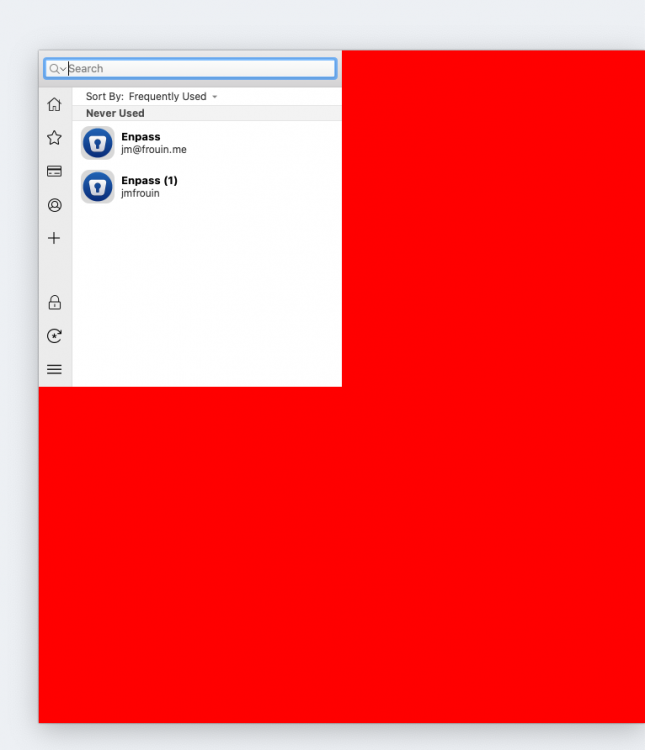
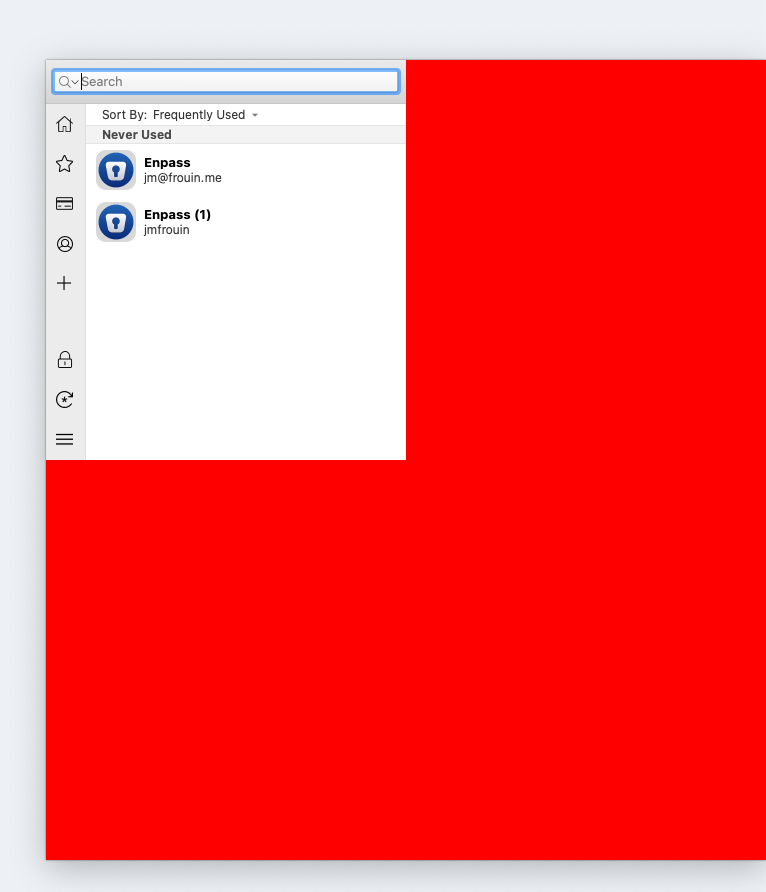
Hello For some days, my enpass plugin is displayed like this under Mac / Firefox 88.0.1 The UI is 1/4 of the whole windows. And the interface too (I need to click in the red zone for most of the UI I try to uninstall / reinstall the Firefox plugin. I try to reboot my mac, but nothing works :(. Have you an idea / workaround ? Thanks