NJL
Members
-
Joined
-
Last visited
-
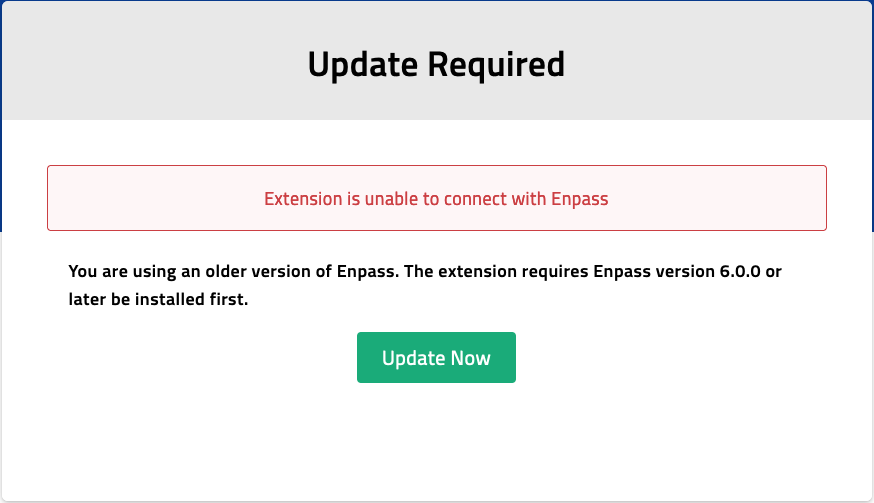
Having the same issue on mac as well. Restarting the browser fixes the issue temporarily Firefox 120.0 and 120.0.1, macOS Sonoma 14.1.2 Enpass 6.9.2 (1564) Mac App Store Enpass Firefox extension 6.9.2
-
The shown in foreground issue is finally fixed in the recent update - v6.7.3 (888) MAS. Yey for that There's still a visible flash from Enpass on the screen everytime I log in, but at least it's no longer necessesary to close the unlock window An entirely invisible (background) startup would be nice and hopefully implemented soon Mac mini | macOS Big Sur Version 11.5.2
-
Working now. Thank you
-
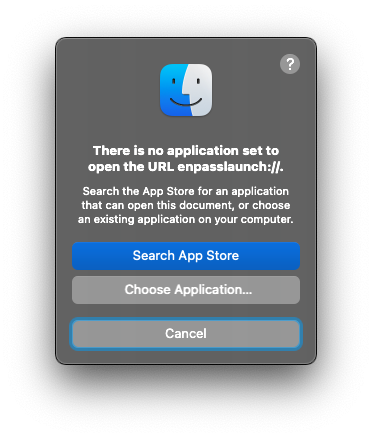
Just updated to Enpass v6.7.2 (886) from Mac App Store Enpass is set to Open Automatically at System Startup and now I'm getting this message (attached pic) everytime I start my Mac Setting Enpass in 'Choose Application' starts Enpass, but only for the current session Suggestions?