


avinator
Members
-
Joined
-
Last visited
Everything posted by avinator
-
-
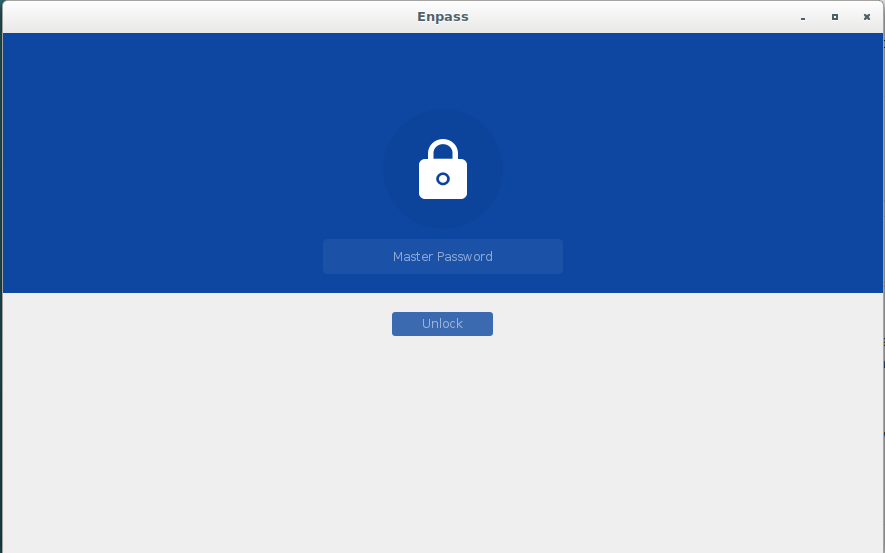
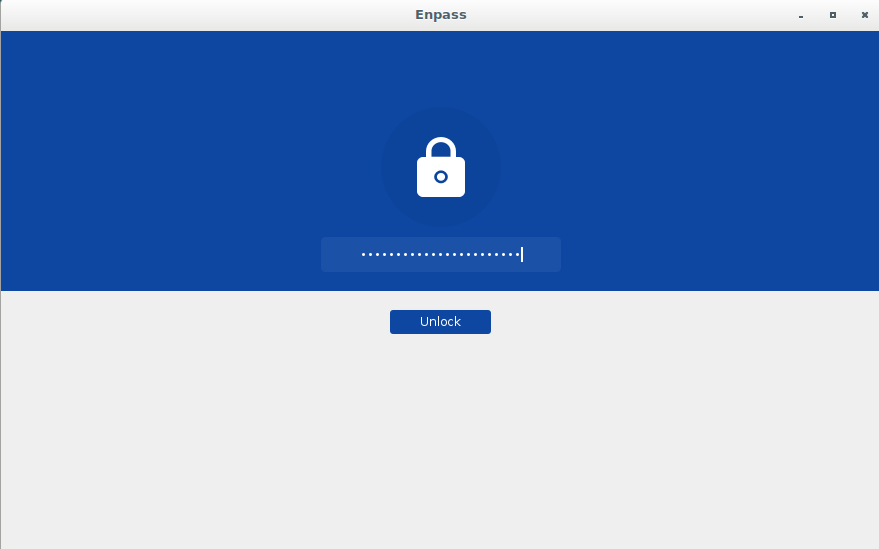
I installed Enpass on Mint 19x. I did use Enpass on the same device but the HD was erased. What I meant by restoring from a local database I meant by restoring my own password backup file database... Just tried on more time just now on a a new machine running Debian 9.... I followed instructions, installed enpass and it automatically prompted me to a password window.. almost as it already have a password database.....it crashed after I entered my password... In the past after installing I had to "restore from backup".....no longer the case. Actually as I mentioned before, now it just crashes as I mentioned above. Hope I'm making sense....
-
-
How can you explain that my passwords were automatically populated in my database when I did a fresh install of the os and never restored from a backup file? 1. Installed os ( fresh install ) 2. downloaded Enpass for Linux 3. when I open Enpass it automatically prompts me to a password window as if the database was already part of my download. 4. I never synced anything. Everything resides locally.
-
I've used enpass for a while now and I gave my email address to unlock some features...here were I am confused.. I installed a new os and installed a new copy of enapass.. in the past i had to restore my database from a local file. Today, when I opened Enapss it prompted me to a password window. I entered my password and next think I was asked for was an email address which I entered and a security code was email to me. After entering the 6 digit code my vault opened up listing all my passwords... I thought passwords are stored locally. obviously they're not. What am I missing here ?
-
You realize this thread is 6 months old, right? Furthermore, did you read the entire thread? Guess not...
-
Thanks Ak. Took me a while but I found out about AUR arch rocks. Playing with manjaro and antergos
-
-
I’ve tried those and none seem to work for me. I don’t see a specific command for the Arch distribution. I was able to install it on Ubuntu and Debian variations before without any problems.
-
This may sound silly but I can’t install enpass in Manjaro.. can someone help? Thanks guys !
-
-
-
-
I downloaded the update... moving from 5.5.5 to 5.6.0 and the app would not open up...it keeps crashing Uninstalled, reinstalled and getting the same thing. Reinstalled 5.5.5 which works good. Can anyone explain why ? OSX 10.11.6
-
-
I'm trying to use enpass 5.4.1 with chromium 56.0.2924.76 and it doesn't want to work. I'm getting the "enpass connection error"... It does however work really nicely with Opera and Safari.
