Nyagaka254
Members
-
Joined
-
Last visited
Everything posted by Nyagaka254
-
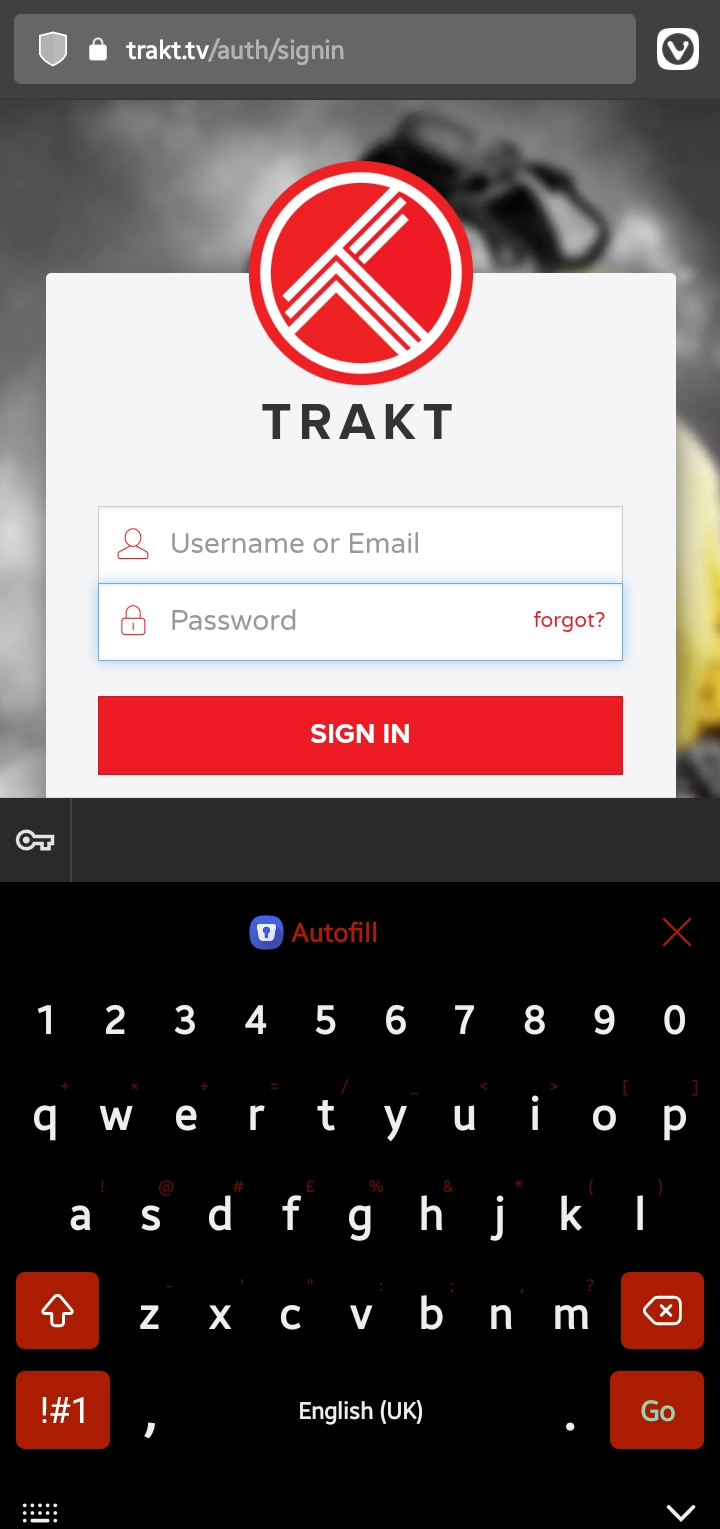
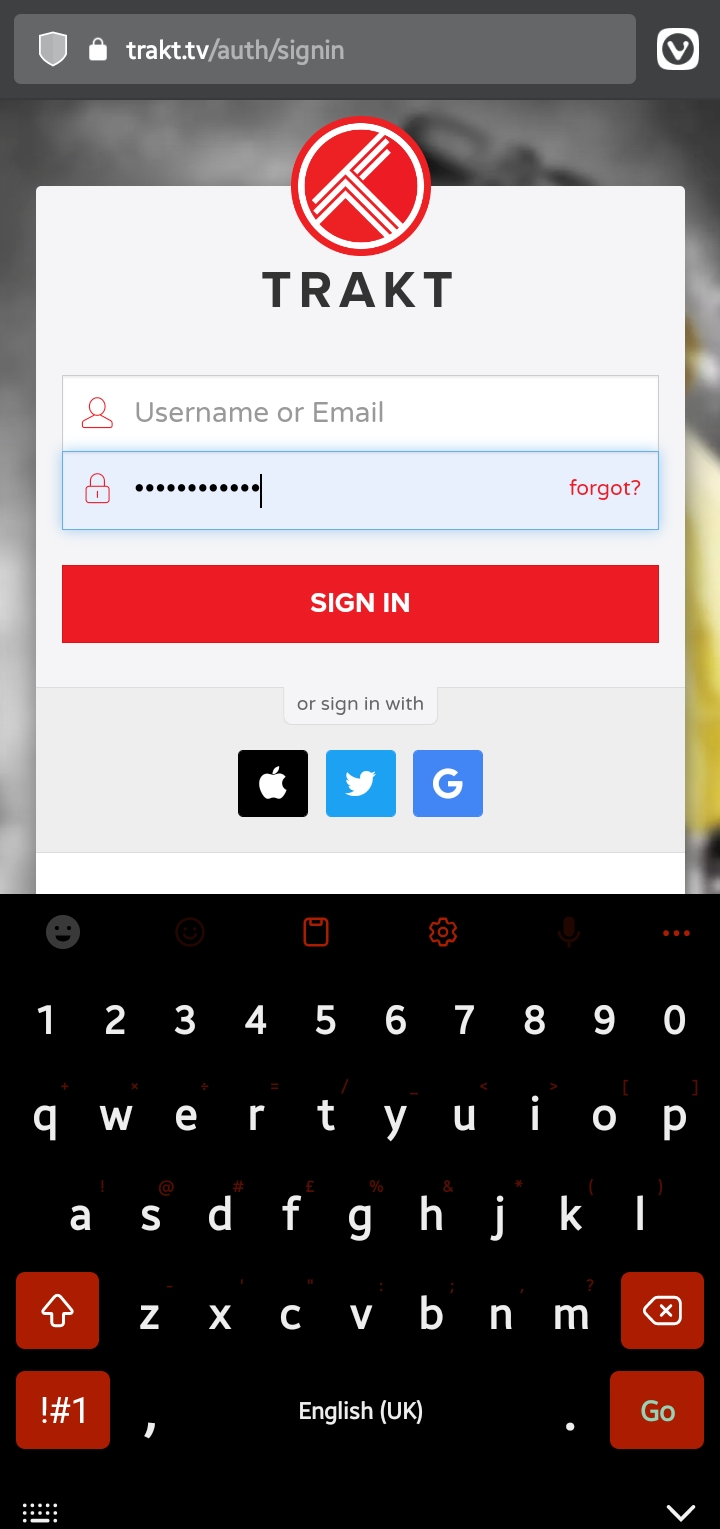
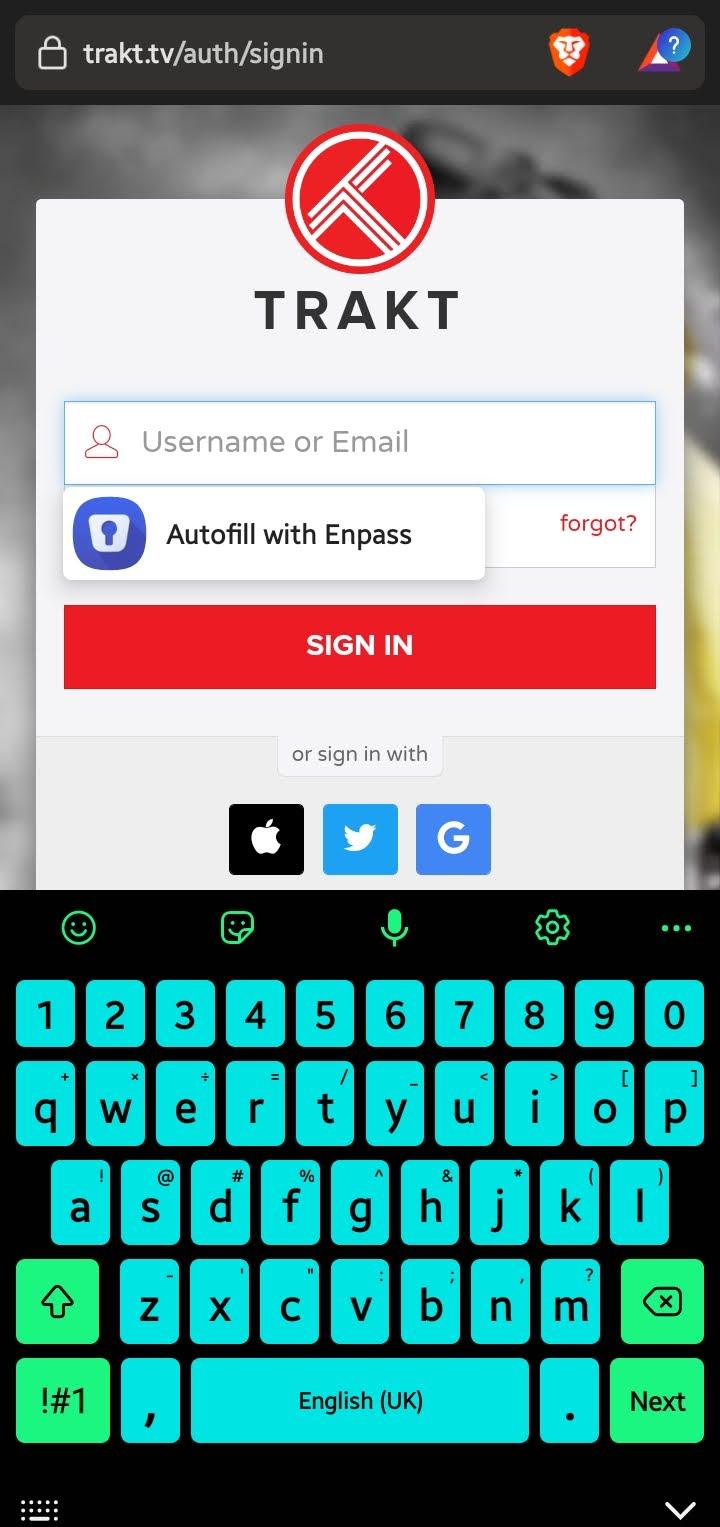
I'm using: Enpass v6.8.3.726 Vivaldi latest version Android 12 on One UI 4 I recently updated to Android 12 and this existed even on Android 11
-
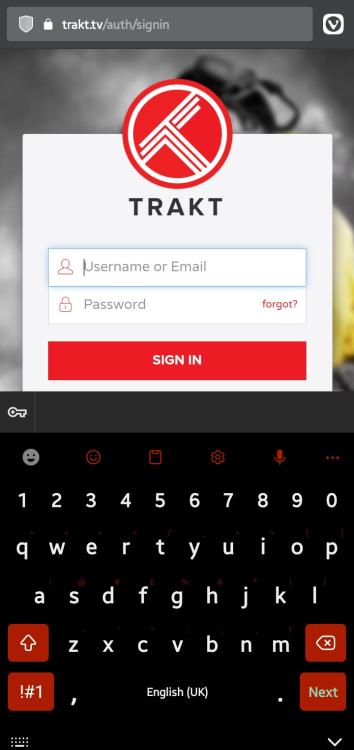
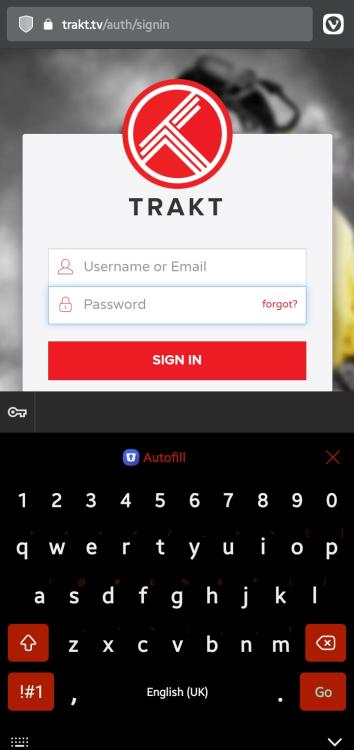
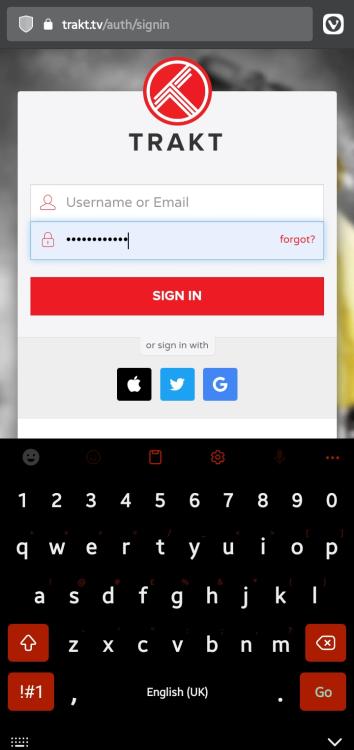
As you can see from the above photos, when I focus on the username field, there is no inline autofill or accessibility but when I focus on the password field, the inline works but when I use it, only the password is autofilled. I brought this up earlier and a member of the team told me to turn off the inline and only use the accessibility autofill which actually worked. So using only the accessibility autofill fixes this. But I really like the inline much better and want to keep using that. Please look into this.
-
Hello Enpass Team, This issue has been there for a long time. I'm thankful that you fixed the issue where inline autofill wasn't working on browsers like chrome and brave. But for vivaldi, the accessibility autofill doesn't work at all and also the issue where the username/email field isn't filled
-
-
Yes, in brave browser and chrome the keyboard integration doesn't work but accessibility works and autofills nicely. But in vivaldi, accessibility doesn't work and keyboard integration misses boxes
-
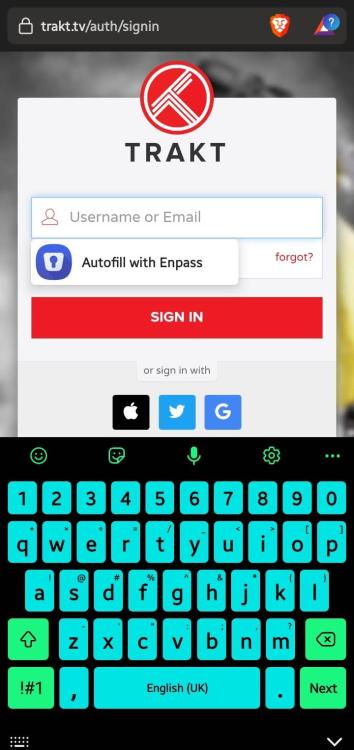
I'm having the same issue with brave browser and chrome on my phone. I've tried reinstalling it but doesn't work Autofill and accessibility settings are turned on. Enpass 6.8.2 666 Android 11, Samsung A12
-
Still doesn't work. I've discovered the problem might be Vivaldi. I've tried to restore the database and used chrome instead of vivaldi and it worked. The problem is with vivaldi, I'm not redirected back to the app
-
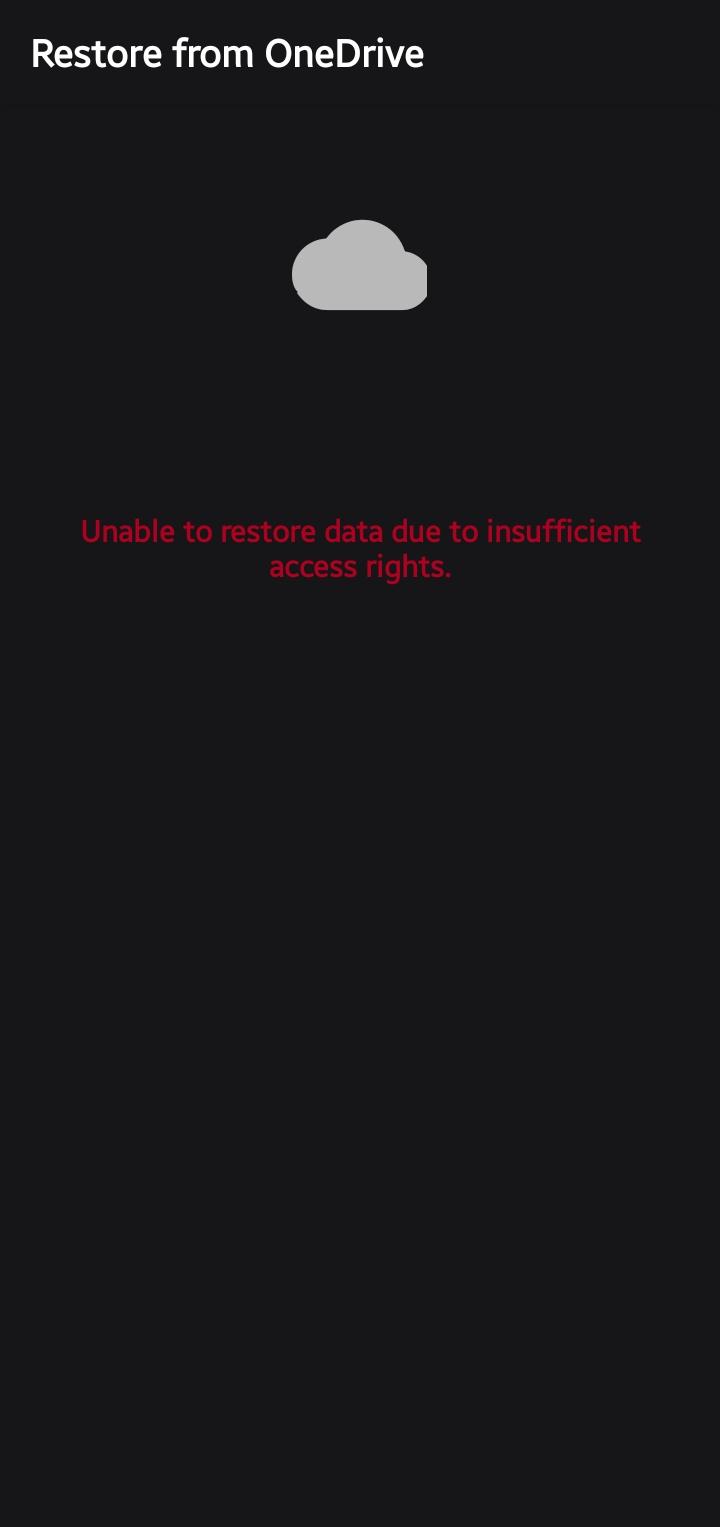
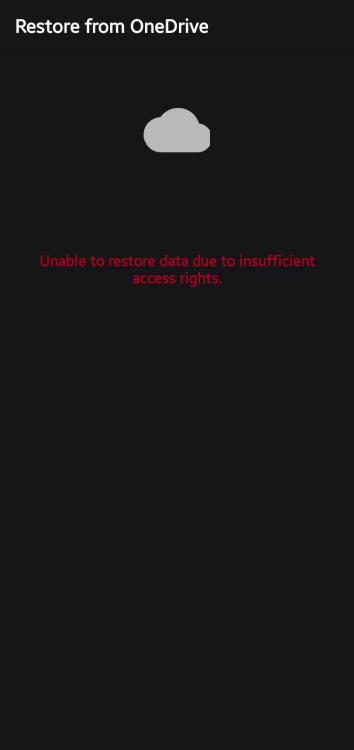
I've tried with Dropbox, OneDrive and Google Drive. All saying same thing The desktop app is fine. The issue is on the mobile app. I'm using v6.8.2.6666 on OneUI 3.1 Android 11
-
Both OneDrive and Dropbox refuse to login and the app says it was cancelled by the user
-
Hey johnq, I've also been experiencing this in v6.8.1 but in the changelog for v6.8.2 they've pointed out that they've fixed it. I'm not sure if they actually did cause I switched to using OneDrive instead and nextcloud for my other vault.
-
Hey Silverscott, Ernst is right. With offline password managers such as Enpass there's no way to recover the master password once you've forgotten it. The only way for you now is to manually copy and paste the entries to a new vault since you also can't export without the master password. Never forget your master password...that's why it's called a master password.
-
I've tried the new 6.8.2 beta and it looks like you just fixed the autofill of the websites I told you about. But some others still don't work
-
Webpages like trakt, animixplay.to, my university portal, airdroid....and it's only safe to assume others as well which I don't know about. When I try autofilling...only the password is filled and not username I only tried with the chrome browser and it was able to autofill perfectly without any issues in chrome. I didn't try any other browsers
-
I use vivaldi browser on mobile and autofilling doesn't work on some websites. I tested autofilling in chrome and it was working fine for those websites but not on vivaldi. Please fix this cause I love using vivaldi. I'm on Android 11, One UI 4 and using Enpass 6.8.1.658 and Vivaldi version 5.2.2620.56
-
Autofilling using the Android Autofill Service still doesn't work. Whenever I tap on a field, either there is no inline autofill on the keyboard or enpass only autofills the password and not the username. Autofilling with Accessibility is the only one that works meaning I have to switch off the Android Autofill Service.
-
I'm actually also testing it. I installed it last year and the desktop one wasn't as good as it is now. The android version still doesn't work since I tested ot last year. I've been using SafeInCloud Password Manager which works far much better in my opinion. Autofills fine even additional fields ON ANDROID and syncs nicely too.
-
I have a login page that requires 3 fields to be filled. How do I do it on android?
-
It autofills now but what about additional fields in android
-
It solved the issue of only username being filled. What about autofilling extra fields on android
-
The autofill on android simply does not fill username fields. It only fills password fields. Not to mention you can't autofill extra fields on mobile. It wouldn't make sense to save a webform on desktop for extra fields then not use them on mobile. For me the mobile version is just unusable. I like the desktop one alot...the popup on desktop is nice and intuitive but since I use my mobile more...it would be nice if the mobile worked far much better than the desktop.