Skip to content
View in the app

A better way to browse. Learn more.

Enpass Discussion Forum

A full-screen app on your home screen with push notifications, badges and more.

To install this app on iOS and iPadOS
  1. Tap the Share icon in Safari
  2. Scroll the menu and tap Add to Home Screen.
  3. Tap Add in the top-right corner.
To install this app on Android
  1. Tap the 3-dot menu (⋮) in the top-right corner of the browser.
  2. Tap Add to Home screen or Install app.
  3. Confirm by tapping Install.

SecurepointIsAwesome

Members
  • Joined

  • Last visited

Everything posted by SecurepointIsAwesome

  1. It would be quite nice if clicking on phone numbers in Enpass would open the softphone like Microsoft Teams or ZoiPer.
  2. This feature request is still active on the roadmap.
  3. Do you think that 2024 is a realistic release date for security key (e.g. YubiKey or Nitrokey) support?
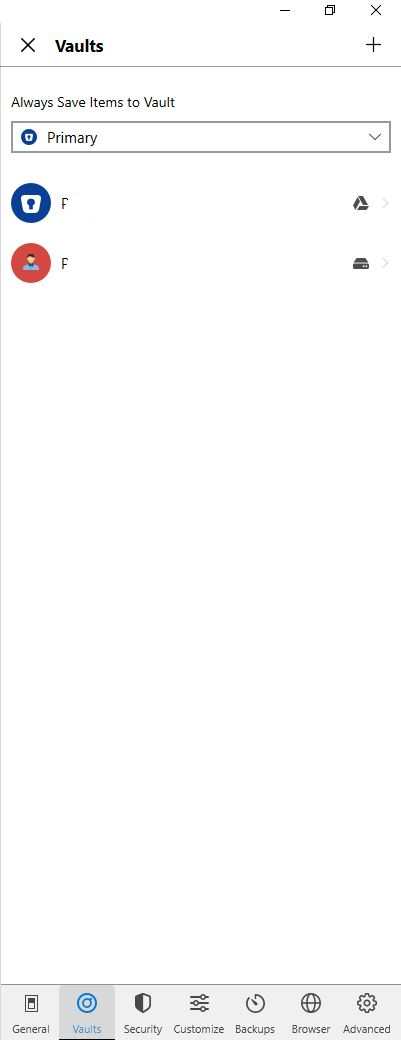
  4. Thanks for the instruction. I am using the personal Enpass version and do not see the two buttons you mentioned. Where may I add my business vault?
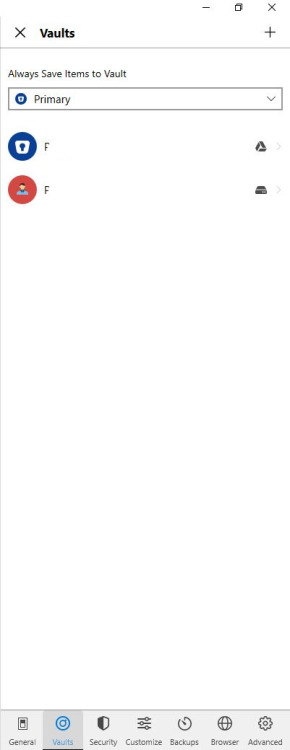
  5. How may I use Enpass Business AND Enpass Personal together? I do not find an option how to do that. Thanks for your help!
  6. Thank you so much! You are awesome!
  7. I would love to have this feature too.
Account

Navigation

Search

Search

Configure browser push notifications

Chrome (Android)
  1. Tap the lock icon next to the address bar.
  2. Tap Permissions → Notifications.
  3. Adjust your preference.
Chrome (Desktop)
  1. Click the padlock icon in the address bar.
  2. Select Site settings.
  3. Find Notifications and adjust your preference.