uepsilon
Members
-
Joined
-
Last visited
-
You are not interested in changing this annoying thing about Enpass. Since OVER 4 years! 4 Years! You really must be kidding! Are you even interested in doing anything what annoys your customers? Really ... this is an absolute no go! Panel Resizing
-
They will never answer to this ... they are not interested in changing anything which annoys their customers!
-
Your support and service is nothing than a total joke! You really must be kidding. 4! years. 4! for the implementation of this important change. Really ... this is nuts.
-
The first entrance off this topic was on Oktober 2019. You need 3 years! for this? This is an absolute no-go! We are developing software by ourselves. With such an intense demand for a very important and necessary request, we never would do this you our customers.
-
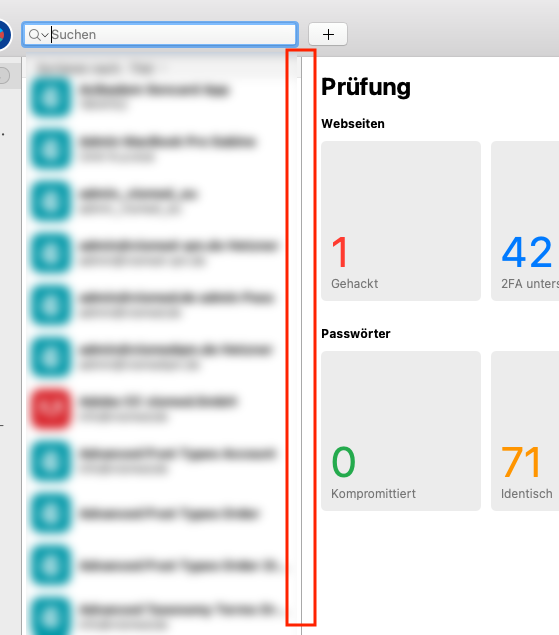
Hi Team. Please, please, please make it possible to change the width of the middle column. It is necessary for very long usernames ... . Thanks in advance.