Onotseike
Members
-
Joined
-
Last visited
Everything posted by Onotseike
-
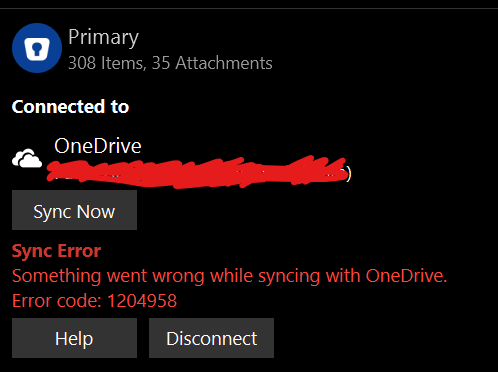
Hello my Vault syncing to OneDrive is failing across Windows, MacOS, iOS, iPadOS and Android OS. I have attached a screen shot of the failure message on Windows for reference and have confirmed the same message with error code is in all previously mention platforms
-
Sure the version numbers are as follows: Windows 11: 6.83.1152.0 Android: 6.8.3.726 iOS: 6.8.3 (667) I am using windows 11, Android 12, ios 16.0.2
-
Hello Abhishek, I have ensured I am doing this. I have this error on Windows, ios and android. I don't have this issue on the macos app. All versions are the latest version available via their respective stores. Could this be a callback token caching issue after authorization?
-
I think enpass replaces the 1st onedrive connection with the second one.
-
Now all my devices have his error (Phones, desktops and laptops) Previously the sync error was specific to the Windows app
-
I followed your above steps and I still get the sync error
-
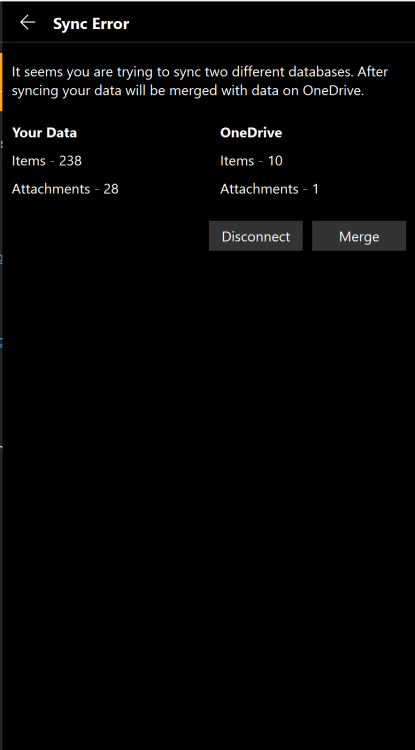
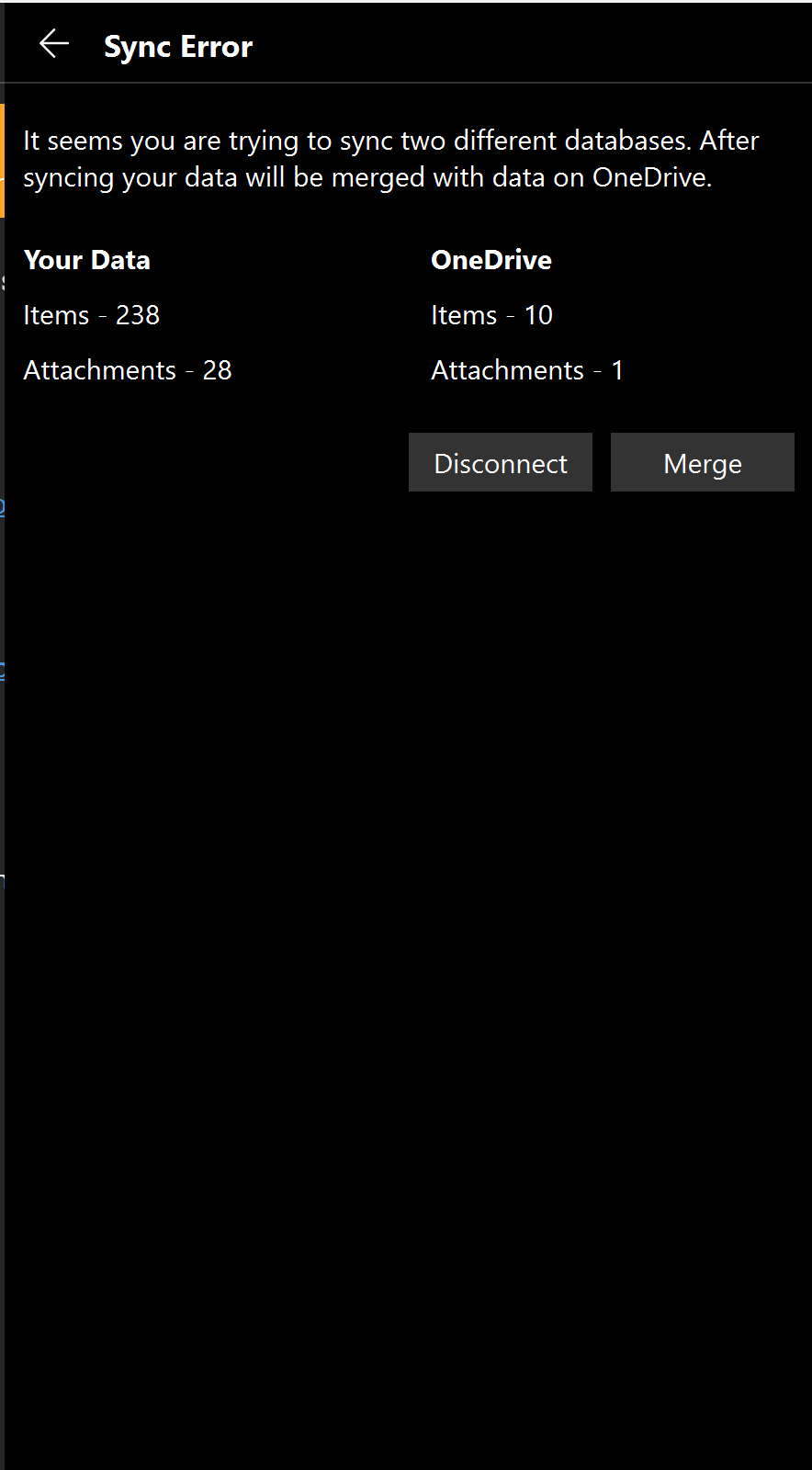
Hello I have 2 OneDrive accounts (hotmail and outlook) I use one for Personal passwords in a Primary Vault and the other for Work related passwords in another Vault, when I set up sync for both, everything goes fine for about 1 min then I get Sync errors the first OneDrive sync I set up the picture shows what I get. to the left is the data of my personal password which I want to sync on my hotmail account to the right is the work passwords that I want to sync on my outlook accounts. I used to be able to sync the 2 onedrive vaults with out issue before