hispanico957
Members
-
Joined
-
Last visited
-
Import data to primary I have two vaults one primary and another. would like to replace all the data from the primary with the second. I have made a backup of the second and I would like to import the data from the second to the primary, how can I do it? Thank Hispa
-
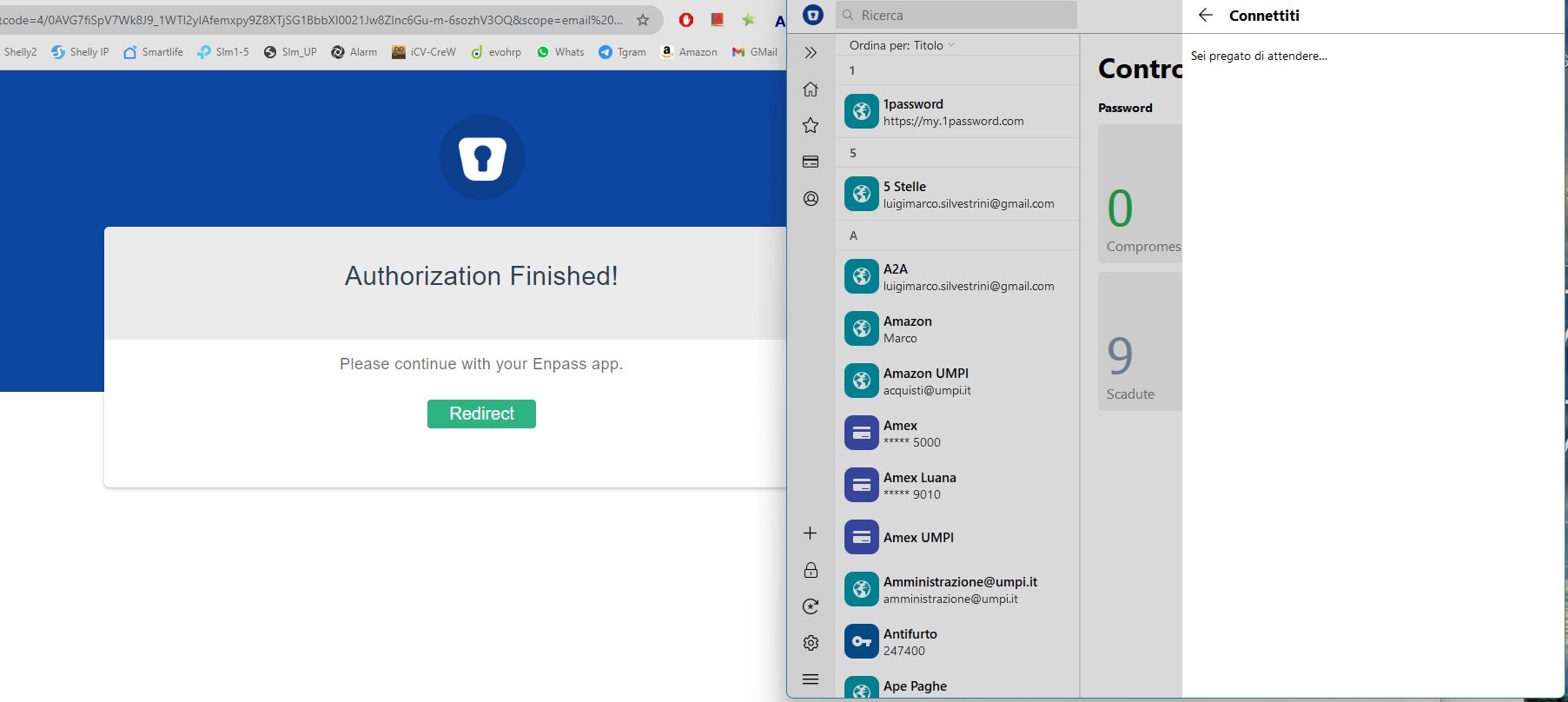
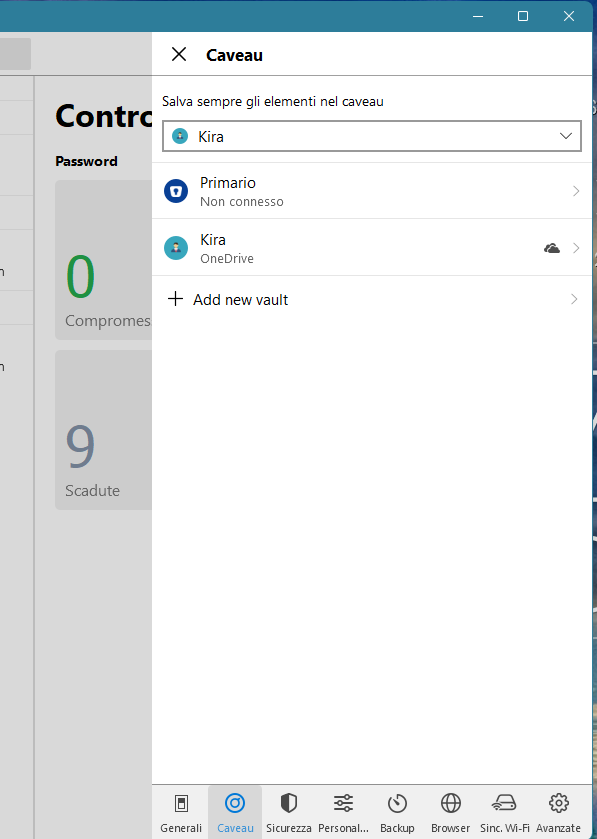
Not solve..always remain on this same windows "..awaiting..:" And also i cannot delete google..in which way i can delete it ?. its a primary I go in Settings > Caveau> Select Caveau > Tap on the options menu (3-dots) ..but i have only backup Hispa
-
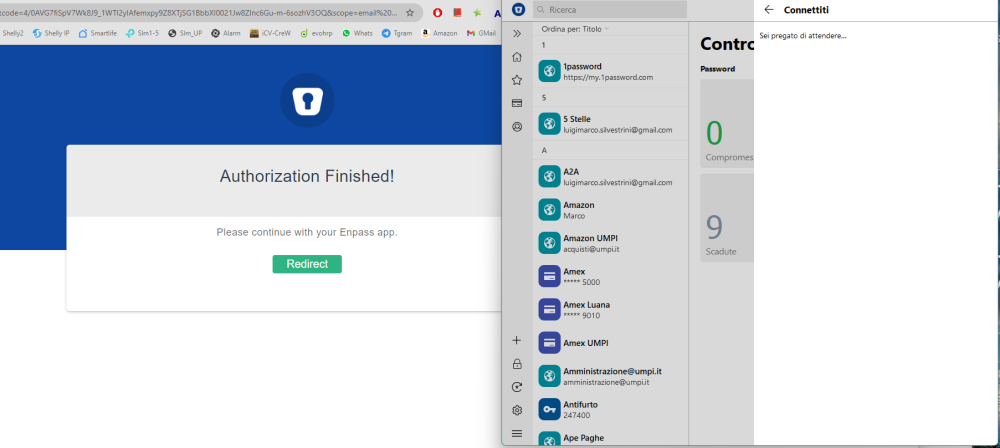
Yes last version and disabling and renable internet not solve Windows standard antivirus Hispa
-
I can't sync Google Drive anymore and every time it stays on connect. I also tried to delete it but I don't see how. I try also with this suggestion Pls how i can solve ? Thank Hispa
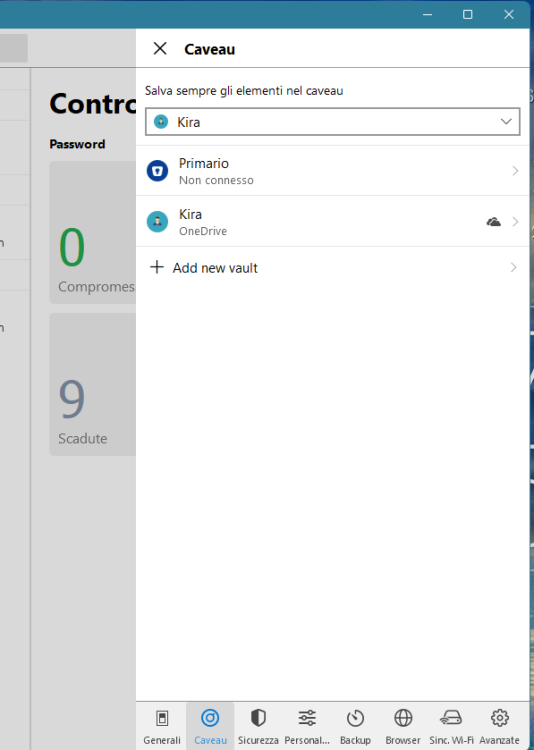 I search to syncornize Enapss on my new samsung but i receive always this message: enpass unable to connect two vaults to the same account for data synchronization: Primary vault This happened now also with Enpass desktop Pls how solve it ? Thank Hispa