Bastian Kuhn
Members
-
Joined
-
Last visited
-
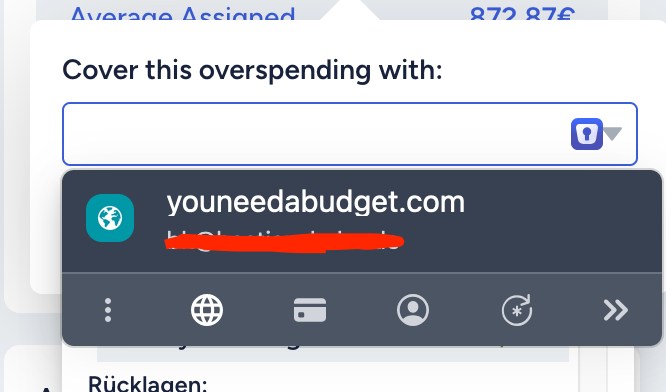
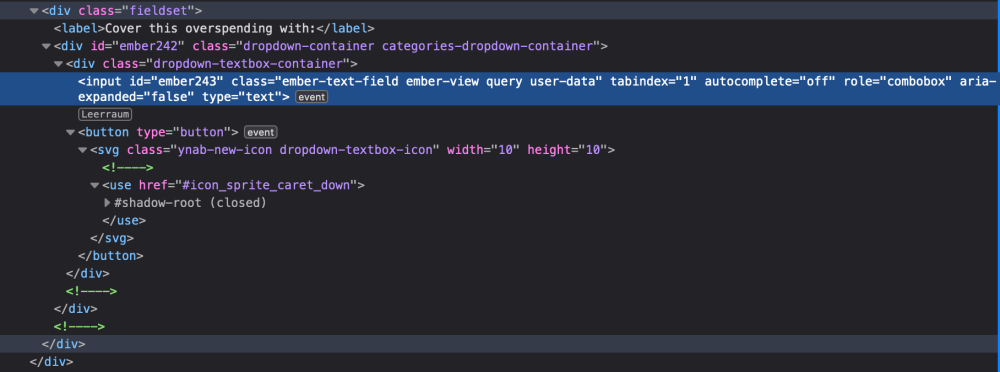
The Problem exists with Firefox and Chrome same: The Field's HTML looks like this, maybe the button following the Input is the Problem:
-
Seems to be fixed since the last update. Thank you.
-
Hello @Amandeep Kumar Are there any Updates? I found out, the focus Problem is only after Enpass runs for some times. After Restarts or Updates, it works some short time.
-
Hello, Is there any News?
-
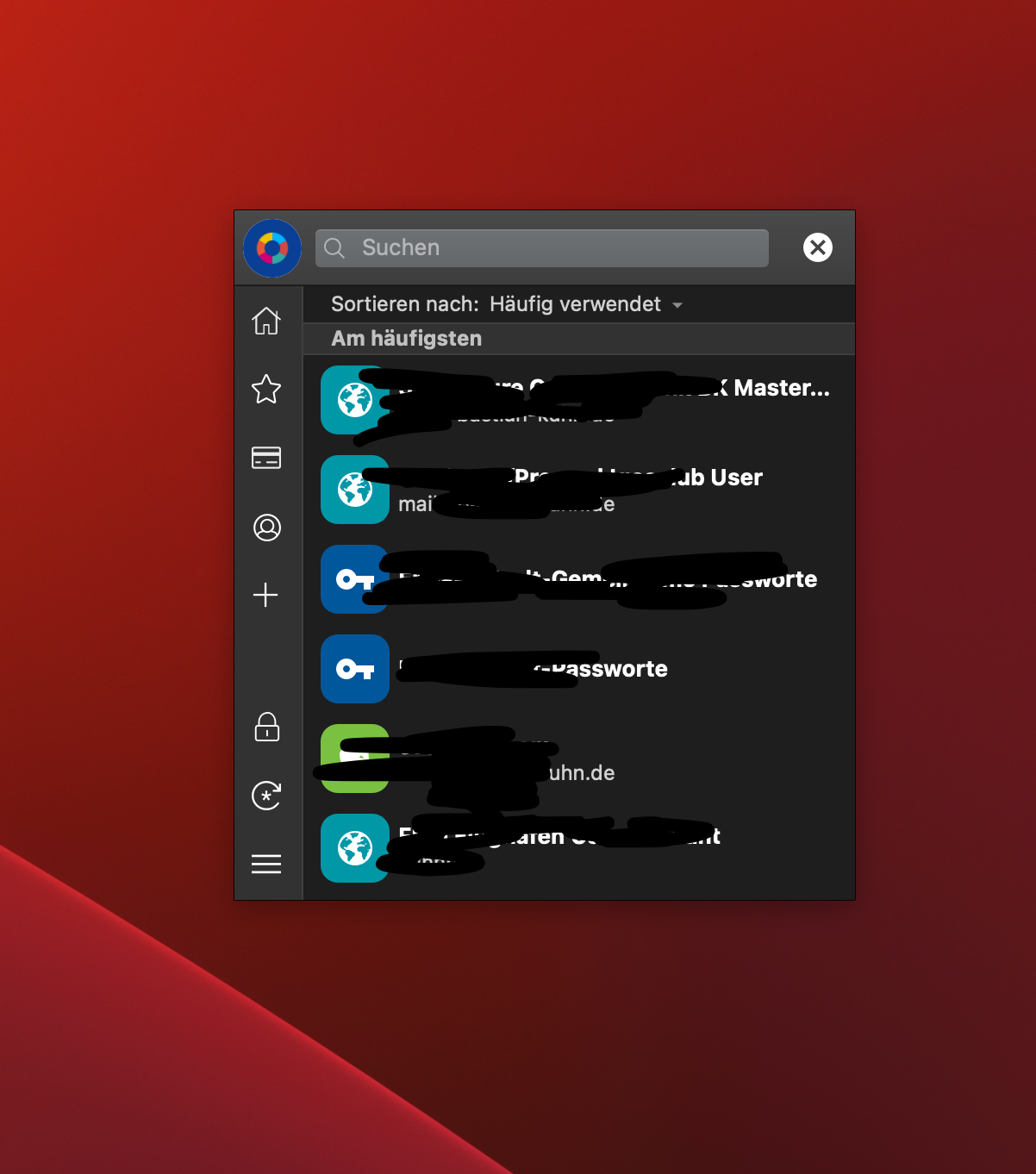
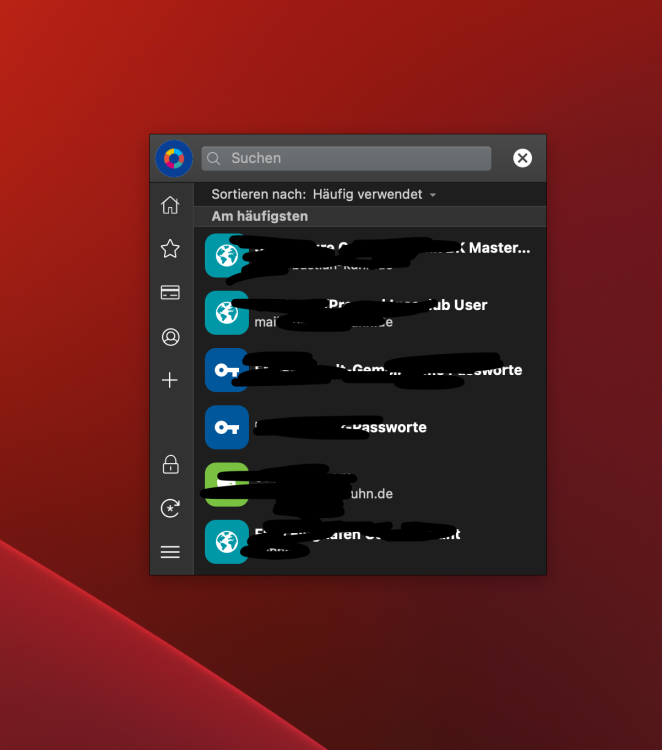
Device OS: Not involved Browser: Not involved Enpass Version: 6.9.5 MacOS Version: 14.4.1 Attached the dialog I talking about, there the Search field has the focus Problem. Dialog is called by the global hotkey.
-
Hello, I'm on macOS with current Enpass. When I use the Global Hotkey for the Assistant, the Search Field has Focus for a mili Second, then looses it. Means I can't start typing to search. Can this be fixed somehow? Makes it hard to quickly copy a Password without using the Mouse. Regards, Bastian