maik_is_here
Members
-
Joined
-
Last visited
-
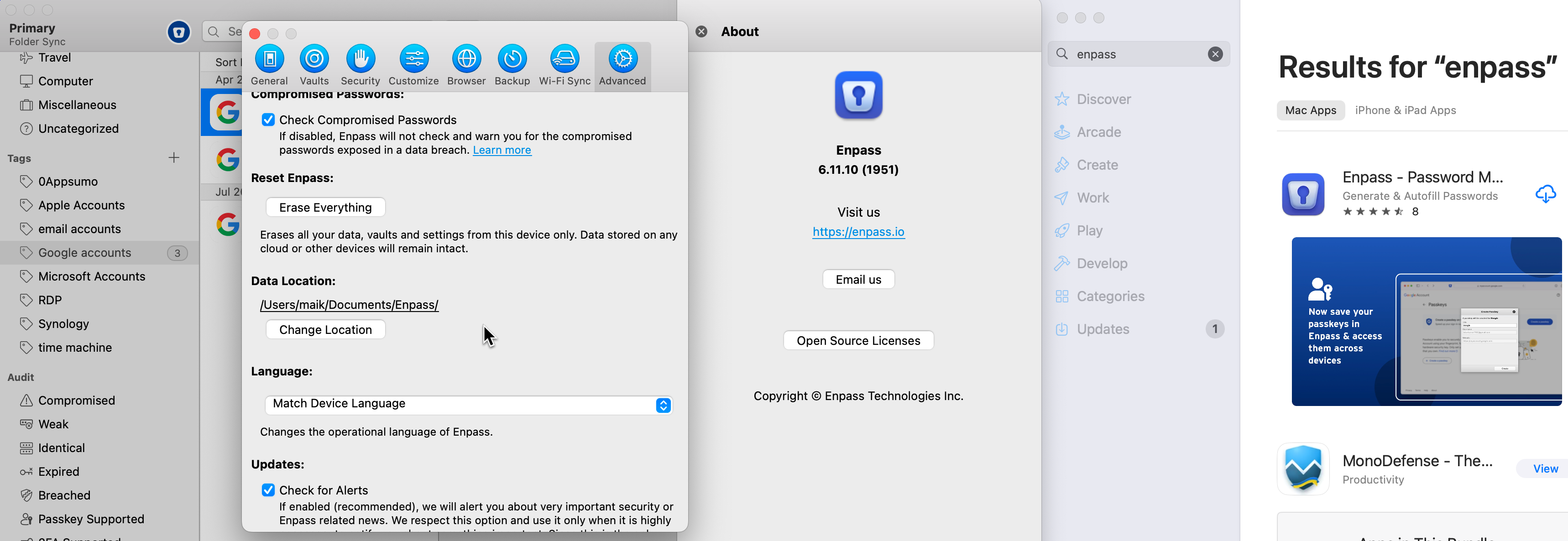
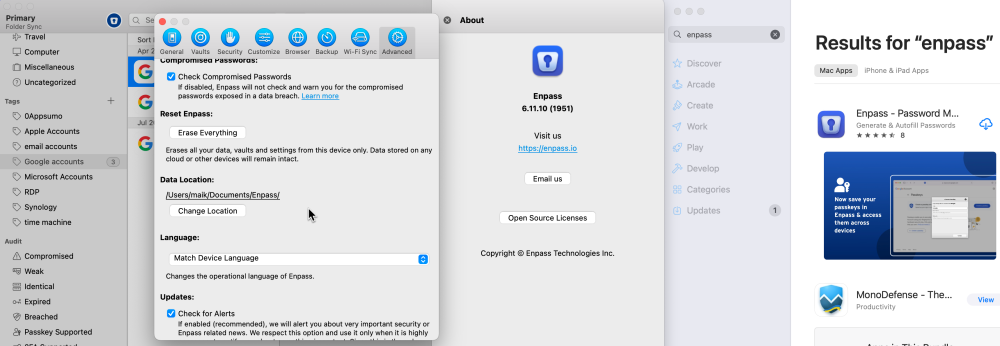
FYi, my current data location is /Users/maik/Documents/Enpass/ and I run version 6.11.17 (2135)
-
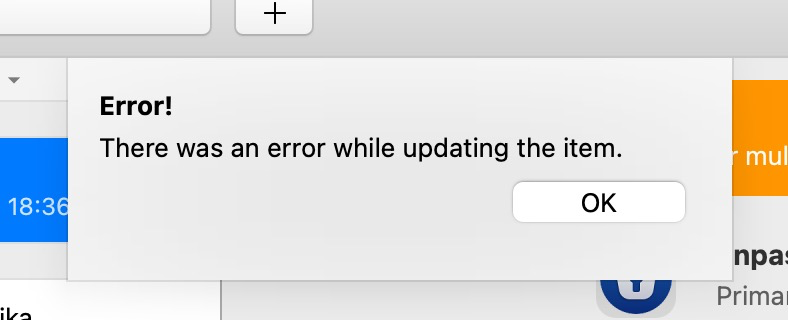
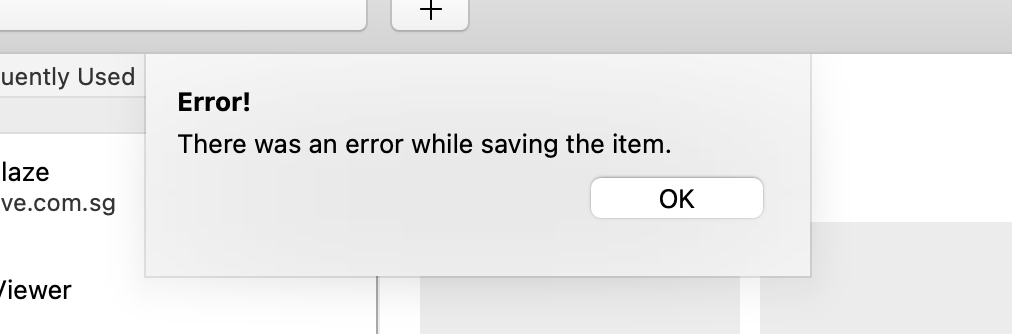
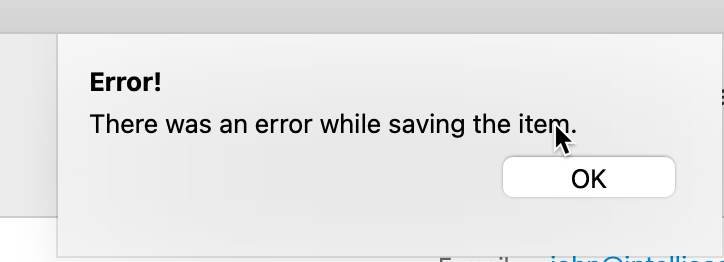
Hi Team, Enpass is updated, it has even full disk permissions and is not running in full screen. Also: - I tried the app store version and the download version. same behavior. - I tried webdav and local. placed the enpass database in main user directory. same behavior. It's always the same...after a while of running the app, it throws this error. I have to quit the app then it it will work for a while, so it definitely is not related to permissions. Note this happens on both my macs..studio and macbook air m2. I am running latest 15.7.2. As you can see in this thread, this has been an issue forever. Is there any kind of verbose logging etc that I can provide that can help you diagnose this? I'd like to help to please get this resolved. It's very disruptive Thanks!
-
Hi this error still happens daily on both my macs. behavior has not changed. After a while when enpass runs, any change attempt leads to this. I quit the app and run it, for a few minutes, changes are possible, then after a while the error happens again. Please please provide a way to support rectifying this. It is highly disruptive.
-
Hi can i please check on the status of this issue? It still happens daily on multiple mac devices.
-
Hi, ok, understood.
-
Hi, no, have not imported from any other tool. And the issue happens with any item, as far as I can tell. The differentiator is how long the app was open. As mentioend, I encounter the error with an item, quit the app, restart the app, then I can maintain and save. But then some hours later, it won't work again. So it does not seem to matter, which item i choose and I am not sure how much help it would be to share..
-
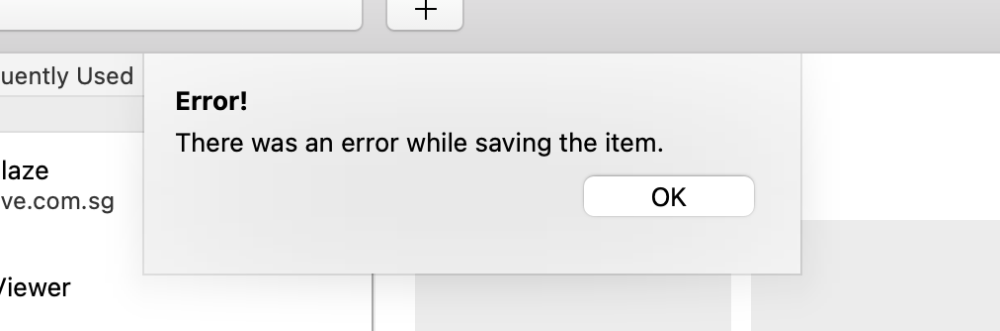
Hi. I still encounter the same issue even after I now store the database in the plain document directory. Please help. I frequently lose time and information this way as I only realize once I entered a whole host of information that I cannot save and have to restart the app. The app works, however for me, for an unknown number of hours.
-
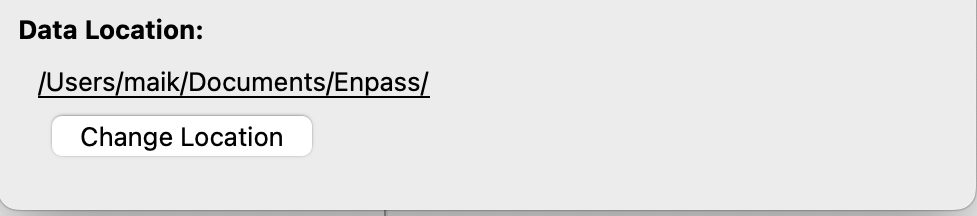
Hi Team, Yes, I am using just a local folder: /Users/maik/Documents/Enpass/ I can read/write no issue. As mentioned Enpass can write changes for a while after I restart it. But it always gives me that error if I get back to it after a few hours. Have not yet figured out after how much time the error occurs...
-
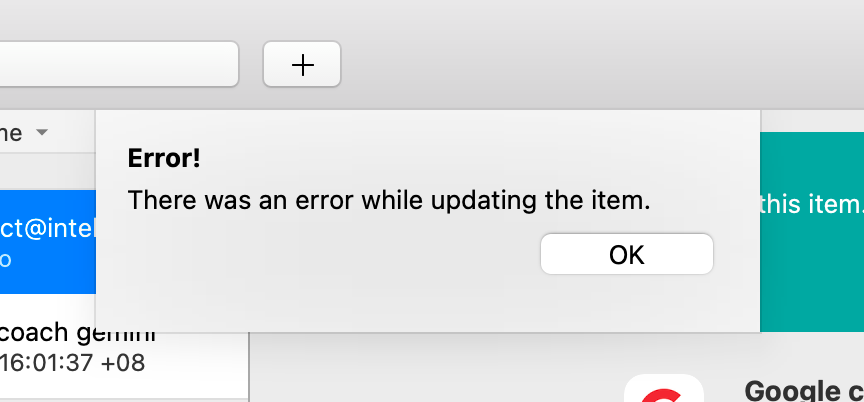
I just had the same issue again. I couldn't attach logs it as the spam filter kicked in....where can I upload the logs? Edit: was able to save the logs here. this is what I got after I had the same error again multiple times. Info: 1745467359 [Enpass Browser Extension Validator] 1745467359 Output: tcp4 0 0 127.0.0.1.10392 127.0.0.1.49401 ESTABLISHED 1166 0 407808 146988 67753 0 00102 00000104 0000000000955ce5 00000080 01000900 1 0 000000 tcp4 0 0 127.0.0.1.49401 127.0.0.1.10392 ESTABLISHED 0 557 408300 146988 11533 0 00102 00000008 0000000000955ce4 00000080 04000900 1 0 000000 Info: 1745467379 [Enpass Browser Extension Validator] 1745467379 Output: tcp4 0 0 127.0.0.1.10392 127.0.0.1.49432 ESTABLISHED 1166 0 407808 146988 67753 0 00102 00000104 00000000009562c4 00000080 01000900 1 0 000000 tcp4 0 0 127.0.0.1.49432 127.0.0.1.10392 ESTABLISHED 0 557 408300 146988 11533 0 00102 00000008 00000000009562c3 00000080 04000900 1 0 000000 Info: 1745467389 [Enpass Browser Extension Validator] 1745467389 Output: tcp4 0 0 127.0.0.1.10392 127.0.0.1.49460 ESTABLISHED 1166 0 407808 146988 67753 0 00102 00000104 0000000000956436 00000080 01000900 1 0 000000 tcp4 0 0 127.0.0.1.49460 127.0.0.1.10392 ESTABLISHED 0 557 408300 146988 11533 0 00102 00000008 0000000000956435 00000080 04000900 1 0 000000 Info: 1745467419 [Enpass Browser Extension Validator] 1745467419 Output: tcp4 0 0 127.0.0.1.10392 127.0.0.1.49611 ESTABLISHED 1166 0 407808 146988 67753 0 00102 00000104 0000000000956cd4 00000080 01000900 1 0 000000 tcp4 0 0 127.0.0.1.49611 127.0.0.1.10392 ESTABLISHED 0 557 408300 146988 11533 0 00102 00000008 0000000000956cd3 00000080 04000900 1 0 000000 Info: 1745467450 [Enpass Browser Extension Validator] 1745467450 Output: tcp4 0 0 127.0.0.1.10392 127.0.0.1.49689 ESTABLISHED 1166 0 407808 146988 67753 0 00102 00000104 00000000009574b7 00000080 01000900 1 0 000000 tcp4 0 0 127.0.0.1.49689 127.0.0.1.10392 ESTABLISHED 0 557 408300 146988 11533 0 00102 00000008 00000000009574b6 00000080 04000900 1 0 000000 Info: 1745467451 [Enpass Browser Extension Validator] 1745467451 Output: tcp4 0 0 127.0.0.1.10392 127.0.0.1.49694 ESTABLISHED 1166 0 407808 146988 67753 0 00102 00000104 00000000009574ca 00000080 01000900 1 0 000000 tcp4 0 0 127.0.0.1.49694 127.0.0.1.10392 ESTABLISHED 0 557 408300 146988 11533 0 00102 00000008 00000000009574c9 00000080 04000900 1 0 000000 Info: 1745467489 [Enpass Browser Extension Validator] 1745467489 Output: tcp4 0 0 127.0.0.1.10392 127.0.0.1.49883 ESTABLISHED 1166 0 407808 146988 67753 0 00102 00000104 000000000095810b 00000080 01000900 1 0 000000 tcp4 0 0 127.0.0.1.49883 127.0.0.1.10392 ESTABLISHED 0 557 408300 146988 11533 0 00102 00000008 000000000095810a 00000080 04000900 1 0 000000
-
Hi, thank you, but there is no log available in the Help menu. I looked for it before, and I would have already sent it. Where can I find it ?

-
Hi, look forward to an update, please. @Amandeep Kumar Is there any log file that I could provide to help troubleshoot this? Thank you!
-
Hello team, This has been happening for the past at least three months on two of my Macs that sync to a WebDAV location. I noticed this a while back when NPaaS app was just in the background and running for a few hours, and then I would try to update it, it would give me this error. Then when I completely quit the app and open it again, it will allow me to make whatever change I try to do. As mentioned this happens on two Macs. Is this a known bug or issue? I've even tried to sync locally, and I have switched both of my Macs from WebDAV to working with the local file, but the same issue happens, so it's not WebDAV-related. Is there any log that I can share? I am running latest version 6.11.9 (1915). Best, Maik