Skip to content
View in the app

A better way to browse. Learn more.

Enpass Discussion Forum

A full-screen app on your home screen with push notifications, badges and more.

To install this app on iOS and iPadOS
  1. Tap the Share icon in Safari
  2. Scroll the menu and tap Add to Home Screen.
  3. Tap Add in the top-right corner.
To install this app on Android
  1. Tap the 3-dot menu (⋮) in the top-right corner of the browser.
  2. Tap Add to Home screen or Install app.
  3. Confirm by tapping Install.

DigiAngel

Members
  • Joined

  • Last visited

  1. Thanks for getting back. This was, ironically, solved with doing last months windows updates. No idea why/how.
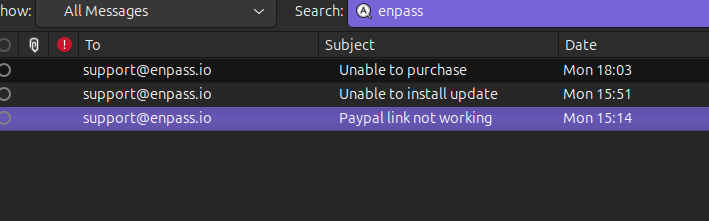
  2. Paypal still does not work...will this get fixed soon?
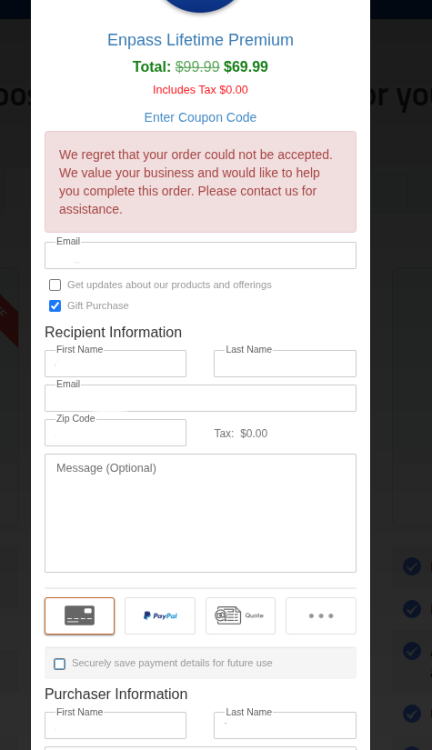
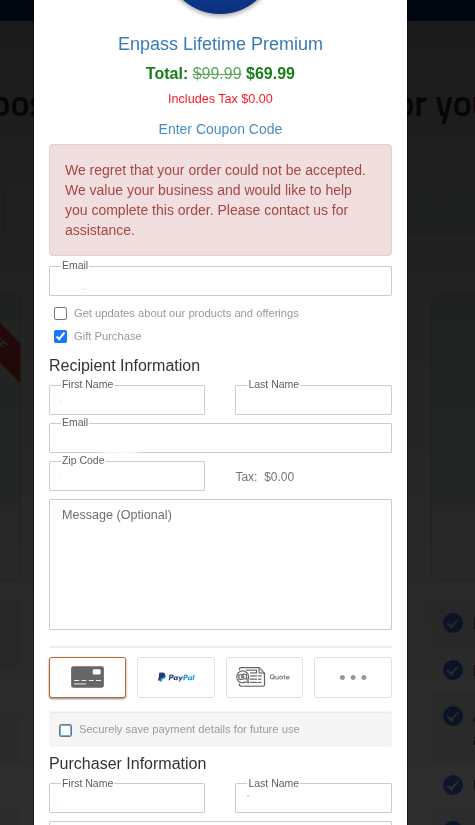
  3. Over the memorial day weekend last week I was unable to purchase via the site. I sent several emails but got no response, so now I'm trying here: I've edited out the fields. Can I please get some help.
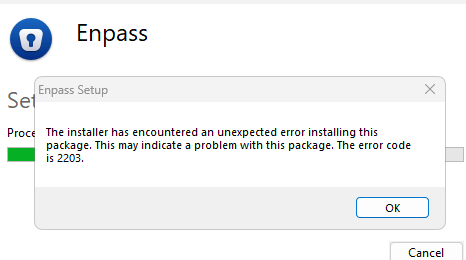
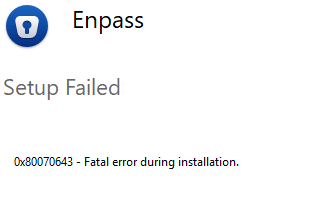
  4. After trying to install via the app (which just stops midway) I get this when trying to install using the latest installer: Not sure what to try next.
Account

Navigation

Search

Search

Configure browser push notifications

Chrome (Android)
  1. Tap the lock icon next to the address bar.
  2. Tap Permissions → Notifications.
  3. Adjust your preference.
Chrome (Desktop)
  1. Click the padlock icon in the address bar.
  2. Select Site settings.
  3. Find Notifications and adjust your preference.