KOTB
Members
-
Joined
-
Last visited
Everything posted by KOTB
-
I WIFI sync between my devices so I don't think it's an option for me if I forget the master password but based on this video maybe contact support
-
Hi Tarun, I reported this back in August of last year, so I’m surprised it’s taking this long to resolve. Maybe this solution can help others experiencing the same issue. What I did today was uninstall the Enpass iPhone app, reinstall it, and perform a manual sync (instead of scanning the QR code). I also reserved my MacBook’s IP address on the router so it won’t change. I rebooted iPhone and Macbook for testing So far, sync is working.
-
"We did share a workaround earlier!?" The last time this worked was in June and we are in Dec now.
-
I opened ticket number ECS-59044 a couple of months ago. Support reached out and asked for some data, and then I never heard back. I’m still experiencing the same issue, and the only temporary fix is to uninstall and reinstall the iPhone app. After a few days, the issue happens again.
-
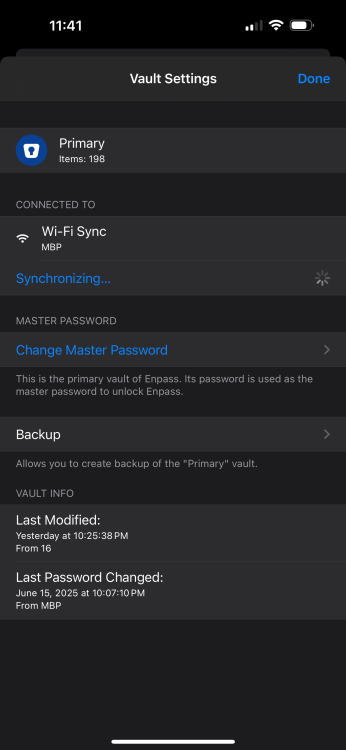
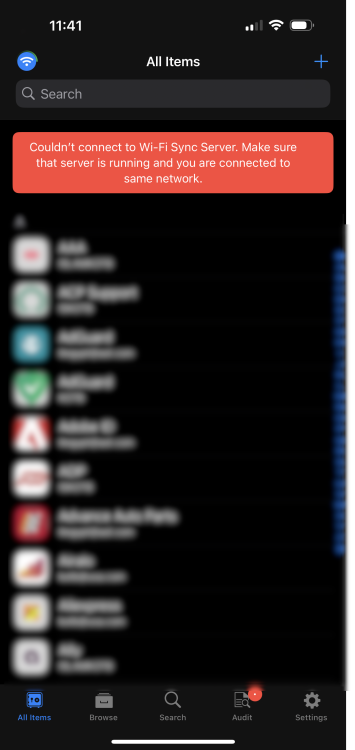
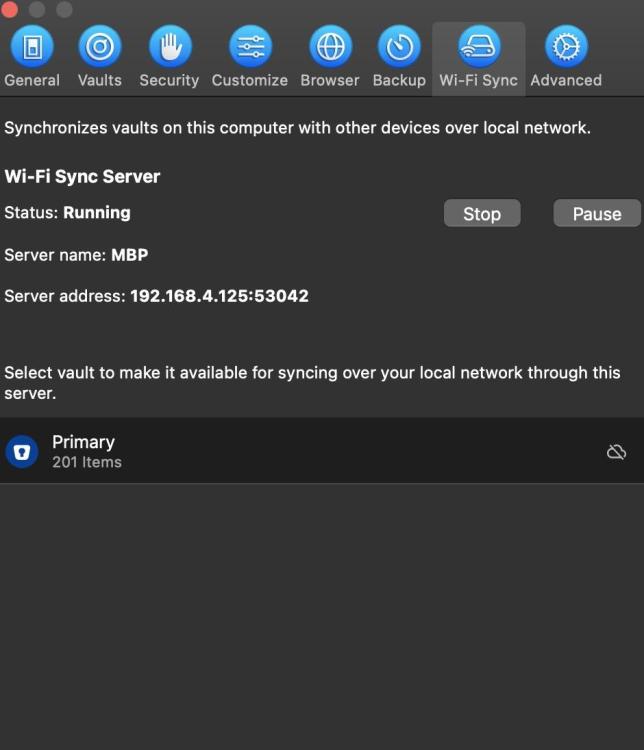
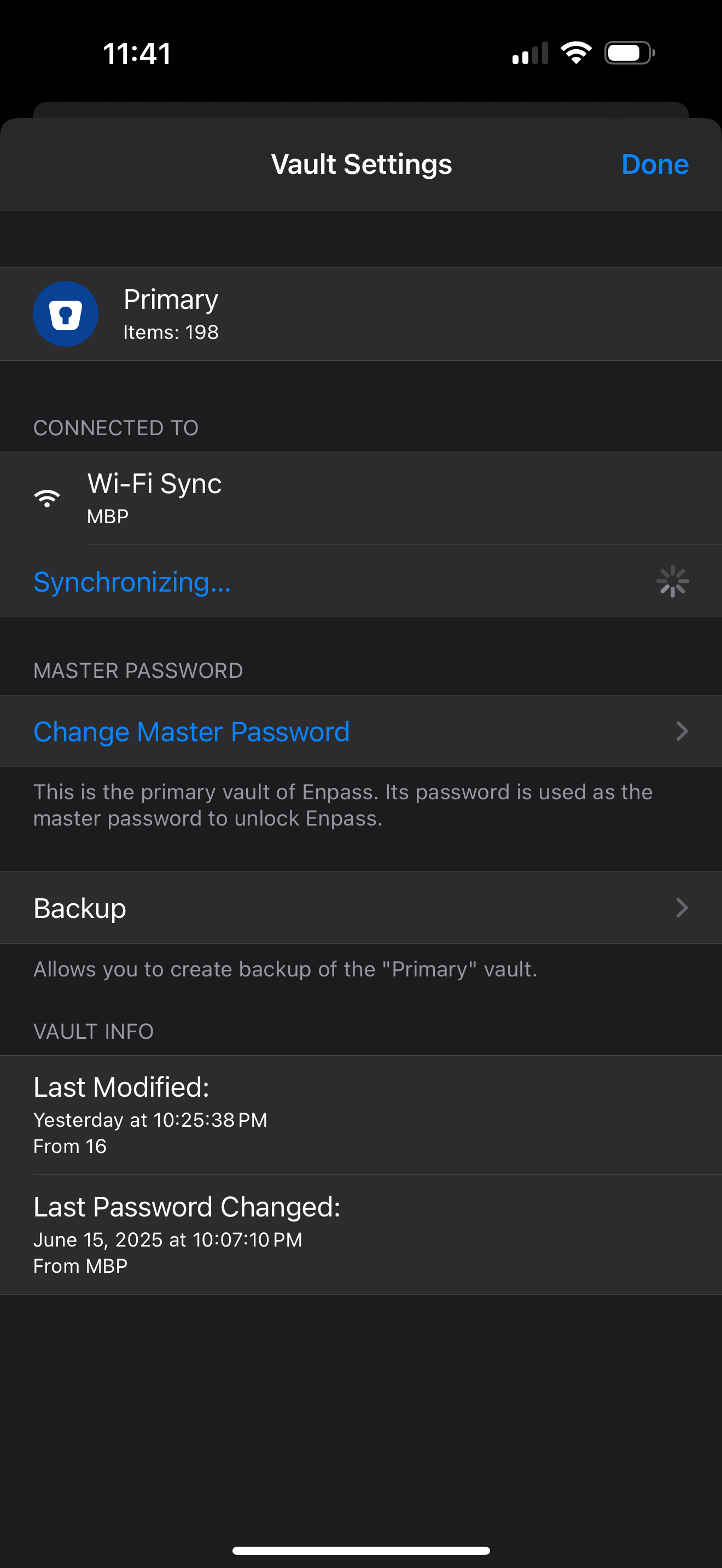
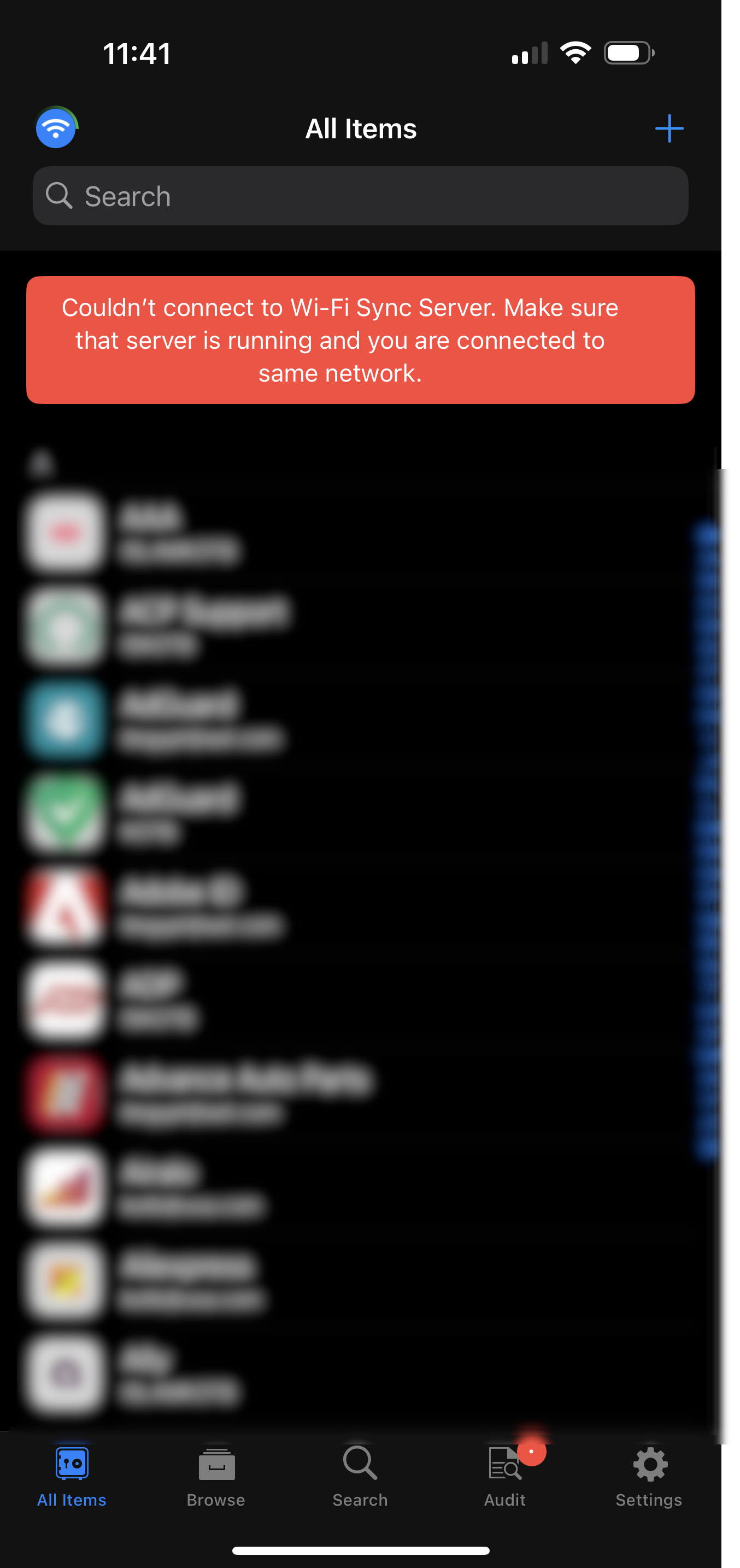
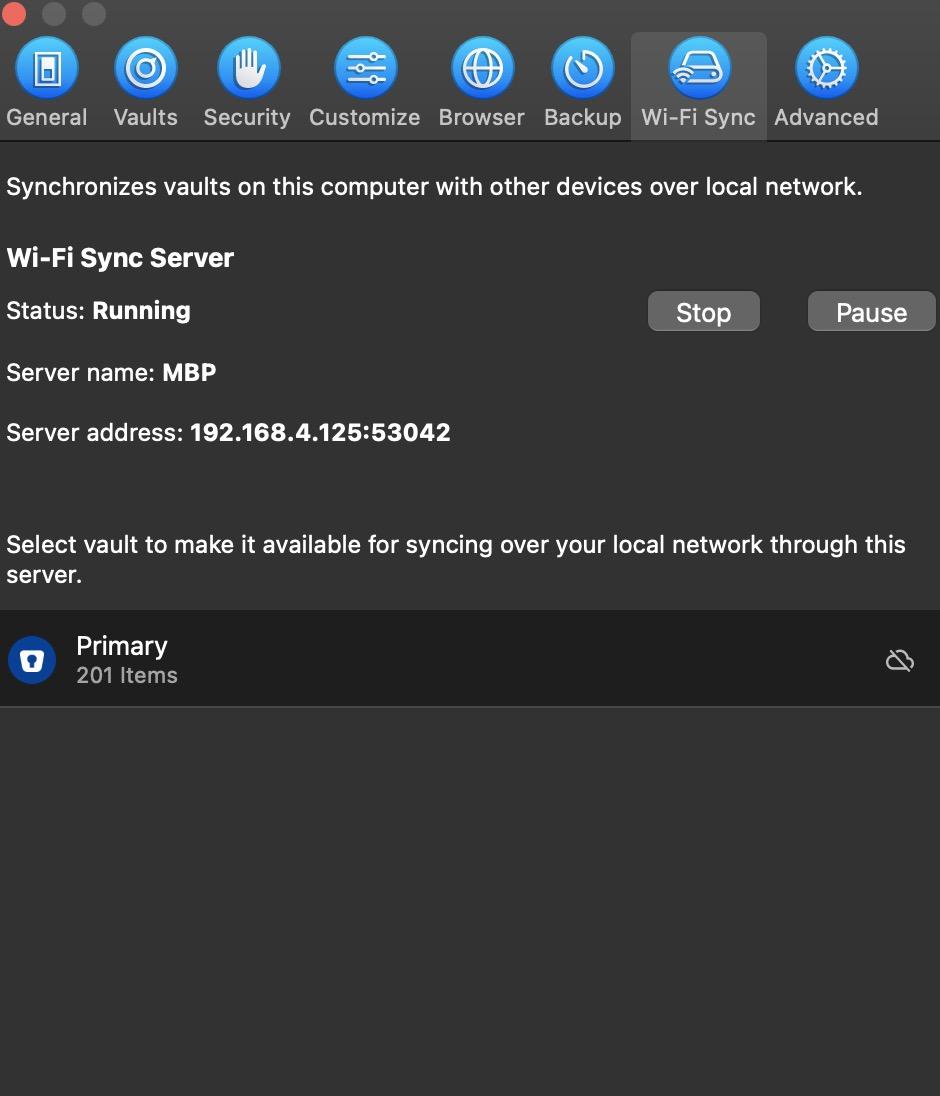
I’m able to sync using Wi-Fi between my iPhone and MacBook, but after a short while and then it stops!? I contacted support before, and they asked me to install the Discovery App to confirm that Wi-Fi sync is available, and it is (see details below). I sync at home so on the same Mac/iPhone network, no firewall, VPN..etc I’ve also attached iPhone/MAC screenshots to this post for reference. Thank You 5cd33998-1807-463f-a2f3-720f2ec13cc7._enpasswifisync._tcp.local. MBP-local.local:53042 192.168.4.125:53042 fe80::1c74:b3bb:3f5b:ac26%en0:53042 machine_name = MBP pinned_cert_hash = df2KccqdTvEClKcuMKWriqsNabwOoSwYpLvMmalrsC4= pinned_cert_hash_base32 = OX6YU4OKTVHPCAUUU4XDBJNLRKVQ22N4B2QSYGFEXPGJTKLLWAXA====