0rAX0
Members
-
Joined
-
Last visited
-
Hi, I tried to export my password to CVS and it produced the most messy file it can, notes mixed in with usernames, usernames mixed in with urls ... etc. It's practically unusable unless I sit and fix everything manually!
-
-
It actually happened twice so far. The first time I spotted it and restored from a backup. I initially imported from 1Password to an empty database. Then I've using Enpass exclusively. I use Dropbox from the start since I'm using Android and iOS as well. Yep. Everywhere. No. The Newest items have the date set to February 23rd. The new items however have an extra field: Location, identical to URL
-
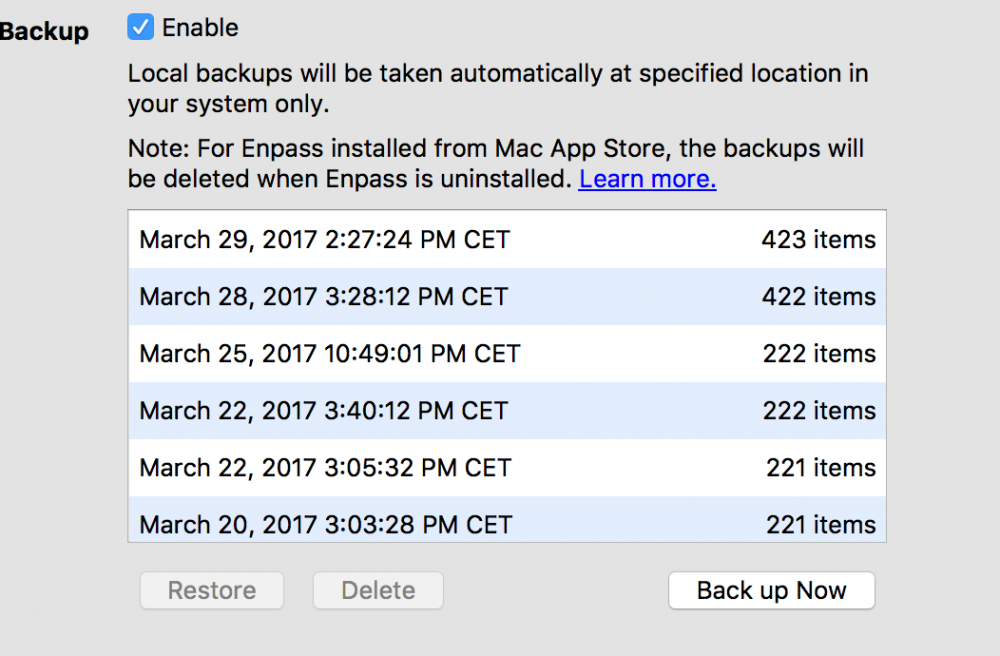
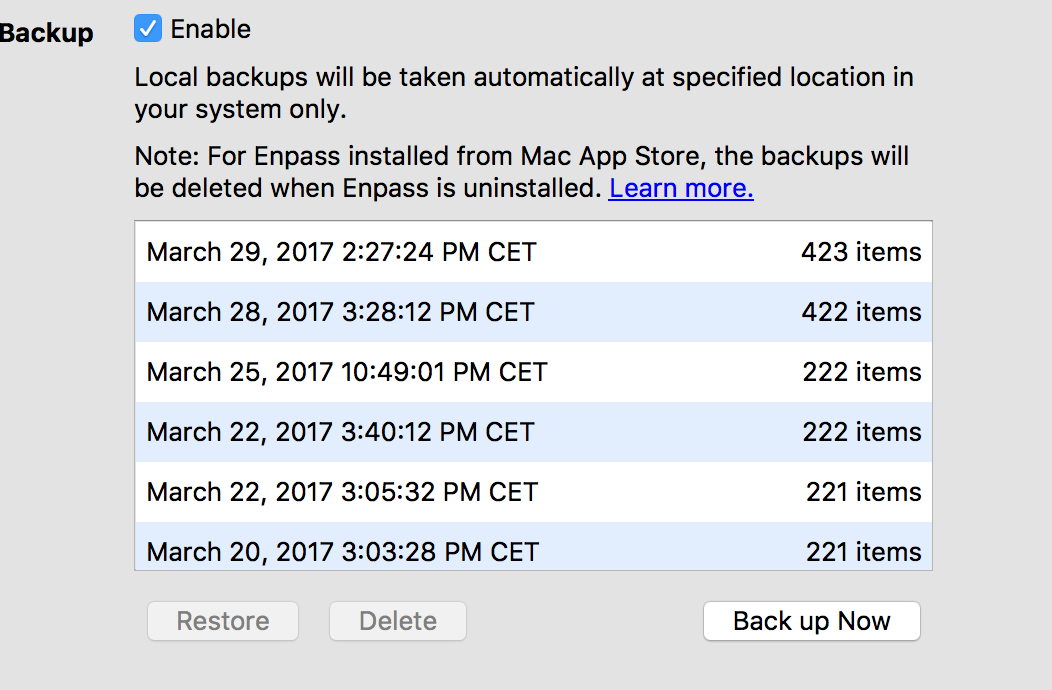
Hey, I was trying to fill out a login and found that I have two, opened the software and found 400-ish items instead of 200. The problem is that I had saved new items before noticing the problem so I can't just restore from the backup. I have the latested everything, in addition to using Enpass on Android(Beta tester) and on iOS. And I use Dropbox to sync. Is there a way to repair the database without losing the new items?