Skip to content
View in the app

A better way to browse. Learn more.

Enpass Discussion Forum

A full-screen app on your home screen with push notifications, badges and more.

To install this app on iOS and iPadOS
  1. Tap the Share icon in Safari
  2. Scroll the menu and tap Add to Home Screen.
  3. Tap Add in the top-right corner.
To install this app on Android
  1. Tap the 3-dot menu (⋮) in the top-right corner of the browser.
  2. Tap Add to Home screen or Install app.
  3. Confirm by tapping Install.

Gilrich

Members
  • Joined

  • Last visited

Everything posted by Gilrich

  1. I have the same issues and it's getting really annoying. Especially the Enpass client crashing and the Edge extension making your cursor jump around.
  2. Thanks for the help. I was not aware of that change. Is there any news regarding the autofill issue? @Anshu kumar
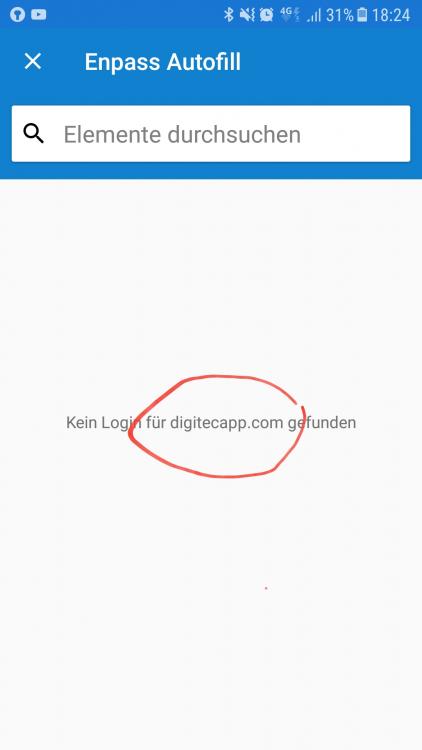
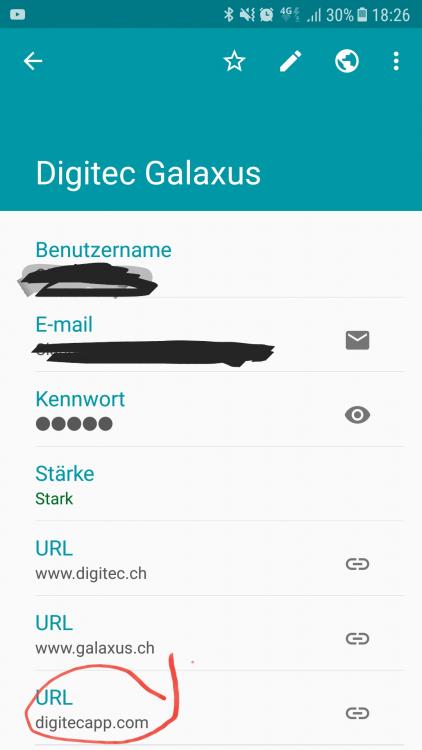
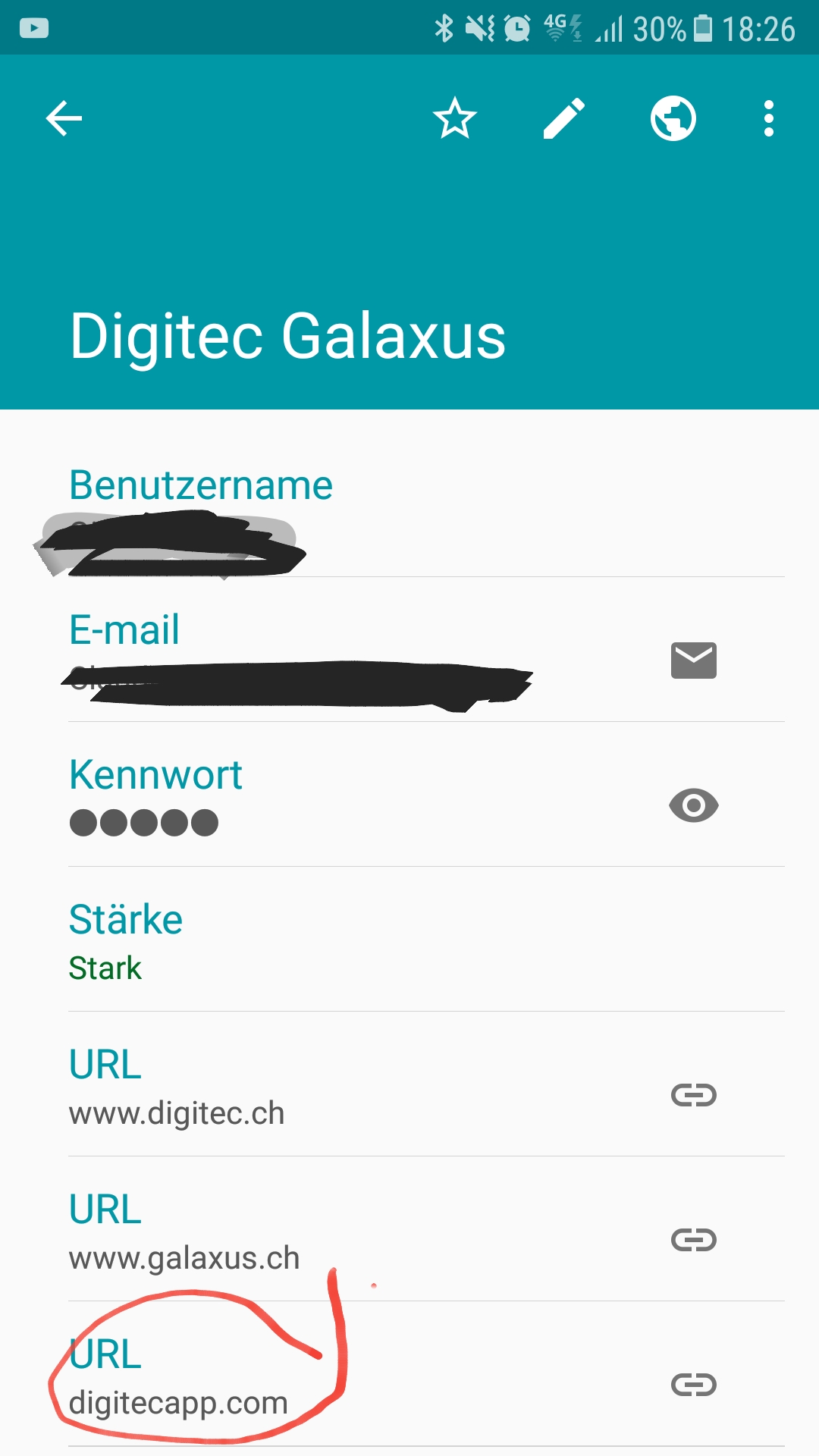
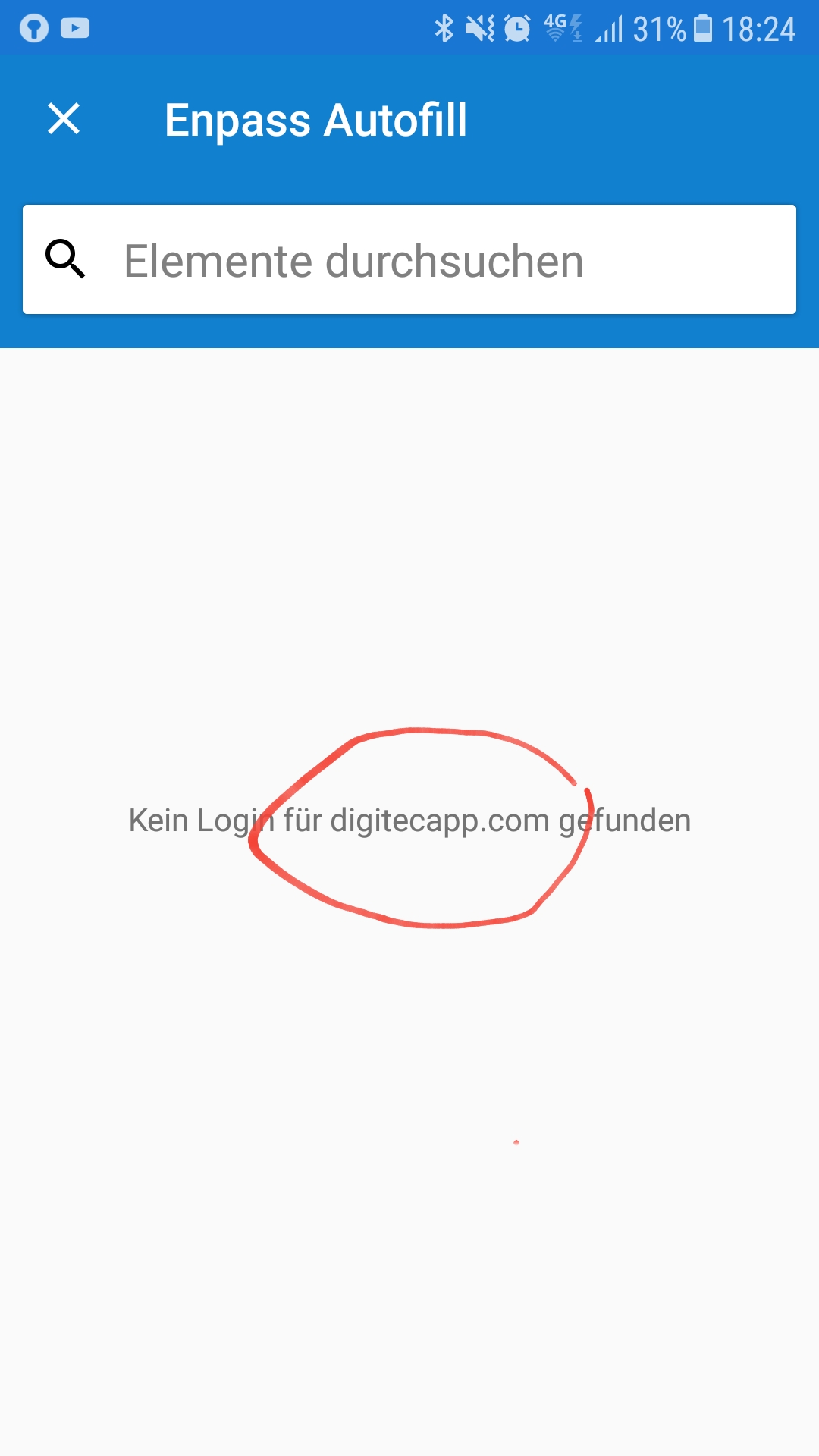
  3. Thank you for your help @Anshu kumar! Yes, I installed it from the Google Play Store. I even uninstalled and then reinstalled to make sure. I'm using a Samsung Galaxy A5 (2017) I already tried the stable version, then I installed the Beta to see if it makes things work. It doesn't make a difference on my device. Edit: I noticed some other weird behaviour. In apps, the correct URL is detected but Enpass doesn't show the matching entry, even though it exists.
  4. Thanks, @Anshu kumar. I didn't know this option exists. I recorded a short clip of autofilling failing (looking for microsoft.com domain).
  5. Hey @Akash Vyas I tried to record a clip, but Enpass blocks recording within the app. I have Enpass version 5.6.7 and Edge version 1.0.0.1916
  6. @Akash Vyas The update today didn't change anything either. Chan you check with your devs, please? Thank you very much!
  7. Hey @Akash Vyas I updated to the latest version today. (I'm also in the beta program.) Unfortunately, autofill via notification still always thinks the page is microsoft.com. Thanks for your help. Cheers! Edit: I just tested with another password manager. It works, so it must be possible.
  8. Hi @Akash Vyas Just wanting to check back on this issue. For me, this is not resolved yet. Are there still plans to make this work? Thanks!
  9. I don't get notified about new versions when opening Enpass on Linux. Is this not implemented? Thanks.
  10. Hi, The Windows Hello functionality can be found in the Windows Store version of Enpass. It's currently not implemented in the Desktop client even though it would be possible.
  11. Gilrich replied to troypulk's topic in Linux
    https://www.enpass.io/release-notes/linux/
  12. Hi While using Enpass Portable for Linux I found out that it is not possible to start the app if it is in a path that contains any space charaters.
  13. It would be really cool if users could create a login when they are signing up in another app. So, when the user clicks the notification, Enpass opens to search for the appropriate login, but if there is none we should be able to create a new one and put it into the app we came from. I hope you understand what I mean.
Account

Navigation

Search

Search

Configure browser push notifications

Chrome (Android)
  1. Tap the lock icon next to the address bar.
  2. Tap Permissions → Notifications.
  3. Adjust your preference.
Chrome (Desktop)
  1. Click the padlock icon in the address bar.
  2. Select Site settings.
  3. Find Notifications and adjust your preference.