Denis
Members
-
Joined
-
Last visited
Everything posted by Denis
-
-
it looks like this every time...
-
-
-
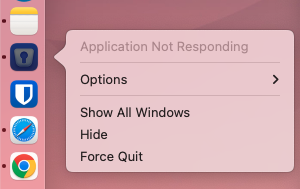
Hi there! This issue has haunted me since I switched from Intel mac to Mac m1. I tried literally every possible combination but it is still there. So I have Enpass 6.8.5 (1256) Pro + Macbook Pro m1. Each time my mac goes idle/sleep I get "application not responding" and have to force quit Enpass. Once I re-launch Enpass in 1 case of 3 app can't connect to the Chrome extension. It says it's looking for the Enpass app...and then Not found. Obviously to fill passwords I have to force quit Enpass app and then open it again. Once I do it, it usually works fine but after some time or idle/sleep it starts to freeze again and I have to close it. I did have this issue on my MacMini M1 and when I switched to MacBook Pro M1 this issue appears as well, so it's not related to my device. I already tried to remove/reinstall the app. Changed the settings...nothing helped. Please assist.
-
Same here. I also would like to see enpass icon in the toolbar Example
-
-
-
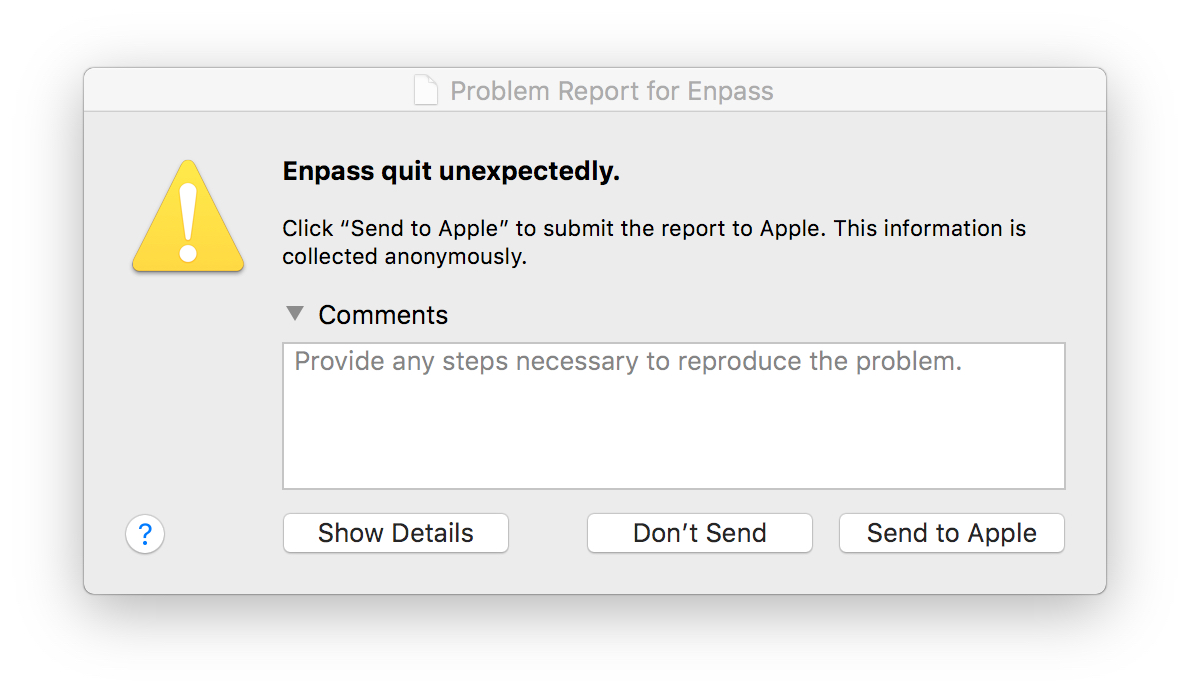
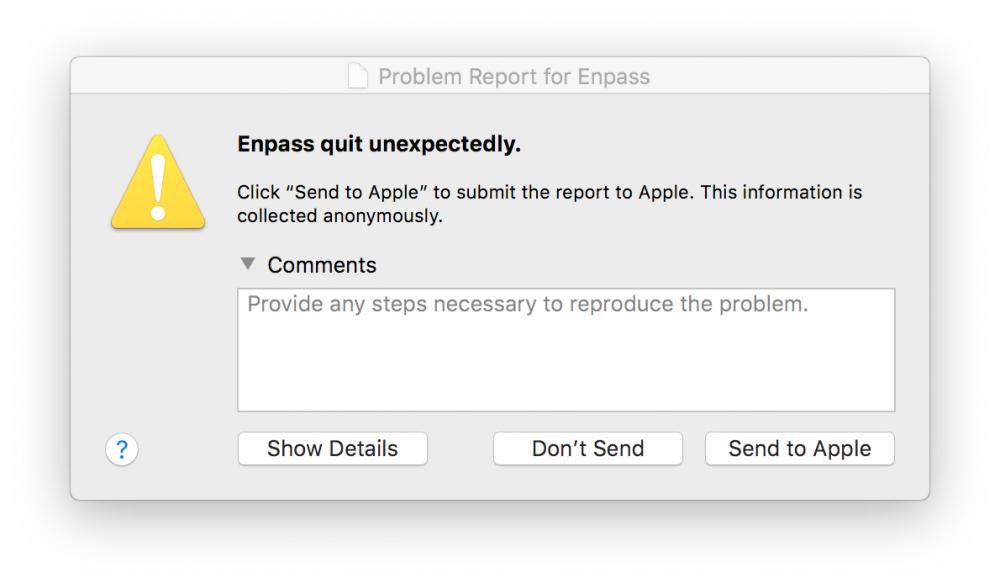
I can confirm same on my side. Mac OS High Sierra. System Integrity Protection: enabled Crashed Thread: 0 Dispatch queue: com.apple.main-thread Exception Type: EXC_BAD_ACCESS (SIGSEGV) Exception Codes: KERN_INVALID_ADDRESS at 0x0000000000000010 Exception Note: EXC_CORPSE_NOTIFY Termination Signal: Segmentation fault: 11 Termination Reason: Namespace SIGNAL, Code 0xb Terminating Process: exc handler [0]
-
Hi ! I just started using this app and wonder if there is a chance to implement few features in future updates: 1) Ability to make Notes sensitive. Currently there is no way to hide content of Note from others eyes. Passpack has it by default, which I truly appreciate. 2) Create Custom types of Passwords: Let's say I need to add a lot of server credentials, but I need only specific fields inside. By default it has Computer->Server type, but it has lot of fields, that I just don't need. Any chance to add an ability to create personal types with exact fields I need ? Thank you!