JeffB
Members
-
Joined
-
Last visited
Everything posted by JeffB
-
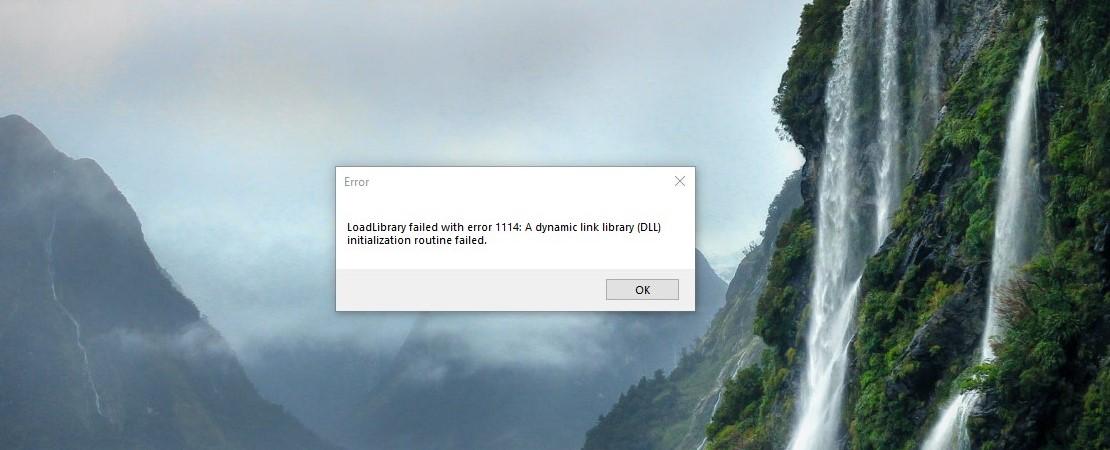
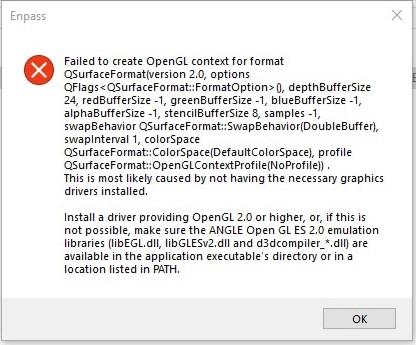
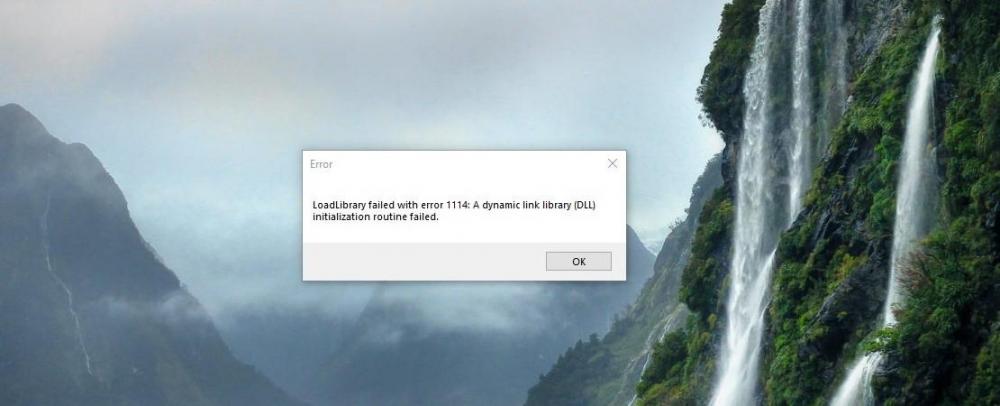
I have very successfully install Enpass V6.0.197.0 on my primary machine running Windows 10 17763.167 as well as the Edge extension. They both work very well, it appears better than V5. However, I have also trying V6.0.197.0 on my test machine running the insider build 18290, and while the password manager installs from the Store, it throws an error complaining about a DLL. I am sure this will be low priority with the ongoing work for the production versions, but I wanted to pass along for future reference. It may be something with the OS or with the app. A screen shot of the error message is included. Thx
-
Well, today the Windows 10 app and Edge extension updated to V6 and it all went smoothly, including automatic update and conversion of the V5 database. I am using Enpass V6 on my Android, but have not been able to sync with any of the services I tried (Dropbox and OneDrive). When trying OneDrive, it appears to go to the live.com site to try to sign in, but then seems to redirect to auth.enpass.io immediately and then returns back to the app immediately. There was a note earlier that Enpass is aware of sync setup issues and they are being worked, so I hope this is resolved shortly. Thanks, Jeff
-
I was able to uninstall the .91 app, backup the .75 Beta locally, and reinstall the .91 app and load from the local backup. However, I am not able to setup sync with either Dropbox or OneDrive. That is some progress. I will now try using it and manually transfer any changes since the Beta testing. One big question: if there is a backup function for a vault, why isn't there a restore? This is a big question for the primary vault.
-
-
I have had to switch back to 6.0.0.75 to get to work, even though it was out of date. I am manually moving the few entries over for now. Hope we can get an update to 6.0.0.91, because 6.0.0.75 is the only one that is working on Android now that .91 has blown away V5. And I sure hope they can improve the delay after fingerprint login. It is at least 3 times longer on V6 as V5.
-
-
-
-
The Android version is loaded. The fingerprint unlock is still much slower than V5. The big problem is I cannot load the primary vault. There doesn't seem to be any RESTORE function and I cannot get the sync to OneDrive to complete the connection. This may be a transition from V5 problem but it is still a problem. jeff
-
I have installed the Skip Ahead Insider Preview 18216, and am trying Enpass 5.6.19. The app works fine, but the Edge Extension fails. It see a Background Task Host process start under Enpass Password Manager, but it suspends a few seconds after starting and then disappears shortly thereafter. I see that on 1803 it remains active. It appears the something is interfering with the process. It gives the same behavior seen sometimes on the current 1803 build by some users (a friend reported it to me). I know that this is probably not supported on the 19H1 Preview builds but I wanted to report it for clarity and possible troubleshooting. Thanks.
-
After doing more work in the Beta on Windows 10, my impressions are: 1. the UI is good but requires some getting familiar. It does not seem to follow modern control placement. One thing that is difficult is the amount of distance needed to travel with the mouse to get to successive controls. For example, the edit control is near the middle of the screen, but the save button (which really doesn't look like a button at all) is on the far right. 2. I like the new Identity type. Is it possible to convert the Contact type from Enpass 5 to an Identity type? 3. The new Identity type has odd fields. The Phone Mobile is a duplicate for Phone cell. And the capitalization on the fields is not consistent: Phone Mobile, Phone cell, Phone home. Phone cell should probably be Phone Work, but that is already in the Work section. Also, the Initial field should be named either Prefix or Title, and there should be a Suffix field to handle Jr or III. 4. The handles on the fields to reorder the sequence is a nice feature. I love the new capabilities and look forward to the continued development of the product. Thanks.
-
Works well with Microsoft Edge as well, since it is based on the Chromium engine on Android. I hope that Enpass can make it more browser agnostic.
-
Enpass Team, Another suggestion: When entering into an email field type, keyboard should switch to email mode, so that the @ and .com keys are enabled. This facilitates email address entry. It's a small thing, but will shown the polish of the final product. Thanks
-
Enpass Team, After that error, I noticed on the latest desktop app (71) that some of the items are gone. It is syncing with a Dropbox instance also synced with my Android phone. The desktop app reports 101 items, but it was 185 items (which is still showing in the Android instance). Something definitely wrong with the sync mechanism. I hope to try a sync process on OneDrive shortly. Thanks
-
Enpass Team, After successfully syncing with Dropbox with the latest Beta from the Play Store, I received a "Something went wrong...: -82" error. The error eventually cleared. The error appeared after returning to the app which had been in the background. Also, the unlock with the fingerprint reader is working, but still is slow (5 sec). I know you have it on your radar. Thanks
-
Anshu, I have just installed the newest Beta 6 for Windows (72) via download from build 41. First, I assume that will be replaced, at the appropriate time, with download from the Microsoft Store when it is available. I will continue to test the Beta 6 build, but it will be most useful when the MS Edge extension is available too. Do you have any idea when that will be available? Will it coincide with the release to the Store? As to testing, I am syncing from my Android phone to my Windows 10 desktop through Dropbox with good success. I will be moving to OneDrive for both shortly, as that is my preferred location. However, I love that each vault can sync to a different location. I hadn't thought of it before, but that is an obvious approach for the intended use. Thanks, JeffB
-
athnndnly I don't know where you got the Samsung phone insight, but it may be correct. I am using an LG phone connected to Dropbox and it is syncing. I also have the latest (72) build on Windows 10 which is also connected to the same Dropbox account. With that I am able to sync changes from the phone to desktop, as well as the desktop to the phone. The desktop version now supports syncing to OneDrive, and the Android version just updated today as well. I will be trying connections through OneDrive too. It is brilliant that each vault can sync to a different service. JeffB
-
I was just able to sync to DropBox without seeing the problem you were reporting. If fact, there was an empty sync target from an earlier attempt from a desktop test and it gave the choice merged the two vaults. Interesting and useful option. JeffB
-
Vikram, I did reinstall and try the reload backup. It appeared to crash at the end of the load. I restarted and the data was there. I am trying to reproduce the autofill issues, and Enpass 6 Beta is partly working, but unlike earlier, it is returning the password, but nothing into the username field. Also, whenever I am signed into a site, and open the app, and search for a different item, it still is trying to do an autofill on the site that is already signed in. Thanks, Jeff
-
Vikram, 1. I am using an LG Style 3 Plus with Android 7.0. I was restoring a backup from Enpass 5.6.19 from my Windows 10 machine. I will have to delete and reinstall to get a better sequence for you and can try it later today. 2. After retrying today, it seems to be working. However, it is putting the email field into the user name field, instead of username. I notice that I had use the update and autofill feature, which now has the android autofill information. I assume that is why it is working now. I will do more testing later to get the specific message when the Autofill Info field is empty. 3. I am delighted to see the progress and look forward to your work. I also wanted to report that while the fingerprint sign in is working, it takes about 5 seconds from the "fingerprint recognized' message until the app screen is displayed. I love being able to use the fingerprint sensor instead of the master password, but that is way too long. Hopefully that can be improved. Thanks Jeff
-
Vikram, Excited to try out Beta 6 on Android. A good first stab at it. I found the following issues so far: 1. After loading from a backup file, the app does not indicate it is completed, so started another load. Same result. So I closed the app and restarted. Now there are two primary vaults. So I uninstalled and reinstalled. After the first load from backup, closed the app and restarted. Now can sign in and see the one Primary vault. 2. Setup autofill, it recognizes that there are user/password fields to be completed. Select the notification, which goes to the app to select the item. Find it, but it won't Autofill. Appears not to recognize the URL. Using MS Edge on Android. Enpass 5.x works fine. 3. Love the new features, including showing the weak password items. 4. Obviously OneDrive sync not supported yet. Hope it comes soon. (I downloaded the backup from OneDrive to load in #1 above) Thanks.
-
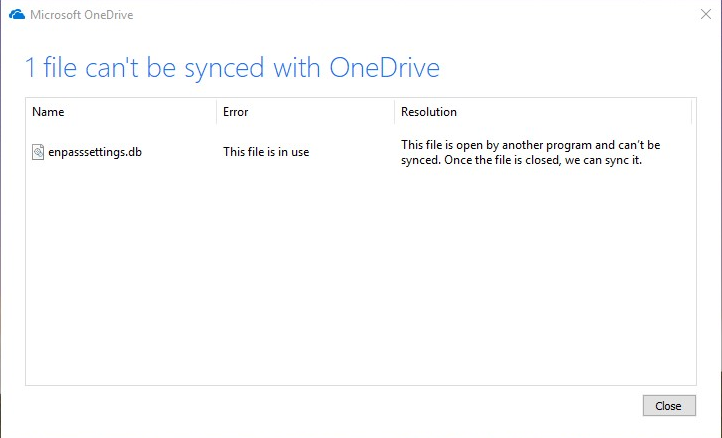
Enpass 6 Beta (1) does work on Win10 Insider Preview. Appears to leave local OneDrive file open, even after closing the app.
-
The update is in the Store for everyone. My wife's computer was updated this morning. Thanks to the Enpass team for getting this resolved. Now looking forward to the Enpass 6 updates with an Edge extension. Go Team!
-
Hey all. It's been almost 25 hours on 5.6.19 without a crash. Numerous sleep cycles and consistent use, no problems. The Enpass team has stepped up. Thanks!
-
Anthony, It's been over 9 hours now without a problem. Fingers remain crossed but the least the blood is not cut off now.