martin-le
Members
-
Joined
-
Last visited
Everything posted by martin-le
-
If I want to fill passwords in Safari for some pages a new Window/Tab is opened and then the password filled. It makes no difference if I use the keyboard shortcut or the enpass button. It seems mostly SPA Sites are effected. In chrome the same Sites are filled correctly. In Enpass 5 everything works in Safari well. It's a annoying behavior.
-
Have the same Problem here at 125% If I change to 100% enpass Looks fine but the size is difficult to read. regards Martin
-
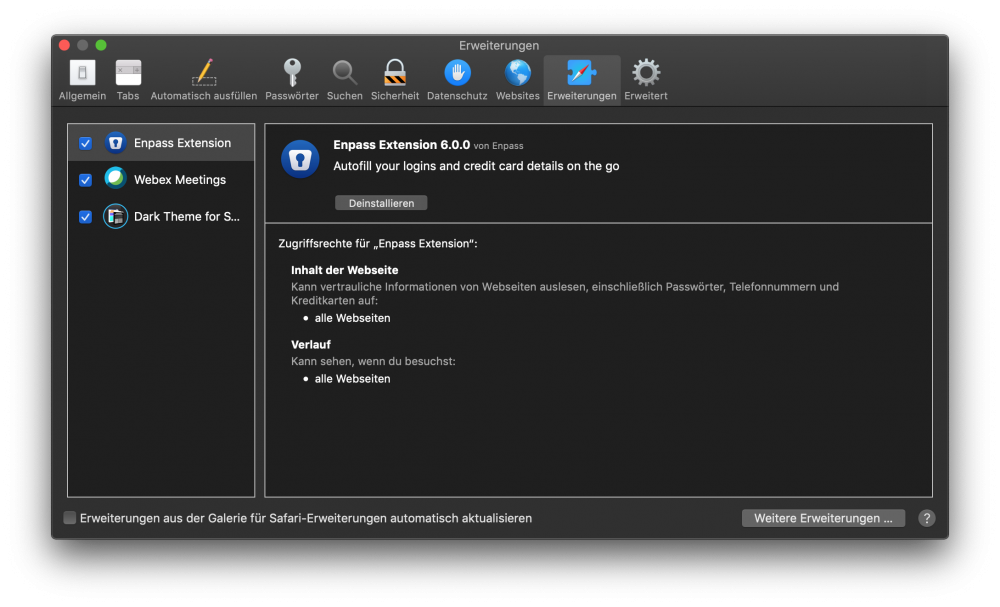
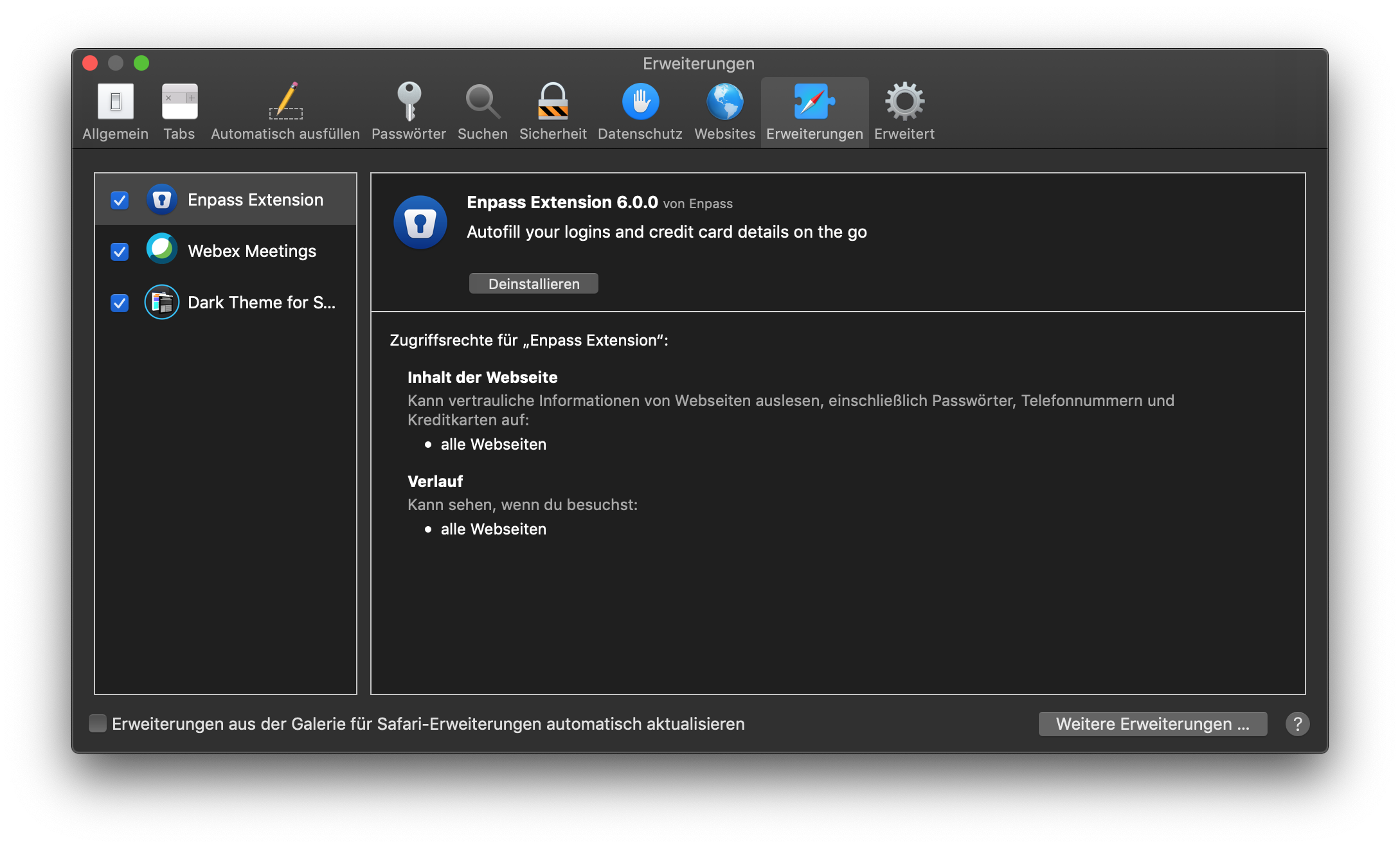
Hello, after update to Enpass 6.0 I' am unable to set the shortcut for autofilling. The docs says: "Go to Preferences → Extensions → Select Enpass in the sidebar → from here you can set the shortcut." https://www.enpass.io/docs/manual-desktop/browser_ext_setting.html#creating-keyboard-shortcut But there is no option at all see attached screenshot regards Martin