Skip to content
View in the app

A better way to browse. Learn more.

Enpass Discussion Forum

A full-screen app on your home screen with push notifications, badges and more.

To install this app on iOS and iPadOS
  1. Tap the Share icon in Safari
  2. Scroll the menu and tap Add to Home Screen.
  3. Tap Add in the top-right corner.
To install this app on Android
  1. Tap the 3-dot menu (⋮) in the top-right corner of the browser.
  2. Tap Add to Home screen or Install app.
  3. Confirm by tapping Install.

dansor1983

Members
  • Joined

  • Last visited

Everything posted by dansor1983

  1. any progress?
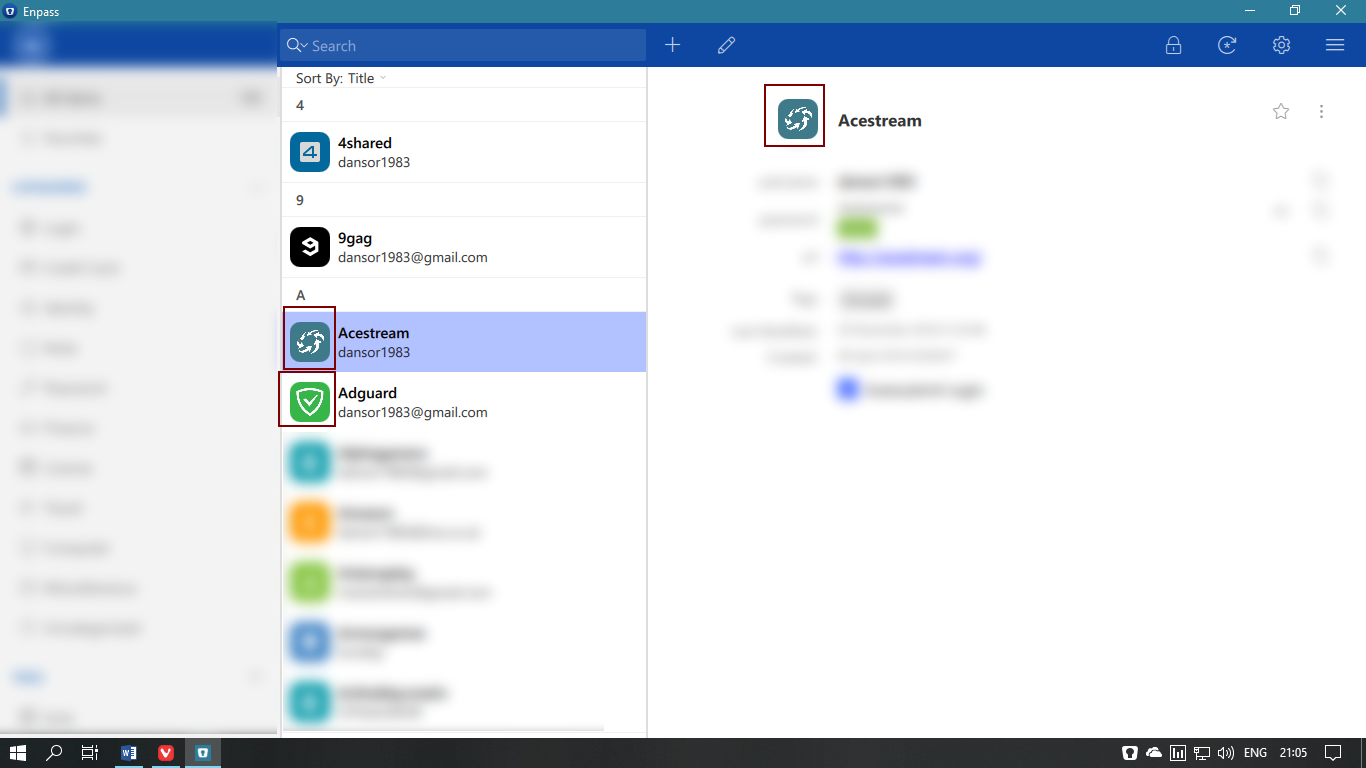
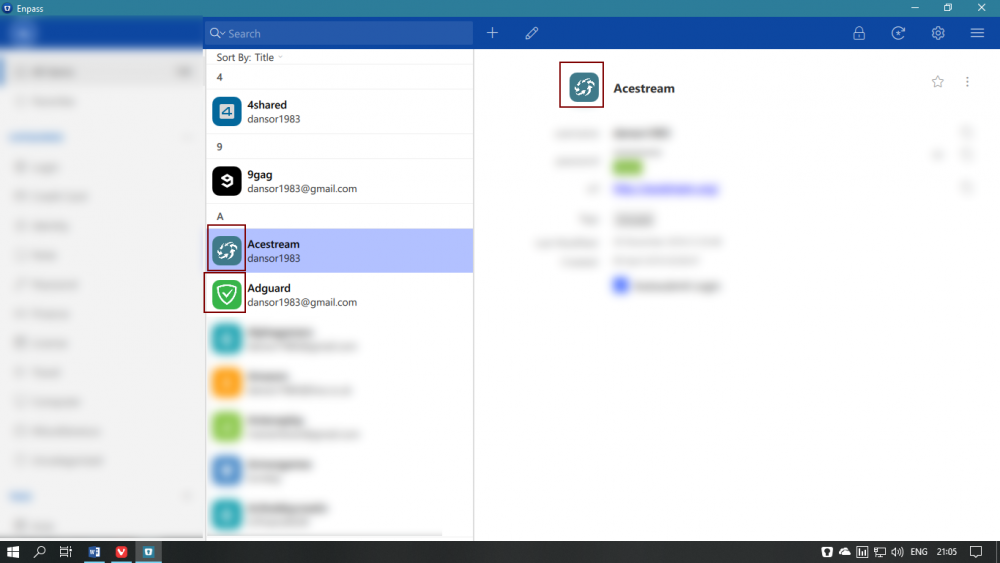
  2. In desktop version imported icons (200x200) look bad. In mobile version they look fine. is there a bug?
  3. Thank you for supporting Vivaldi Browser. They work great together
  4. More features for Enpass Browser for mobile: 1. Add option for a home page 2. Back and Forward buttons 3. When typing a site that is allready in enpass database show option to finish. Ex. when i type "face", Enpass Browser should show me above option "www.facebook.com"
  5. Yes, you were right. Don't know how i missed that from Options. Shame on me
  6. @Hemant Kumar is there a way to remove things (Favorites,Login, Credit card and so on) from the current siderbar? I would like to keep only my folders there.

Account

Navigation

Search

Search

Configure browser push notifications

Chrome (Android)
  1. Tap the lock icon next to the address bar.
  2. Tap Permissions → Notifications.
  3. Adjust your preference.
Chrome (Desktop)
  1. Click the padlock icon in the address bar.
  2. Select Site settings.
  3. Find Notifications and adjust your preference.