maxXx
Members
-
Joined
-
Last visited
Everything posted by maxXx
-
Any news?
-
Any news about this problem?
-
Is there any update?
-
Thank u @Abhishek Dewan I would add that... this bug happens to me in Enpass on Winodws 10 (22H2) and Windows 11 - MS Store version with OneDrive sync.
-
I have same problem with icloud.com.
-
Thank you @Abhishek Dewan I did a backup, deleted all the app files, did a clean install and the problem still persists. When you delete an item or save a change to an item from the vault, the list jumps to the beginning or randomly to another item in the vault. ....and this: Tried turning off loading service icons from internet but no change.
-
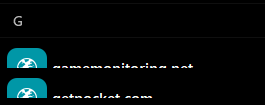
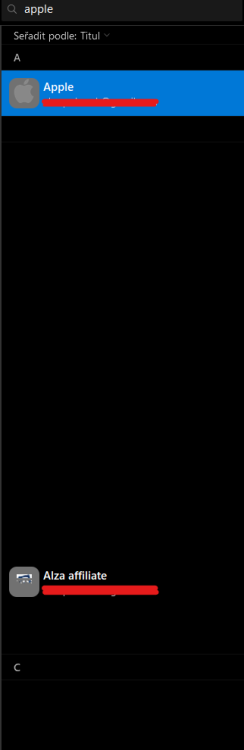
Hi, I am running Enpass MS Store version 6.91.1512.0 on Windows 11. Enpass jumps to a random record after changing a any value. I have around 1200 items in my valut. I have to change all the items one by one and this is extremely frustrating. Scrolling items is very slow and often randomly jumps to other items. + this graphical glitches when i searching
-
I have the same problem, unfortunately I can't install the desktop version on my device, so I will have to migrate my data from the Android app to somewhere else to work.
-
-
Hi, I have my primary vault synced through Onedrive (Onedrive / Enpass), but I have a shared folder where I have a company vault (Onedrive / work / Enpass). I've created a new vault on the desktop and have it synced with OneDrive / work, but I can not do this on my phone (only local folders will open). We have a paid mobile app for Android and need more people to approach one company vault You could help me with that?
-
It really should be added.