Skip to content
View in the app

A better way to browse. Learn more.

Enpass Discussion Forum

A full-screen app on your home screen with push notifications, badges and more.

To install this app on iOS and iPadOS
  1. Tap the Share icon in Safari
  2. Scroll the menu and tap Add to Home Screen.
  3. Tap Add in the top-right corner.
To install this app on Android
  1. Tap the 3-dot menu (⋮) in the top-right corner of the browser.
  2. Tap Add to Home screen or Install app.
  3. Confirm by tapping Install.

Artem

Members
  • Joined

  • Last visited

  1. So, today 4 (four) months have passed. We all showed great patience. May we expect any great updates? Thank you.
  2. Thanks a lot buddy, but I follow that path every time..
  3. I've just installed the newest version of openSUSE 15.4 on my old laptop and after a full update I installed Enpass through the routine path, noticed by Oceanwaves. It was installed easily without any issues. However, once I initiated the software update via the desktop applet I got the same response: "Permission to access denied". Any suggestions?

  4. Well, this link opens up in a browser, but first I couldn't understand this line: cd /etc/yum.repos.d/? Another misprint is: sudo yum zypper install enpass. And still nothing works in Yast...
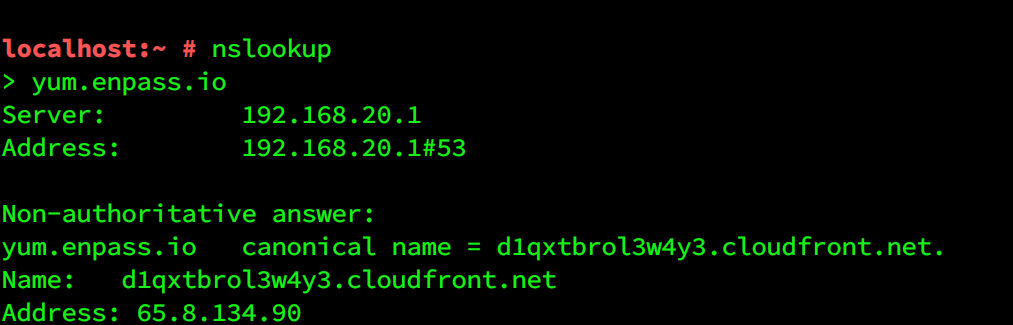
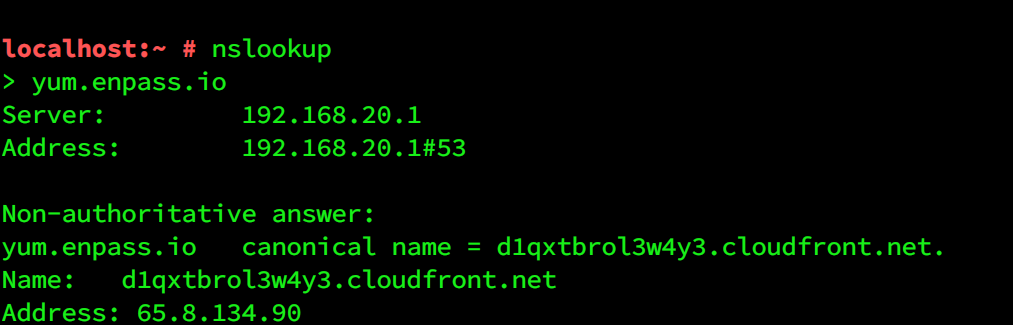
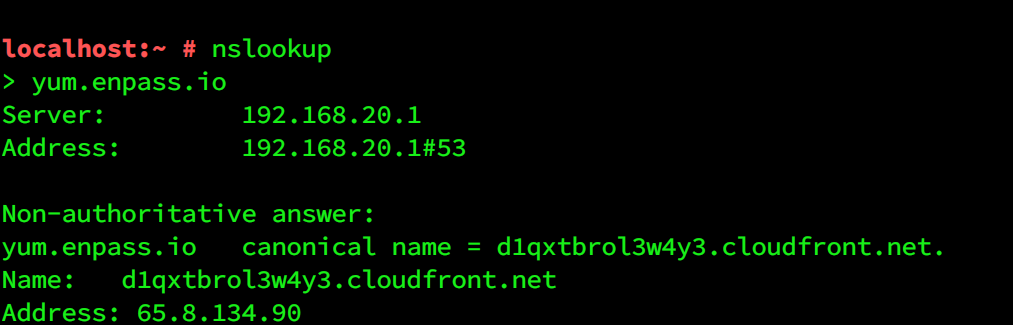
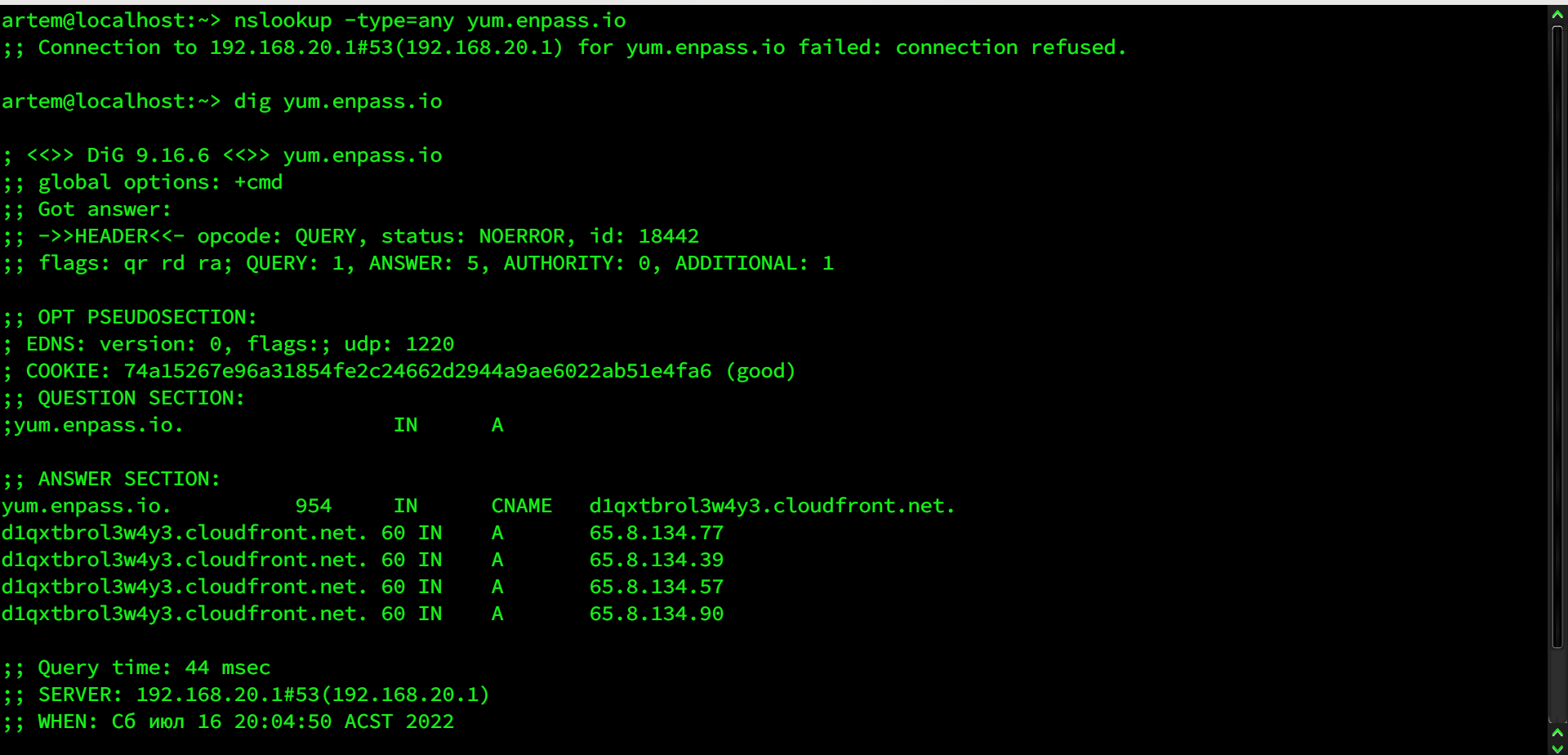
  5. Here is my full nslookup and dig: I'm trying to read this and can't figure out what I can do about that...
  6. The same problem on openSUSE 15.3 Leap! In a browser I see this: This XML file does not appear to have any style information associated with it. The document tree is shown below. <Error> <Code>AccessDenied</Code> <Message>Access Denied</Message> <RequestId>7H0AY8Y1MDHGTM6G</RequestId> <HostId>276XdpVcqkUTuYD4EXYIKSi6l+F/X3B/I+m5ohqhGs/g5+zbjpsCOT6BwB91cuMHZ/1gGS6LVQk=</HostId> </Error>
  7. Artem replied to Sbug's topic in Desktop
    Hi I have the same issue on my two computers with LinuxMint 19.1 and OpenSuse Leap 15. Enpass 6.0.6 (323). Both commands are "/opt/enpass/Enpass -minimize" but them both do not start in the tray. The mint's enpass starts in full window mode and the suse's enpass starts minimased on task panel - not in the tray. This issue appeared a couple of months ago. What ever I do this it's still on.

Account

Navigation

Search

Search

Configure browser push notifications

Chrome (Android)
  1. Tap the lock icon next to the address bar.
  2. Tap Permissions → Notifications.
  3. Adjust your preference.
Chrome (Desktop)
  1. Click the padlock icon in the address bar.
  2. Select Site settings.
  3. Find Notifications and adjust your preference.