Skip to content
View in the app

A better way to browse. Learn more.

Enpass Discussion Forum

A full-screen app on your home screen with push notifications, badges and more.

To install this app on iOS and iPadOS
  1. Tap the Share icon in Safari
  2. Scroll the menu and tap Add to Home Screen.
  3. Tap Add in the top-right corner.
To install this app on Android
  1. Tap the 3-dot menu (⋮) in the top-right corner of the browser.
  2. Tap Add to Home screen or Install app.
  3. Confirm by tapping Install.

Enpassly

Members
  • Joined

  • Last visited

  1. Windows 10 Pro 2004 + all Updates.
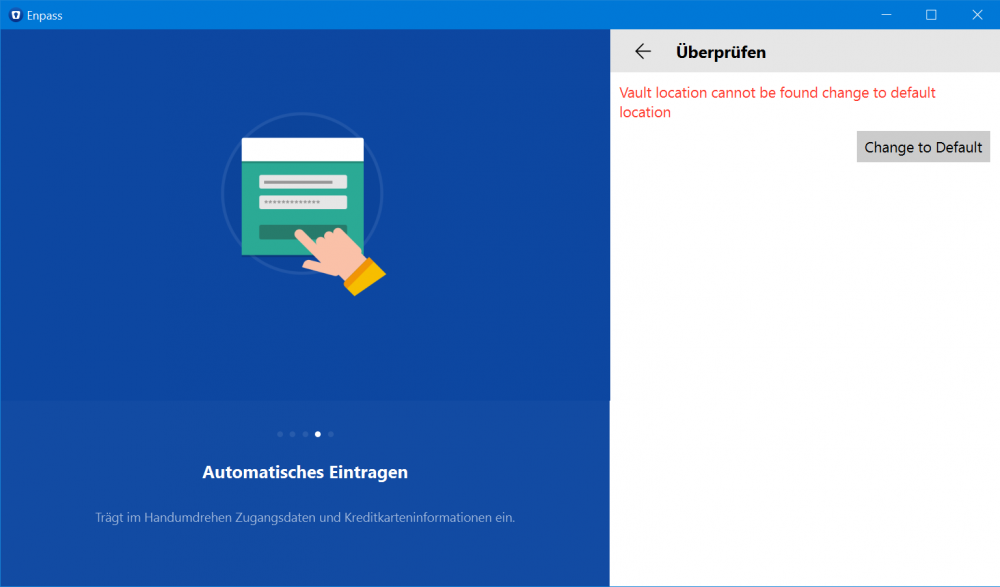
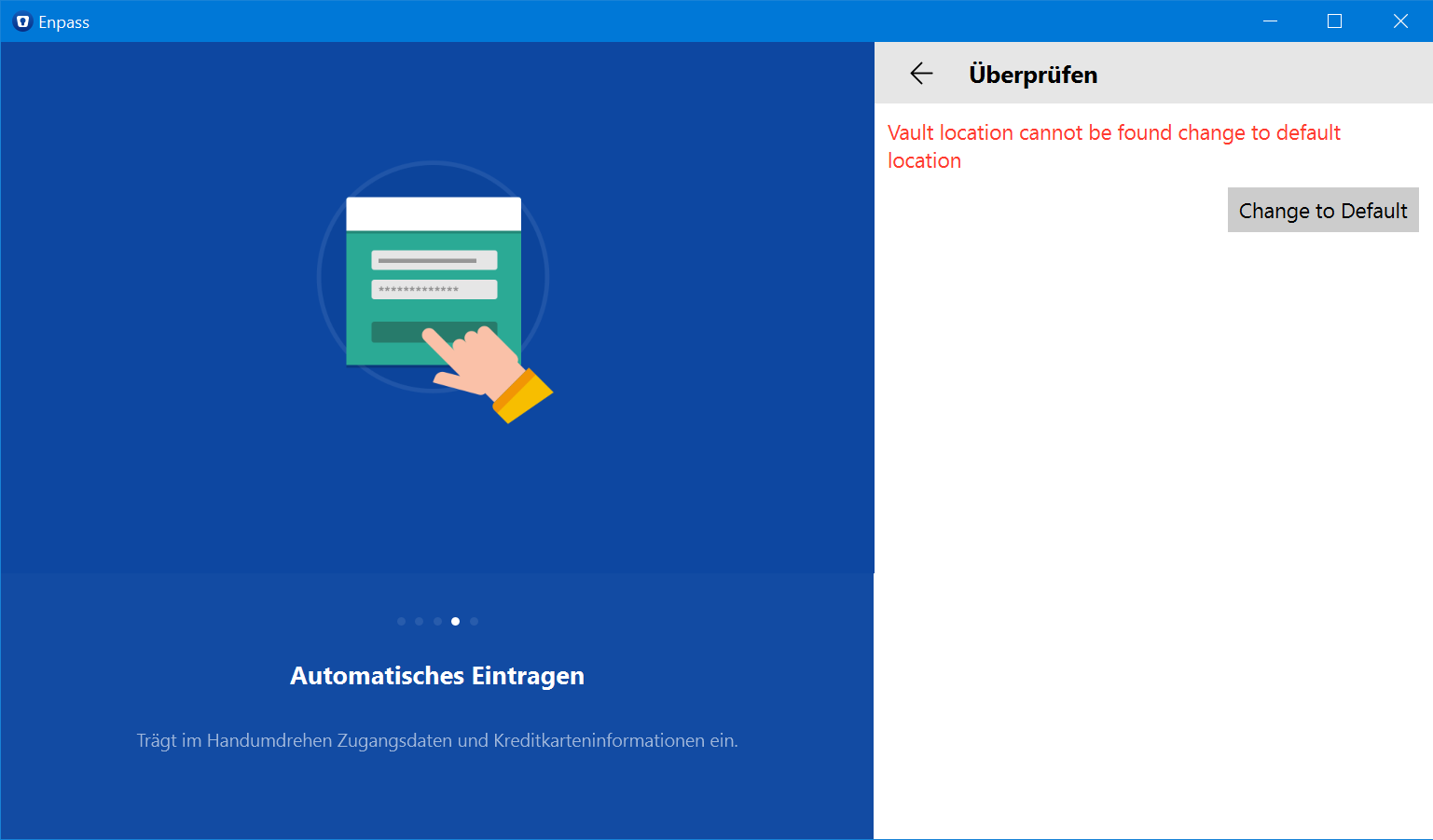
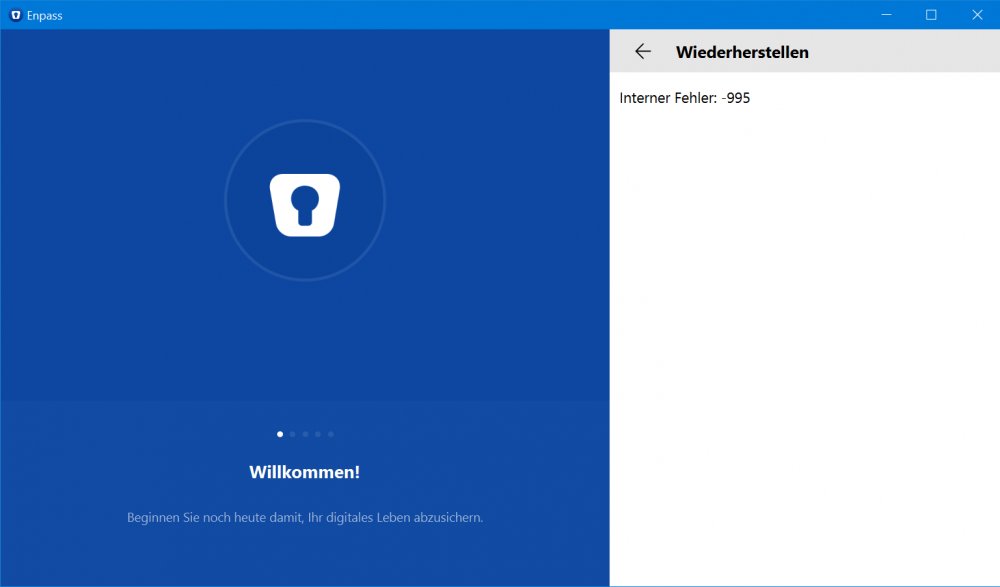
  2. after windows update enpass delete all data from vault and i can't restore from backup anymore (internal error 995). when i try to setup a new vault i get error "setup default location" somthing like that. but i can't change it. i used the traditional 32bit version and all worked fine. its just the Microsoft Store Version is bugged.
  3. I think its not fair.
  4. so after i puchard enpass for ios, Android and windows 10 everyone with a single lic get all their devices Running enpass?
  5. Enpassly joined the community
  6. after new update there is no dark mode anymore when i activate the classic mode. why is it so?

Account

Navigation

Search

Search

Configure browser push notifications

Chrome (Android)
  1. Tap the lock icon next to the address bar.
  2. Tap Permissions → Notifications.
  3. Adjust your preference.
Chrome (Desktop)
  1. Click the padlock icon in the address bar.
  2. Select Site settings.
  3. Find Notifications and adjust your preference.