DesignT
Members
-
Joined
-
Last visited
-
This is very annoying. I have version 6.11.17 (2132) from Mac App Store and I can not export any of my vaults in csv. Enpass is able to export in json and txt but not in csv. I hope that any update solves this big issue. I will try to update and see if this issue was fixed.
-
Hello, I am going to upgrade to BigSur, what will be the best path to reinstall Mac OS Enpass ? Thanks a lot,
-
Thanks but I want a USB flash drive with Enpass Portable that use a different database but in sync (clone) with Enpass Desktop Mac. It will works as a clone database to be able to access with Enpass Portable just in case that something goes wrong with Enpass Mac. It seems that we only need to duplicate the database but Enpass Portable recommends to backup and restore the database, but doing this the databases are not in sync, if I add a new item in Enpass Mac Desktop I will not get it in Enpass Portable. I want to automate this process, is it any way to do it ? Thanks
-
Hi, Is it possible to sync Enpass Portable database with Enpass Mac ? How can I use Enpass Portable as a Enpass Mac clone ? Thanks
-
Hello Manish, Can you please advice a macos application to read JSON able to extract the attached files ? Thanjs a lot
-
Hello, Can we use Enpass Portable as a backup if the Enpass Desktop have any issue to open ? I mean working with both if necessary ? What do we need to do ? Do we need to sync Enpass Desktop and Portable databases ? Thanks for your opinions.
-
What about the files we add ? I think that files do not come with the exported formats? How can we export everything ? Thanks
-
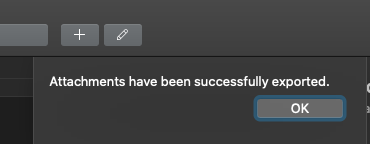
Hei @Garima Singh, unfortunately it is just working if I export one by one , if I select all attachments I get the confirmation that attachment are successfully exported but I do not get any files. Please check. Thanks
-
Thanks @Garima Singh How can we recover the attachments from the JSON file, is there any to to "Extract" the attachments images and other files ? UPDATE: Well I think JSON files just use a data URI scheme so a URL for the source of the image. I just need to extract/backup all the attachments. How can I do that ? Thanks
-
Hello, Will export save attached files? How can we export all the data including the attached files? Thanks.
-
Hi Garima Singh, I do have two Enpass versions but I am just working with one maybe I start the other by mistake. Thanks
-
Hello, Somehow I am getting two menu apps. Please take a look in the attached image. Is there any way to fix this ? Thanks

-
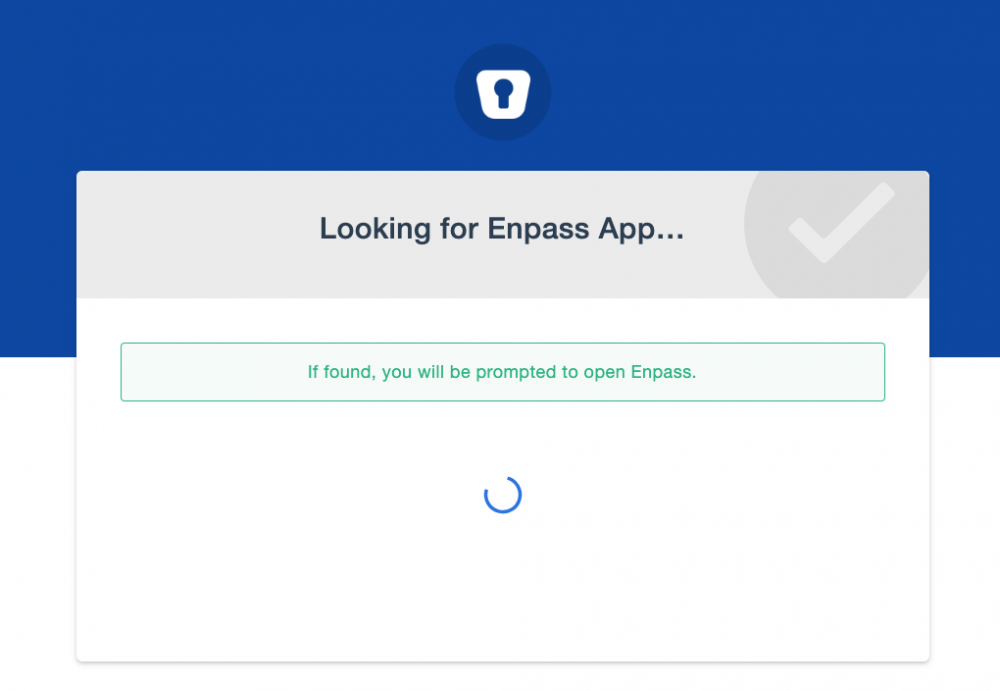
Hi, I am using these combination: Enpass 6.1.2 (495) Or Enpass 6.1.3 (420) With Vivaldi 2.8.1664.35 (Stable channel) (64-bit). DOES NOT WORK Enpass Password Manager extension for Chrome version 6.0.2. Chrome Version 71.0.3578.98 (Official Build) (64-bit) WORKS Enpass Password Manager extension for Chrome 6.0.2. Chromium Version 70.0.3538.77 (Official Build) (64-bit). No extension is available Safari Version 12.1.2 (14607.3.9). WORKS Enpass extension 6.1.3 Using the extension I am just redirected for the Looking page and then a blank page. (pls see attched file) Very anoying it was working before, I suppose with Vivaldi previouse version but it´s not any more. Is there a fix to this ? The main issues with password managers compatibility with new browser versions. Thanks
-
Hi @Anshu kumar Thanks for your update I already send a email to support. I am just waiting for this fix to use Enpass and pay for the pro options that are essencial for my workflow. Thanks
-
Hi, Anyone to update this topic ? Is it possible to use Brave and Vivaldi browsers ? Thanks