Takato
Members
-
Joined
-
Last visited
-
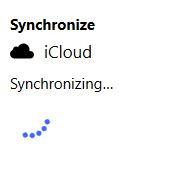
Hello @Abhishek Dewan I have the same problem with Windows 10 20H2 - 19042.1348 I've already reset all Enpass (erase everything option and restore the vault synchronized with iCloud) and after the first sync, it restores a copy of iCloud. Back to getting stuck in a loop trying to sync Enpass 6.7.4 (934) (Windows Store) Thanks
.JPG.f3dbccde42caec8ca58e2d2ebaa41524.JPG)
-
Takato changed their profile photo
-
Welcome I have the same problem 4 days ago with my Windows PC (Enpass Windows Store) In my other devices sync works perfectly I don't know if this is a problem with Enpass or iCloud I am also trying a help on the Apple forum - https://discussions.apple.com/thread/250611699
-
Takato joined the community
-
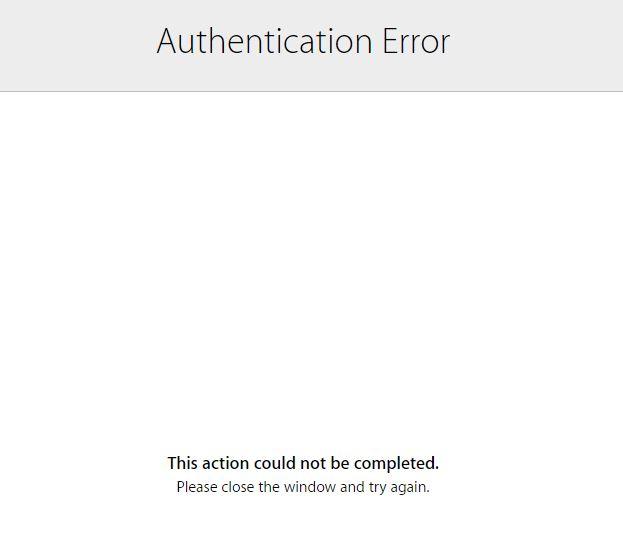
Good morning, I'm getting an error syncing Enpass App 6.1.2 (432) Windows 10 with iCloud Chome 76.0.3809.132 64-bit Windows 10 - 1803 (17134.950) Error ------------- Authentication Error This action could not be completed. Please close the window and try again. My account is working normally on iPhone/iPAD/Apple.com and iCloud.com Synchronizing between my Apple devices, the only problem is now with Windows that started giving this error https://imgur.com/a/iFPnu1t I already deleted Enpass and made a new vault and NOTHING to solve Any tips on how to solve? Thank you Takato