shimataro
Members
-
Joined
-
Last visited
-
The problem seems to be fixed in Firefox 126.
-
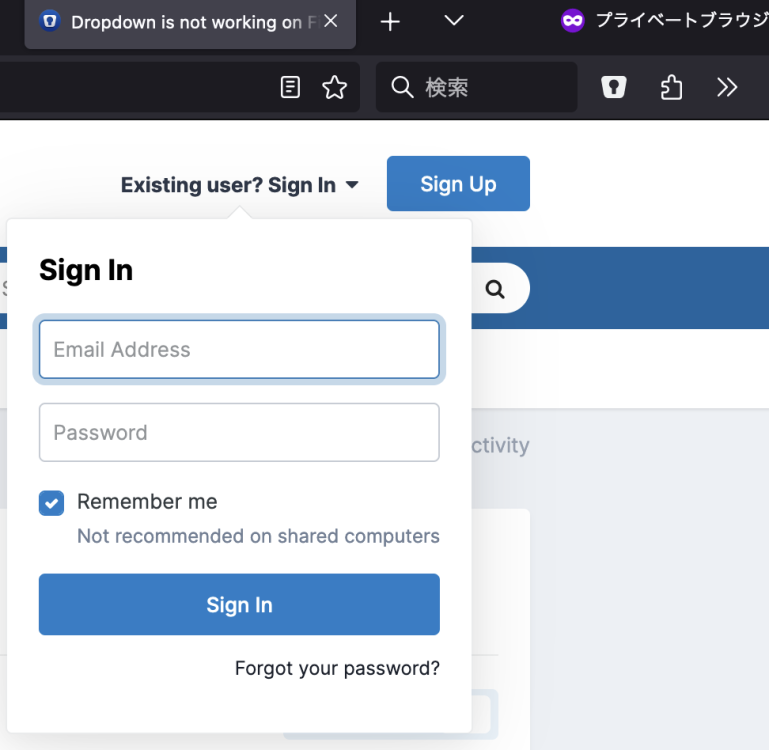
Thanks for your answer, but I'm already allowing the extension in private mode (see an attached image). I didn't have a problem a few months ago, but at some point I started having this problem
-
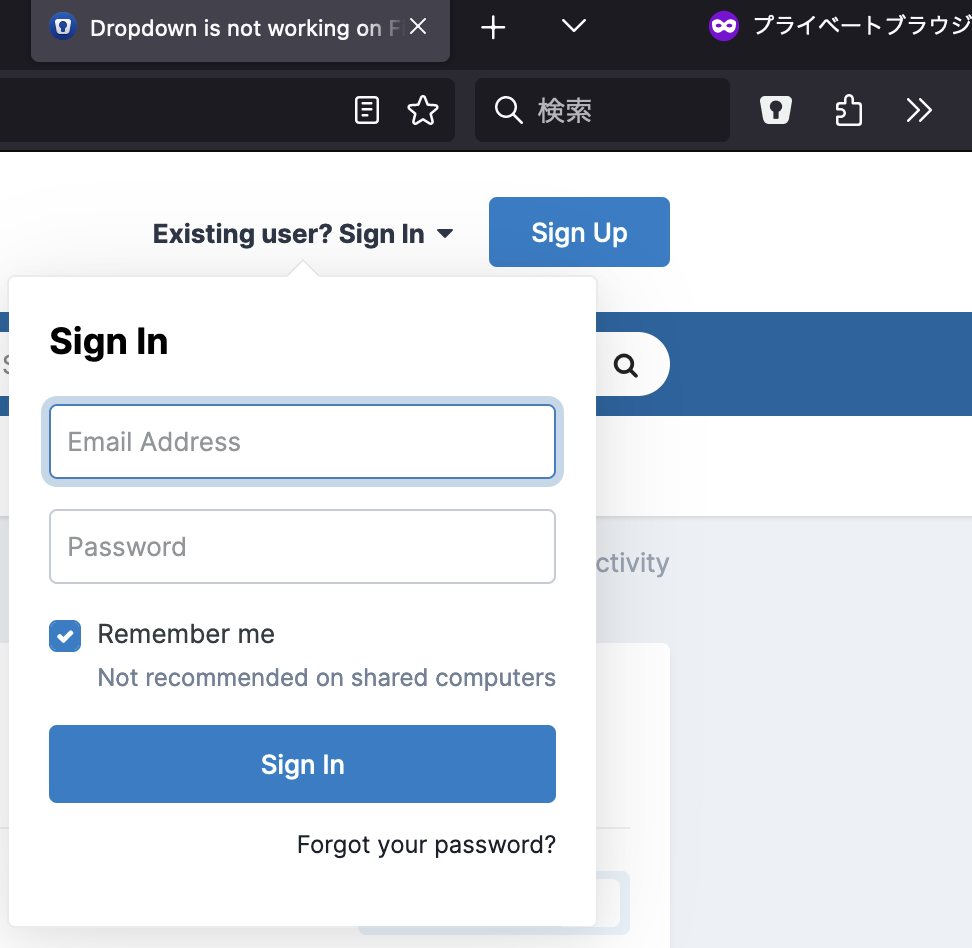
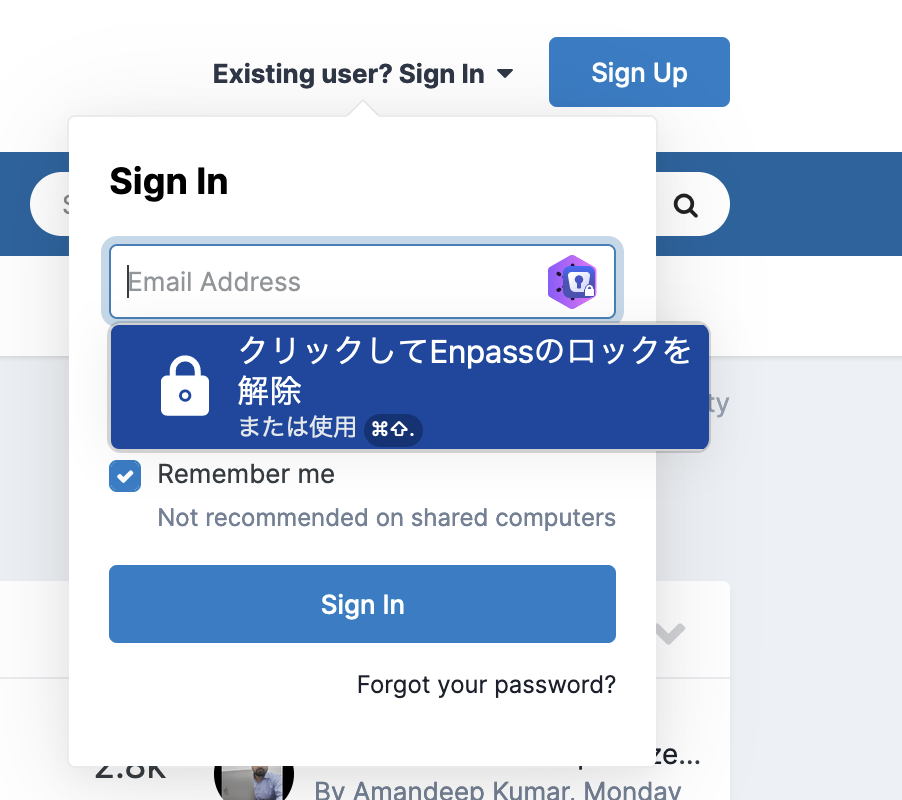
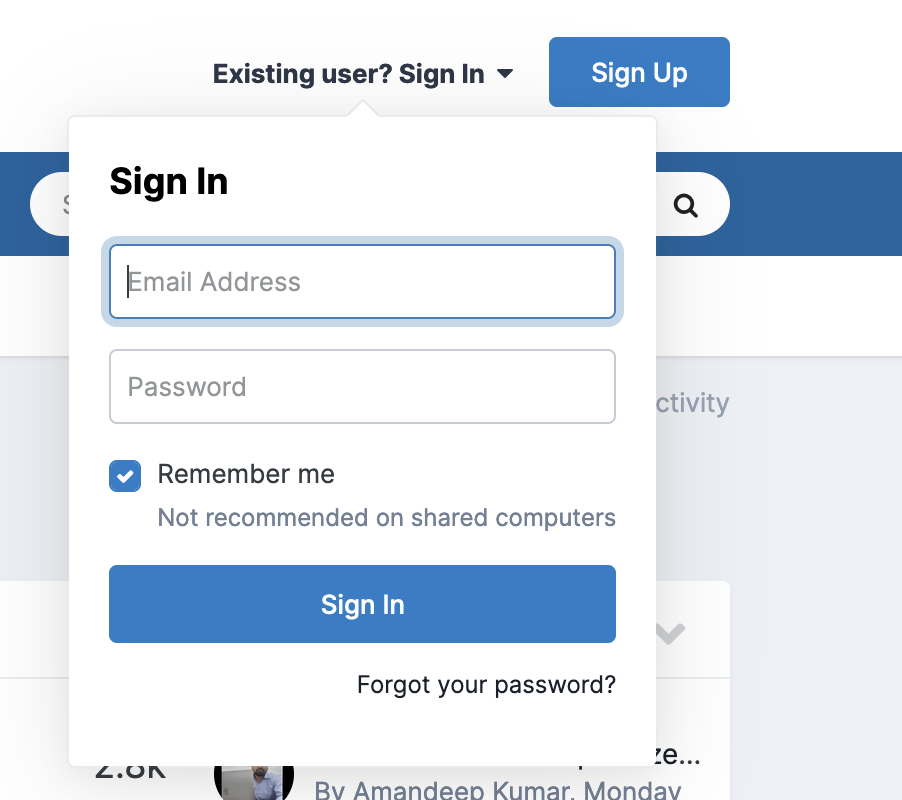
Hello! As the title says, extension does not make dropdown on Firefox private mode. When I select auth info by Clicking extension icon on toolbar, it opens new tab instead of filling auth info. This problem occurs only in Firefox's private mode, not in normal mode or Chrome's private mode. My environment: OS: macOS Ventura (M2) Browser: Firefox 123.0 (It was occurring at least as of 122.0.1) Extension version: 6.9.4.2 Enpass version: 6.9.3 (1592) Another environment (Linux, Firefox 115.7.0, Extension version 6.9.4.2, Enpass version 6.9.2.1563) is fine. Let me attach 2 screenshots, one is on normal mode, another is on private mode. ("クリックしてEnpassのロックを解除" means "Click to unlock Enpass" in Japanese)
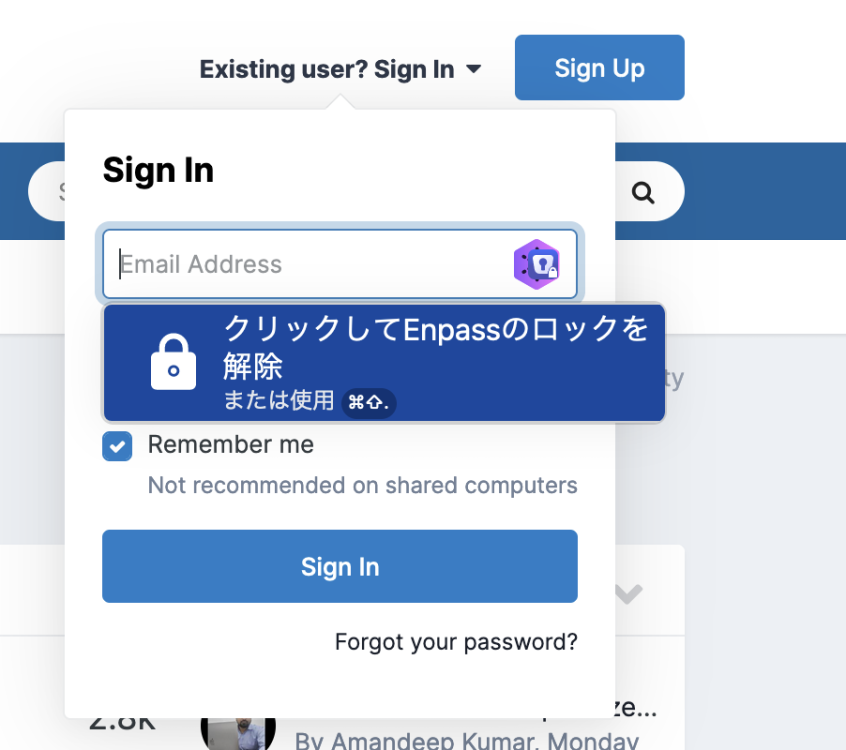
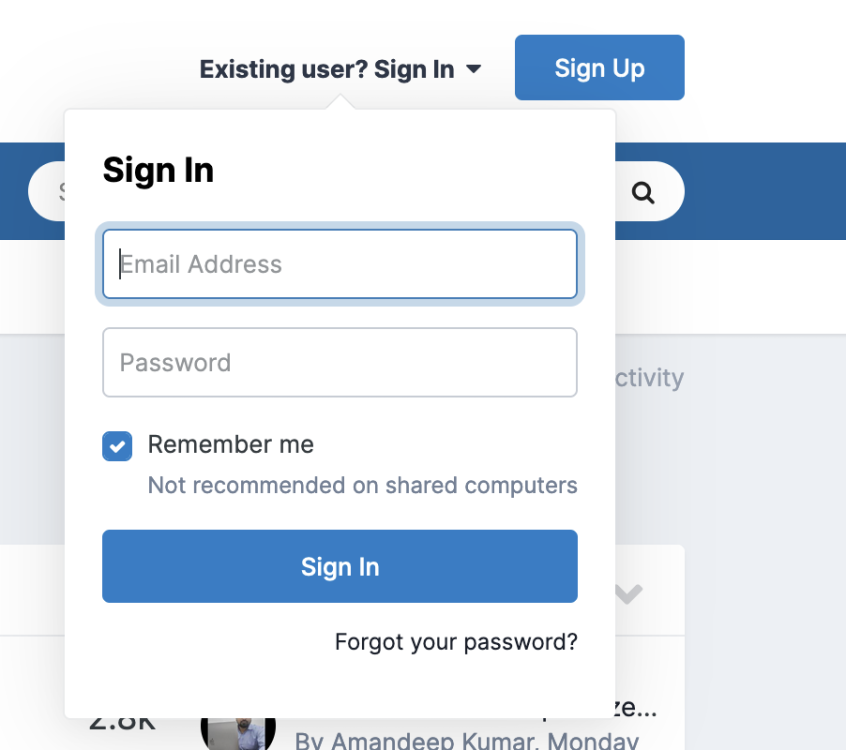
-
-
-
shimataro changed their profile photo
-
I'm using Linux, and I want to input a master password automatically on login. I think it's good if Enpass can be passed a master password from stdin like this: # store password to GNOME Keyring secret-tool store --label "Enpass master password" type enpass # set this command on login sh -c "secret-tool lookup type enpass | /opt/enpass/Enpass --pw-stdin" Could you consider this function?