Leaderboard




Popular Content
Showing content with the highest reputation on 01/25/21 in all areas
-
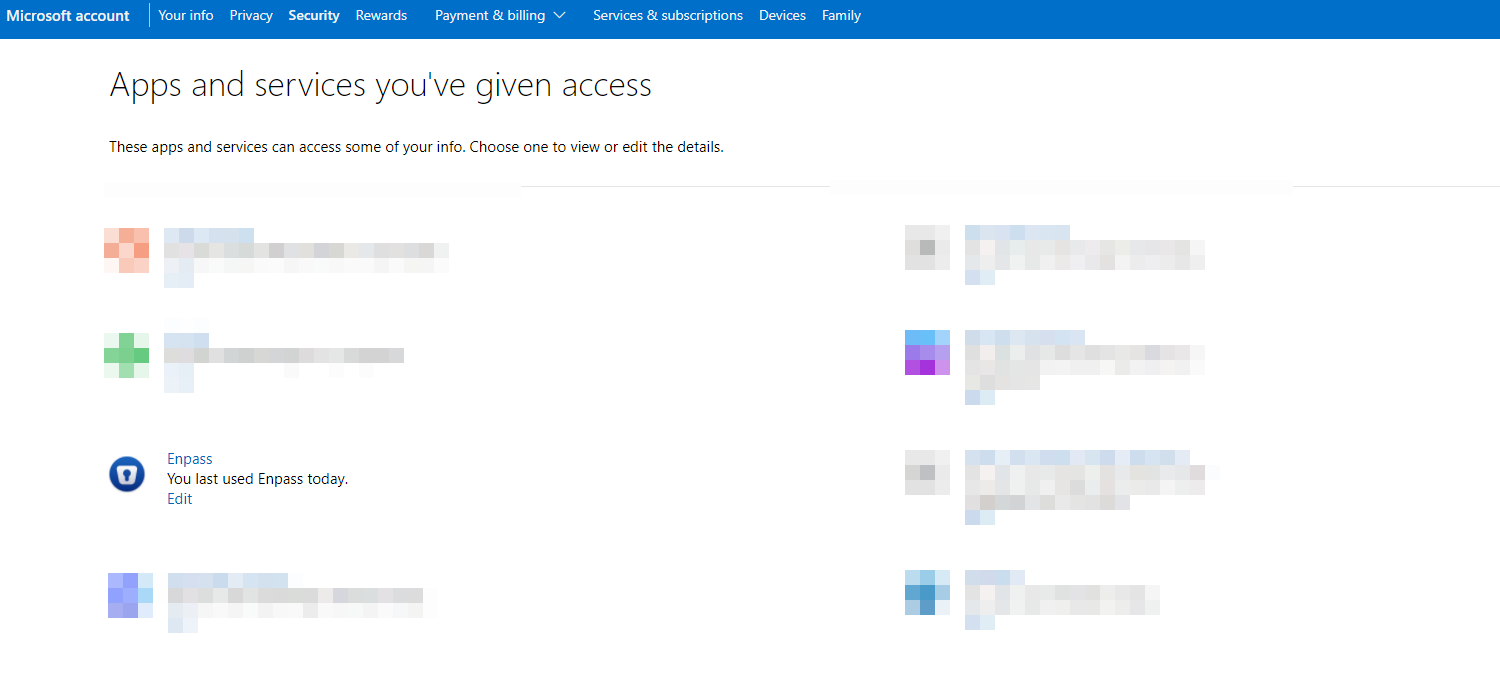
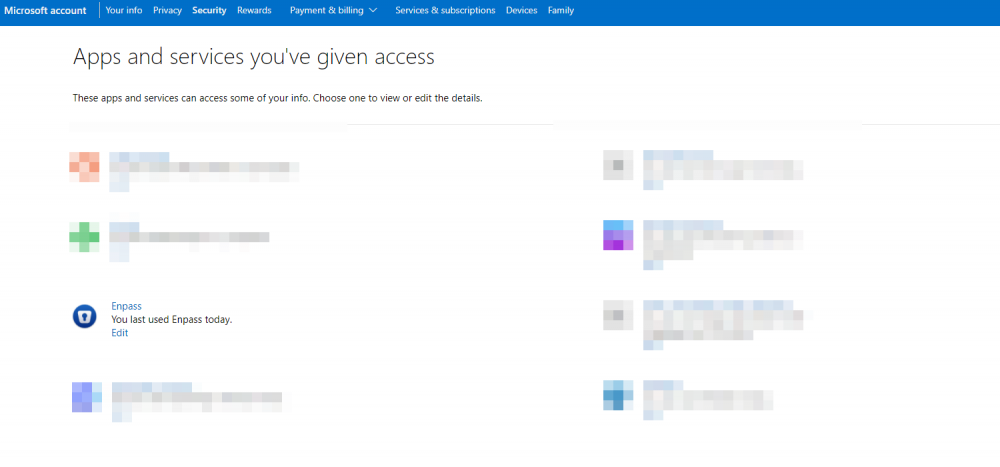
OK, I may have done it. I setup Enpass on my wifes machine and it prompted to allow enpass.io access to my ms account. So i went through and cleaned up all approved Enpass in my account and re-approved it. Microsoft account | Privacy - > Seems to be holding this time around. I'll reply later this weekend or Monday to let you know. Chris
 1 point
 -
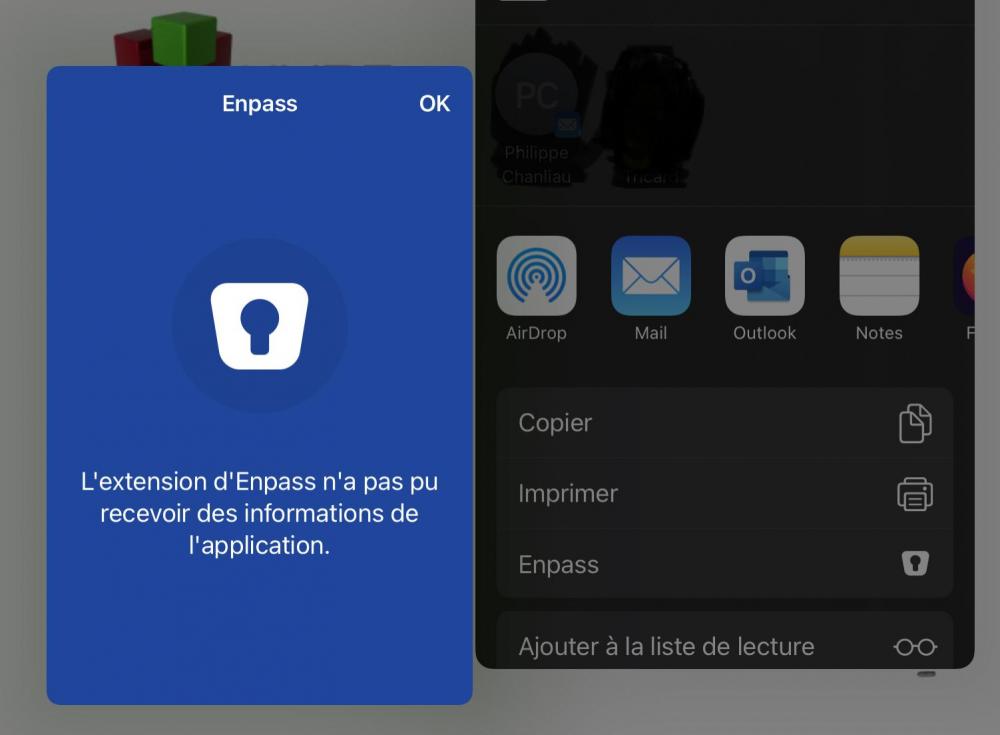
Hello, This problem is on iPad under iPadOS 14.3. Surprisingly I don't see the bug anymore. So it works again. Thank you I enclose the screenshot of the bug that was found. best regards
 1 point
 -
Software bugs or incorrect settings may cause this problem. Just like my iPhone Touch ID did not work before.1 point
-
Hi @Pratyush Sharma, Thanks for your hint that Enpass is just using the system wide root certificate store. It seems like all browsers on all my "not working" devices have own CAs built in so it just works. I then tried to figure it out using a connect of openssl on my ubuntu 20.04 machine and discovered that my server was sending the wrong (old) intermediate certificate. So the browsers seem to "know" the intermediates already and trust them while the root devices obviously do not. After changing my QNAP NAS to use the correct new intermediate, it works like a charme again. Thank you! BRs, hummels1511 point