user from keepass
-
Posts
7 -
Joined
-
Last visited
-
Days Won
2
Everything posted by user from keepass
-
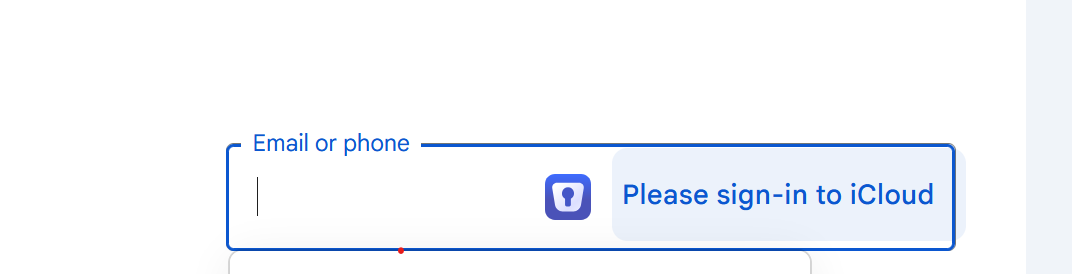
What does this mean in the input field? when I try to login to my google account, "please sign-in to icloud" showed after the enpass icon which colour also seems clickable. But nothing really happened when i clicked it.
-
Will you develop ios safari extension in the future like 1password has? It should have basic function of icon in input bar showing entries, and quick password generation and saving pop up window. Also, the UI/UX of iOS enpass genuinely need improvement. It lacks sort/ascend features, has duplicate function of search on three tabs[All items/browse/search] which is unnecessary. Your team need redesign the whole logic which a great app demands. To be honest, the functionality as a password manager is great but the user interface/interaction is a big mess.
-
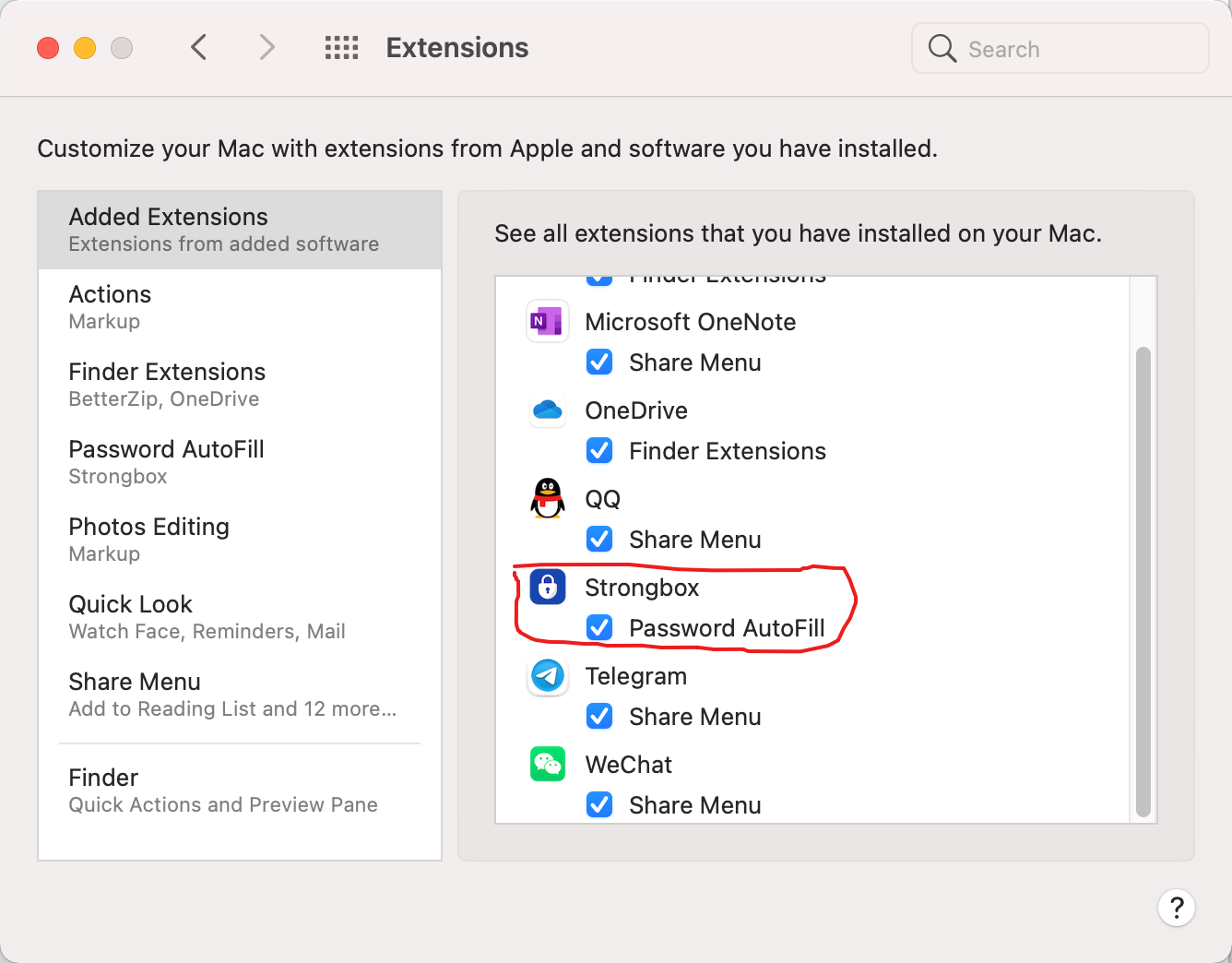
In order to provide more convenient autofill experience on mac app, you guys may add a good feature of native support of mac extension for autofill on mac apps.
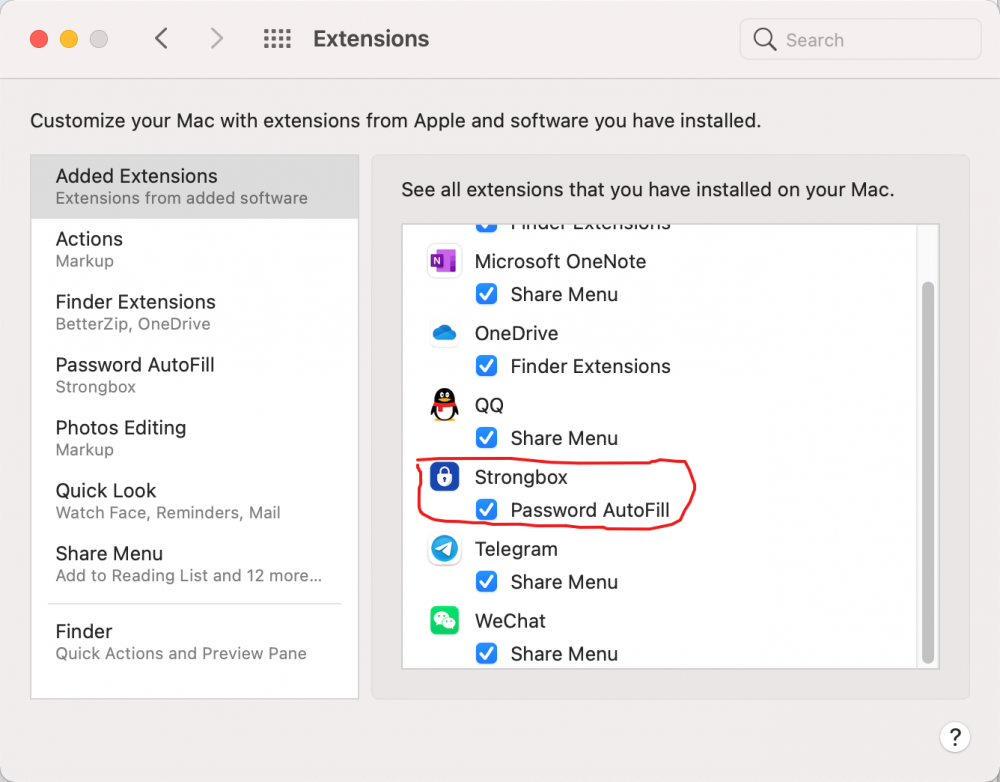
- 1 reply
-
- 1
-

-
There are some special apps such as several banks’ apps which aren’t compatible with autofill feature on ios device. For these apps, shortcus automation may be a good solution. To add such an automation, we can add a personal automation with single app opened as a trigger. we consume that enpass have already been compatible with it, and then we add enpass new feature, then notification, to show informations whatever we want for this app. In order to watch information for a long time, go to setting-notification-enpass, add banners and change style to persistent.
-
Agree with you! Look my pics. Chinese interface of TPM version 2.0 in device manager of control panel And the prompt under windowshello setting was not supposed to be which it should be.
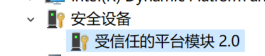
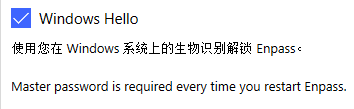
-
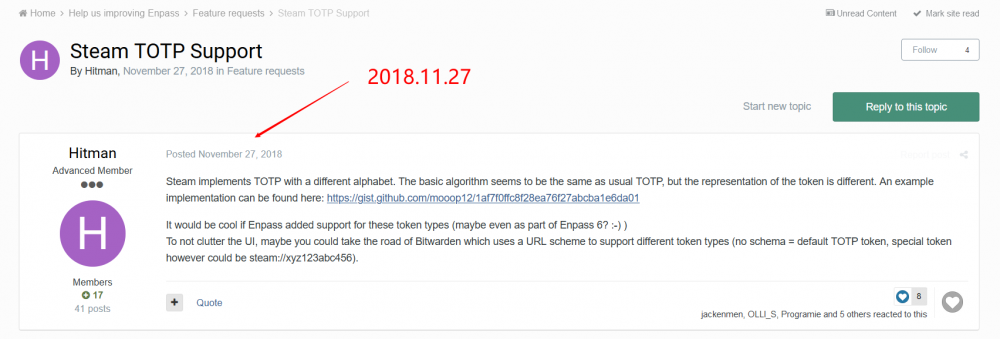
steam TOTP support request
user from keepass replied to user from keepass's topic in Feature requests
And it maybe a next 2 years? Or just upcoming updates in several months? -
The lastest steam totp request was submitted two years ago, but the reply template is just Perfunctory which we will see anywhere in the forum or auto-reply emails. That's not just , and I have emailed to their address and asked for the feature , but nothing happened. And today I submit it again.