Jump to content
View in the app

A better way to browse. Learn more.

Enpass Discussion Forum

A full-screen app on your home screen with push notifications, badges and more.

To install this app on iOS and iPadOS
  1. Tap the Share icon in Safari
  2. Scroll the menu and tap Add to Home Screen.
  3. Tap Add in the top-right corner.
To install this app on Android
  1. Tap the 3-dot menu (⋮) in the top-right corner of the browser.
  2. Tap Add to Home screen or Install app.
  3. Confirm by tapping Install.

nics

Members
  • Joined

  • Last visited

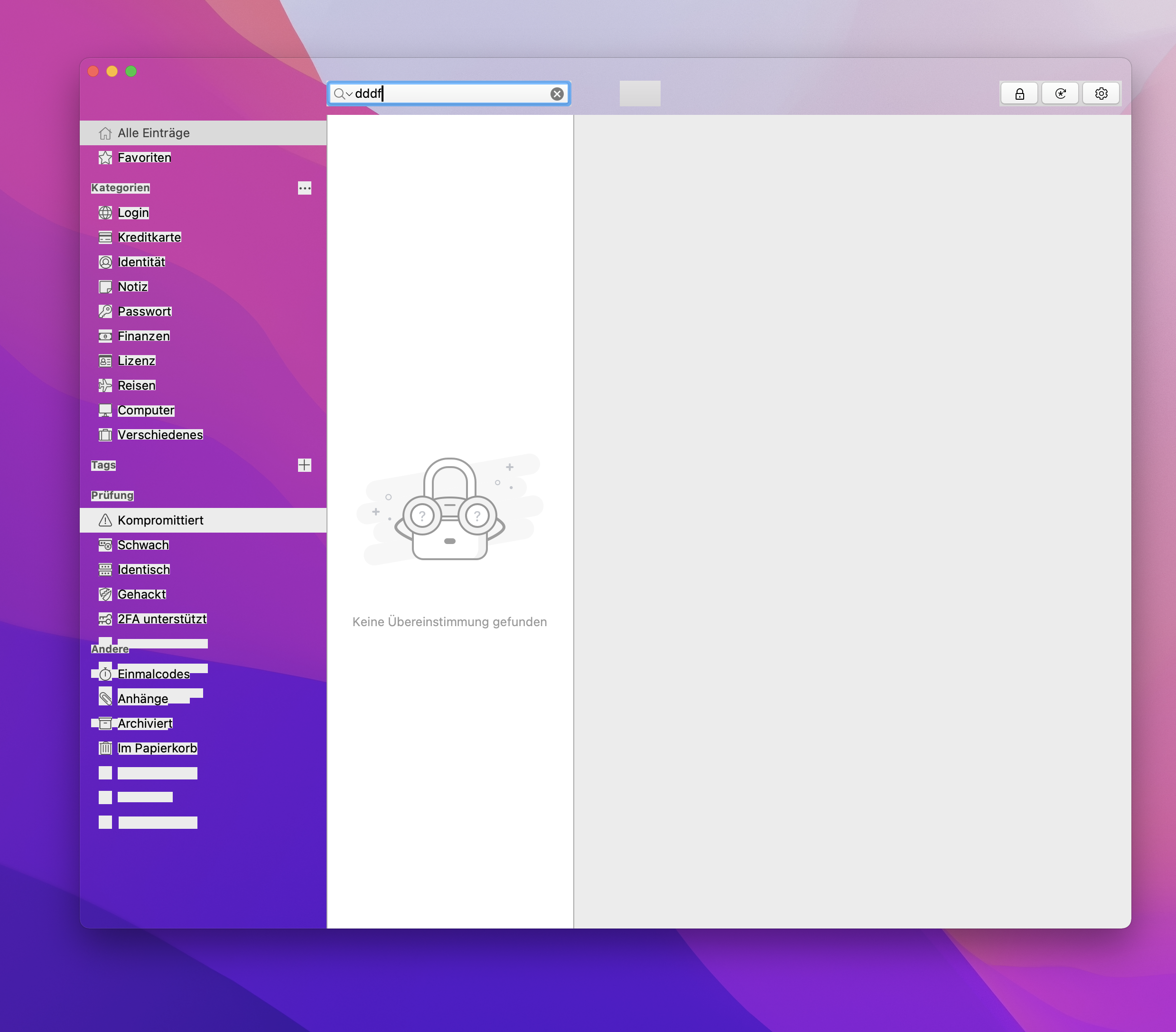
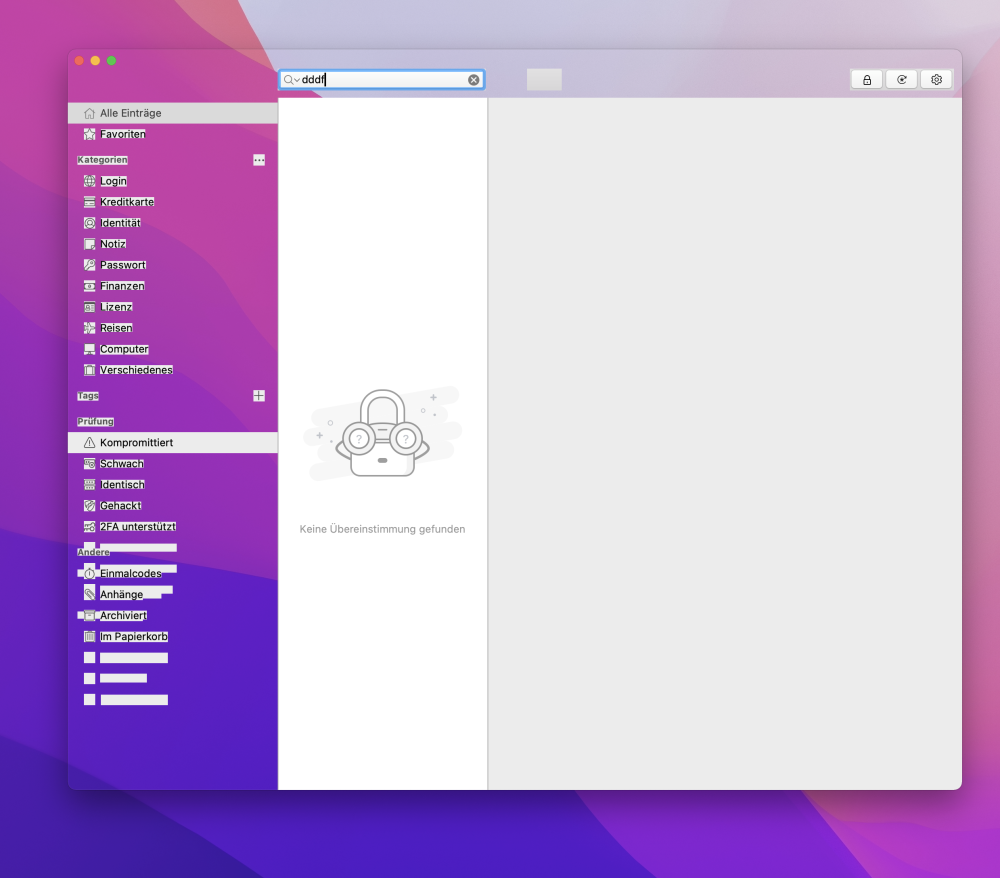
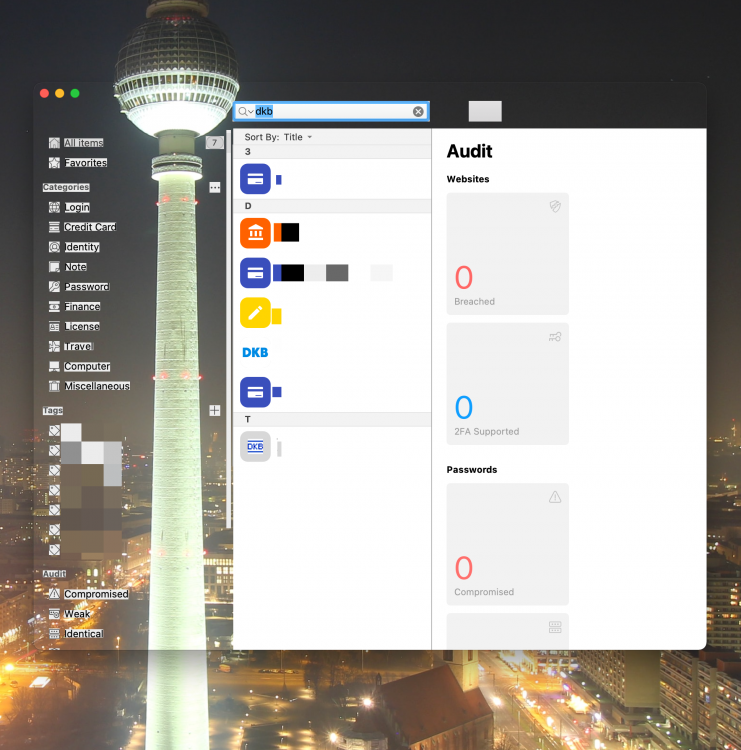
  1. @Abhishek Dewan Following up ten month after reporting in: the transparency-problem persists. OS version: macOS Monetrey 12.1 (21C52) Enpass app version: 6.7.4 (938) Mac App Store Screenshot from today:
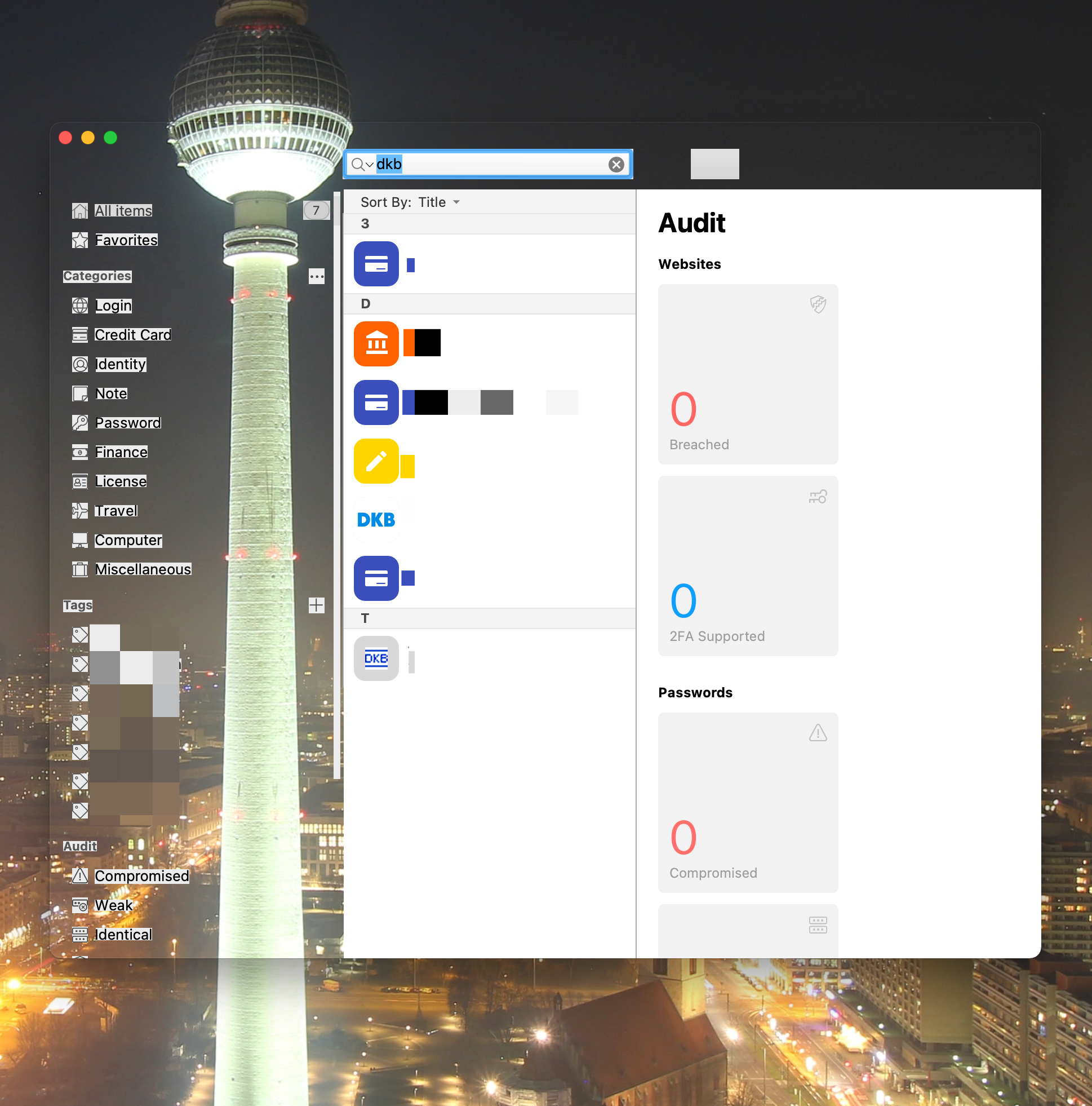
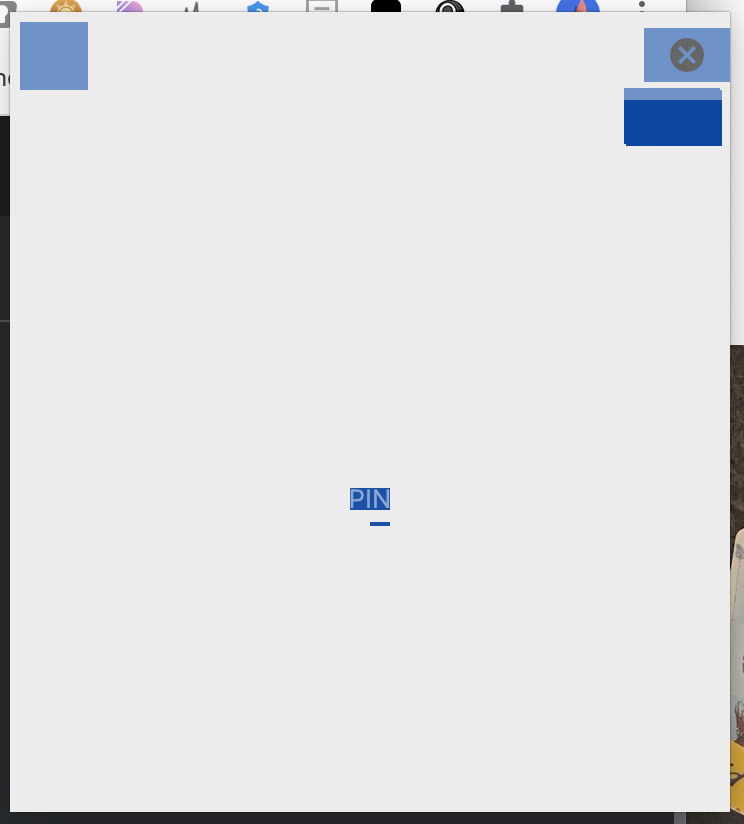
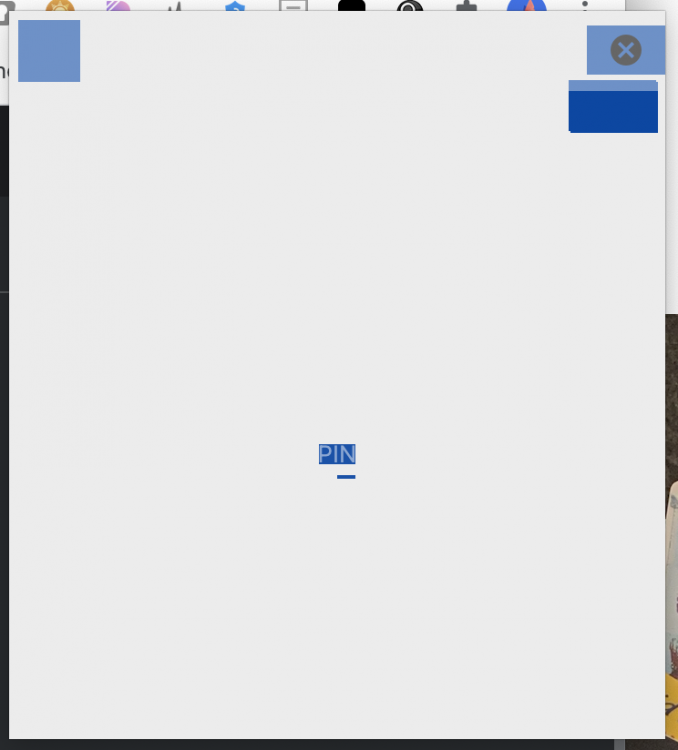
  2. @Pratyush Sharma @Garima Singh Sorry, but it's not fixed. Here are two screenshots, running v6.6.1 under macOS 11.2.3 (i pixelated the item-Names): The nearly all grey screenshot shows the chrome extension.
Account

Navigation

Search

Configure browser push notifications

Chrome (Android)
  1. Tap the lock icon next to the address bar.
  2. Tap Permissions → Notifications.
  3. Adjust your preference.
Chrome (Desktop)
  1. Click the padlock icon in the address bar.
  2. Select Site settings.
  3. Find Notifications and adjust your preference.