Zeke
-
Posts
7 -
Joined
-
Last visited
Zeke's Achievements

Newbie (1/14)
2
Reputation
-
[SOLVED] Existing user, new phone, & registration problems
Zeke replied to Zeke's topic in Registration and Purchases
This has been resolved. When I registered, my phone capitalized the first letter in my email and the process is case sensitive. -
[SOLVED] Existing user, new phone, & registration problems
Zeke replied to Zeke's topic in Registration and Purchases
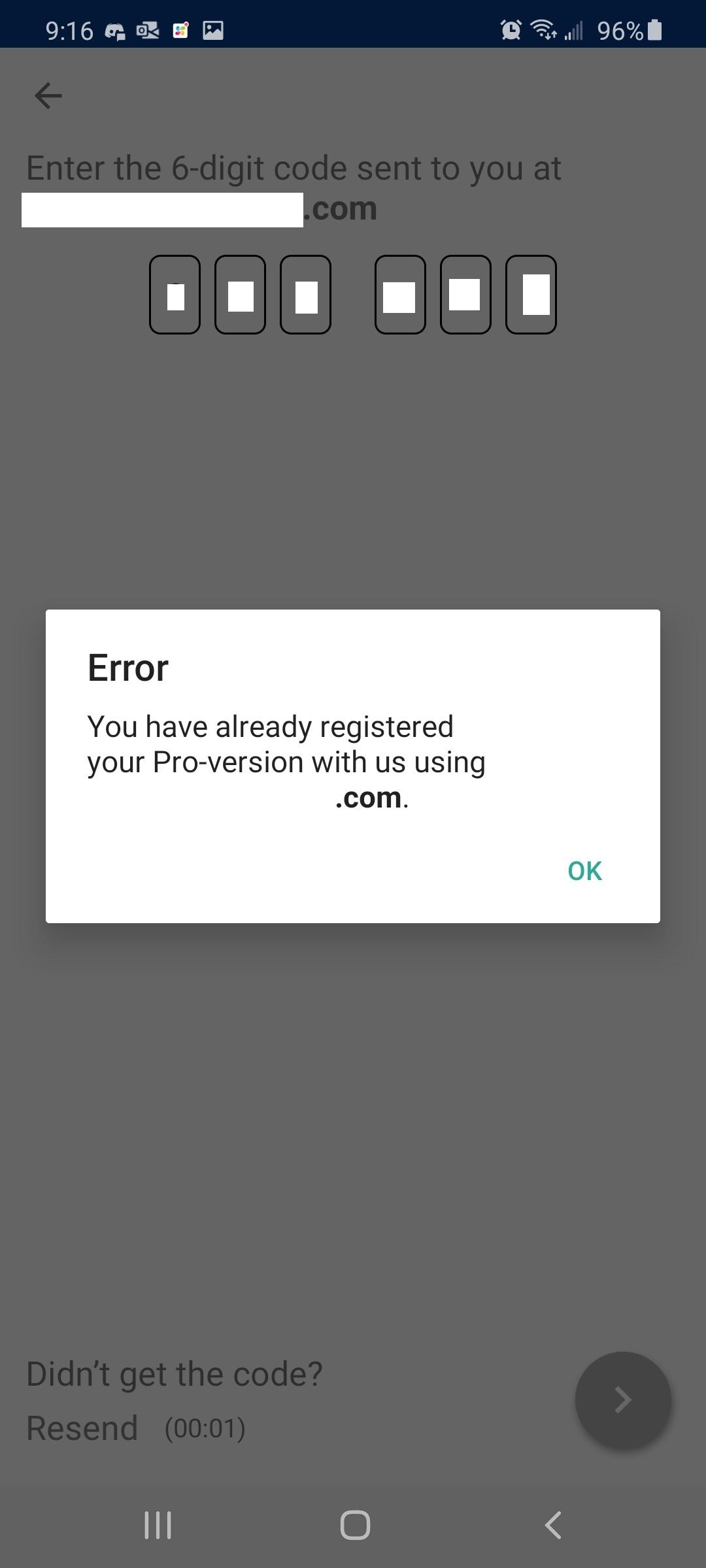
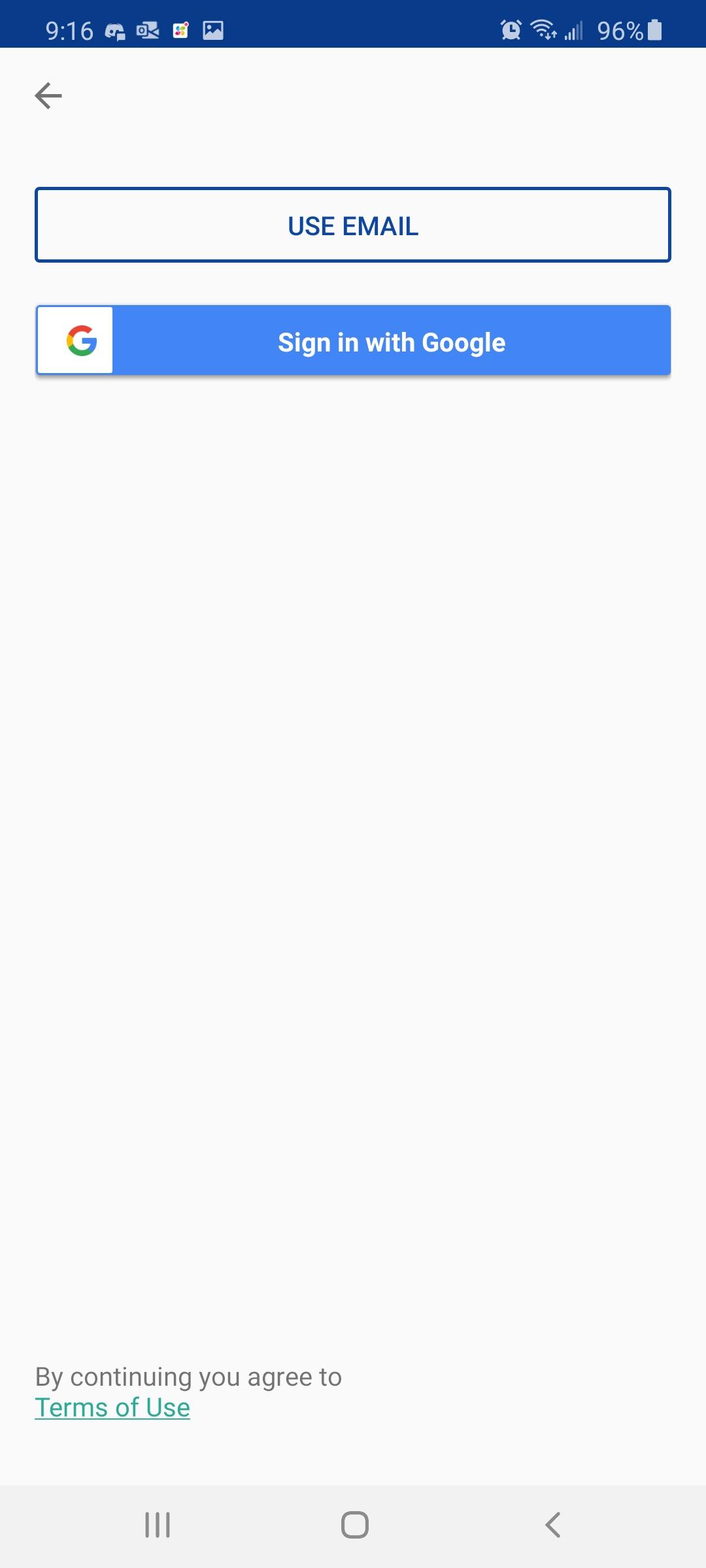
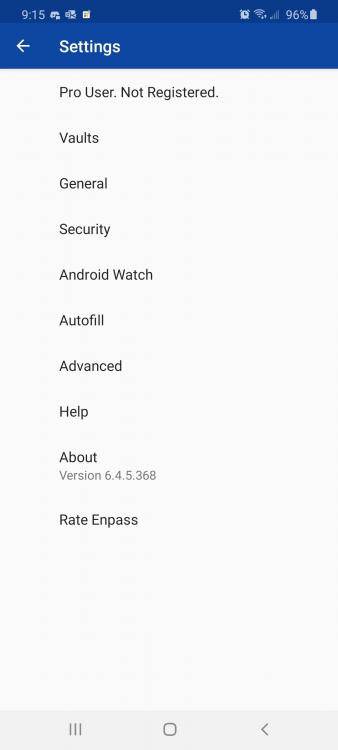
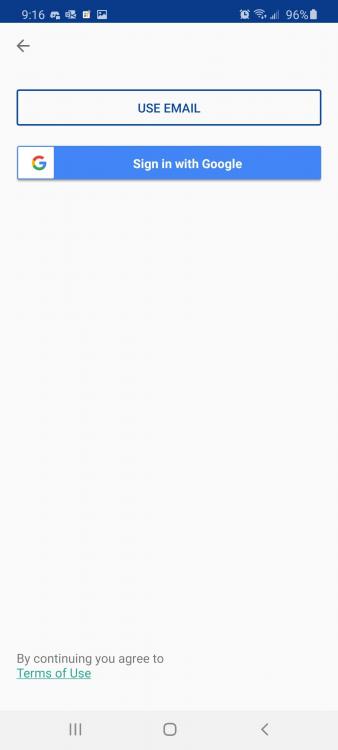
Sorry for the delay in responding. Attached are some screenshots from the app. As for sharing my email, can you get that from my profile or do I need to post it here?
-
Background: I have been a user prior to the new subscription model and have been happily syncing content across a Windows PC, Android tablet, and an Android phone. I got a new phone (yea me!) and now I can't register the app. It has been a long time since I've had to do this, so I fully accept that this is likely user error. I just need someone to point me in the right direction here, I keep getting this error and see no other way to login/register the app so I can sync data. I have tried FAQ's and articles and I must be missing the part for existing users on a new device.
-
Enpass running in Task Manager (even when closed) stops OneDrive Sync
Zeke replied to IslandBoy's topic in Cloud Sync
That worked. Thank you, @Garima Singh -
Enpass running in Task Manager (even when closed) stops OneDrive Sync
Zeke replied to IslandBoy's topic in Cloud Sync
Well crap. Not only did the download from the MS Store take forever, I am getting errors when trying to restore. Something went wrong while restoring from OneDrive. Error code: -978 Something went wrong. Error 400. On my phone I getting this error and on my PC since restoring a backup: Something went wrong while restoring from OneDrive. Error code: 507978 -
Enpass running in Task Manager (even when closed) stops OneDrive Sync
Zeke replied to IslandBoy's topic in Cloud Sync
@Ivarson Prior to my recent reimage, I was using the version from the store. Must be why I wasn't seeing this before. I think I'll switch back as this is annoying and keep an eye on this situation. You never know when MS will pull the plug on the MS Store. -
Zeke joined the community
-
Enpass running in Task Manager (even when closed) stops OneDrive Sync
Zeke replied to IslandBoy's topic in Cloud Sync
I'm seeing this as well on OneDrive lately, it is causing a Sync Issue flag on my other devices.