Cederd
-
Posts
15 -
Joined
-
Last visited
-
Days Won
1
Cederd's Achievements






-
Chrome vs enpass inline autofill
Cederd posted a topic in Autofilling and Desktop Browser Extensions
Hi! Recently chrome started overlayering the enpass autofill popup, Enpass is setup to be default pwd manager in Chrome settings and I've tried reinstalling the extension, so far no go. Anyone else with this issue?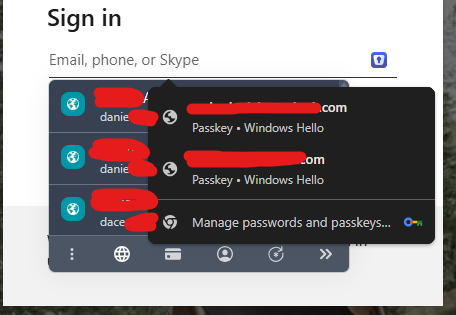
-
Hi enpass team, any update on this please? My previous post still describes an existing issue just with updated versions. Windows 11 Chrome Version 111.0.5563.111 (Official Build) (64-bit) Enpass 6.8.5 (1239) Extension 6.8.3
-
Hi enpass team - any update on this?
-
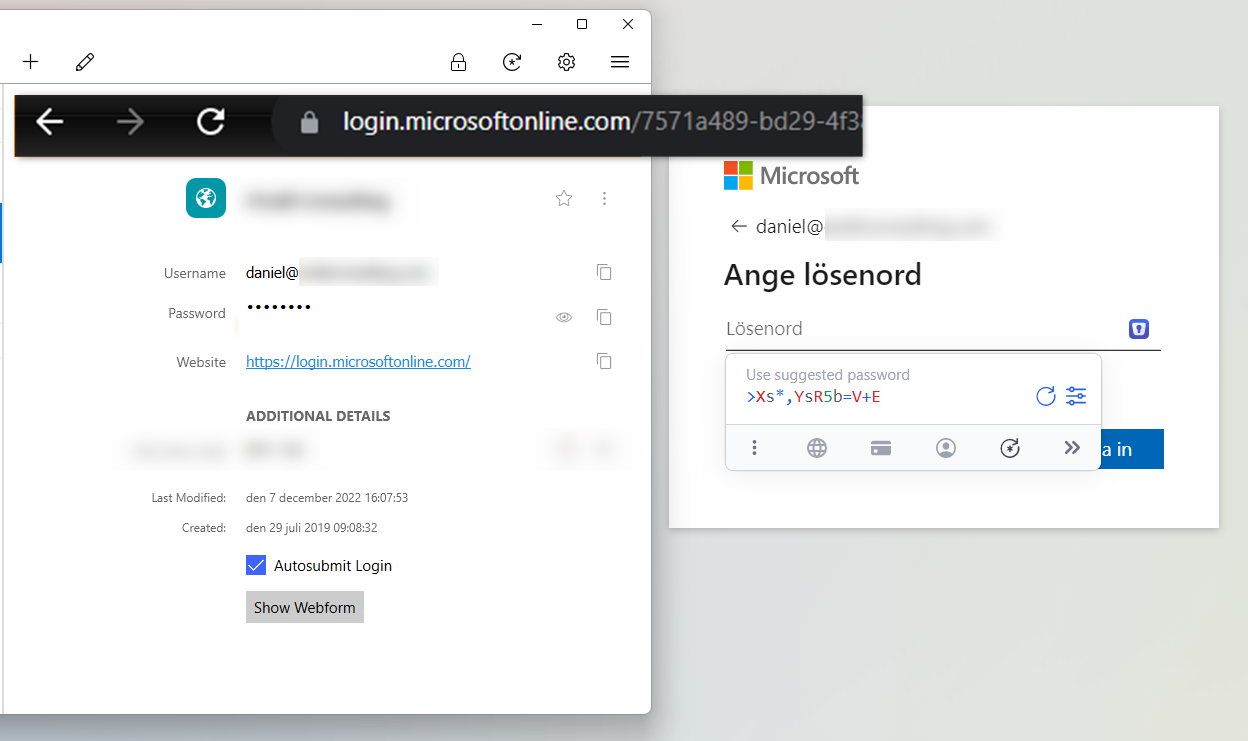
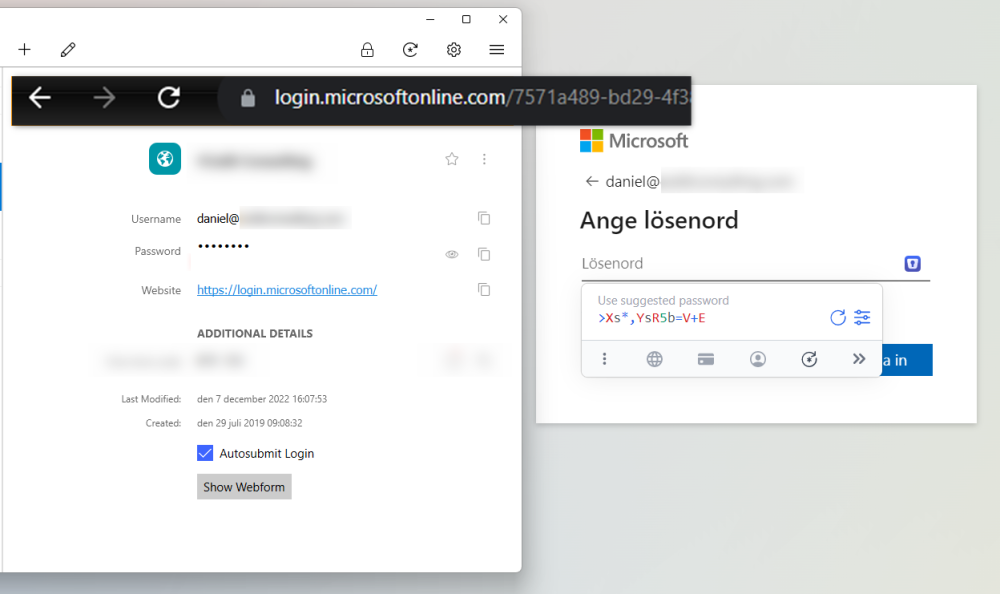
Hi I have some problems with logins to microsoft not working but Enpass rather suggests a new password, I have the following setup, have I done something wrong? Windows 11 Enpass 6.8.4 (1166) Extension 6.8.0
-
How does this relate to the “Enpass blocks drop down” issue which this thread is about? I think this should be moved to a separate one.
-
Oh thats "great" news good to know its not just my laptop then, thanks for letting me know!
-
No thanks I won't change browser because of this Appreciate it being looked into!
-
Hi, I hit F12 and did refresh with clear cache and hard reload but problem remains. It's funny because on the password generator for pw field still shows up automatically. I deleted the enpass entry for the website and re-created it as I thought the "show webform" might be obsolete but still doesn't work, very weird!
-
Hi, 1. Latest enpass client and browser extension (chrome), win 10 2. From enpass.io 3. Not using any other browser but quick test using Edge seems to work on that website
-
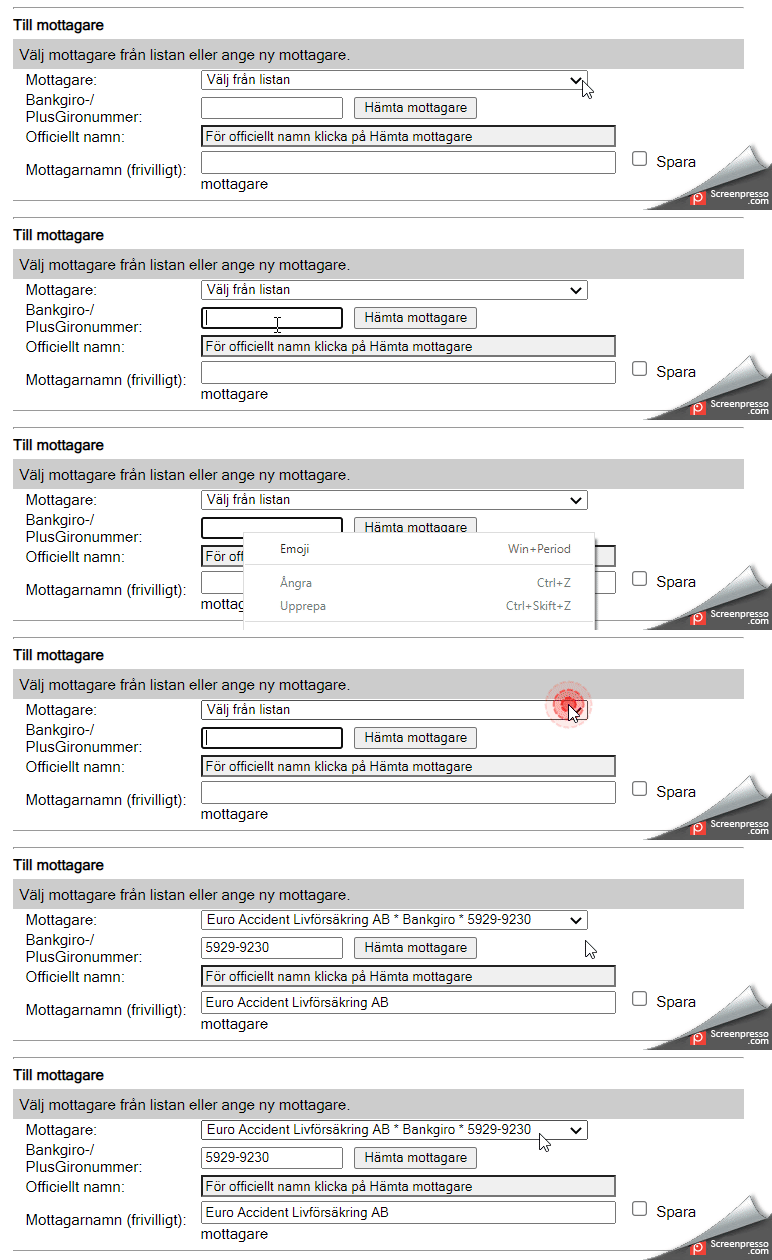
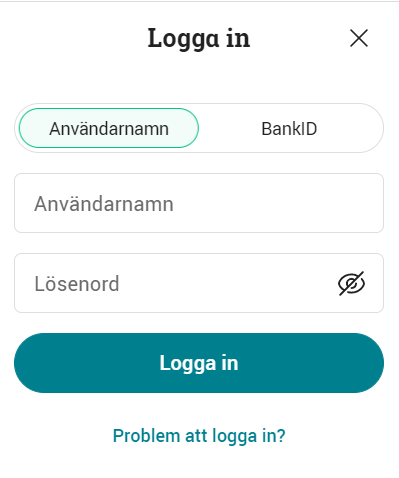
I've found at least one website that suddenly stopped working (not sure when, but the past weeks perhaps?) with inline autofill. I used to browse to avanza.se, press login and then click the username (användarnamn) field and it would prompt me my different logins, fill them and copy the OTP just perfectly, and now it doesnt work - what should I do? I tried adding a new login entry from the website but that didnt work either. Running latest chrome and browser extension.
-
Any update as to when this will be fixed please?
-
Was my original post moved to a reply in this thread or did I post it wrongly? My issue is with Windows not Mac.
-
Hi I got the same issue as described in Mac forum and I hope it will be resolved also for windows, chrome? Attached a gif on how the drop down doesnt work, it works if I disable extension. (The form gets filled in the end because I tab myself and push arrow down). Windows 10 Enpass 6.7.4 (934) Chrome Version 96.0.4664.45 (Officiell version) (64 bitar)
-
Following I have issues with enpass crashing in chrome, almost every time after computer was asleep (at least I think that has to do with the issue). I'm always submitting crash reports. Using Enpass client 6.4.3 (666) Chrome extension 6.4.0
-
Cederd joined the community
-
+1 upvote This is the only feature I'm missing which would make Keepass redundant.