Renn
Members
-
Joined
-
Last visited
Everything posted by Renn
-
It’s been two years. Any updates?
-
I would like to clarify that the issue is about Enpass doesn't restart after the Enpass app itself is updated by Microsoft Store, that is not related to a system reboot.
-
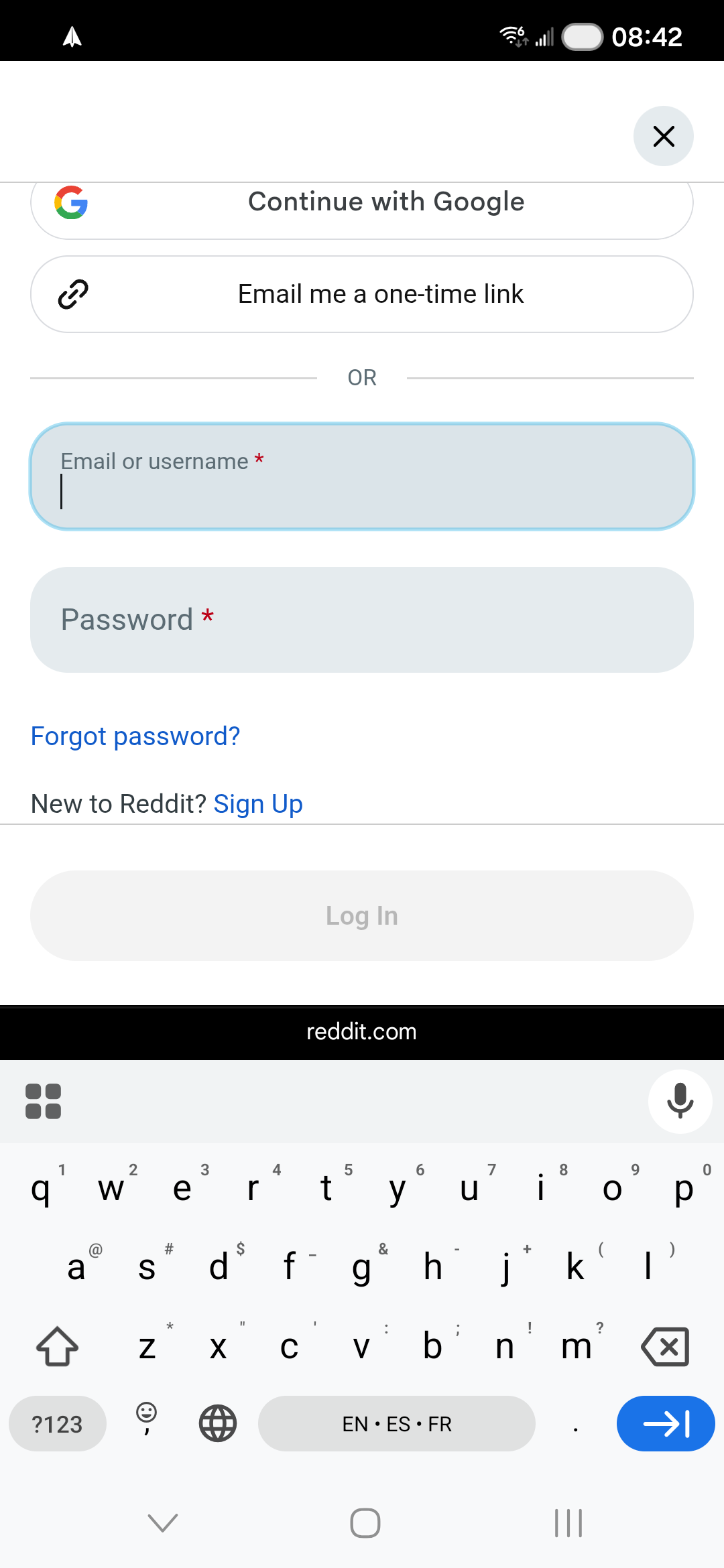
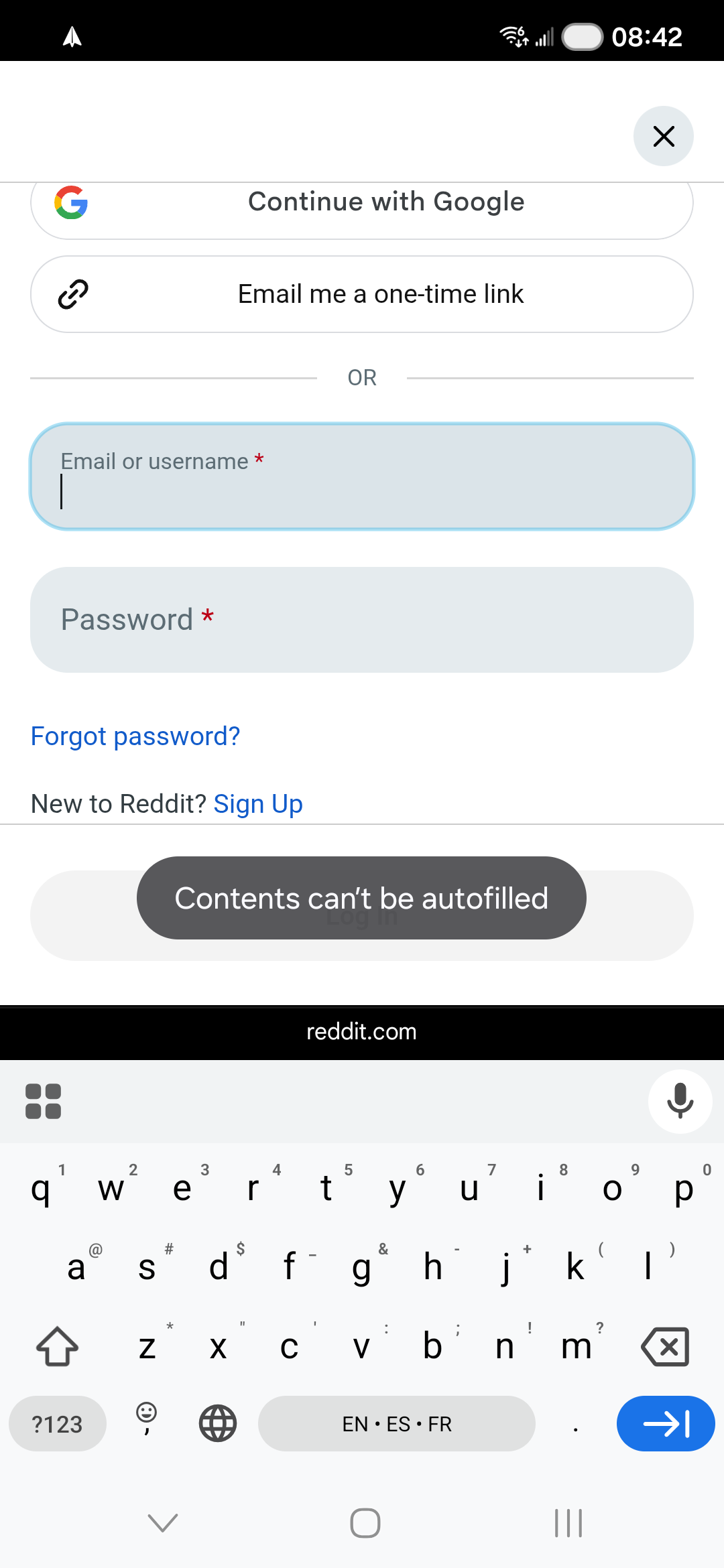
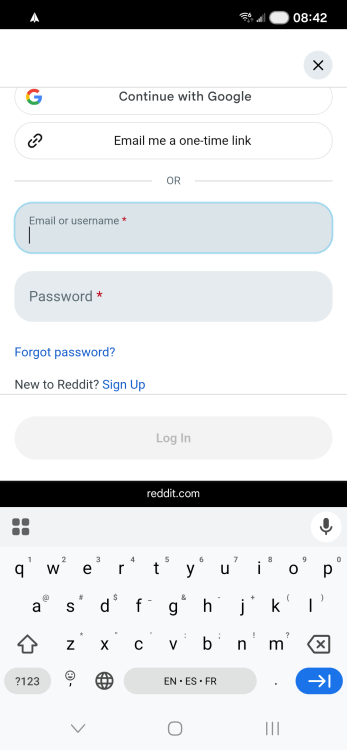
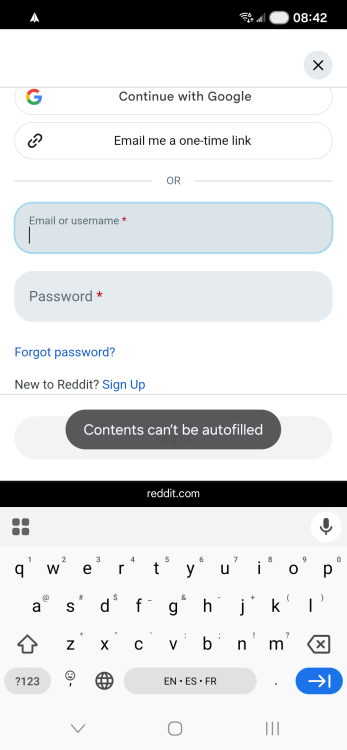
Using Reddit for example. Image 1: no autofill option on keyboard Image 2: after manually choosing "autofill" from the context menu, it shows a pop-up "contents can't be autofilled". Same happens on gg.deals. I did not enable accessibility autofill given Chrome is supposed to support autofill framework now.
-
-
As the title says. My other apps (Spotify, Firefox) restart without issues. It is annoying finding that the app is not running when I need it. Can we make some improvements for this case?
-
https://www.androidpolice.com/gboards-new-trick-takes-on-androids-autofill-issues/ Google is adding a new auto fill feature to Gboard while Enpass still only has a button.
-
1. Enable Windows Hello on app 2. Prompted for unlock on browser 3. Browser opens a new tab saying "trying to connect to Enpass" 4. Enpass window opened with Windows Hello disabled, asking for password This is BS, this thing is getting to a unusable state. I'm on Qualcomm processor.
-
BTW even if you did upgrade to the premium tier there's no guarantee that there won't be another "premium plus" tier in a few years that will put more banners and popups and notifications on your apps, they've done it once they'll do it again.
-
And I won't pay a cent more than $20 to "upgrade" to the premium, you have my word. The choice is not between $60 and $20, it's between $20 and absolutely NOTHING.
-
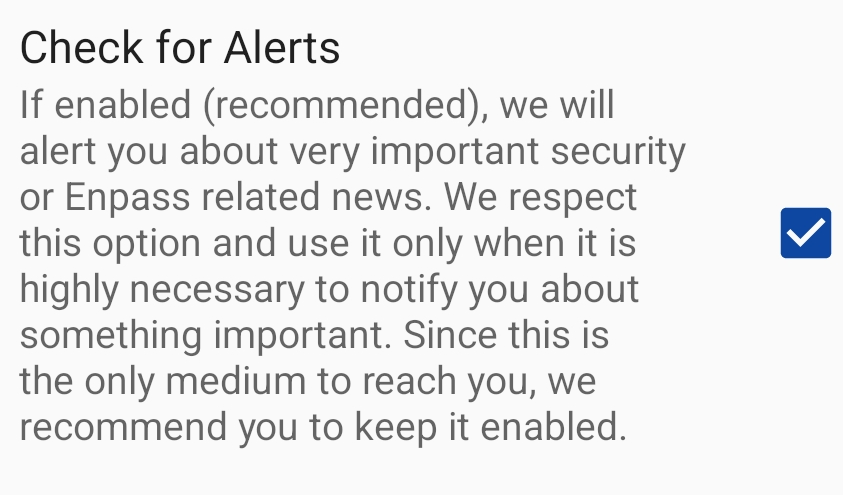
@Amandeep Kumar@Tarun Singh Rawat I wish you still remember what you said. If you truly believe your annoyance to push lifetime subscribers to pay once more is "very important security or Enpass related news", this thing is dead to me. I kept this thing on and granted notification permission out of TRUST and you seem just backstabbed my trust for $60, seriously?
-
Just saying, it's been over a year since I've submitted a request via email, ECS-46132
-
I received a push notification on my Android client offering upgrade from Pro Lifetime to Premium Lifetime for $59.99 today but I don't think 2FA support notify and passkey support notify worth that price. Buying anew is on discount for $79.99 right now, so all Pro Lifetime features only worth $20 in their mind, while the Premium exclusive features are 2 times more expensive at $60, that's simply nonsense. With a more reasonable price I would upgrade, my expectation is $20 or less. I will not pay a penny more than that before any major expansion on the capabilities of a Premium Subscription, you have the choice.
-
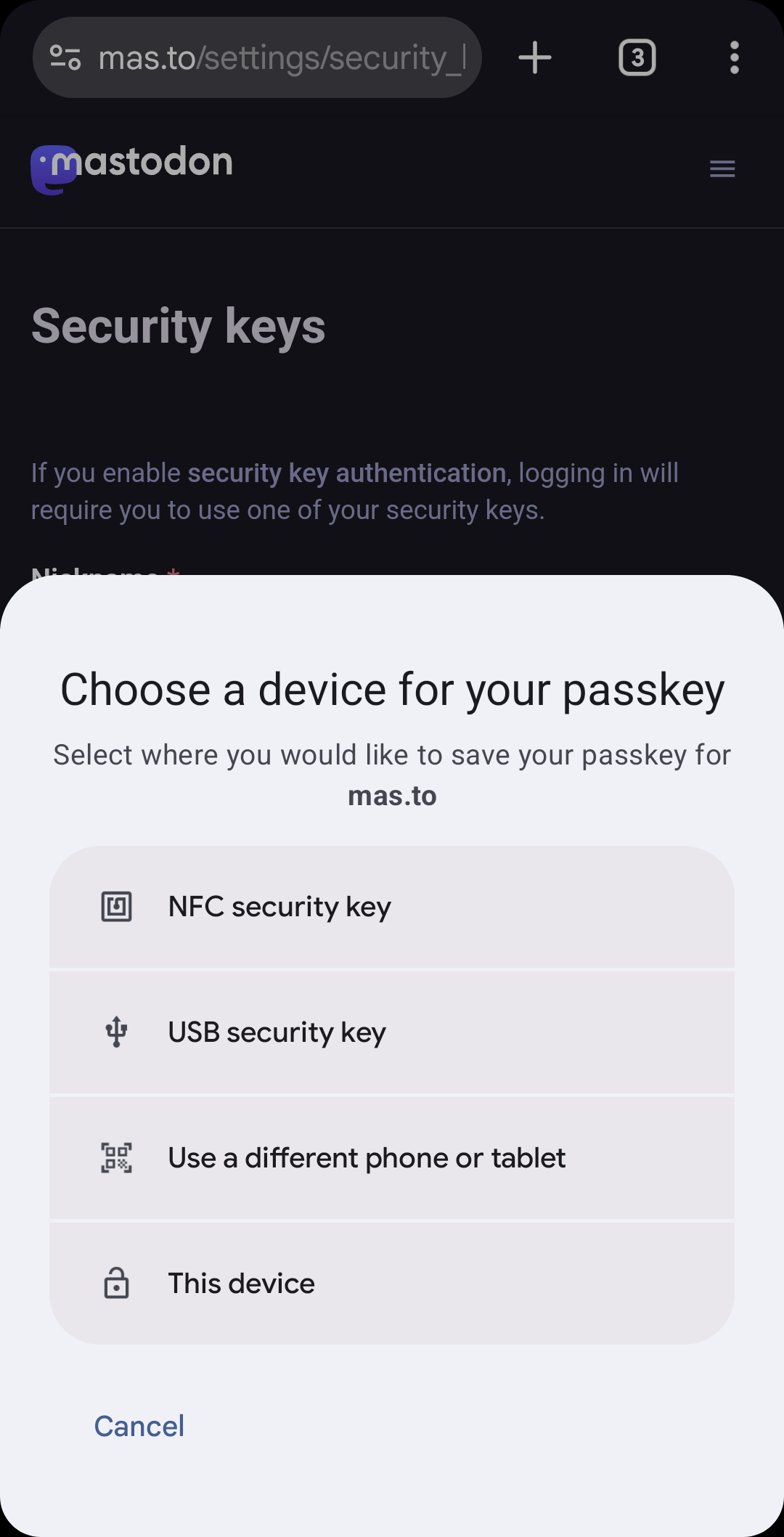
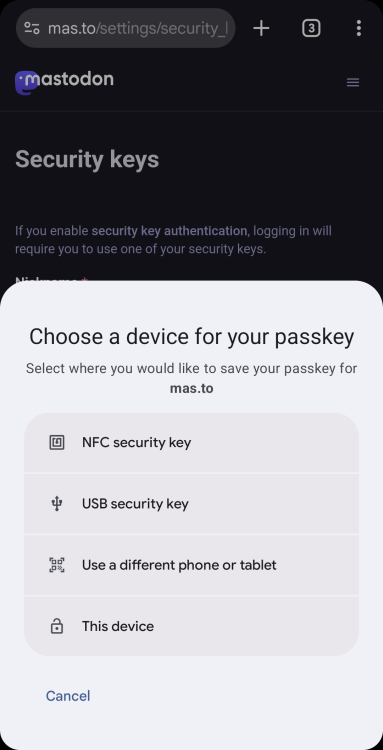
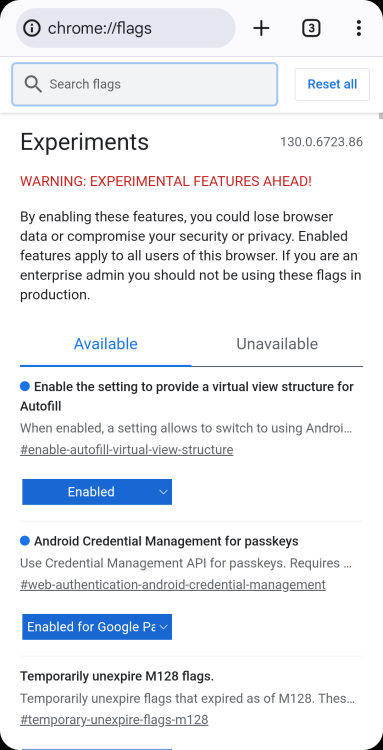
It still doesn't work for me somehow, Firefox also has the same behavior. My phone is running Samsung One UI 6. @Amandeep Kumar you can use https://www.passkeys.io/ for testing, my experience is that no website is working.
-
The passkey support of Enpass for Windows currently relies on the browser extension and only works with websites. This API would allow non-browser applications access the passkeys stored in Enpass, like what's been done on iOS and Android. I wish Enpass can support the aforementioned new API that will arrive at Windows in a later time.
-
-
Can we get this feature on Android that has been available in iOS for so long already???
-
Still no fix, it's been two months without a single update.
-
Is there a plan for it at all? I would like to have equivalent features on Android and iOS let alone every other password manager do.
-
Every URL is broken. I'm having the same issue and sent a support request via email. I wish there could be at least a plan to get it fixed, website autofill is really important, I cannot use a password manager that couldn't do it.
-
I realized that there's an option in the iOS version of Enpass called "Hide Usernames and Websites", that's exactly what I want for Android so I can disable it.
-
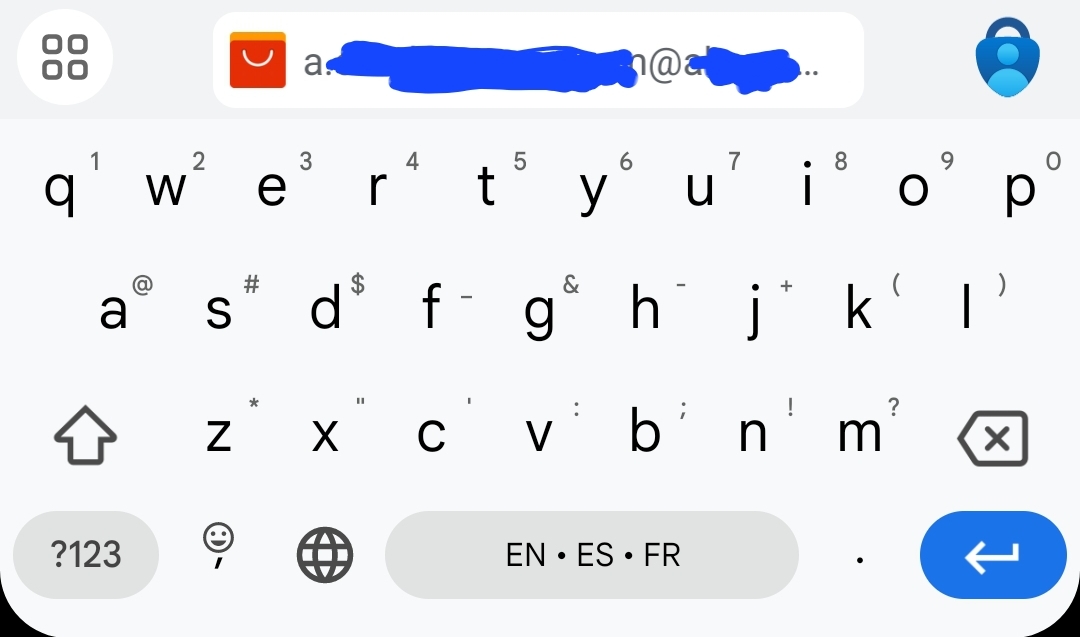
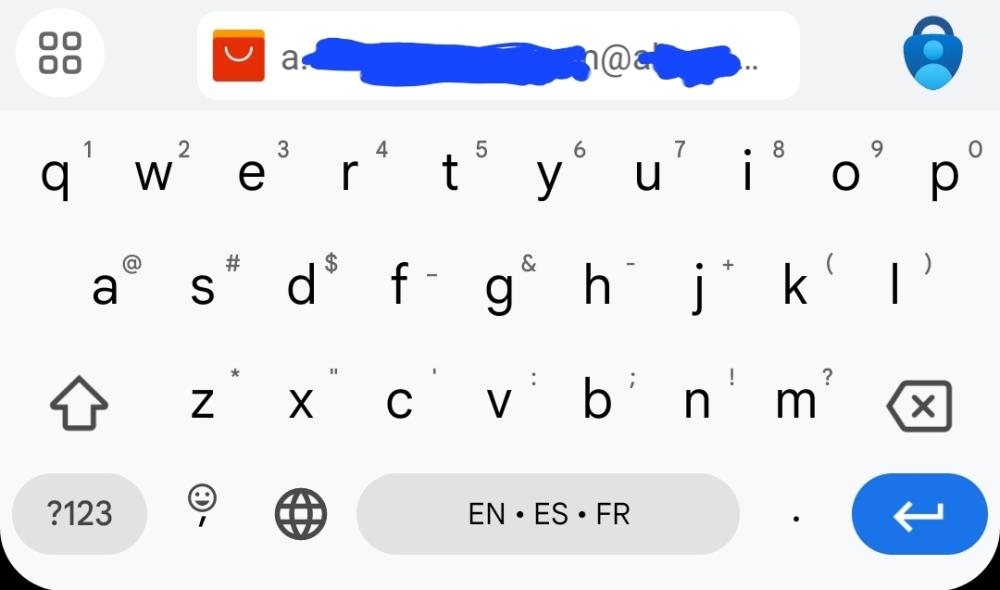
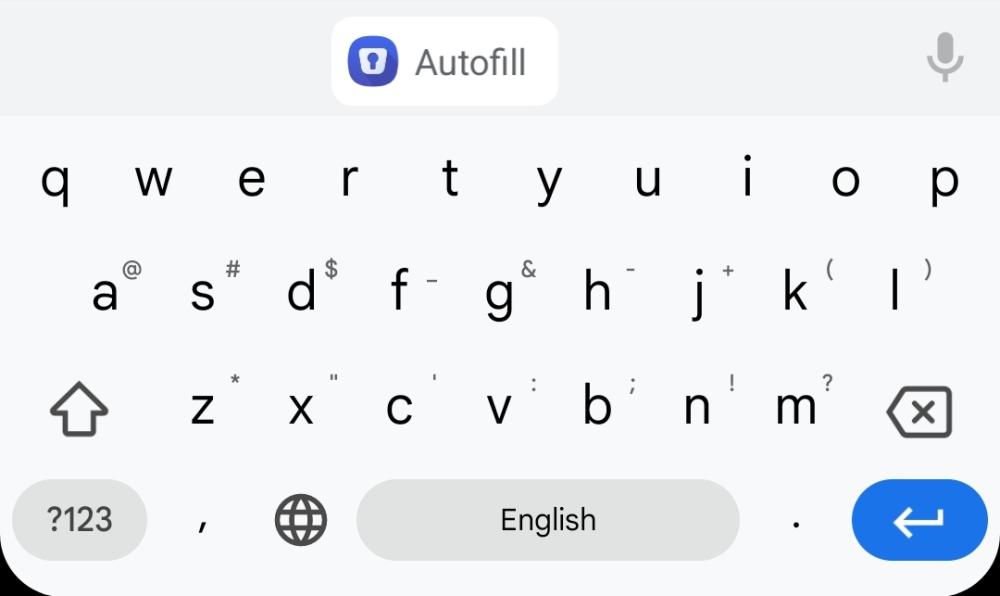
Is it possible to show the usernames of the accounts that can be autofilled to this website before needing to do a biometric verification? I found it much more straightforward when it's possible, like how Apple is offering with KeyChain, and Microsoft Authenticator on Android. Here's what I'm expecting (like Microsoft Authenticator): If this account is what we are looking for, we can select it, do a verification and it's auto filled. If it is not, press the button on the top right corner to open the app itself to choose another one. Here's what we have right now As you can see, it is not very "inline" as it still requires the pop up to be opened every single time, then we can choose an entry.
-
Sounds good, I will do so to help you guys figure it out. Thank you.
-
First start: nothing happened, Enpass Password Manager exists in Task Manager but no window showed up. Second start: Enpass Crash Reporter OS info: Windows 10 Pro for Workstations, 20H2, build 19042.662 Also tried legacy win32 version, same result.