Maclife
Members
-
Joined
-
Last visited
-
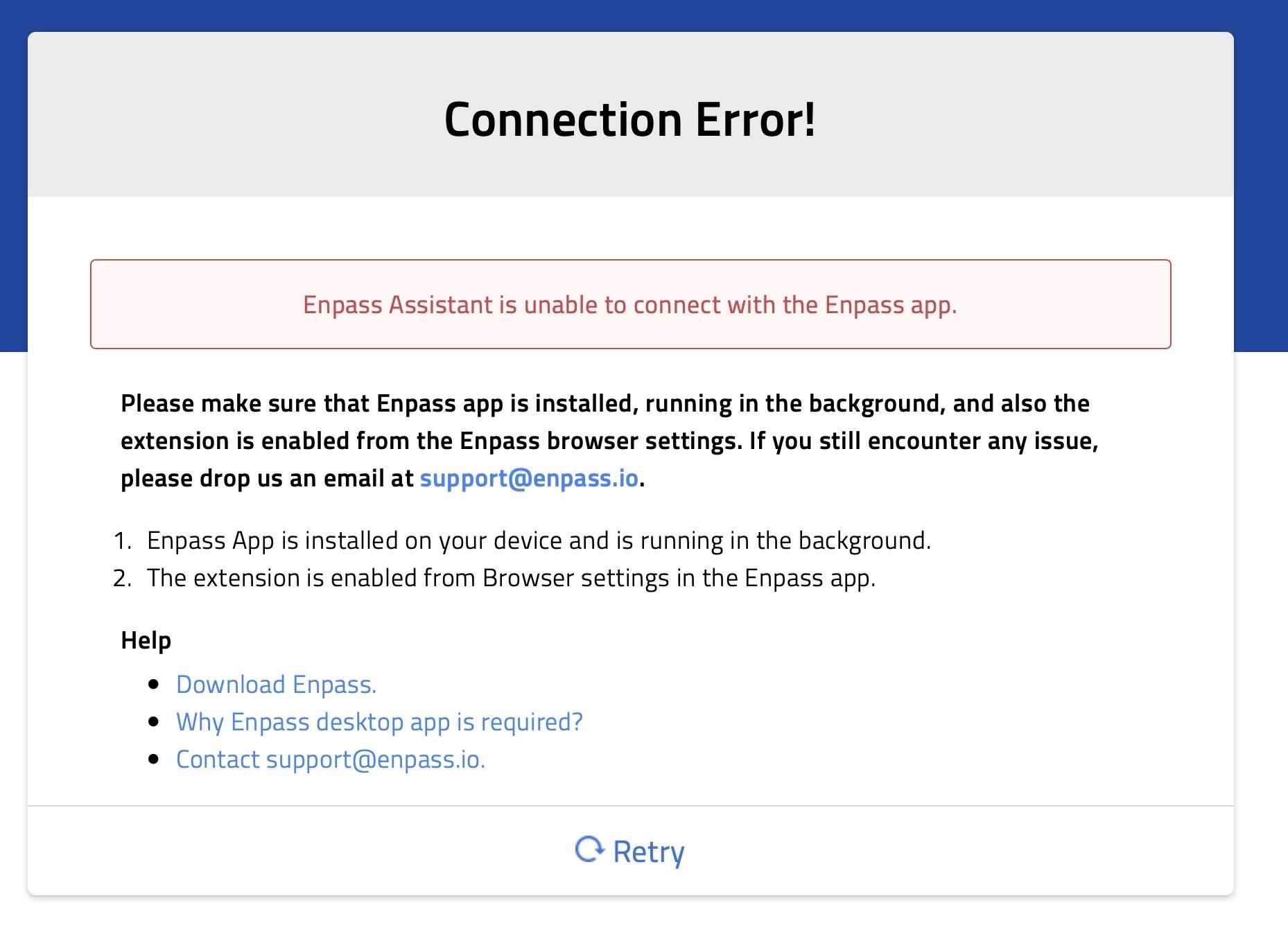
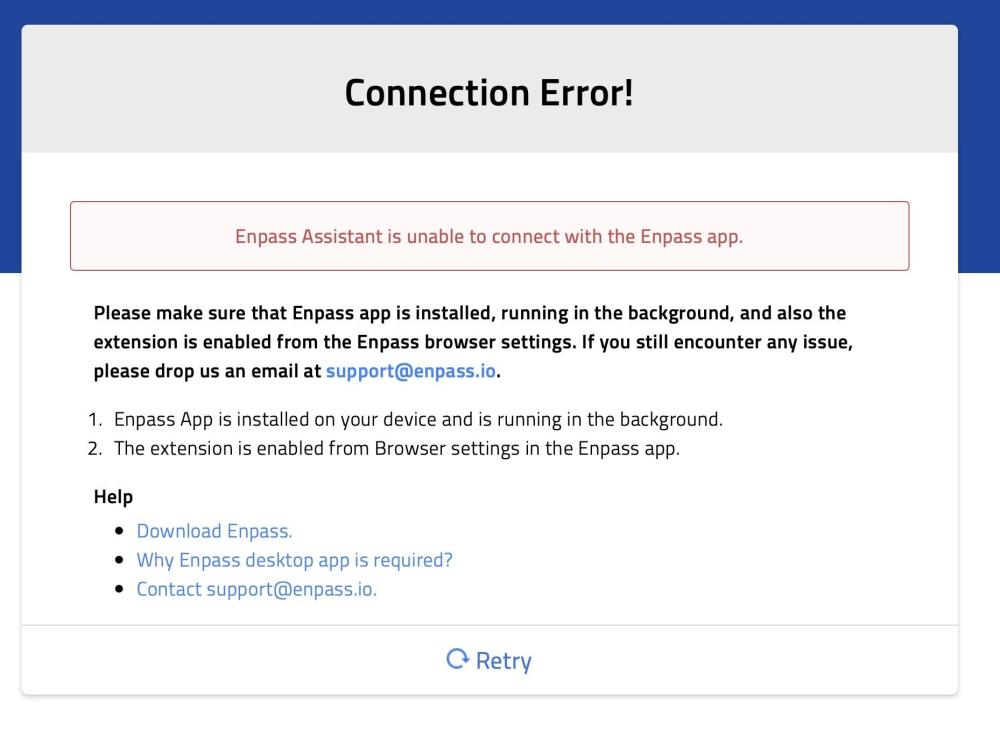
Safari Assistant intermittently loses connection to Enpass app – happens after sleep and randomly during the day Environment: macOS: 26.6.2 Safari: 26.6.2 Enpass app: 6.12.5 Enpass Safari Extension: 6.12.5 I'm experiencing the well-documented "Enpass Assistant is unable to connect with the Enpass app" error. This matches many older threads (e.g. topics 29188, 31359, 31602, 31795) going back to 2023, so it seems to be a long-standing, unresolved issue rather than something specific to my setup. Symptoms: Enpass desktop app is open and unlocked, extension still shows "Connection Error" Happens reliably after a Mac restart Also happens intermittently throughout the day, seemingly unrelated to sleep/wake The only reliable fix is quitting and restarting Safari — restarting only the Enpass app does not help Toggling the extension off/on in Safari settings does not help Only one Enpass installation present (no App Store + direct download conflict) I already tried disabling "Auto-Lock when System is in sleep" and "Auto-Lock when screensaver activates" in Enpass security settings — issue still occurs. Since this has been reported for years across multiple macOS/Safari/Enpass versions without a confirmed root cause, could someone from the Enpass team share: Whether the underlying cause (e.g. the local TCP port handshake between the app and extension) has been identified Whether there's a fix planned, or a more reliable workaround than restarting Safari Happy to provide logs/lsof -i output if that helps investigate.
-
-
TBH I think they do Not care. I have posted this issue since over a year already and still exactly the Same issue. If a developer would care about a bug this would have been adressed already. That it is possible to work is shown by other Passwort managers. Sorry to be harsh but after over a year this is just the truth
-
-
-
-
-
I have tried it on Mac OS in the latest Firefox and Safari versions. Manage Passkeys is enabled I am using the latest Enpass version from the Apple App Store. What I realized in Mac OS system preferences it is not possible to switch these fields to Enpass. Which is possible on iOS. So maybe there is the issue. I have tried to uninstall and reinstall Enpass already which did no changes at all

-
Hey since upgrading to Mac OS 15 Sequoia Enpass is not working anymore with Passkeys If I am on a webpage where I have a passkey saved in Enpass and I want to login to the URL I just get the popup in the attached screenshot. I cannot choose enpass anymore to be used to fill out the passkey. The only possibility now is to use my iPhone and then scan the barcode that is displayed on the Mac (safari and firefox) and then use my iPhone to pass the passkey to the browser. Is there a workaround for this or a fix ??

-
@Welshdog It seems it is only happening in Safari. With Firefox it works. And it is happening in Safari no matter which URL I am using
-
yes exactly the same issue is happening on Mac OS Safari since the last update
-
also using 6.71. Like I said it happened since the last Enpass update all of a sudden very annoying
-
Sorry but you understood wrong. I am double clicking on the item to autofill it. BUT the first time I double click nothing happens. Then I have to double click the item again to successfully autofill the item. THAT IS NOT Expected to be like this
-
Since the latest update for Enpass Autofilling on Mac OS Latest Big Sur version with Safari is not working anymore. If I click on the password nothings happens. If I click again on autofilling it works. But always only at the second try Any solutions or fixes for that !?!? Never happened before the last update