.jpg.73558d140e8578a59402b114633c3cd7.jpg)

ckasprzak
Members
-
Joined
-
Last visited
Everything posted by ckasprzak
-
-
I for one would love this option! I'm tired of manually exporting and importing bookmarks between browsers.
-
Nope, still having this issue. I will say that I'm not actively using OneDrive on windows. I have a Synology Drive app that replaces it, as I'd prefer to keep my data on my own cloud. Given that it's only ever happening on my desktop I have a feeling this is probably the reason why. I have since moved to dropbox, but now have to have an exception setup for while I'm at work. My question to you have you folks ever looked into Using a Synology NAS as a Vault option? CK
-
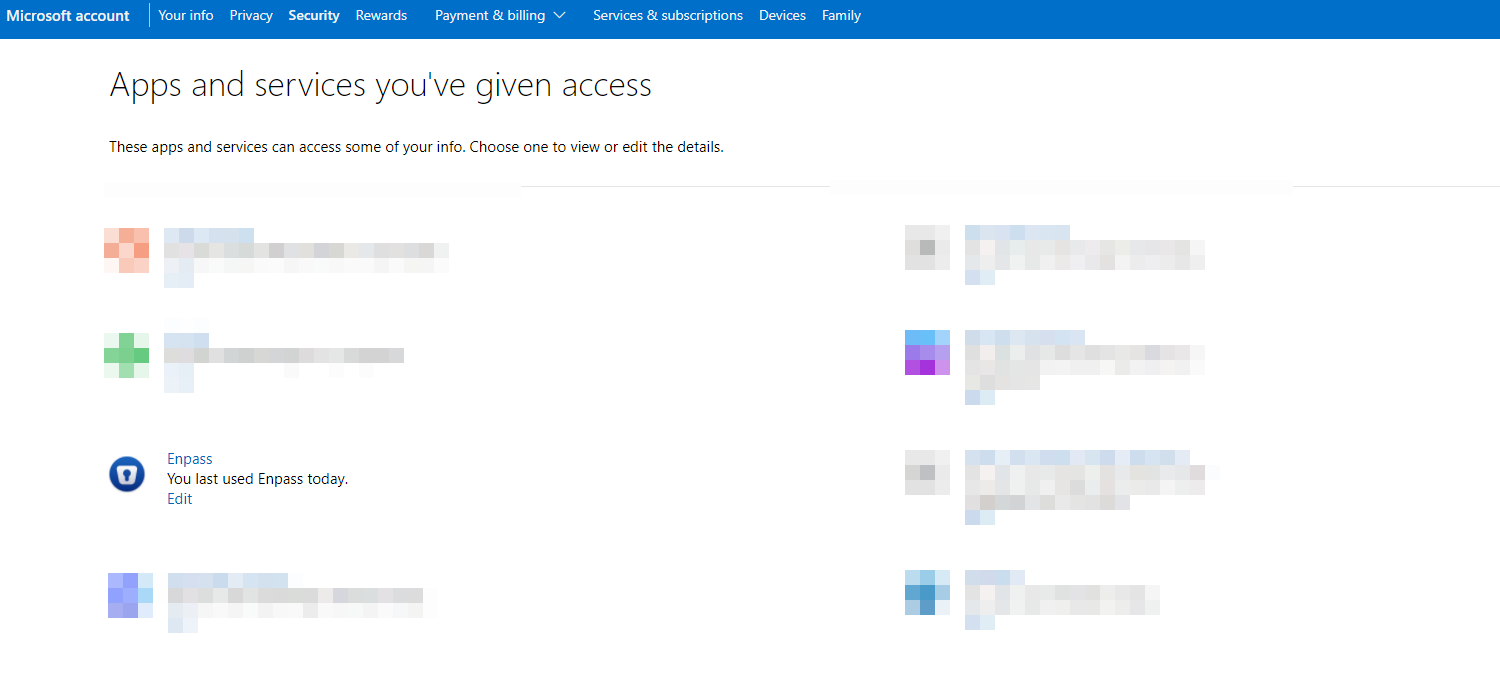
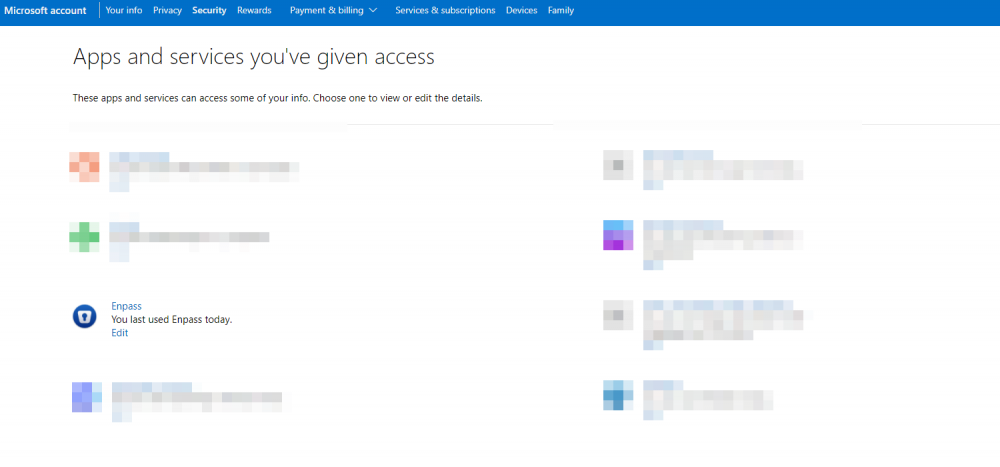
OK, I may have done it. I setup Enpass on my wifes machine and it prompted to allow enpass.io access to my ms account. So i went through and cleaned up all approved Enpass in my account and re-approved it. Microsoft account | Privacy - > Seems to be holding this time around. I'll reply later this weekend or Monday to let you know. Chris
-
I just got a new video card and did a re-image of my system and now Enpass doesn't recognize onedrive at all! Any chance you folks could integrate something like Synology Drive functionality? Similar concept but I like the personal cloud aspect. I'll try onedrive one more time after I clean up everything on there. From the looks of it, it was trying to create a Enpass1 folder with the settings on my onedrive.
-
Seems to be better! I'll reply back in a few days to make sure.
-
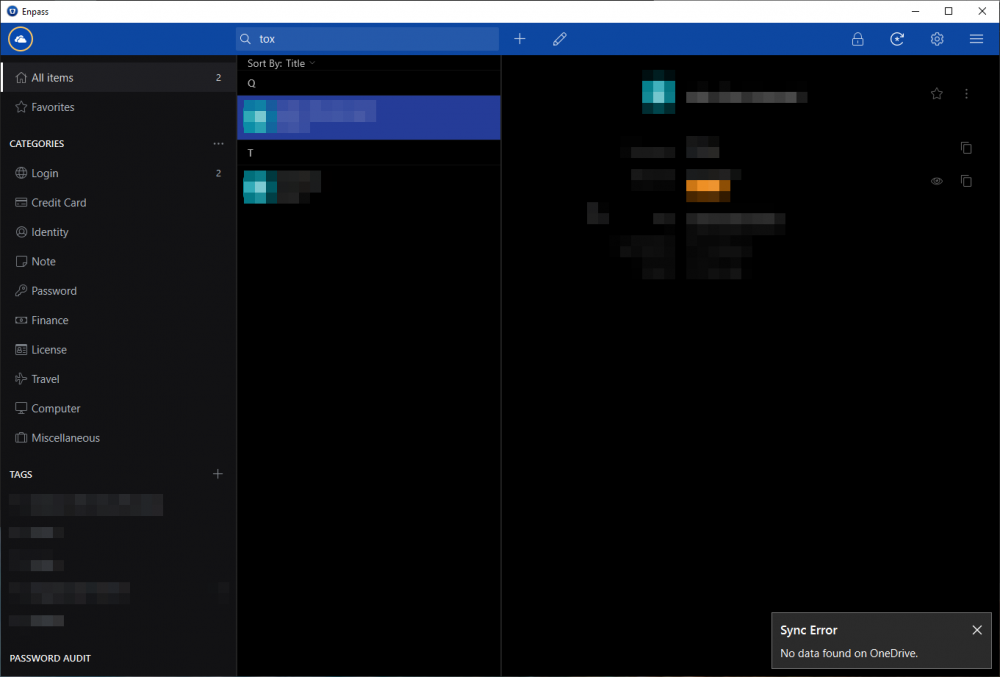
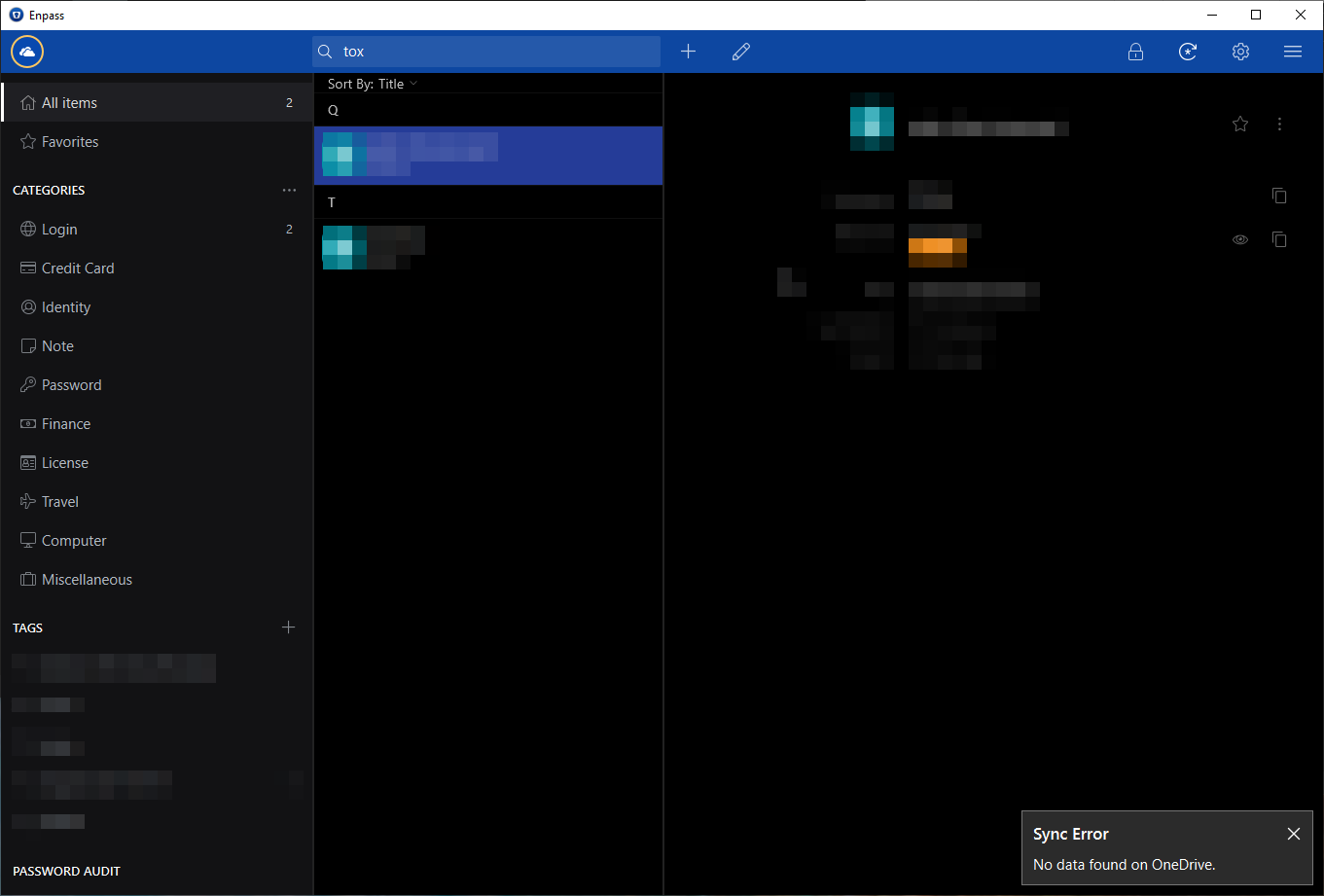
I'm getting this issue too. I've reset the vault and continues. But my mobile app has no problems what so ever. I've tried the win32 and the store app, both product this issue.