
webmaster
Members
-
Joined
-
Last visited
Everything posted by webmaster
-
Thank you very much! I had this exact same problem on Fedora Gnome and the installed Flatpak version from the store didn't authorize. I uninstalled EnPass (but kept data) and than when I quit EnPass, the authentication browser prompt launched EnPass and triggered everything correctly. REAL NICE!! Thanks again @navaho
-
Only an idiot would make this a feature — EnPass must be collecting so much money from customers they have a zero-fooks given policy. I find it insane, that the absolute level of retardation involved to invest development hours into this feature was pushed forward... mind-boggling really. It was already bad enough you make people wait on your budget transactional email servers to send laggard automated B$.
-
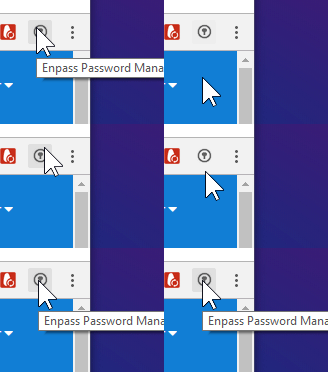
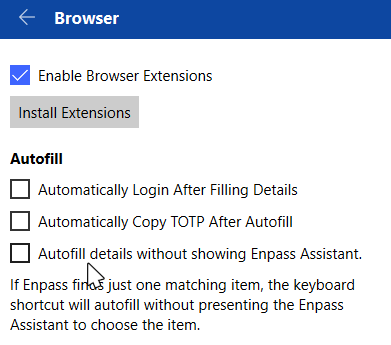
Autofill does not work UNLESS using a hotkey. The native chrome password manager autofill works. Enpass does not. W10 + Chromium + recent latest version everything. I can't believe this problem has been going on for years now. Insane. * https://duckduckgo.com/?q=enpass+autofil+no+working * https://discussion.enpass.io/index.php?/search/&q=autofill * Yes. I've read the docs - https://www.enpass.io/docs/manual-desktop/browser_ext_using.html#autofilling * also uninstalled, relaunched chrome, reinstalled, relaunch chrome I even disable and re-enable from desktop app. and relaunch app properly too.
-
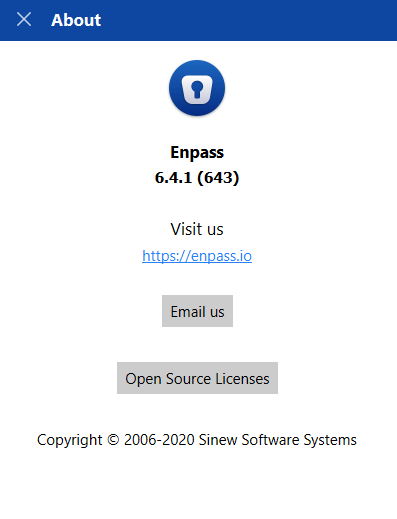
Enpass for Windows Desktop. I did not download enpass using Windows Store either.
-
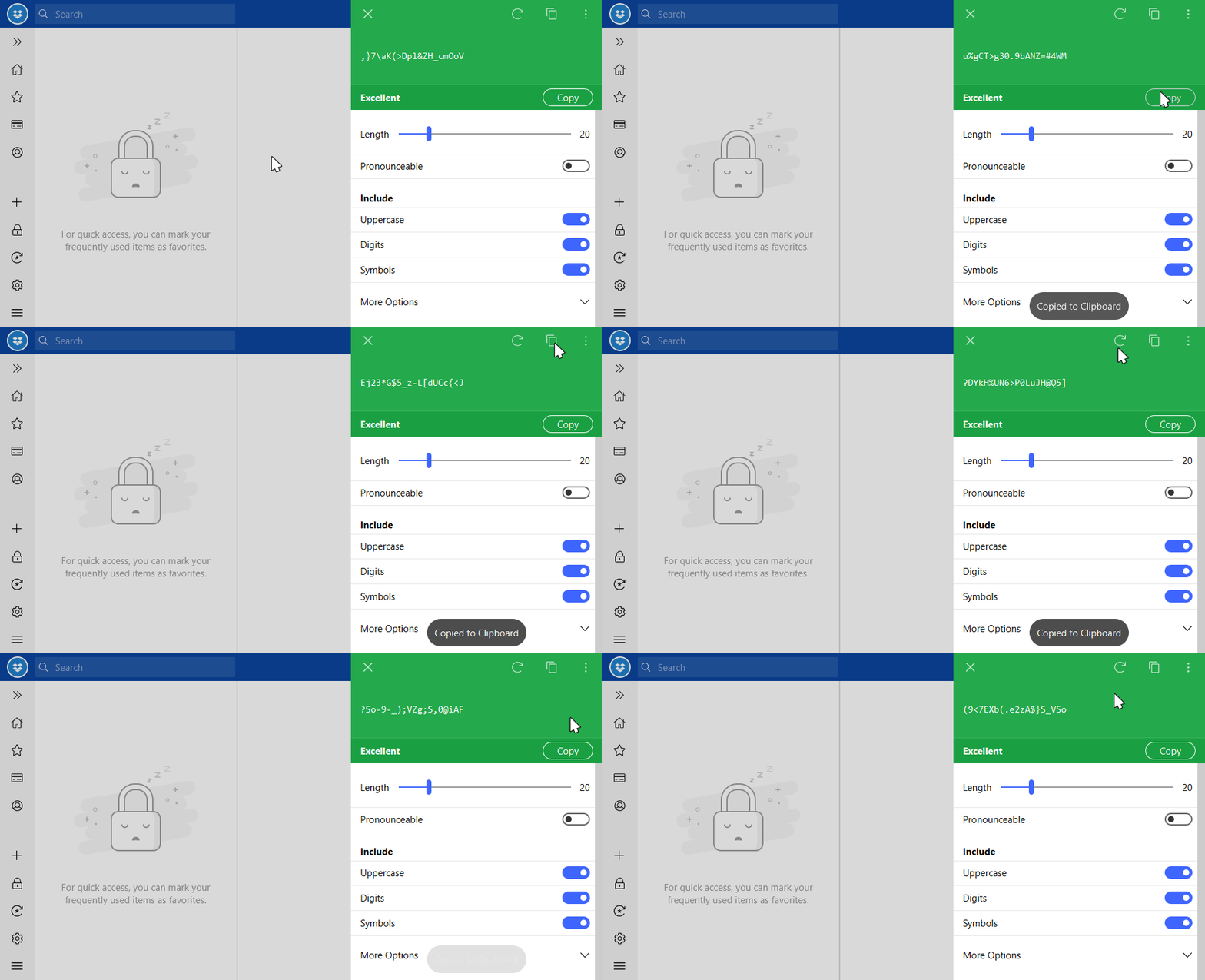
i didn't realize just how much i generate passwords until now but I think whenever yall integrated the "new" auto generate password on copy / clipboard feature is insane. absolute silly. horrible idea. CTRL + G Click "copy" button Horrible Bell & Whistle -- New password on click??? No reason. It doesn't even make any sense. What the hell does the Reload (or refresh) Icon even do? What is that icon to the right of it? How does any of that differ from the COPY button? Can I disable this useless feature?
-
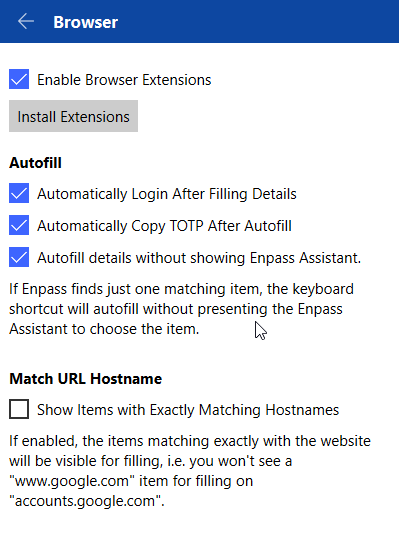
Traditional W32 Desktop 6.0.6 (323) EnPass. Does it work for you? I have to use autofill hotkey CTRL + / to initiate a login for discussion.enpass.io - you too? Do you think it has something to do with the login form being a popup dropdown? It is a little bit ironic if it doesn't work on the website though. Maybe something to look into...also, multistep login forms, like Yahoo.com have same issue. I didn't try restarting PC but I did restart EnPass and browsers and still no luck.
-
So far no problems on my end. I've been using Brave browser with Chromium extension for past several weeks. Not a single issue. I downloaded the chrome one instead of the opera one (although I hesitated and was about to get Opera). https://www.enpass.io/enpass-browser-extension/ https://chrome.google.com/webstore/detail/enpass-password-manager/kmcfomidfpdkfieipokbalgegidffkal
-
May you please share a changelog link or update notes with me? When I installed / updated Enpass Desktop it just had a blank box. Maybe you forgot to add a couple of bullets? Thanks in advance!
-
It would be awesome too, if one could generate a password, inside the browser using a hotkey. I constantly find myself double-clicking desktop app system tray and CTRL + G to CTRL + C and CTRL + V into form than click Save from Browser to Sync. Could easily save a few clicks and 30+ seconds
-
Thank you very much, helpful. How can I test a beta version for search mechanism? Will it be included across all versions of Enpass? I checked the box for beta updates... do I just have to hold my breath and wait?
-
-
I uninstalled the Windows 10 version, and tried both Portable and classic Windows 7 version. The portable one was 50% slower, maybe more.. the Windows 7 5.6.0 is slightly faster, around 15%. The lag is a tad less noticeable but still there. I reckon I'll stick with 5.6.0 - maybe I'll do some digging for changelogs and see what's been added / removed. It's very hard to find changelogs... did you know that?
-
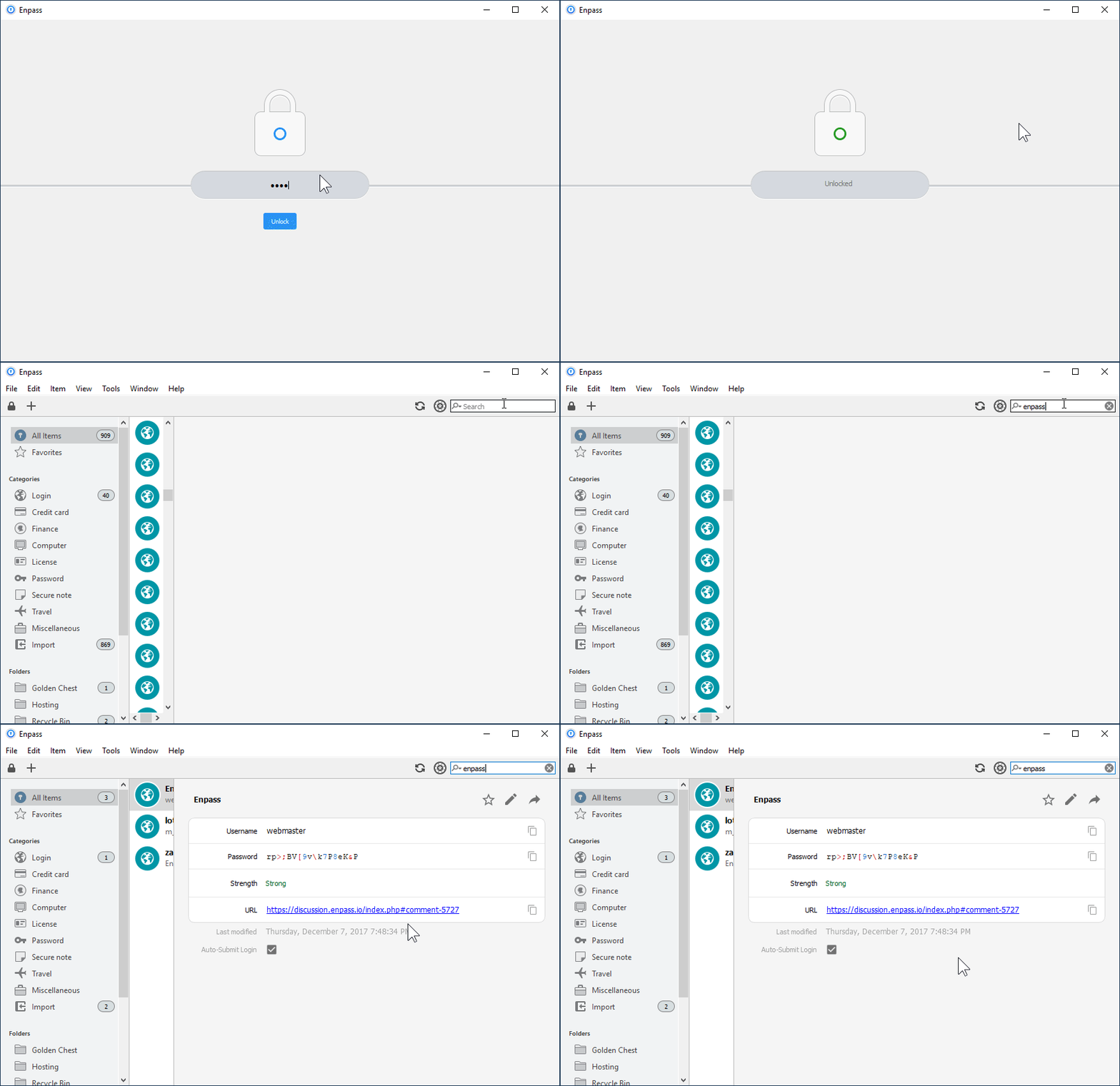
Product: Enpass Version: 5.6.2 System: Windows 10 Locale: en_US --- What can I do to remove the lag? Maybe a registry hack or something else? My machine is pretty friggin' awesome, it's not on my end. Also, the lag appears sometimes in Edge / Chrome Browser too. Whenever I search for something in Enpass, it has lag. It just doesn't make any sense. Notice the gif below, it's normally always even slower than that too!