flyingbirds
Members
-
Joined
-
Last visited
-
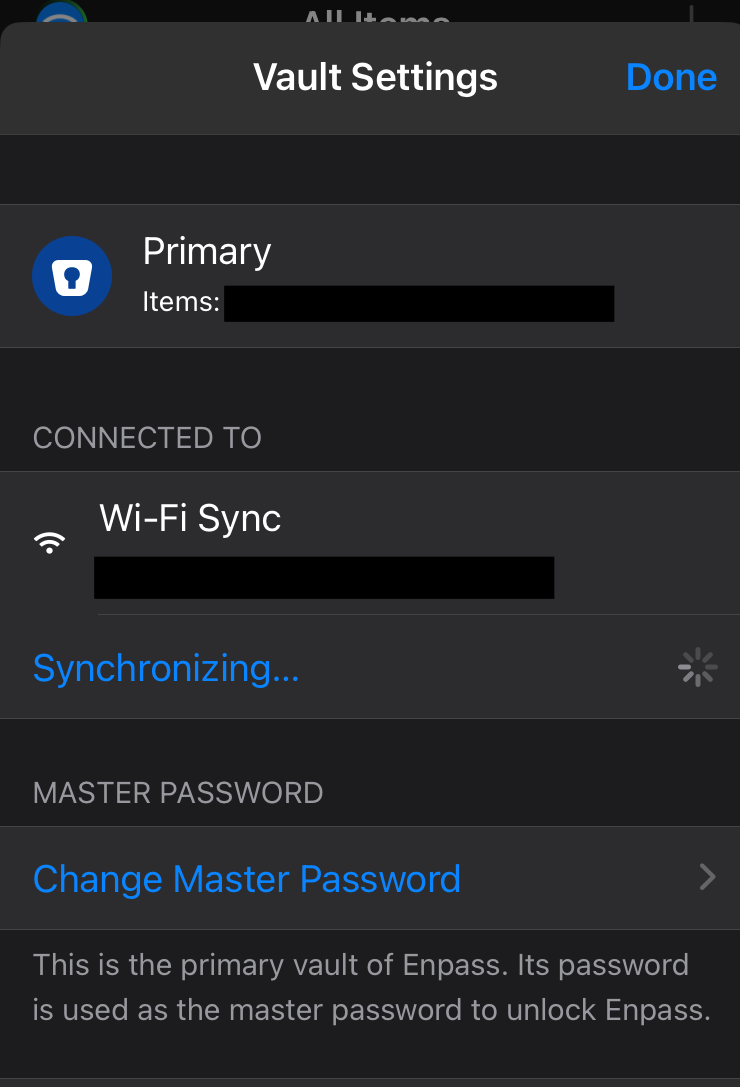
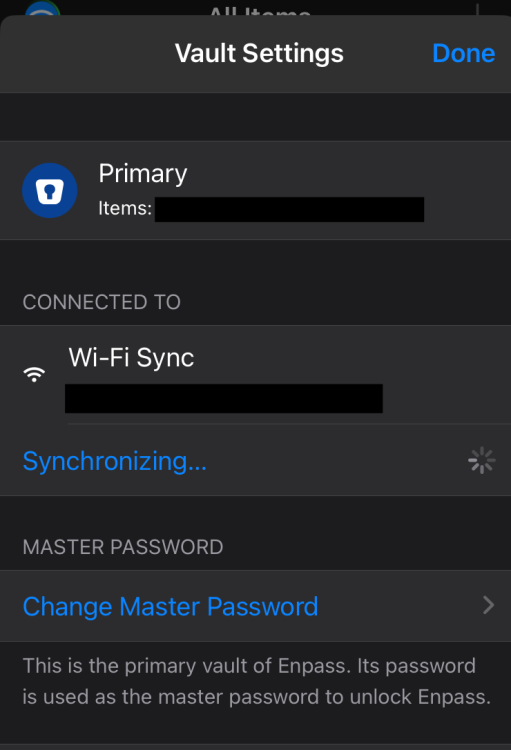
This is still not fixed. It just keeps saying "Sychrnozing" forever. I have to re-install enpass to make it work again. Same issue on iPad. macos 12.7.6 iphone ios 17.6.1 enpass latest
-
it just keeps circling. Its actually easier to delete the whole data on iOS and re-initiate as new. MacOS 12.7.2 Enpass 6.9.3 _ iOS iphone 16.7.2
-
I was surprised that Enpass showed me a prompt to "re-register" via a TOTP sent to my registeration email. What is going on here? Its not like I am logged in a website
-
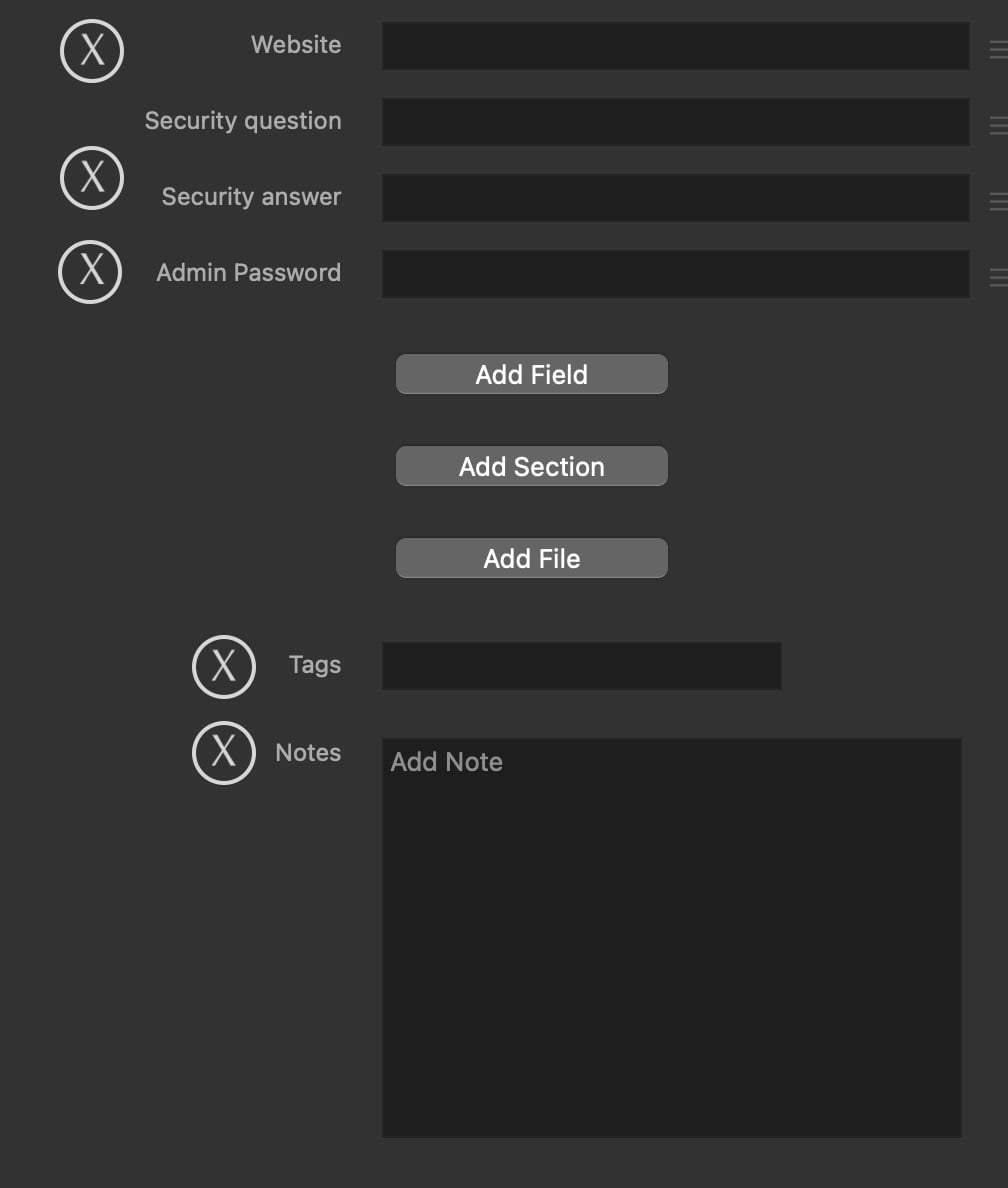
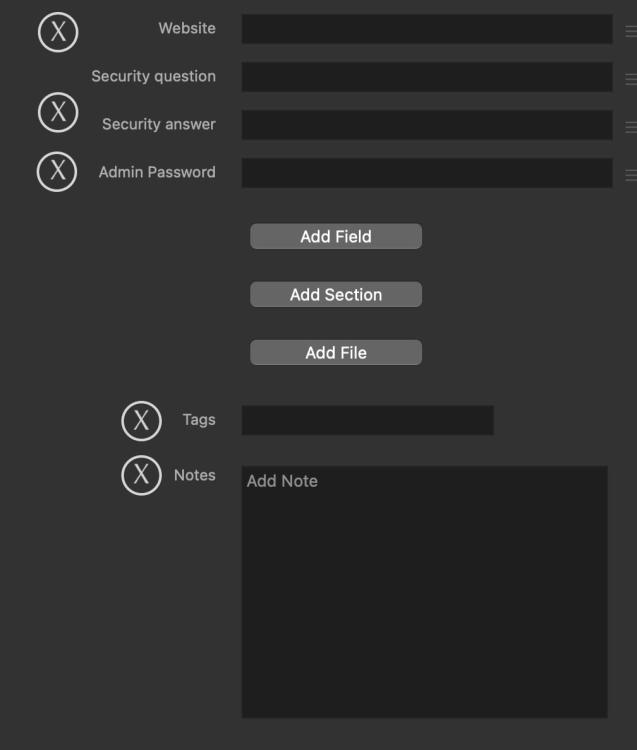
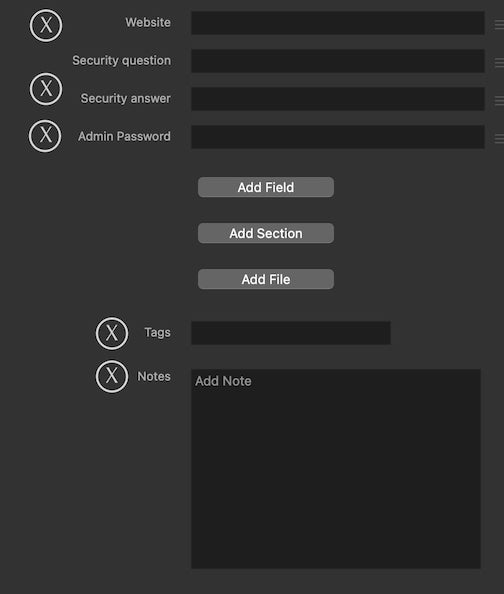
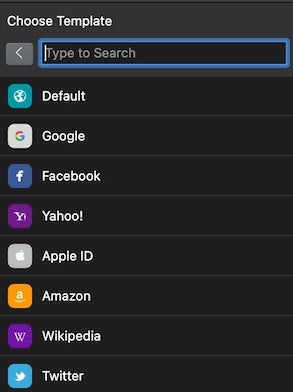
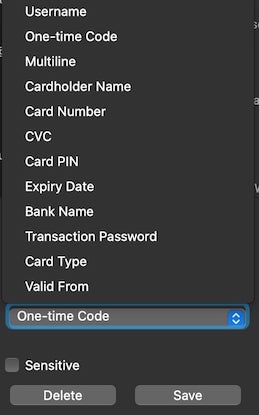
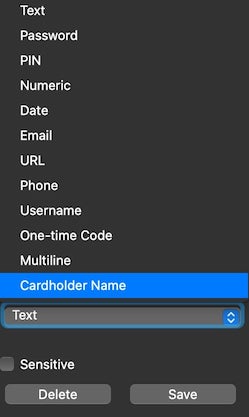
add delete button for quick deletion of unwanted fields (mockup) The amount of pre-configured websites for a new login is unnecessary. Getting the favicon from the website via the url field is enough. No reason to have a pre-set field type. Fields are either going to be string, number, or bolean.. maybe date but thats it. Autofill can pick up frm the Field name.
-
My only guess is that the team is too small for this task and unable to match 1password 500 employee power. I too would like to know if Enpass is being deprecated so I can invest my time with a more serious project. It was my #1 choice after abandoning 1password for their squeezescription model but if they are throwing the white towel I might as well just migrate to a more active project. Password storage is high priority software, it can not be neglected and one better be safe than sorry. Can't recommend Enpass as a security haven currently for any one I know compared to the competition.
-
Request to make fields in the mini assistant to be able to drag and drop into browser fields (or apps) , because the current method of copying each field and pasting and going back to copy and paste is hectic. I know the browser extension autofills, I would like a drag&drop feature if possible. I believe 1password has that
-
Enpass has golden opportunity to take over 1Password past customers who want local storage + license model not subscription but Enpass development seems very stale and there is a lot of polishing that needs to be done
-
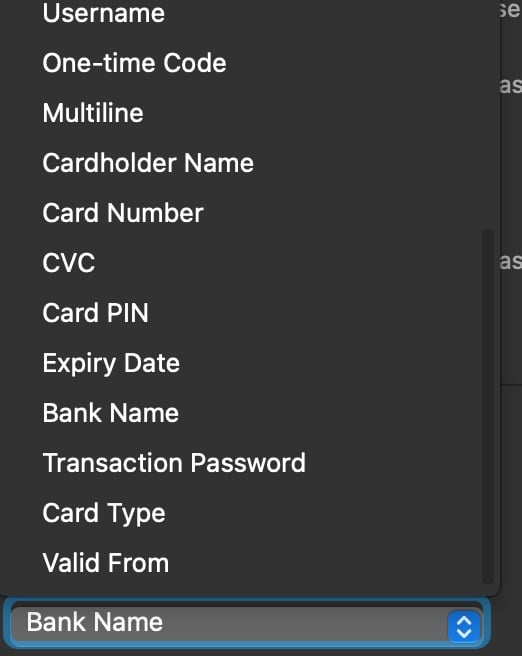
When you add new item on Enpass you get pre-defined fields. Request to be able to EDIT those field names and field types
-
Hello, I am a bit confused. On MacOS I think I did this before and the desktop app says I have Enpass Lite plan (whats this?). When I tried on iOS it said I am limited to 10 or 25 items only. When I signed in with the original email I bought a lifetime access with I got the EnPass Premium Lifetime ALL ACCESS license. How can I make the email that says "lite plan" have the license of my Premium Plan?
-
I did
-
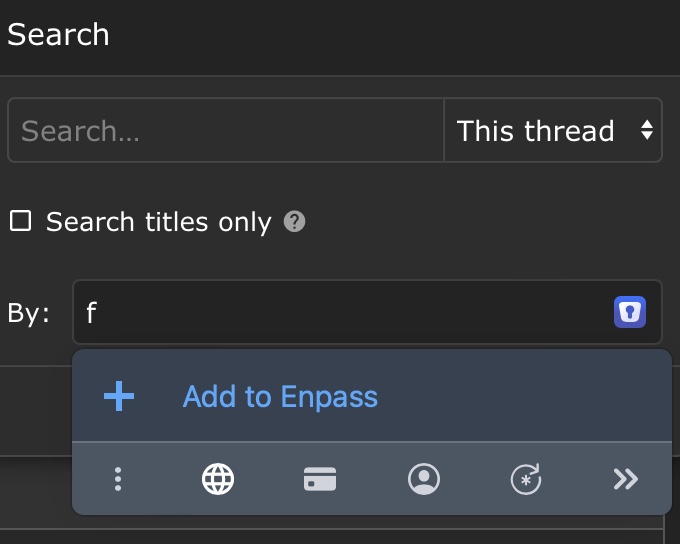
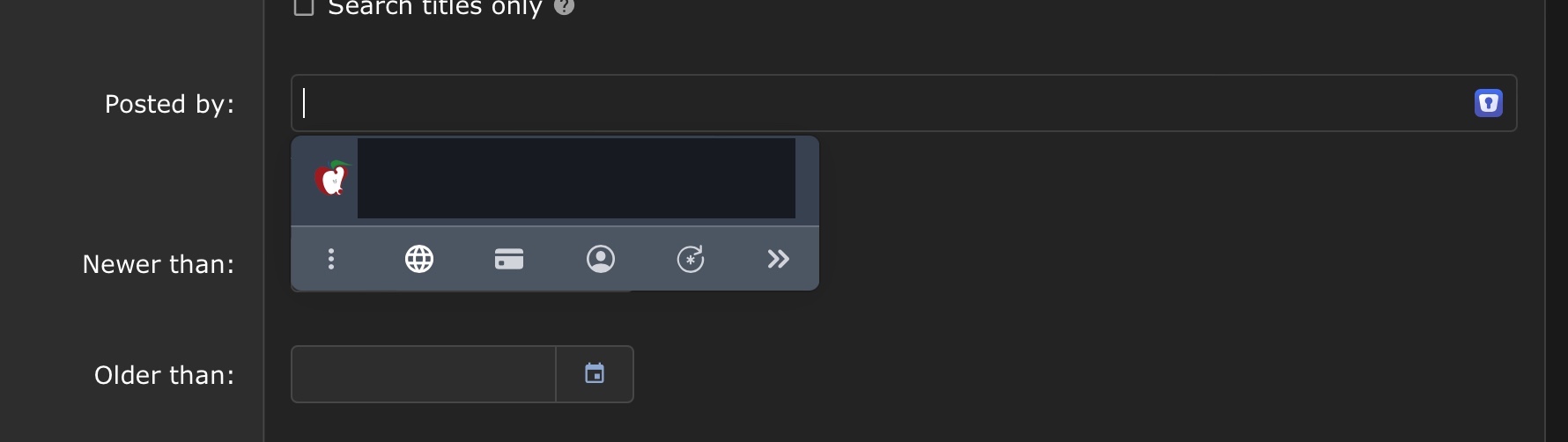
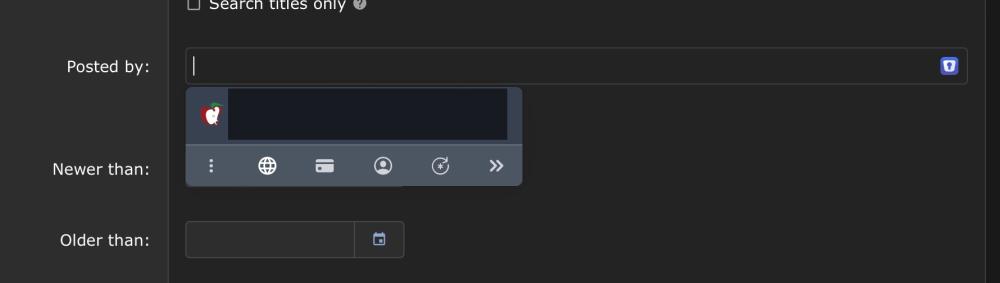
Enpass is suggesting logins in the field of searching for posts by specific authors on Macrumors.com
-
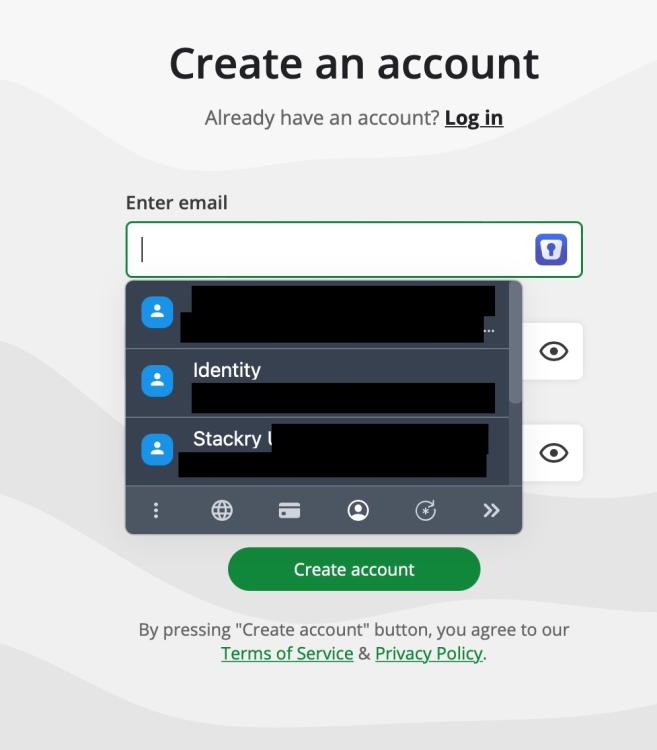
False autofill strikes again. On Notesnook.com EnPass does not offer my stored emails but offers my identity , 2 of which does not even have an email address and there are other identities that it did not suggest. Not sure why it picked these 3 specifically. I choose 2 of them to see what happens in autofill (no email fields in them) nothing happened). One of my suggested autofill is my Stackry.com address which is a mail forward shipping service. It does not even have email address in it
-
I am not sure what you mean by share HTML files. Do you mean? I have "save page as..." option in Brave Browser that saves files as HTML, Single file, and Complete.
-
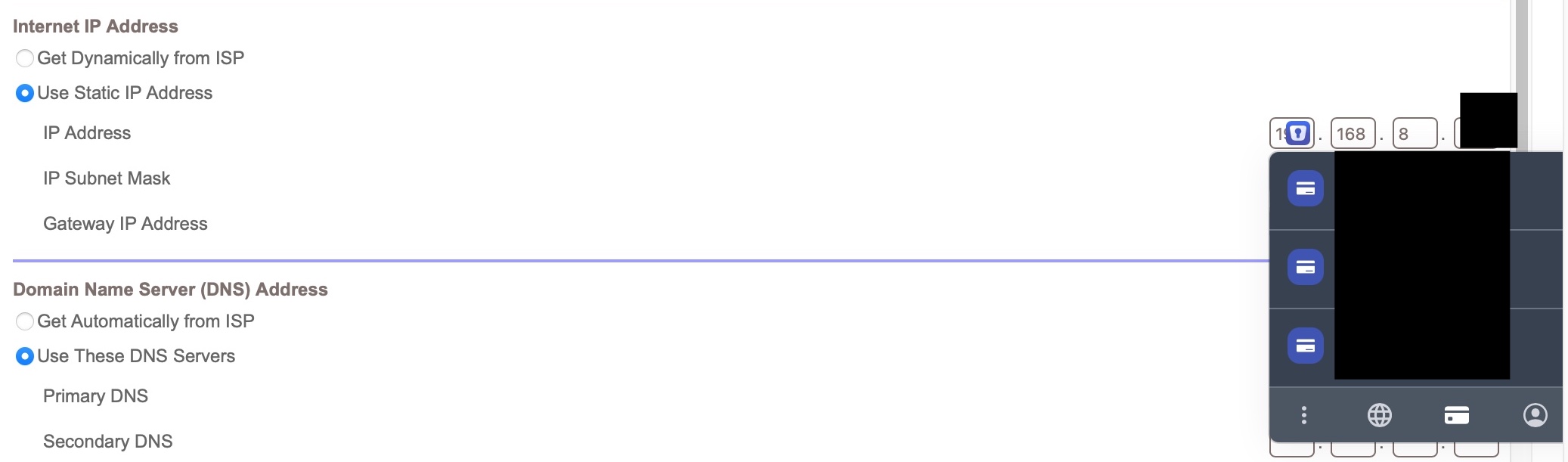
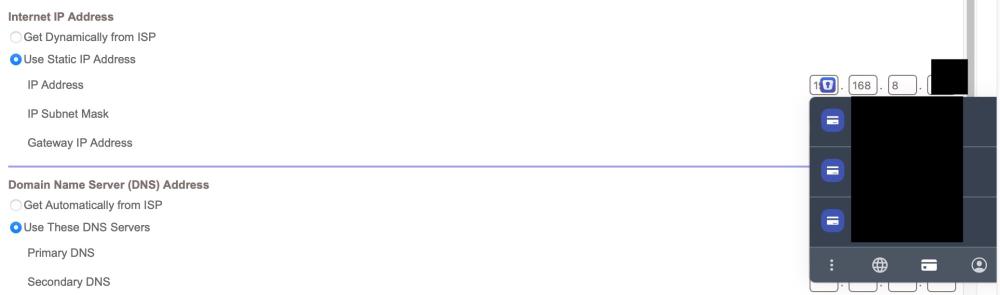
Well its pointless because the arrow should be the symbol for the assistant tool and i can not navigate to it using the keyboard keys so its actually easier to use the shortcut which is command+alt+\ . And yes, there are many sites that I stumble upon that have an issue of which I recall a problem I reported on months ago here where enpass suggests credit cards in the DNS entry field of Netgear admin page Safari 16.1 Enpass 6.8.4
-
In the first image you see enpass trying to suggest a user name on mumble.disroot.org but I do not have any save logins for that so there is no reason for it to popup. This is annoying. In the second picture you see Enpass trying to suggest logins for the "writter by" search box on macrumors.com . its not a login input. Also there is no saved logins for there (of course!) still pops up. very annoying. Enpass needs real work on autofill . Bitwarden is way better in this aspect, it even lets you add custom fields you can find by looking at the website element inspector!! I also think the toolbar at the bottom should be navigatable by arrow keys , it seems now you have to use the mouse MacOS 12.6.1 , Safari latest