Skip to content
View in the app

A better way to browse. Learn more.

Enpass Discussion Forum

A full-screen app on your home screen with push notifications, badges and more.

To install this app on iOS and iPadOS
  1. Tap the Share icon in Safari
  2. Scroll the menu and tap Add to Home Screen.
  3. Tap Add in the top-right corner.
To install this app on Android
  1. Tap the 3-dot menu (⋮) in the top-right corner of the browser.
  2. Tap Add to Home screen or Install app.
  3. Confirm by tapping Install.

K.YOSHINO

Members
  • Joined

  • Last visited

Everything posted by K.YOSHINO

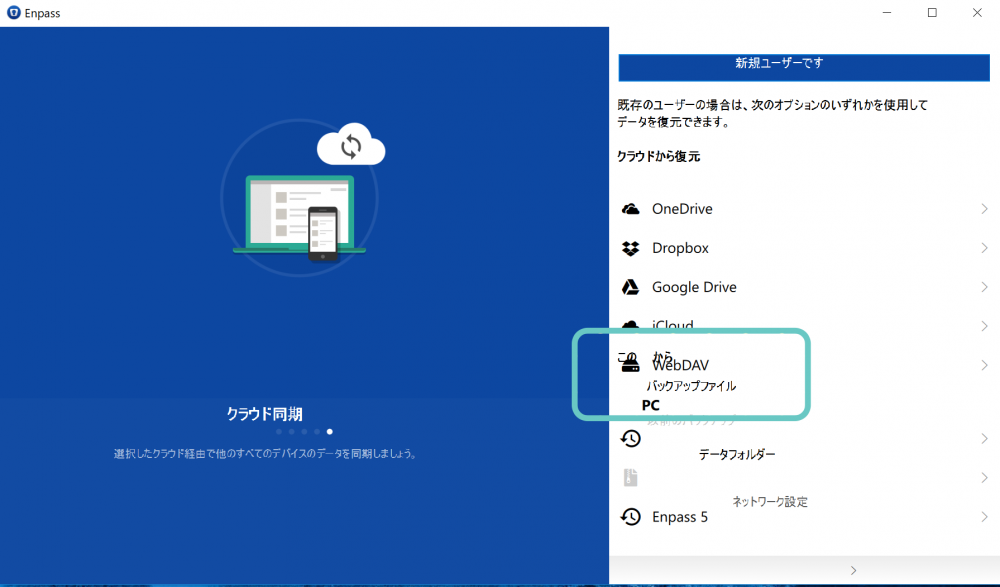
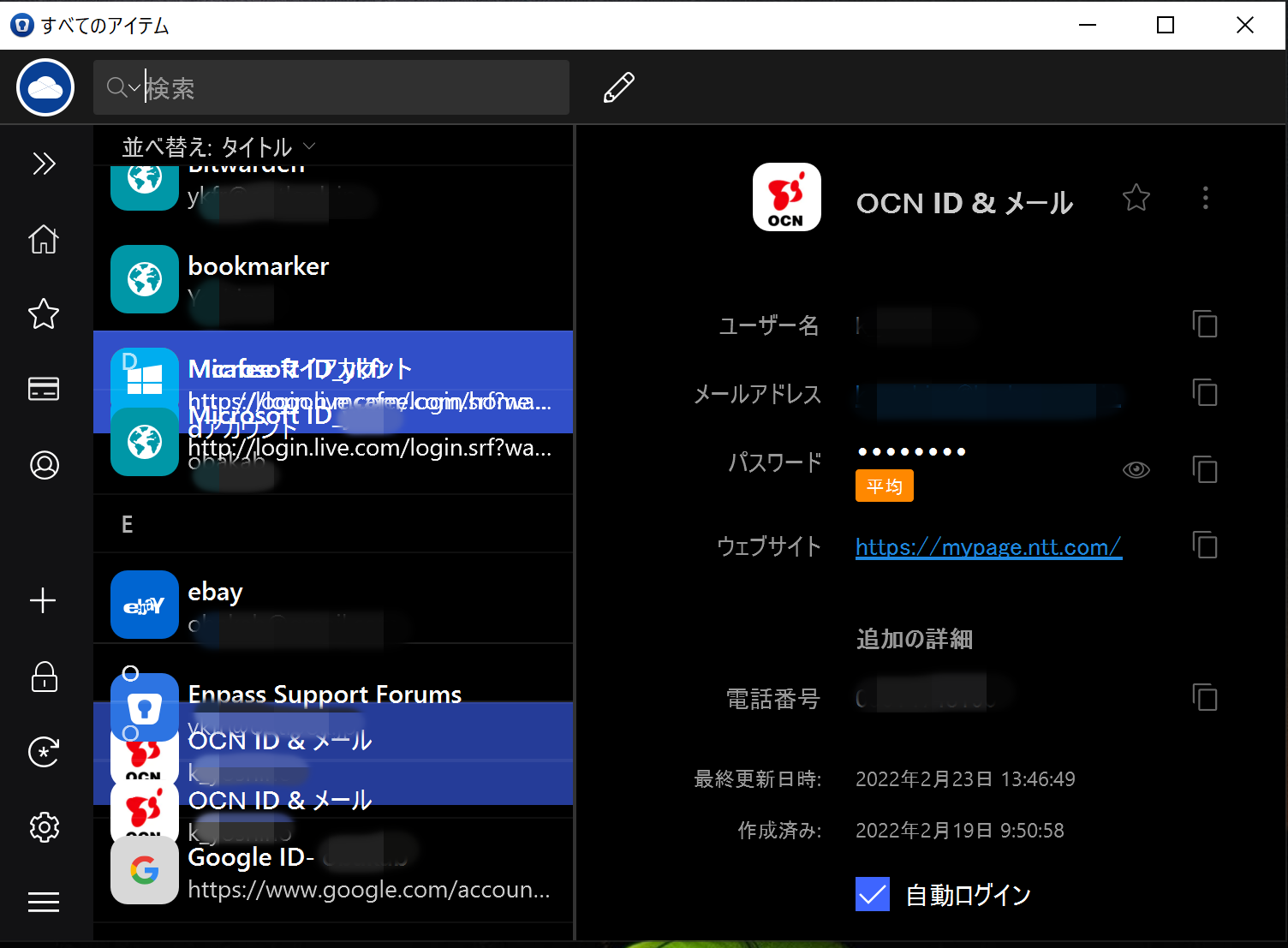
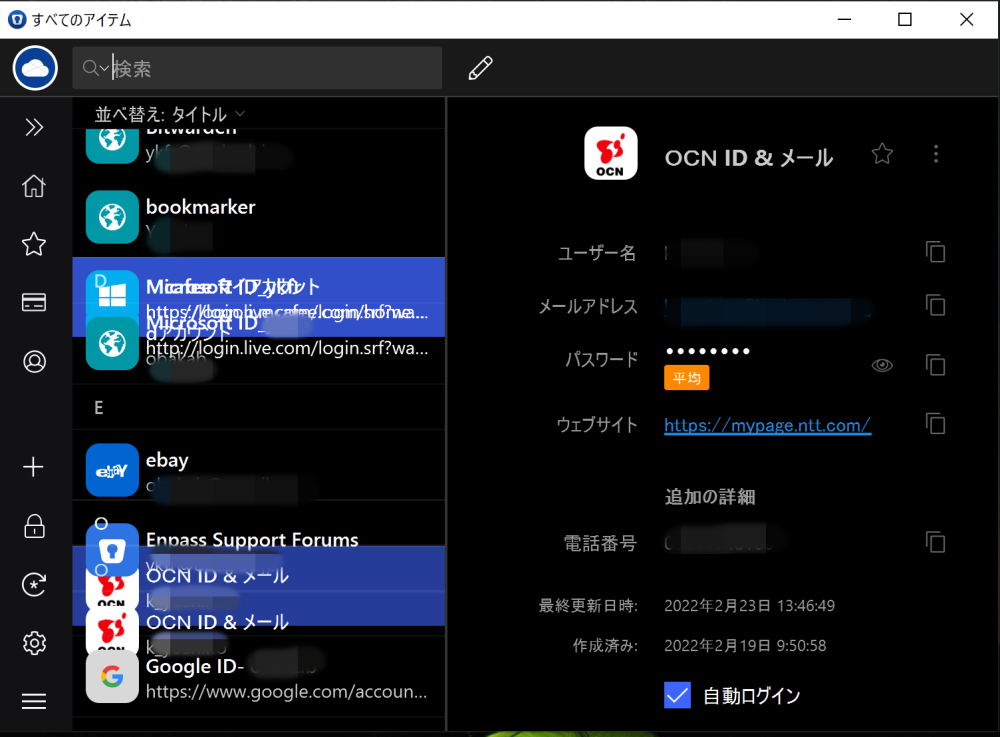
  1. The ID password items are displayed in an overlapping manner. I am also in trouble with this problem.
  2. Thanks Pratyush Sharma, It is troublesome to re-install. So I backed it up manually.
  3. It is the latest version of Enpass Ver6.4.1 (642). "Auto Backup" storage location cannot be changed.
  4. Thank you very much. I used the wrong way to use the Microsoft Store. Enpass 6.1.2 (432) has been updated.
  5. Cannot update an app installed from the application store. I want to use enpas 6.1.0(408) → version 6.1.2
  6. 私のEnpass 6.1.0(404)も同じ症状です、Microsoft Storeよりアップデートできないです。 どうしたらアップデートが進むようになりますか?
  7. Please tell me the concrete way to purchase for $ 5.99. ※Download Windows desktop version 6.03 on Enpass site.
  8. Right click copy & paste It is inconvenient because Windows enpass 6.00 can not perform this function.
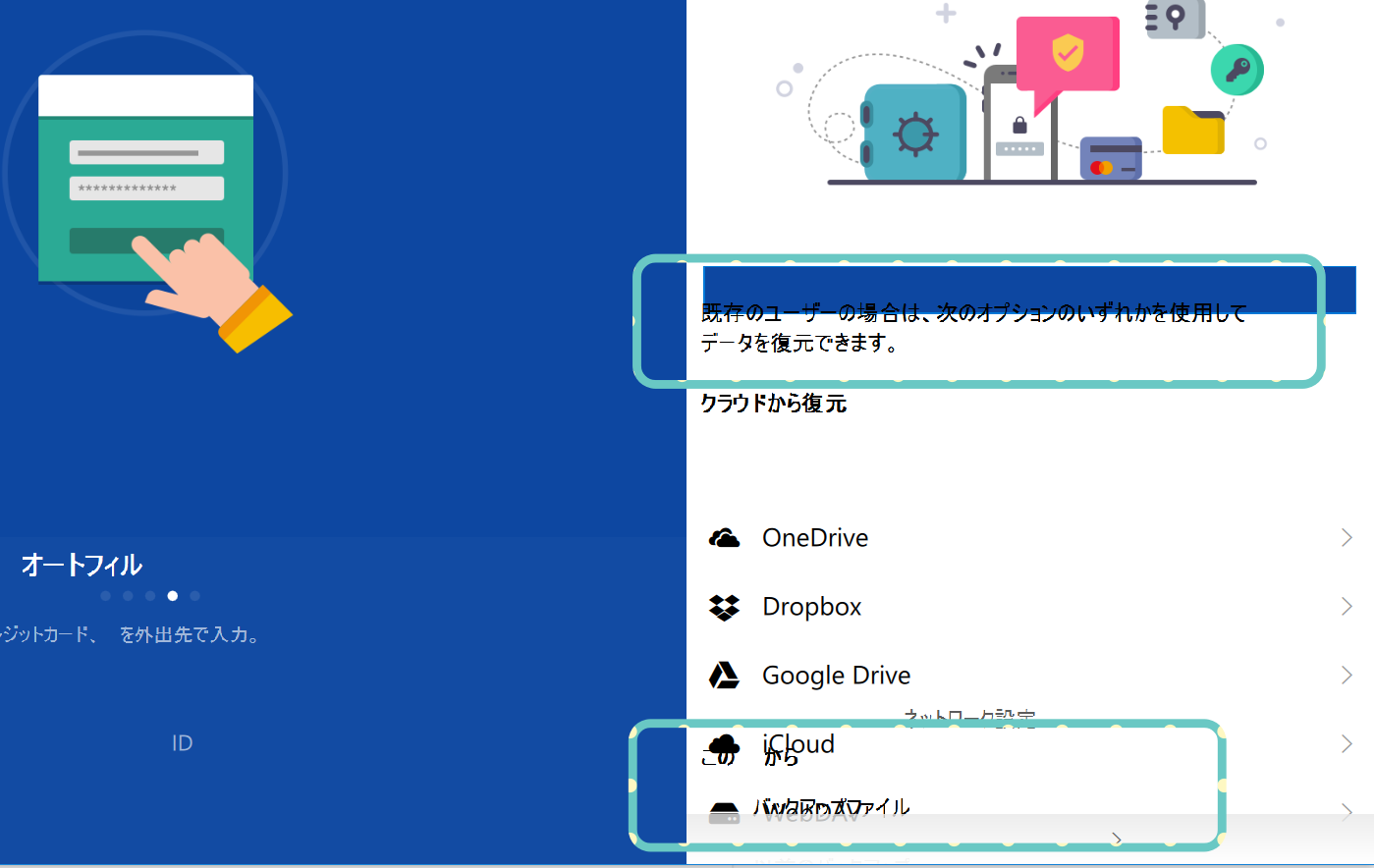
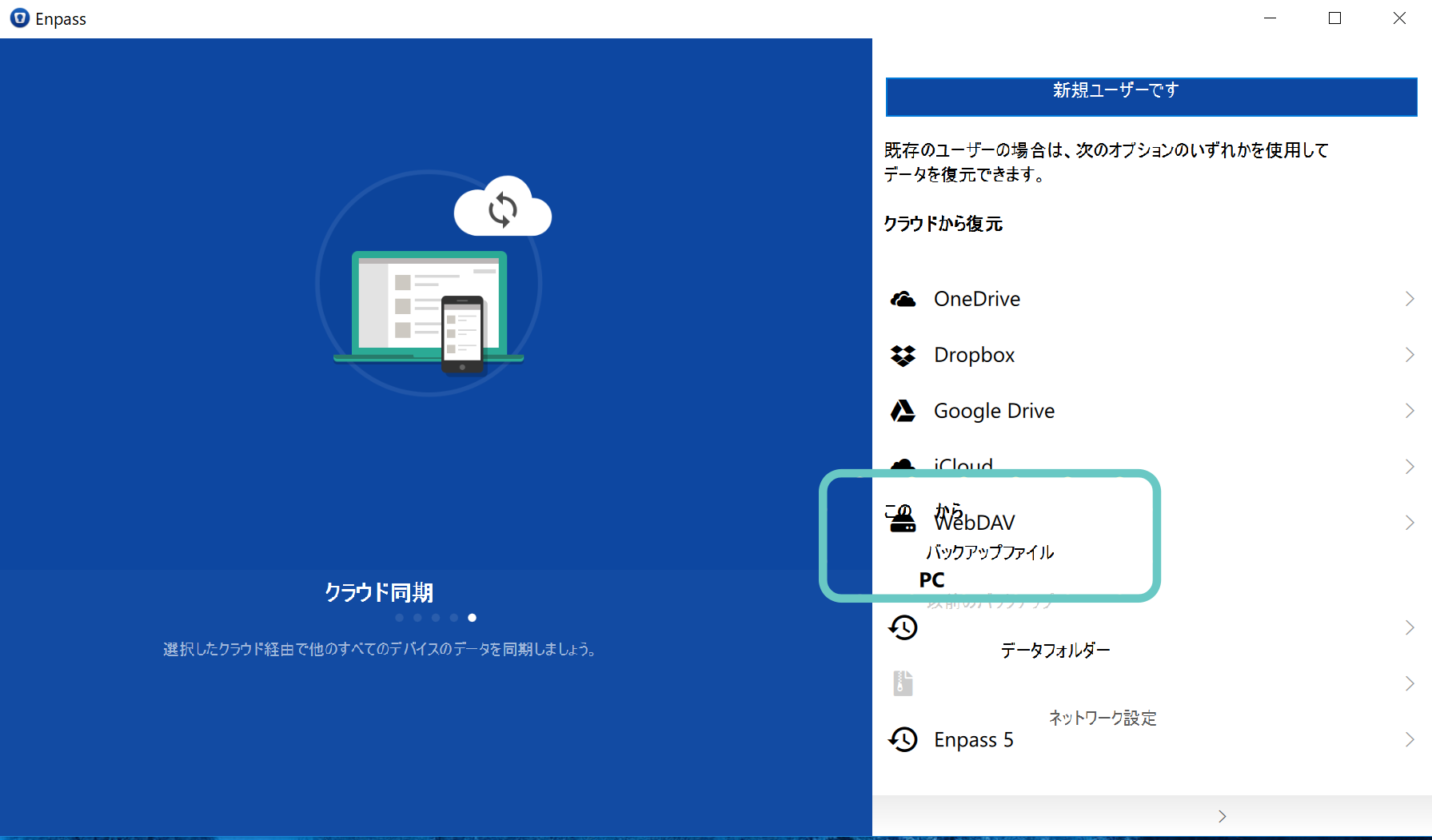
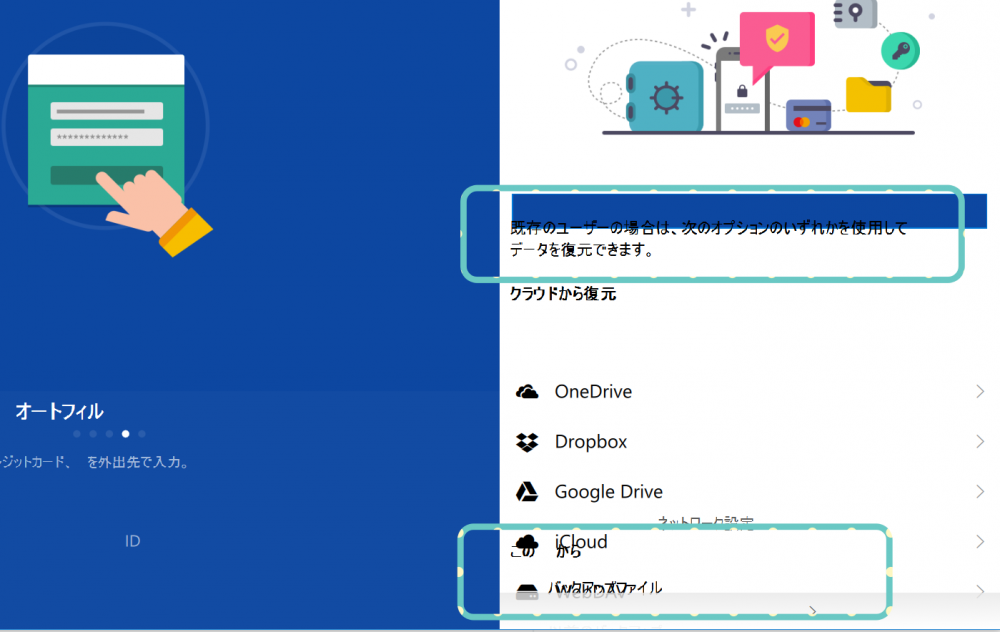
  9. Enpass Beta (Enpass6) ... Windows Store Ver. Part of Japanese characters garbled.
Account

Navigation

Search

Search

Configure browser push notifications

Chrome (Android)
  1. Tap the lock icon next to the address bar.
  2. Tap Permissions → Notifications.
  3. Adjust your preference.
Chrome (Desktop)
  1. Click the padlock icon in the address bar.
  2. Select Site settings.
  3. Find Notifications and adjust your preference.