


Sameer
Members
-
Joined
-
Last visited
-
Mr Monyker, how do you think so many people got migrated to Enpass 6. The extension of Google chrome stopped working and said needs to be upgraded. If you are so wise then tell me how & where to download Enpass 5 for which I had paid Lifetime Licence Fee ???
-
Same problem here. I don't know why the product team does not honor their license agreement. I had paid before and now they are forcing me to pay again. This is ridiculous.
-
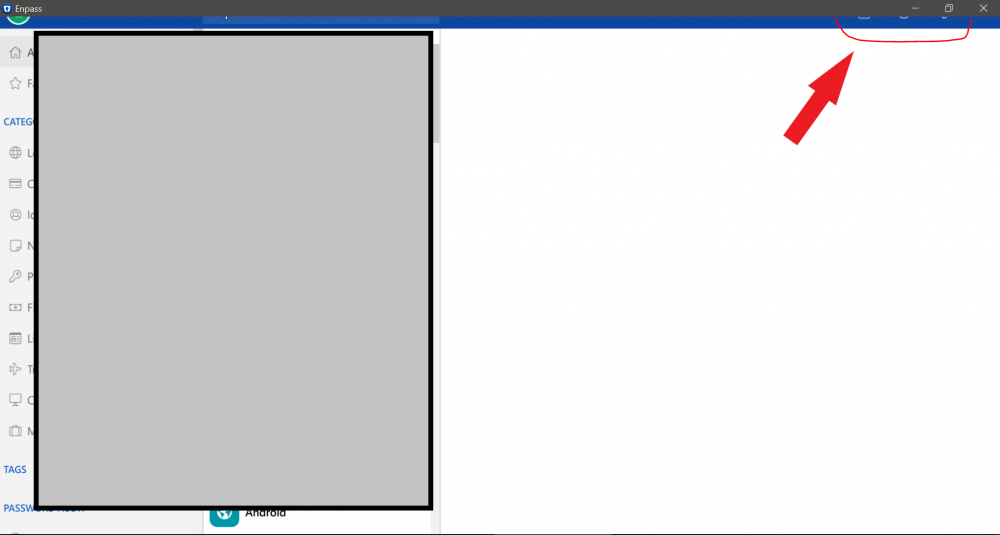
I was forced to upgrade as the add-on in google chrome would not work. After upgrade to 6.0 the app acts wired and have issues with license above that the GUI is distorted, one can not see the menu or the icons not sure how did it get pass testing and made it's way to production release. Refer screen print. By the way, the previous version was a charm and best, wish there was a way to roll-back and use the older version as the current version is awful.
-
What the crap...same problem on Windows 10 - 64 bits. I had bought Enpass for $10 in the past where it's said Lifetime License and now you have forced me to upgrade and pay another $6 for it, WHY ??? Don't think it's ethical or fair, I am looking forward to a satisfactory answer on why you will NOT honor your license agreement.

