Idoki
Members
-
Joined
-
Last visited
-
So it's been released for a month now but the support doesn't bother updating the issue to let users know. https://www.enpass.io/release-notes/macos Since we were told to turn off the feature, how would we ever know it's fixed? Thanks for the fix, but it took an awful long and the issue wasn't updated. Enpass is not getting any better, I'm considering an alternative even having paid for it.
-
Still no fix for this? This is ridiculous.
-
Shame on the team not being able to fix anything within a reasonable time.
-
I like the “3 weeks later” label from their own bug tracker I advise everyone to go and report enpass at Apple or wherever you purchased it. Ask for refund.
-
Thanks. Normally this is the last time I hear from you guys. We'll see
-
Looks like it pops up every time enpass locks itself. Completely unusable like this. This thing is getting worse by the week.
-
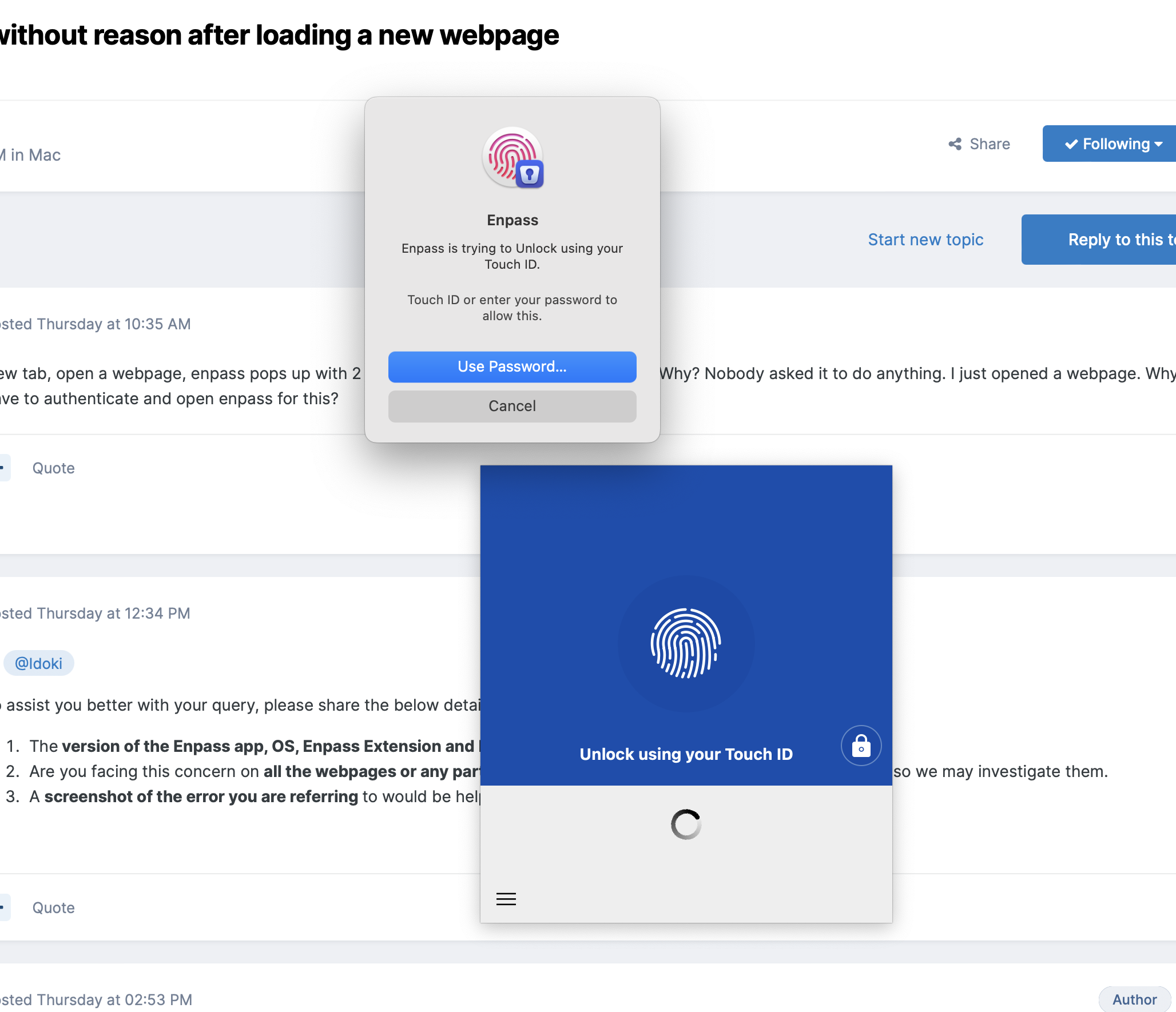
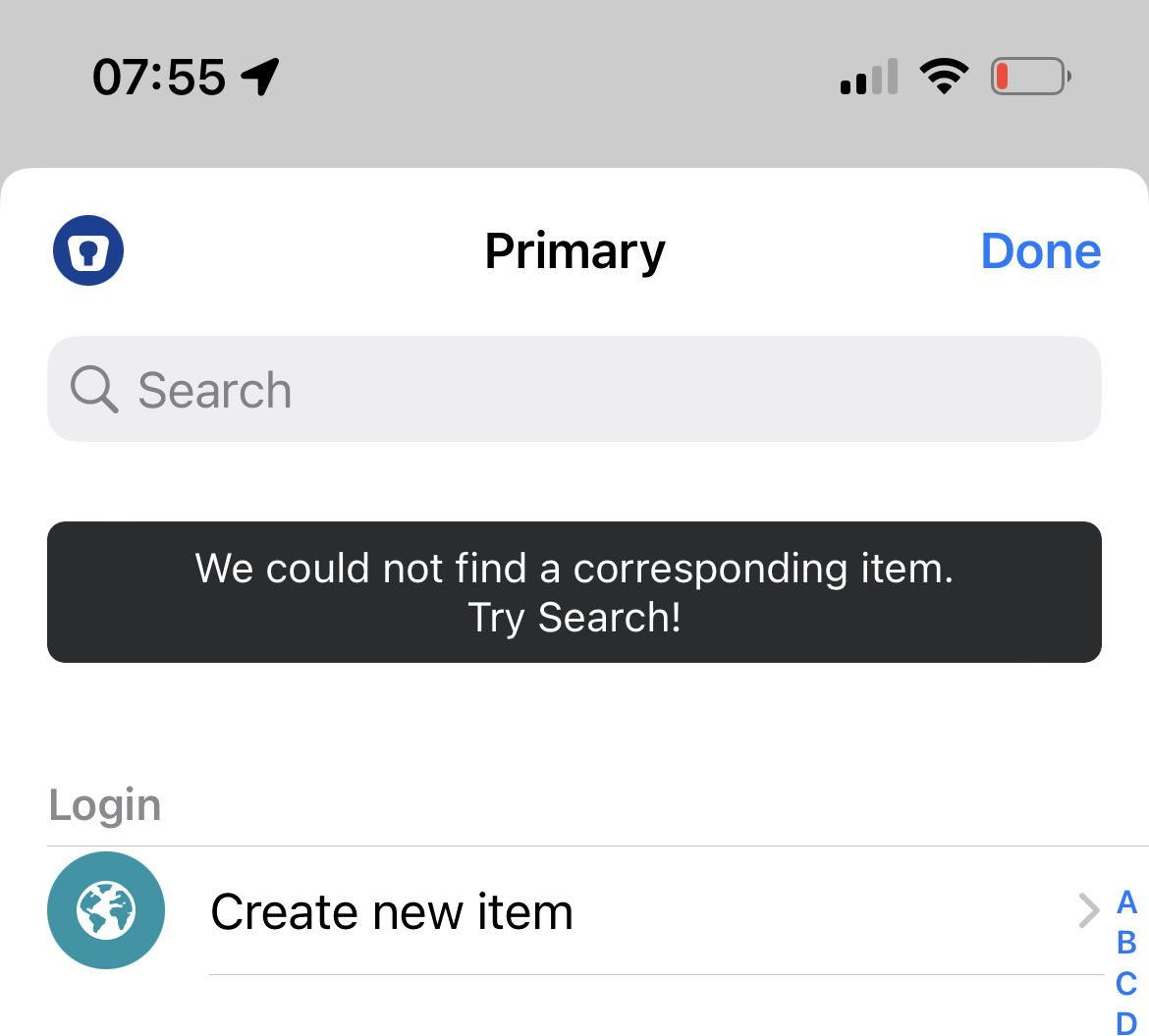
Enpass and extension 6.8.4 Safari Version 16.1 (18614.2.9.1.12) Ventura 13.0 (22A380) Seems like it's not webpage specific, it can happen everywhere, also on this page (https://discussion.enpass.io) I'll attach a screenshot when I see it next time. Refresh doesn't seem to trigger it every time.New tab, open a webpage, enpass pops up with 2 (!) windows and I should authenticate. Why? Nobody asked it to do anything. I just opened a webpage. Why do I have to authenticate and open enpass for this?Why is there no update on a bug after many months?Again, support is basically non existent. I'll keep on spreading the word that this is not worth buying, until you actually start fixing issues.I know this. But this is exactly the bug report here. I know I have a login for this site, but probably the domain doesn't match. I should see the domain that the application provided, so that I can manually enter that to Enpass. Maybe this is more clear?Currently I can't know what enpass was looking for. I could fix it if it would be shown as text on screen Should be about 5 minutes to fix
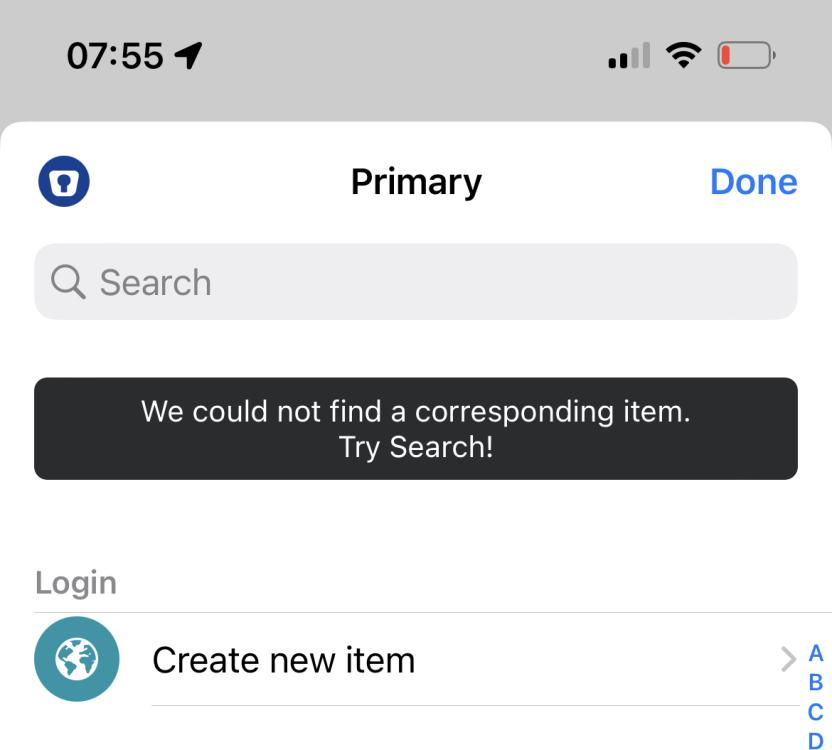 Thanks, great to hear it will be considered whenever possible.Not sure if I waited enough. Any news on this?